

- How rollouts create revisions
- Deployment update strategies
- Applying and inspecting updates
- Undoing changes
Rollouts and Versioning
Whenever you create or modify a Deployment, Kubernetes starts a new rollout, creating a revision: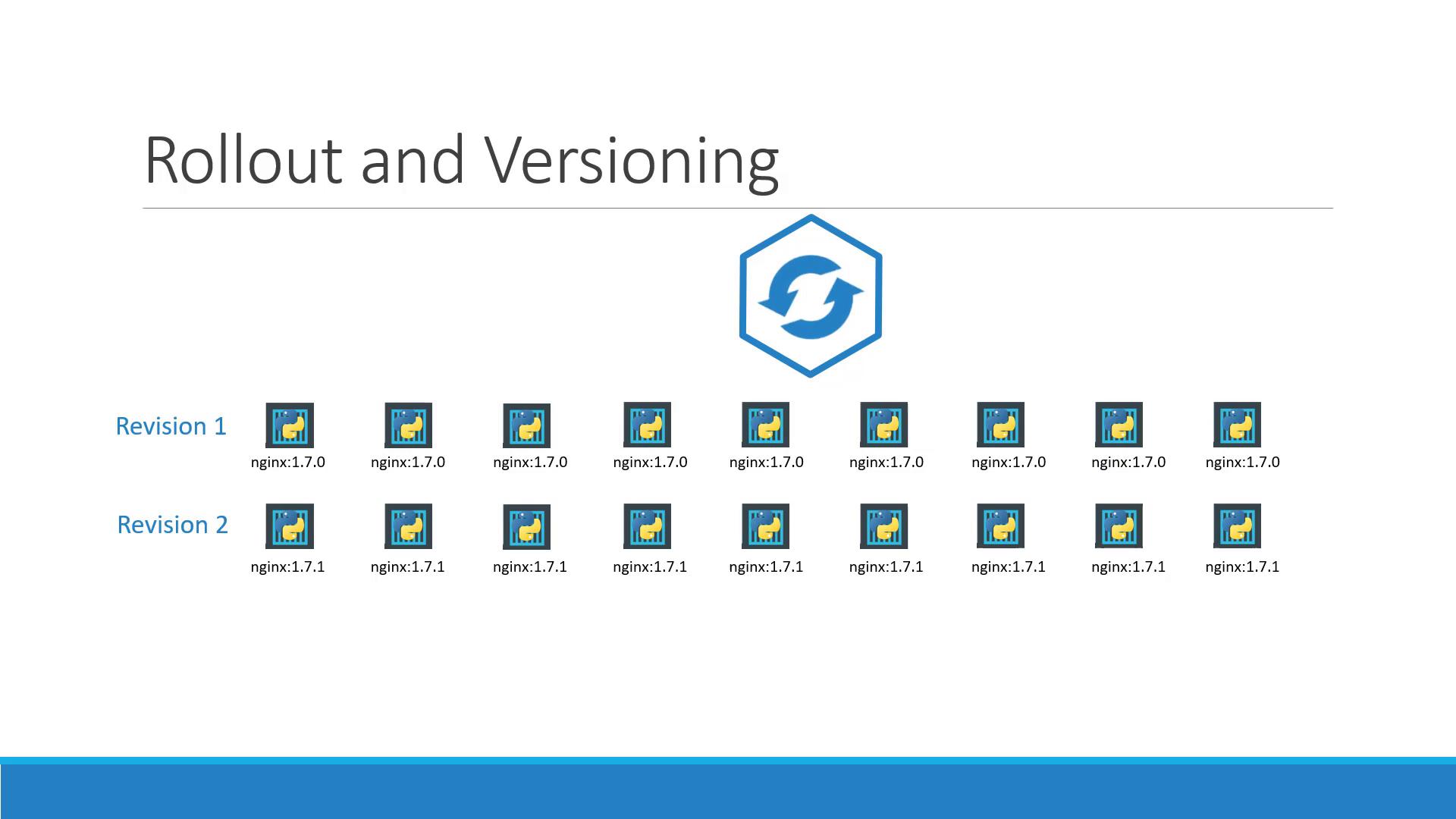
Use
kubectl rollout status to ensure a smooth update before proceeding with any dependent tasks.Deployment Strategies
Kubernetes supports two primary update strategies:Recreate
This strategy terminates all existing Pods before creating new ones—resulting in downtime.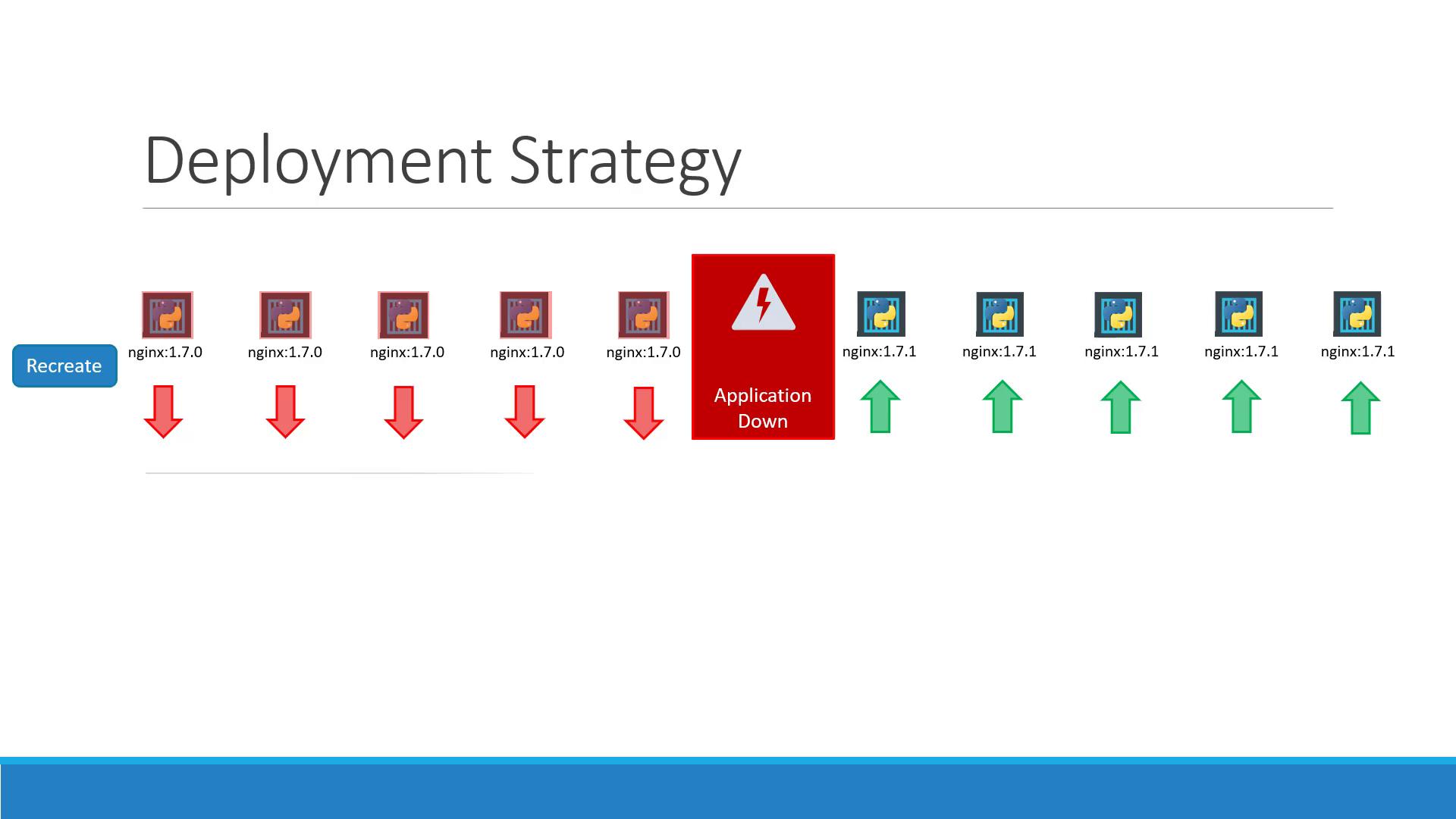
Recreate will interrupt service during the update. Use only when downtime is acceptable.
RollingUpdate (default)
With RollingUpdate, old Pods are replaced incrementally, ensuring continuous availability.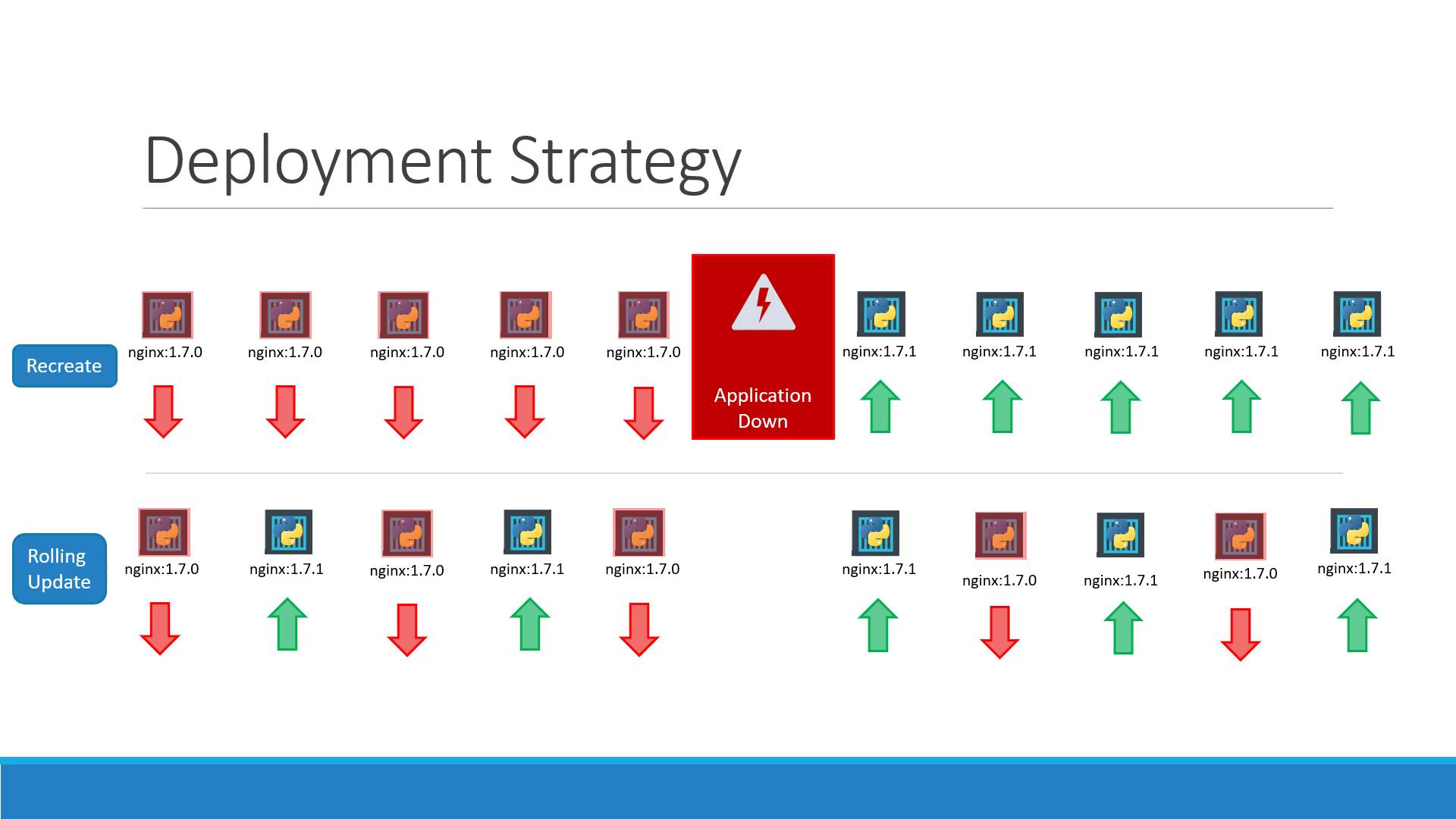
Deployment spec, RollingUpdate applies by default.
Applying Updates
You can update a Deployment by editing its YAML or usingkubectl set image.
deployment.yaml:
Inspecting Deployment Details
To see strategy settings, ReplicaSet events, and scaling details:
Rolling Back
To revert a faulty rollout:Creating a Deployment with kubectl run
Although kubectl run nginx --image=nginx creates a Deployment by default:
Using manifest files ensures version control, repeatability, and easier collaboration.