

Prerequisites
Before continuing, make sure:- Your applications are packaged as Docker images and pushed to a registry (e.g., Docker Hub).
- You have a healthy Kubernetes cluster (single-node or multi-node) up and running.
What Is a Pod?
A Pod represents one or more containers that share storage, network, and a specification for how to run them. By default, a Pod hosts a single container instance of your application: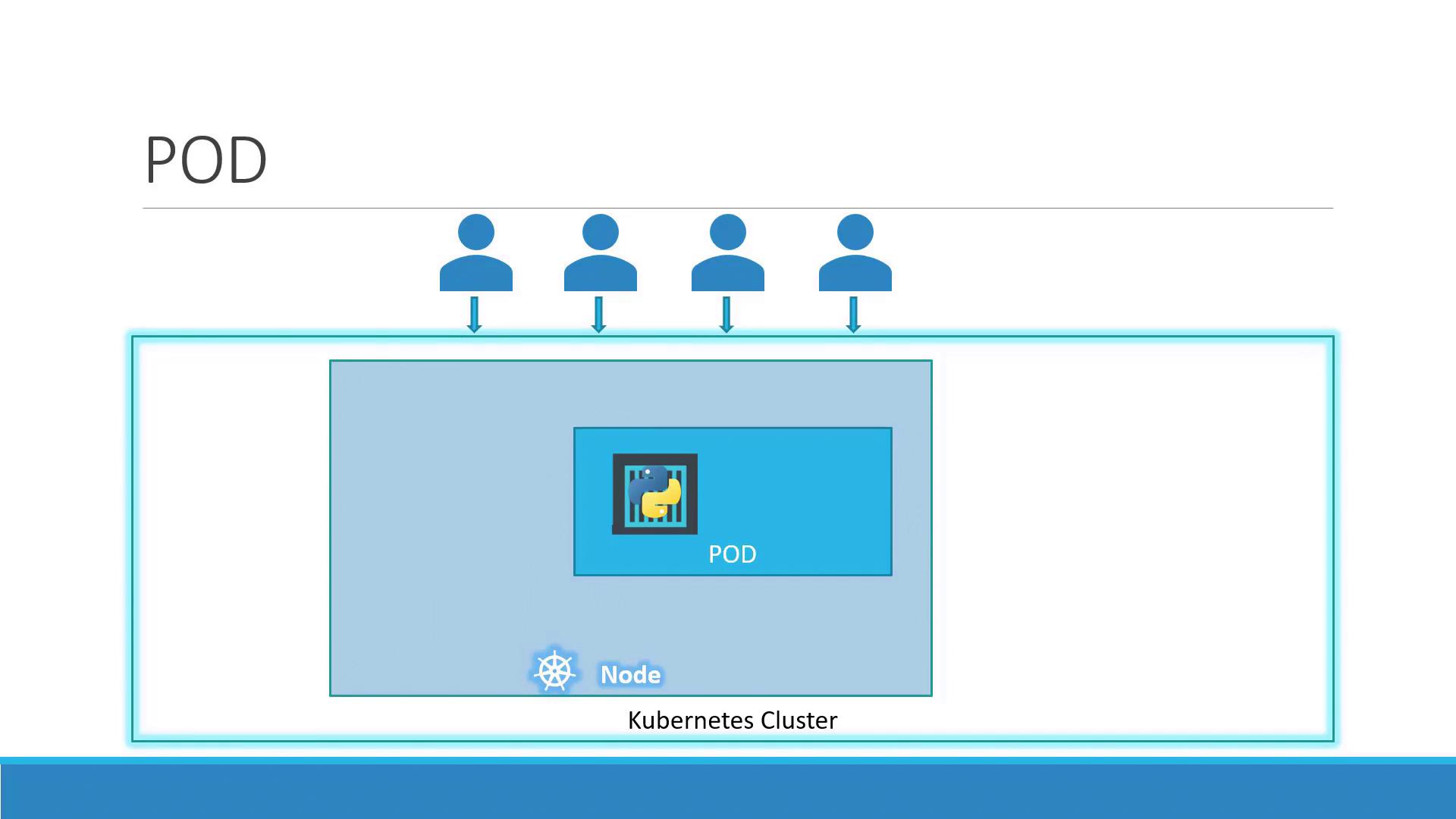
- One-to-one mapping between a Pod and its main container (default).
- Shared network namespace: containers in the same Pod communicate over
localhost. - Shared volumes for data exchange between containers.
Scaling Pods
When your app needs to handle more load, you scale by adding or removing Pods—never by adding containers to an existing Pod. Kubernetes also balances traffic across all running Pods.
If a node runs out of capacity, simply add more nodes to your cluster and schedule additional Pods there.
Multi-Container Pods
In some cases, two or more containers must run together and share resources. This sidecar pattern is useful for helpers such as logging agents or proxies: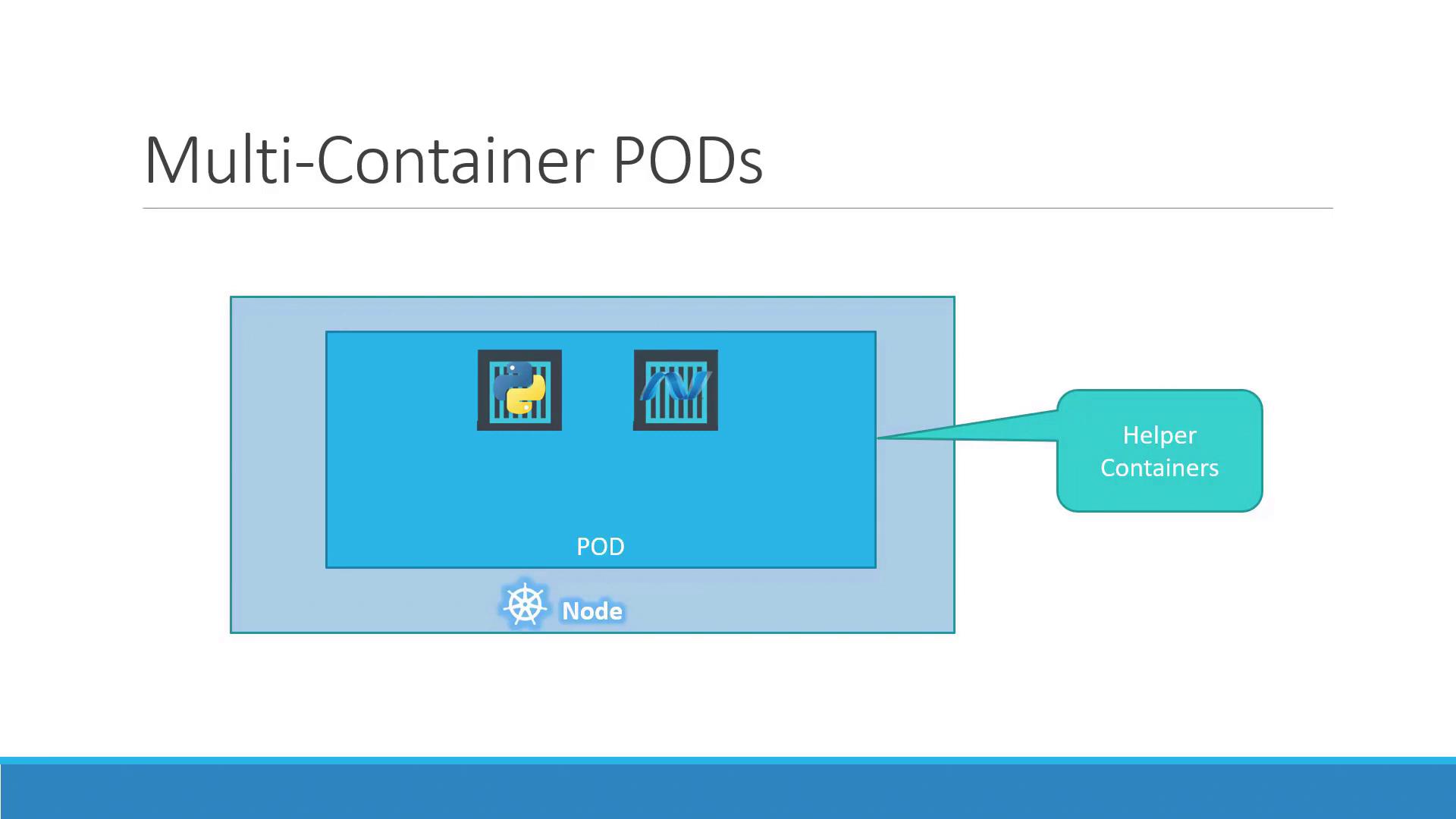
- Containers share the same lifecycle (start/stop together).
- Communication happens over the same network namespace.
- Volumes can be mounted by all containers in the Pod.
Multi-container Pods are ideal for sidecars but shouldn’t replace scaling. Use them sparingly to avoid complexity.
Benefits Compared to Plain Docker
Running containers manually with Docker CLI requires you to:- Manage links between helper and app containers.
- Create and maintain custom networks and volumes.
- Monitor and restart containers if they fail.
- Share networking and storage automatically.
- Have unified lifecycle management.
- Are monitored and restarted as needed.
Deploying a Pod
You can create a Pod quickly withkubectl run. For example, to deploy an NGINX Pod:
After a few seconds, the Pod moves to
Running:
The Pod is running inside the cluster but not exposed externally. Use a Service to make it accessible to clients.