

Why Use Persistent Volumes?
When you embed volume definitions in every Pod spec, any change to storage (capacity, filesystem, reclaim policy) requires updating all manifests. PVs solve this by:- Centralizing storage configuration in a single object
- Allowing administrators to manage capacity, access modes, and reclaim policy
- Letting developers request storage without knowing backend details
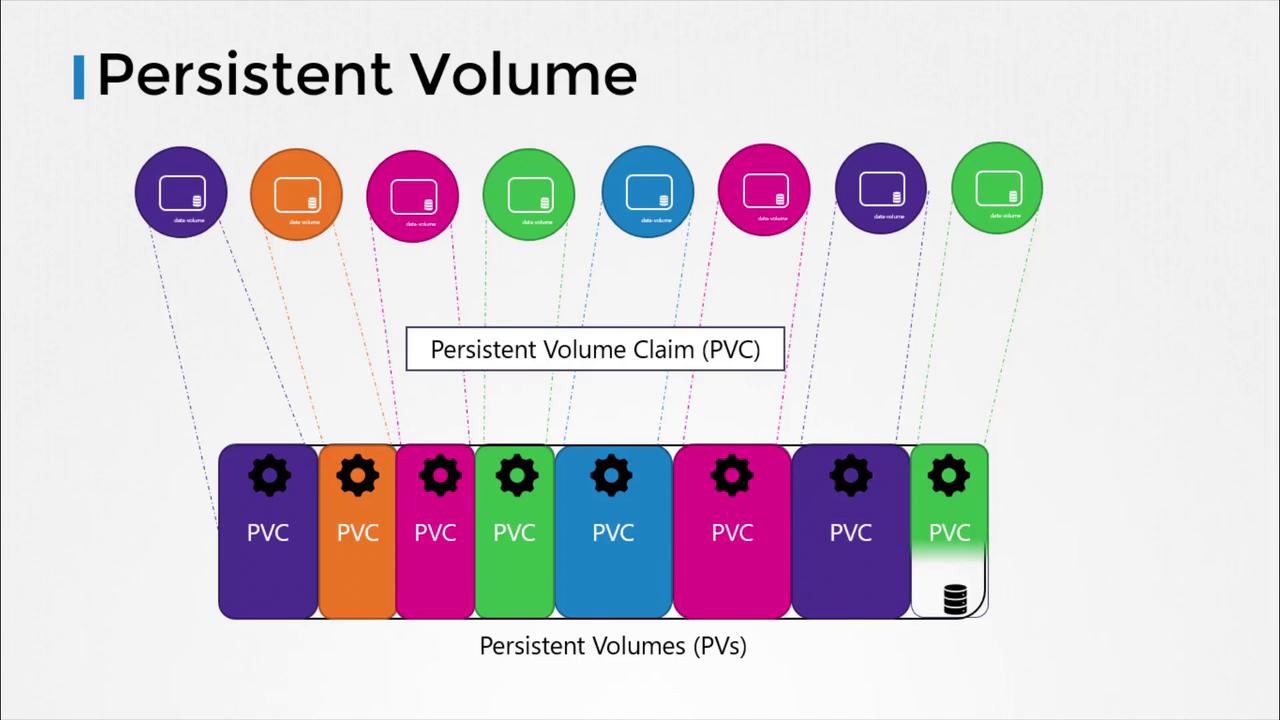
PersistentVolume Object Overview
1. Creating a HostPath PersistentVolume
Below is a minimal PV definition that uses a node’s local filesystem (hostPath). This is helpful for testing but not recommended for production.
The
hostPath backend binds storage to a specific node’s filesystem. For highly available or multi-node clusters, use cloud volumes or networked storage solutions.pv-hostpath.yaml and apply:
2. Creating a Cloud-Backed PersistentVolume
Replace thehostPath section with cloud provider settings. Example: AWS EBS
Adjust the backend section for other cloud providers (GCE, Azure) or network filesystems (NFS, CSI drivers) by consulting the Kubernetes Storage Concepts.
Next Steps
Once PVs are available, developers create Persistent Volume Claims (PVCs) to request specific capacity and access modes. Kubernetes binds PVCs to matching PVs, making storage consumption seamless within Pod specs.Links and References
- Persistent Volumes | Kubernetes
- Persistent Volume Claim | Kubernetes
- Storage Classes | Kubernetes
- AWS EBS Volumes