

Process Isolation with PID Namespaces
Docker uses Linux namespaces to give each container its own view of system resources—PIDs, network interfaces, IPC, mounts, and time-sharing clocks: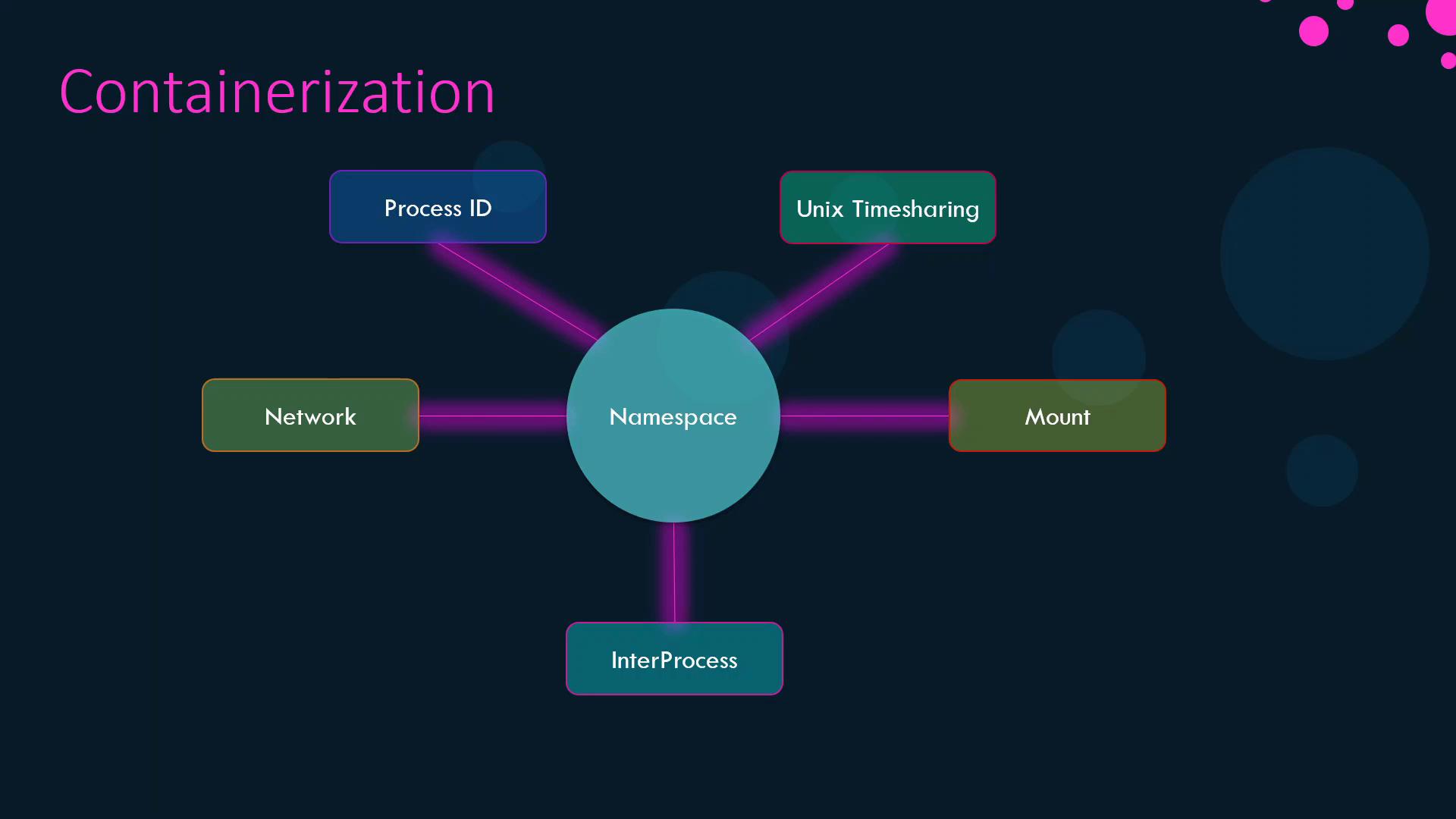
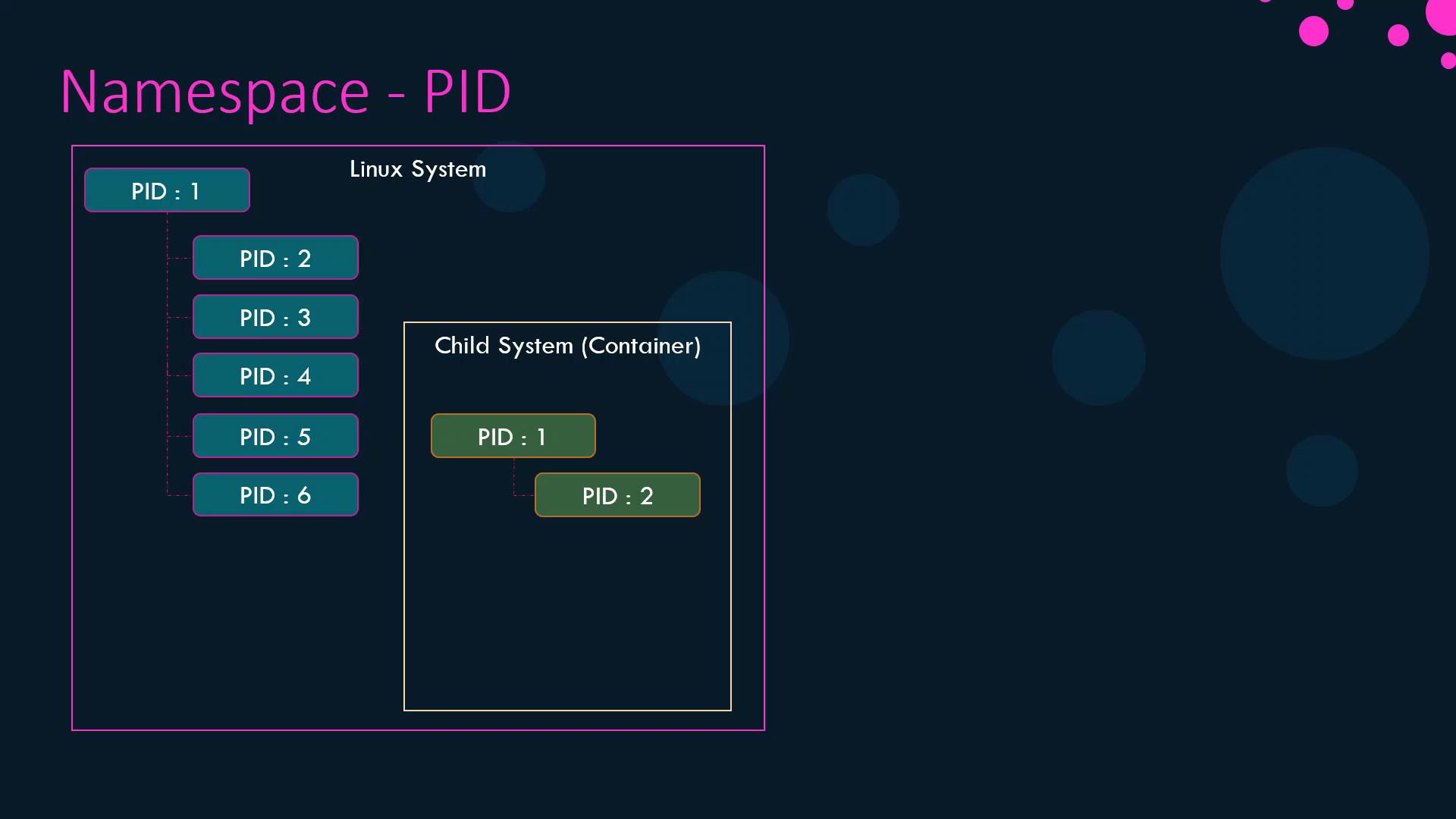
Demonstration
-
Launch a container that sleeps for an hour:
-
Inside the container, list processes:
-
On the host, verify the same process has a different PID:
User and Process Ownership
By default, Docker runs container processes asroot inside the container, which maps to root on the host. To confirm:
--user flag:
Dockerfile:
Linux Capabilities
Beyond namespaces, Docker restricts container privileges by dropping most Linux capabilities from the root user inside a container. This prevents operations like rebooting the host or altering network configurations.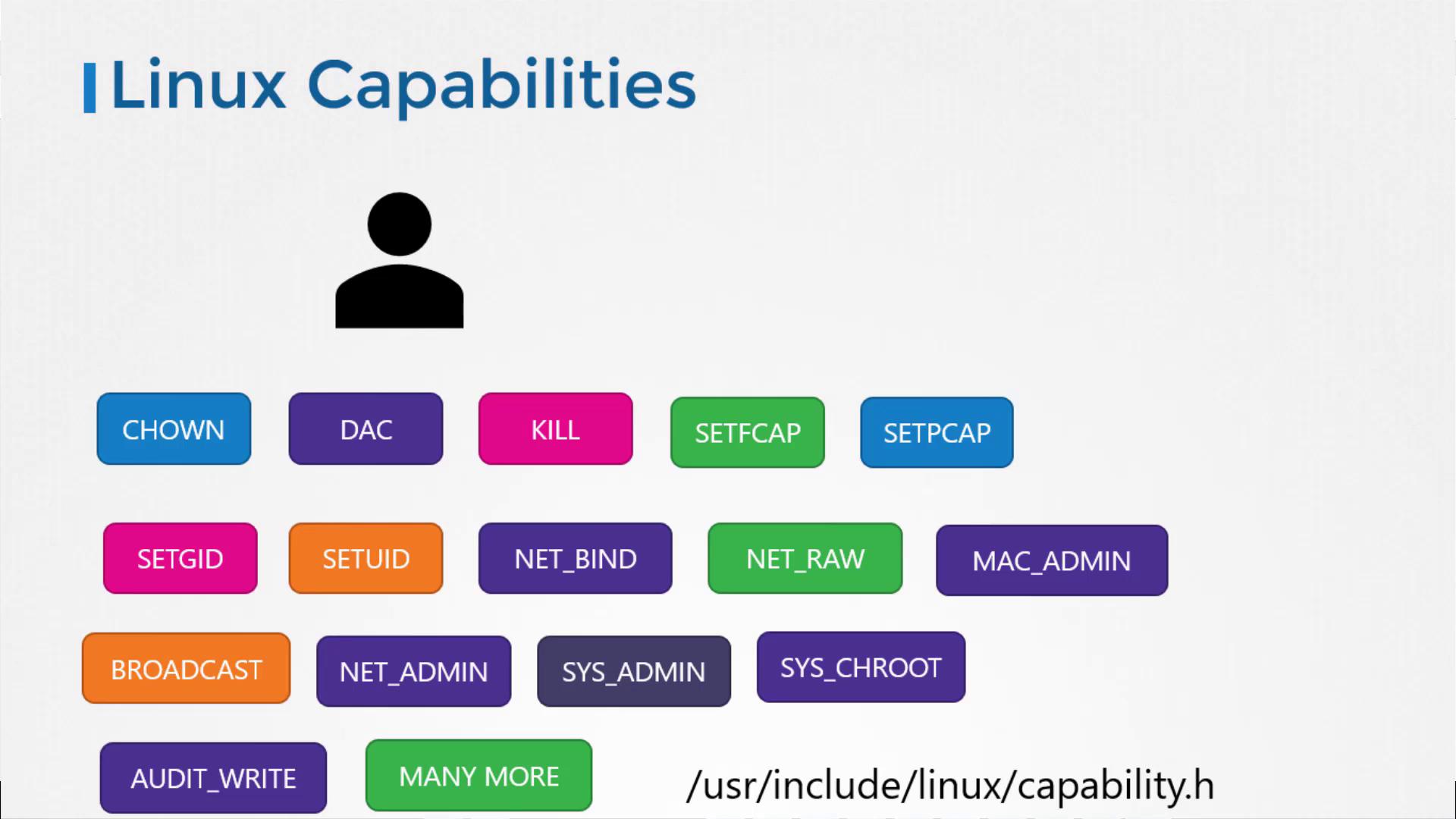
--cap-add, --cap-drop, or the --privileged flag:
Granting
--privileged mode gives the container all host capabilities, which can compromise security. Use it only when absolutely necessary.For a full list of Linux capabilities, see Kernel Capabilities.