

Architecture and Prerequisites
All three CentOS 7.6 nodes share a flat network, have required ports open, and run NTP for time sync.1. Register for Docker EE Trial License
- Sign in to Docker Hub: https://hub.docker.com
- Navigate to Explore → Docker EE → CentOS.
- Under Get Docker Enterprise CentOS, click Start One-Month Trial and submit the form.
- After activation, go to My Content to view your license.
- Click Setup to copy your private Docker EE repository URL.
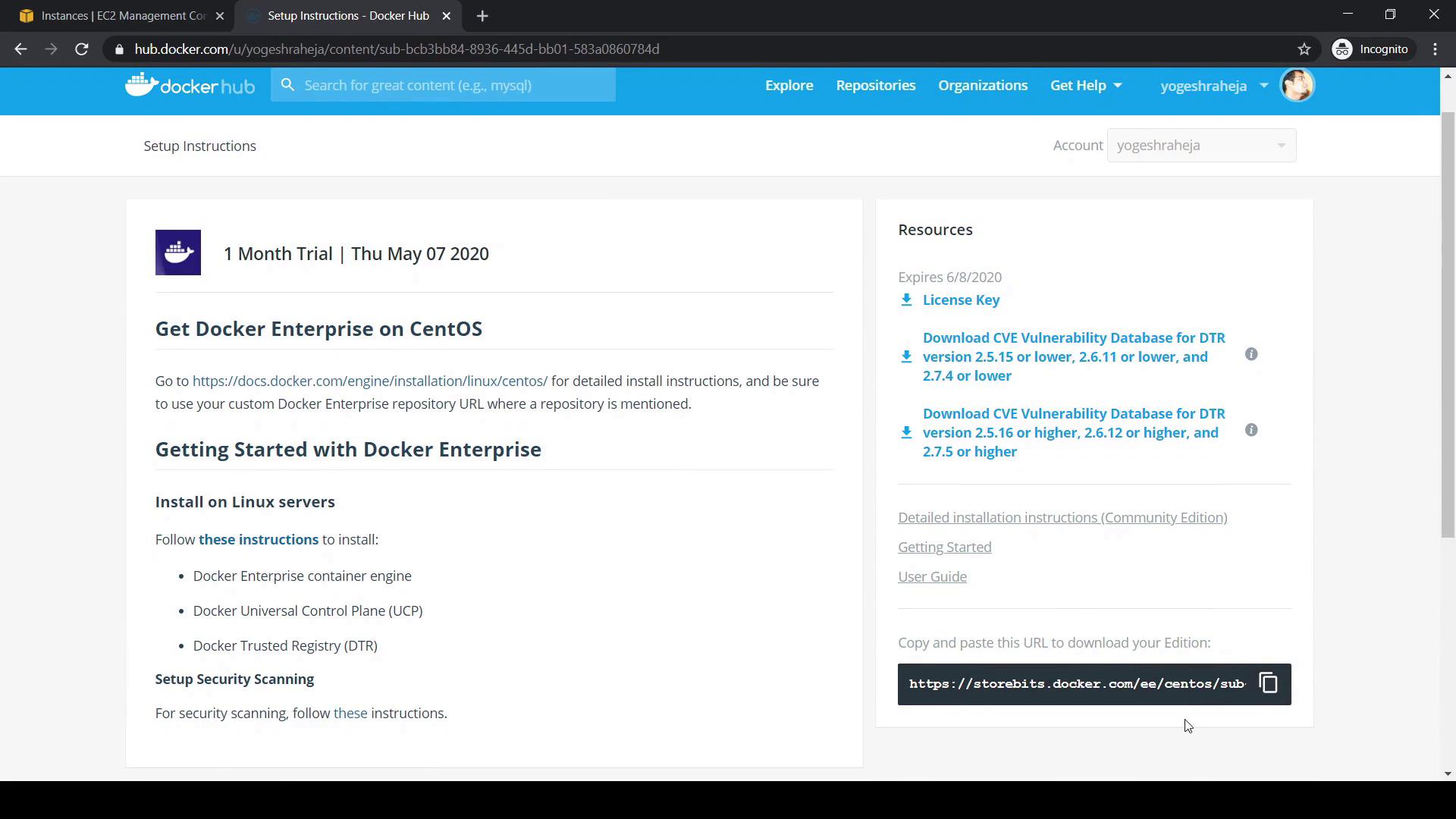
Ensure your corporate firewall allows access to
storebits.docker.com and any other Docker EE endpoints.2. Review Official Installation Documentation
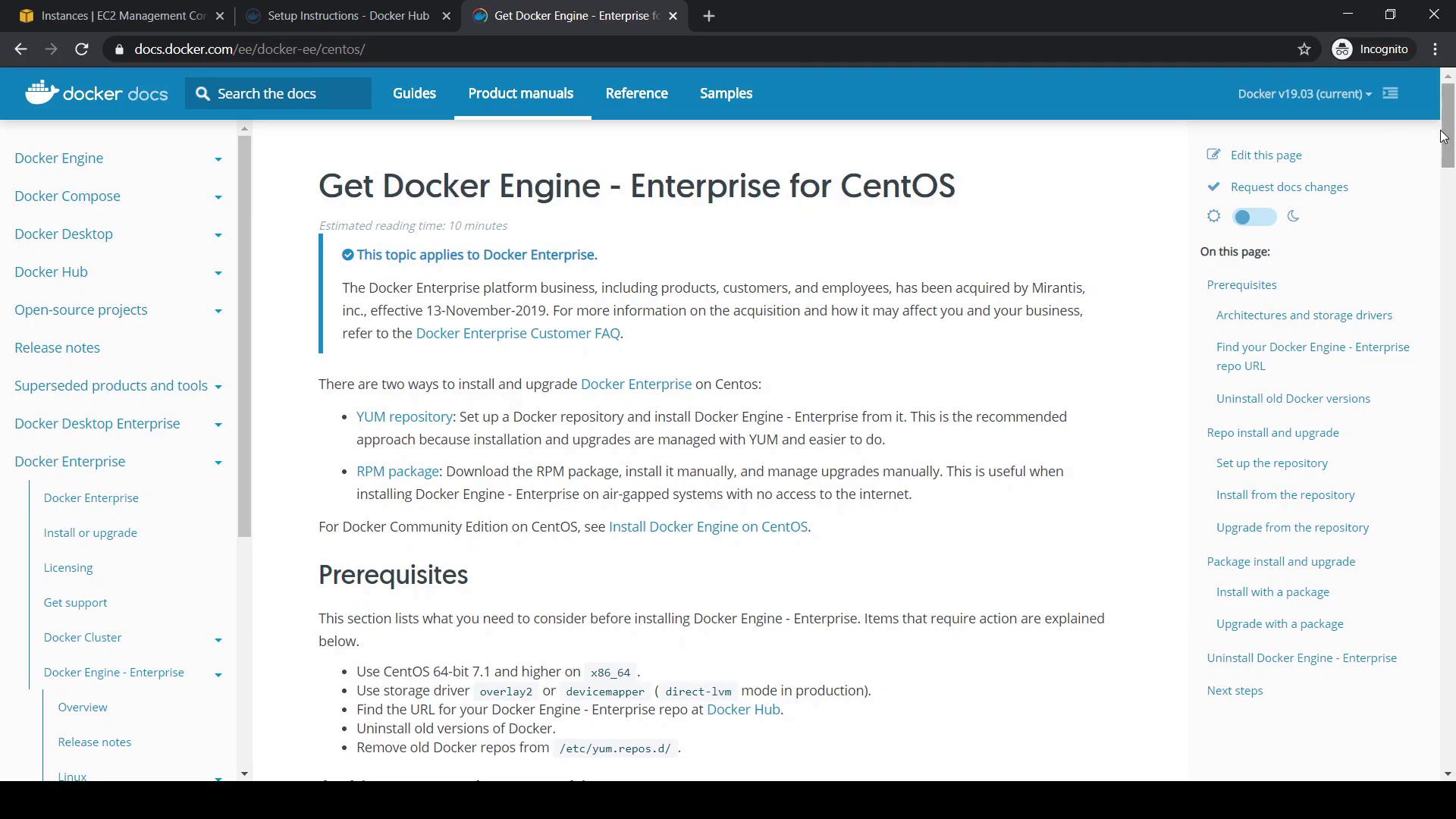
Visit the Mirantis-hosted docs for Docker EE Engine:- Go to https://docs.docker.com → Product Manual → Docker Enterprise.
- Select Engine → Linux → CentOS.
3. Install Docker EE Engine
Perform these steps on ucp-manager (then repeat on ucp-worker and dtr-node):3.1 Verify CentOS Version
3.2 Remove Any Older Docker Packages
3.3 Configure the Docker EE Repository
-
Export your private repository URL (replace
<your-docker-ee-url>): -
Store it in Yum variables:
-
Install prerequisites and add the Docker EE repo:
3.4 Fix $dockerosversion Placeholder (if needed)
If yum repolist returns a $dockerosversion error, edit /etc/yum.repos.d/docker-ee.repo:
$dockerosversion with 7 under [docker-ee-stable], then rerun:
Editing repository files incorrectly can break package resolution. Always back up the
.repo file before making changes.3.5 Install Docker EE Packages
3.6 Enable and Start Docker
3.7 Verify the Installation
Links and References
- Docker EE Trial on Docker Hub
- Docker Enterprise Documentation
- Kubernetes Basics
- Mirantis Acquisition Announcement