

Image scanning requires Docker Trusted Registry v2.6 or later. Verify your version under System > Settings before enabling this feature.
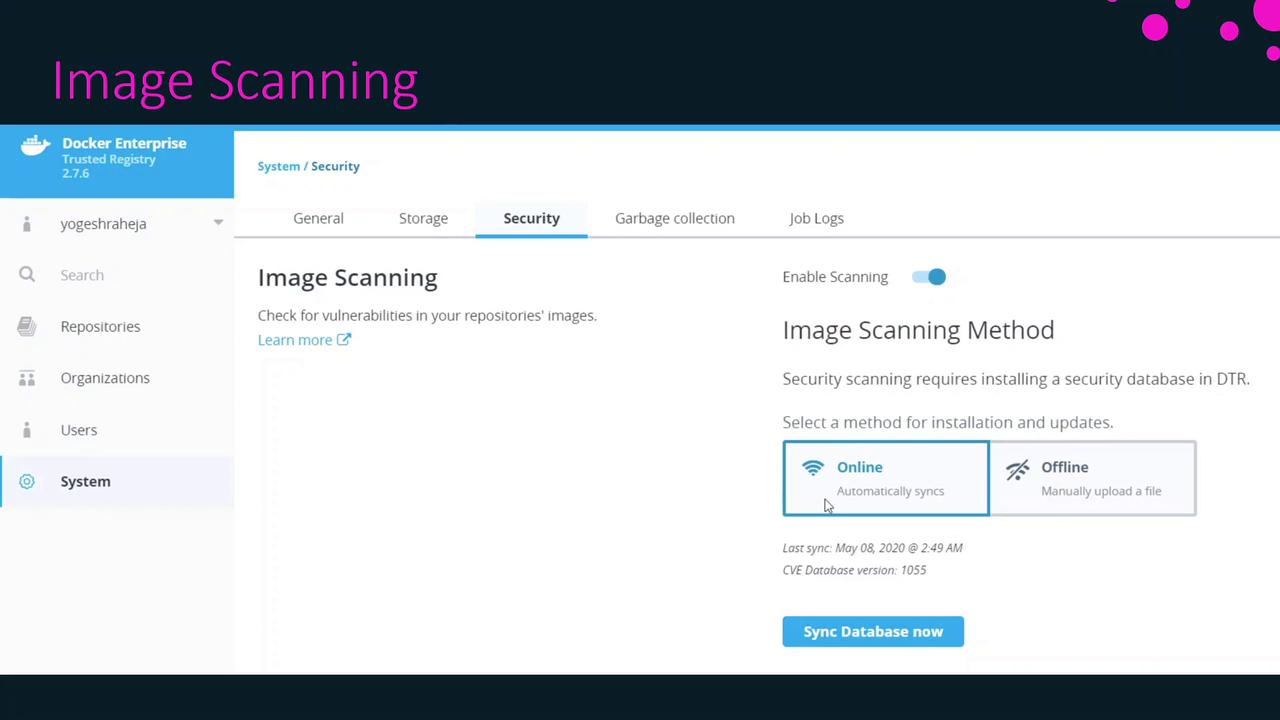
Initiate a Manual Scan
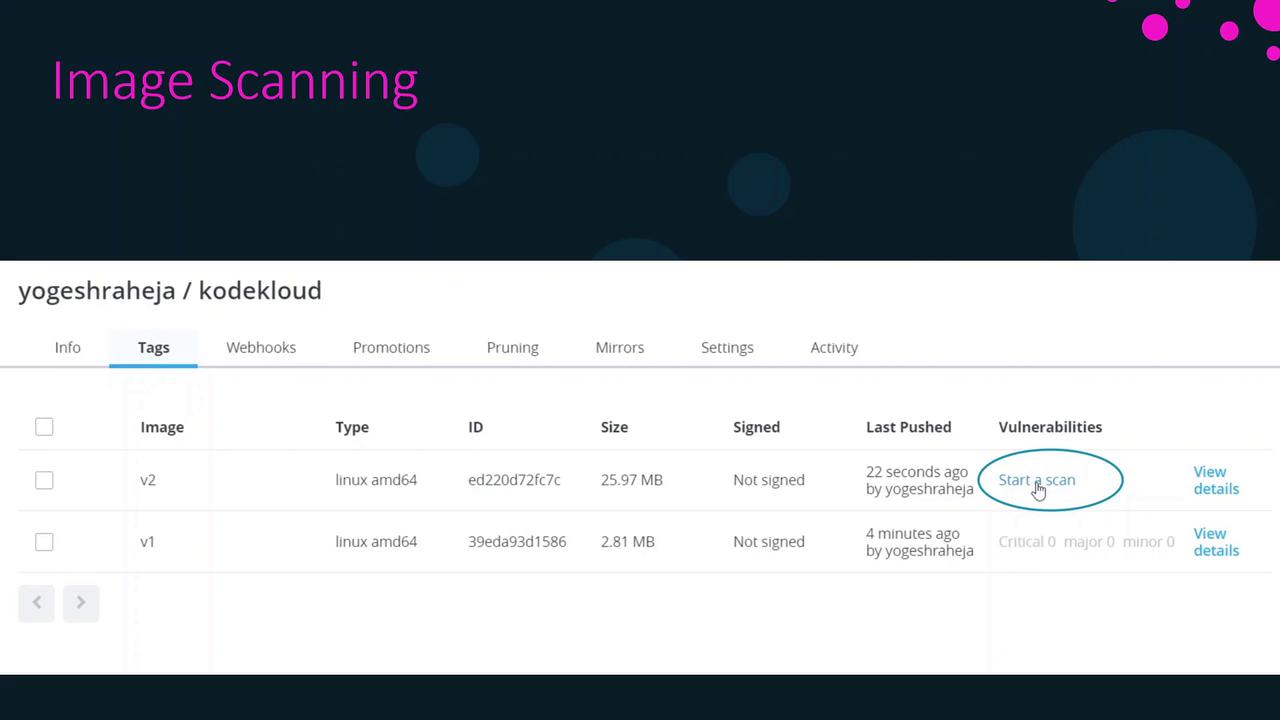
To perform an on-demand scan for a specific image tag:- Navigate to the Repositories view in DTR.
- Select your repository and open the Tags tab.
- Click Start a Scan next to the tag you want to analyze.
Configure Scan Triggers
DTR supports two scan modes. Choose the one that best fits your CI/CD workflow: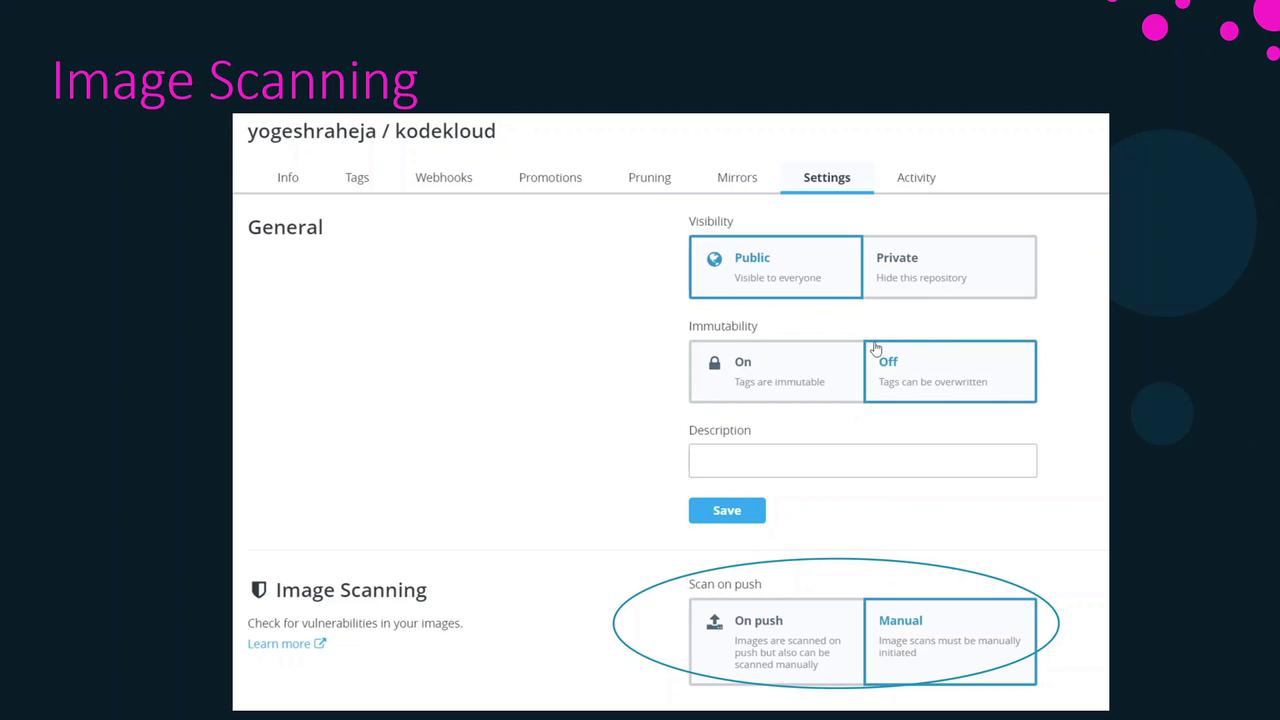
Enabling On Push scanning can increase resource usage and may impact registry performance during peak push events.
Review the Scan Report
Once a scan completes, DTR categorizes findings by severity and lists the affected components along with the version in which each issue was introduced. The main severity levels are:
For example, your Dockerfile might look like this:
NODE_VERSION=8.9.4orYARN_VERSION=1.3.2may contain known vulnerabilities.- The
apk addcommand pulls in packages that should be checked against the latest security advisories.
Summary
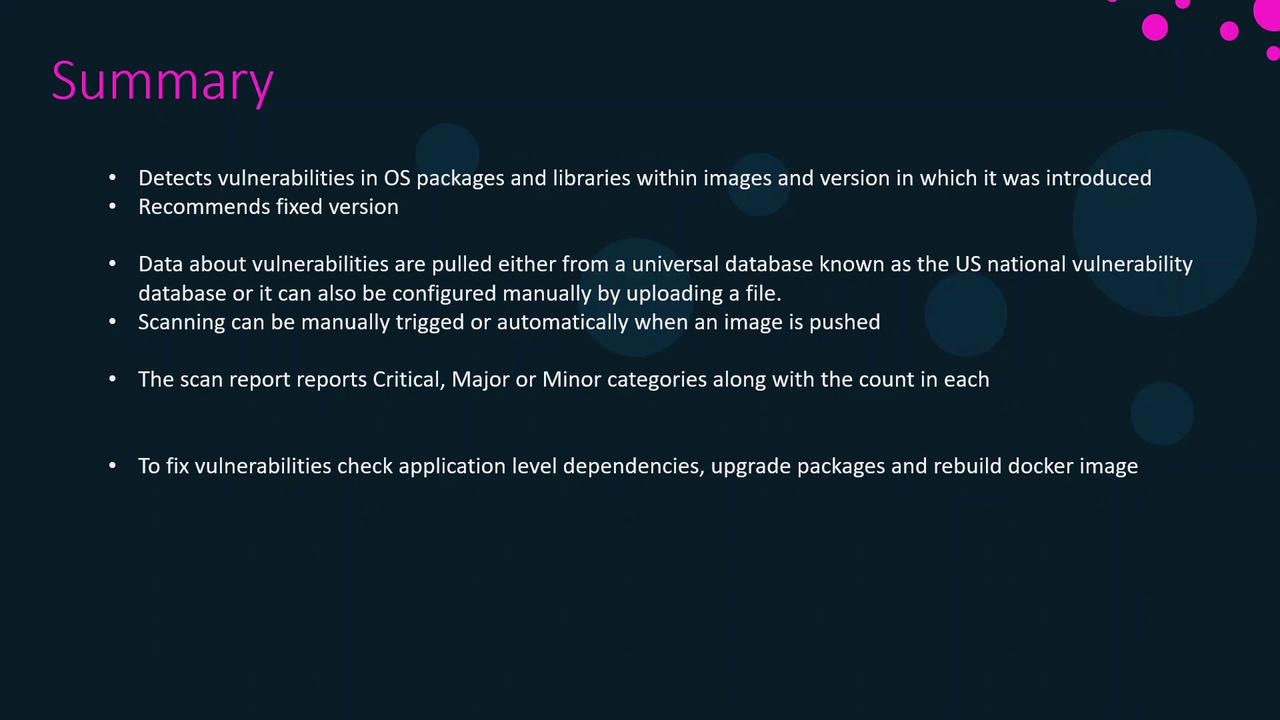
- Detects vulnerabilities in OS packages, libraries, and dependencies
- Retrieves data from the US NVD or your custom feed
- Offers Manual and On Push scan modes
- Classifies findings by severity (Critical, Major, Minor)
- Provides version details to trace when issues were introduced
- Recommends updated releases or patches for remediation
Links and References
- Docker Trusted Registry Image Scanning
- US National Vulnerability Database (NVD)
- Dockerfile reference