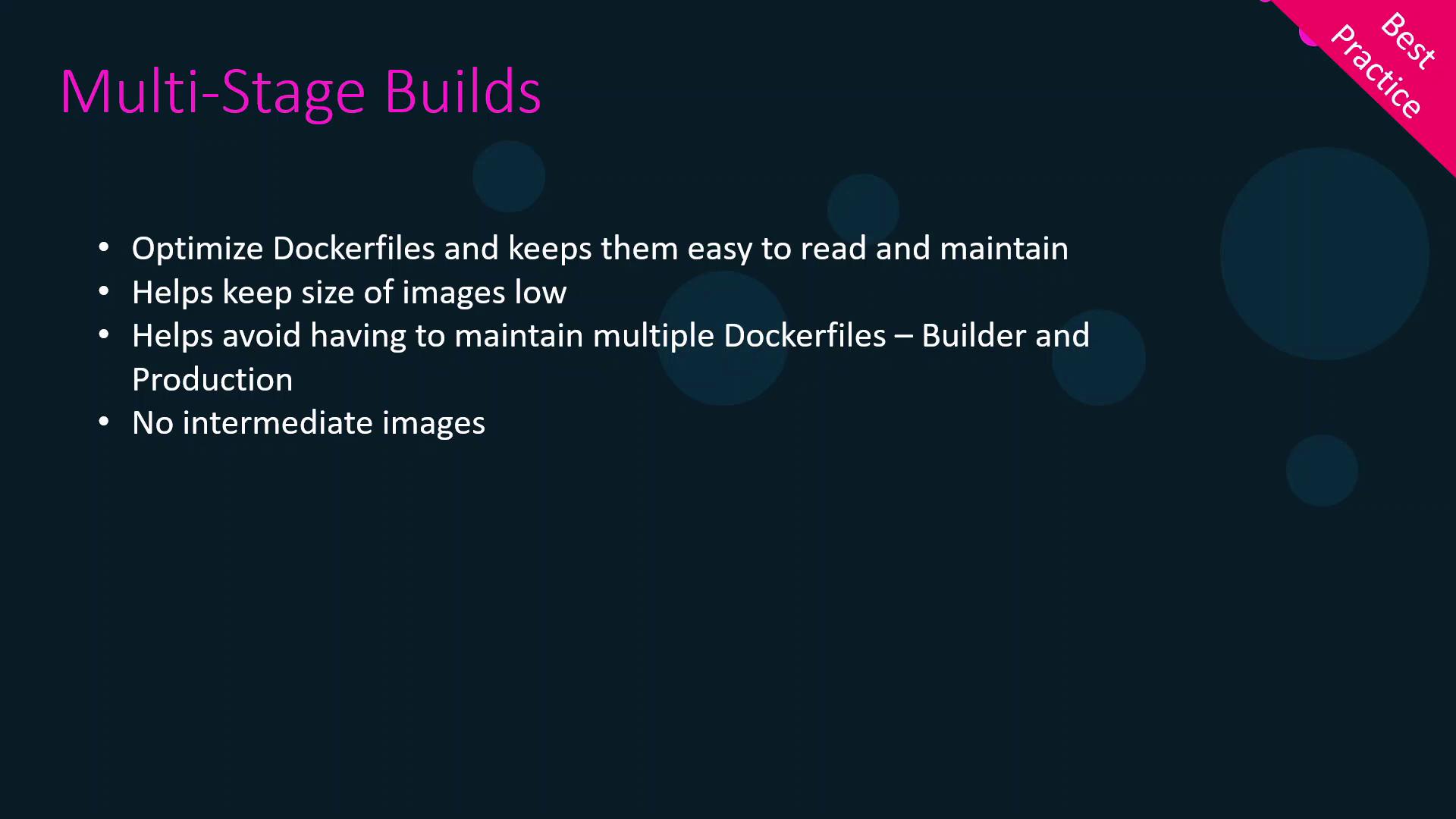
Containerizing a Node.js web application often involves separate build and packaging steps. Docker’s multi-stage builds streamline this process into a single, maintainable Dockerfile that produces smaller, more consistent images.

1. Local Build and Basic Containerization

First, you might compile your app locally:
npm run build
This generates a dist/ folder with your production assets. To serve it via Nginx, you could write:
# Dockerfile (production)
FROM nginx
COPY dist /usr/share/nginx/html
CMD ["nginx", "-g", "daemon off;"]
Build and run:
docker build -t my-app .
docker run -d -p 80:80 my-app
CommandDescription
npm run buildCompile source into dist/
docker build -t my-app .Build Docker image
docker run -d -p 80:80 my-appLaunch container on host port 80

Drawbacks of This Approach

IssueImpact
Environment DriftBuilds may vary across developer machines
Manual PackagingTwo-step process: build locally, then containerize
CI/CD ComplexityEvery pipeline must replicate your local environment exactly

2. Using a Separate Builder Image

To ensure repeatable builds, move compilation into its own container:
# Dockerfile.builder
FROM node:16-alpine
WORKDIR /app
COPY package*.json ./
RUN npm install
COPY . .
RUN npm run build
You still use the production Dockerfile from before. Then:
docker build -f Dockerfile.builder -t builder .
docker build -f Dockerfile          -t my-app .
Now you have:
  1. builder image with dist/
  2. my-app image ready to serve via Nginx
Manually extracting artifacts involves creating temporary containers and copying files. This adds complexity and slows down CI/CD pipelines.

3. Simplifying with Multi-Stage Builds

Multi-stage builds merge builder and final stages:
# Dockerfile (multi-stage)
FROM node:16-alpine AS builder
WORKDIR /app
COPY package*.json ./
RUN npm install
COPY . .
RUN npm run build

FROM nginx:stable-alpine
COPY --from=builder /app/dist /usr/share/nginx/html
CMD ["nginx", "-g", "daemon off;"]
Just build once:
docker build -t my-app .
What happens:
  1. builder stage installs dependencies and compiles into dist/.
  2. final stage pulls only the built assets into a minimal Nginx image.

3.1 Using Numeric Stage References

Instead of names, you can refer to stages by index:
FROM node:16-alpine
# (stage 0)
WORKDIR /app
COPY . .
RUN npm install && npm run build

FROM nginx:stable-alpine
# (stage 1)
COPY --from=0 /app/dist /usr/share/nginx/html
CMD ["nginx", "-g", "daemon off;"]
Using named stages (e.g., AS builder) improves readability in complex Dockerfiles.

3.2 Building a Specific Stage

For debugging or CI-cache purposes, target only the build stage:
docker build --target builder -t my-app-builder .

4. Benefits of Multi-Stage Builds

BenefitExplanation
Smaller Final ImageExcludes build tools and source code
Single DockerfileEasier maintenance and less duplication
Faster CI/CDLeverages Docker cache across stages
Enhanced SecurityOnly runtime dependencies end up in the final image
The image is a slide titled "Multi-Stage Builds" that lists benefits such as optimizing Dockerfiles, reducing image size, avoiding multiple Dockerfiles, and eliminating intermediate images.