

- A web-based GUI for intuitive, form-driven deployments
- A command-line interface (CLI) for scripting and automation
Deploying Docker Swarm Services via UCP GUI
The Docker Swarm section in the UCP console provides a form-driven workflow to create and manage services without writing CLI commands. You can configure each service by specifying: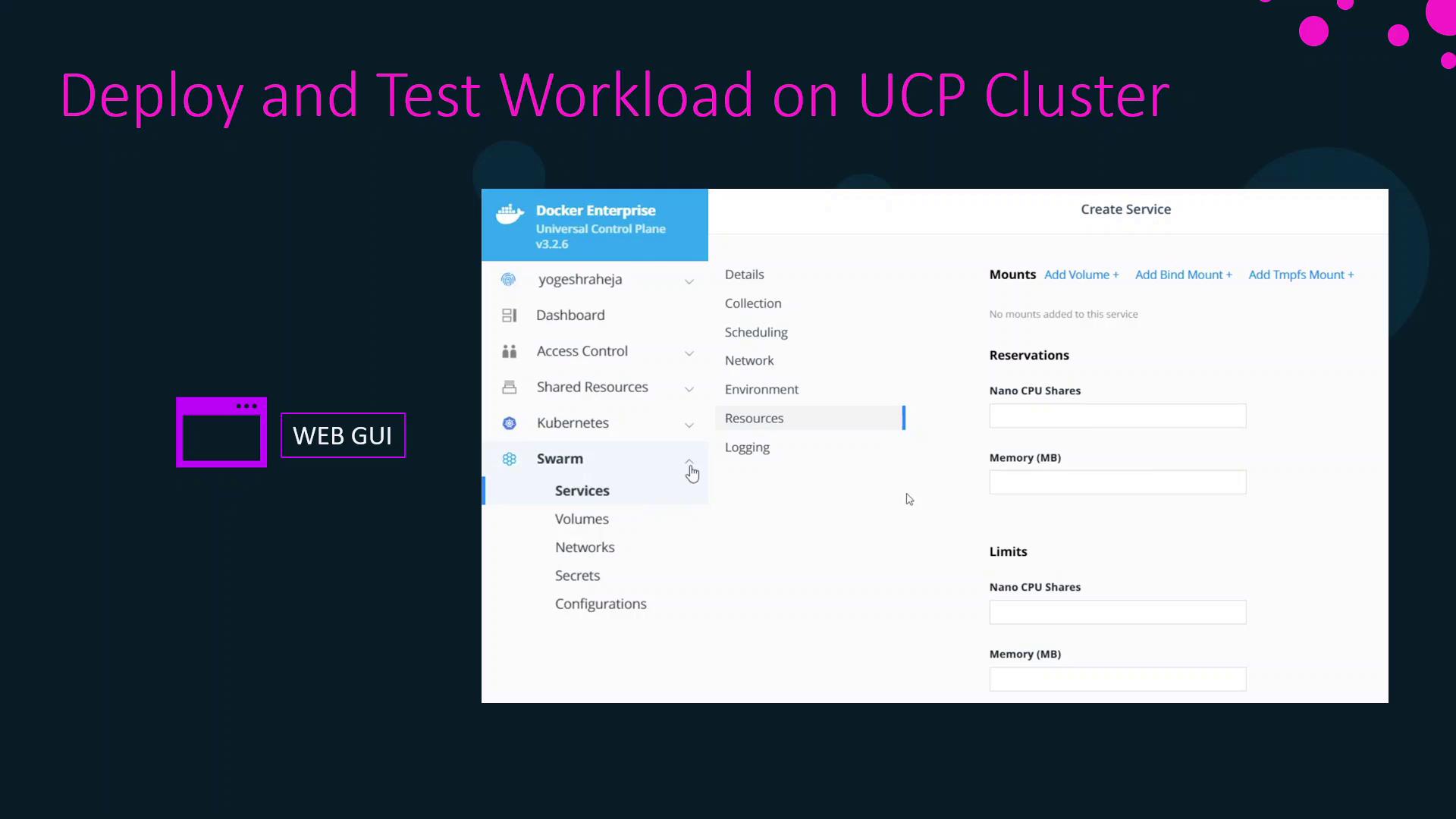
docker service create flags or in a stack file is available in these form fields.
You must have appropriate UCP permissions (e.g.,
admin or cluster-admin) to create and modify Swarm services.Creating Kubernetes Resources in UCP GUI
UCP’s built-in Kubernetes support lets you manage Kubernetes objects through a similar form interface. The following resources can be created directly from the UCP dashboard:When creating StorageClasses or PersistentVolumeClaims, ensure your cluster has a compatible storage driver installed.
Related Links and References
- Docker Enterprise UCP Documentation
- Docker Swarm Overview
- Kubernetes Basics
- Docker Certified Associate Exam Guide