

1. Starting with the Basic Compose File (Version 1)
Here’s a simple Compose file in version 1 syntax defining five services:- Automatic network creation
- Built-in DNS service discovery
- Named volumes and advanced deployment options
2. Upgrading to Version 3
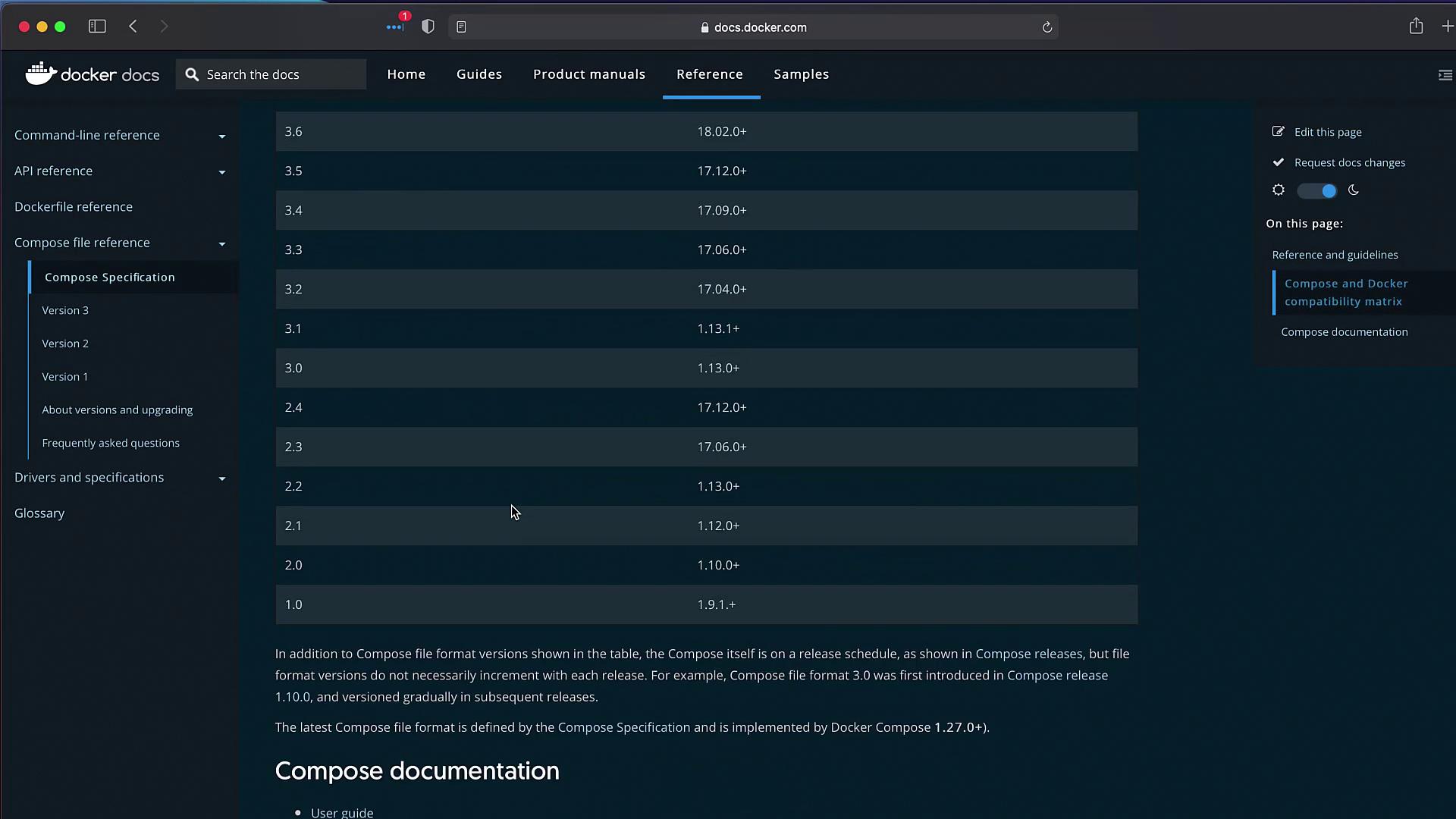
Compose version 3 unlocks Docker Swarm compatibility, automatic networking, and enhanced resource definitions. Follow these steps:- Add
version: "3"at the top. - Nest all services under the
services:key. - Remove
links:—service names now resolve via DNS.
redis ↔ db.
3. Specifying Build Options
You can define how images are built directly in your Compose file. Examples from Docker’s docs: Simple build context:In Swarm mode,
docker stack deploy ignores the build option. You must build images locally with docker build or push them to a registry before deploying.4. Deploying with Docker Compose
With your version 3 Compose file in place, start all services:code_default is the auto-generated network, and all containers are prefixed with the project name (code_).
If you want to run in detached mode, add
-d:5. Handling PostgreSQL Initialization
On first run, PostgreSQL requires a superuser password. Without it, you’ll see:db service:
PostgreSQL Environment Variables
6. Verifying the Setup
Once all containers are running, open your browser and test the apps:- Voting app: http://localhost:5000
- Results app: http://localhost:5001
- Cast a vote for one option (e.g., cats).
- Confirm the result updates correctly.
- Vote again (e.g., dogs) and verify real-time results.
- Version 3 compliant
- Automatically networked
- Securely initializing PostgreSQL