

- A local lab environment to try commands and run experiments
- See demos that show local lab setup (including Docker-based labs) in the Docker Training Course for the Absolute Beginner: https://learn.kodekloud.com/user/courses/docker-training-course-for-the-absolute-beginner
- That course also demonstrates provisioning lab environments on cloud platforms such as AWS.
- For quick online practice, use embedded labs from the course or a playground such as Katacoda: https://www.katacoda.com
- For most sections, a small machine with the Docker CLI is sufficient — you don’t need cloud access unless you prefer it.
- Familiarity with official documentation
- The exam is not open-book, so you cannot consult the Docker docs during the test. However, reading documentation beforehand helps you recall details and reduces exam stress.
- Watch lectures to understand core concepts.
- Run demos to see concepts in practice.
- Use research questions to explore details and practice finding answers in documentation.
Research questions are open-book, multiple-choice exercises designed to help you learn how to locate answers in documentation and gain comfort with the exam style. They are learning tools — use lecture knowledge, the docs, and a lab environment to research answers.
- Keep notes brief and focused — these are revision aids, not full transcriptions.
- Highlight tricky commands, default file paths, and behavioral nuances (for example, client vs daemon behavior).
- Jot down search terms and doc links that helped you find answers.
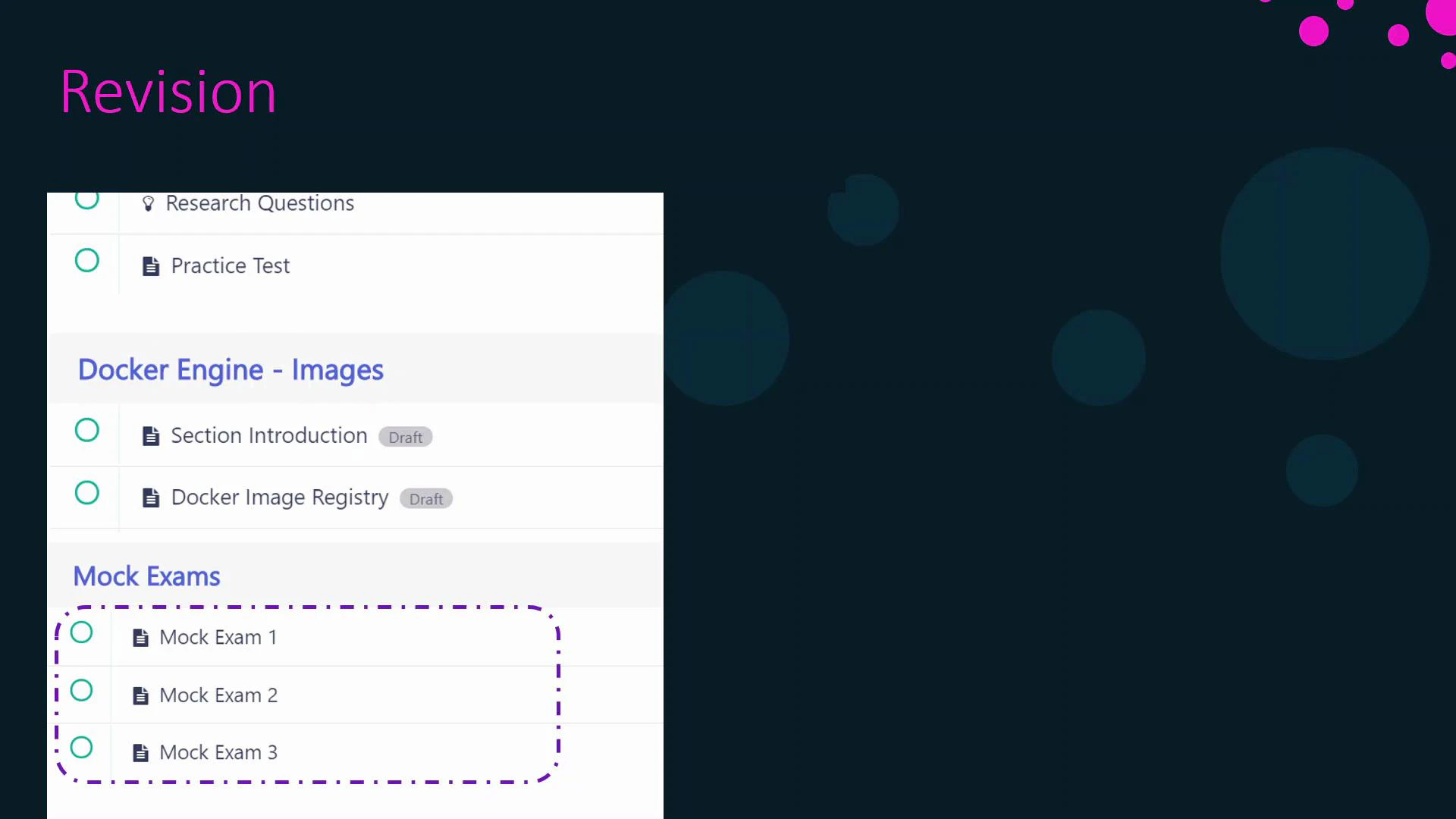
- Research questions (after a few lectures) — open-book, focused practice.
- End-of-section practice tests — attempt without documentation to measure recall.
- Multiple mock exams near the course end — simulate exam timing and format; include hands-on and MCQ sections.
- Avoid overly long timelines (e.g., one year) that increase dropout risk.
- Avoid overly aggressive timelines (e.g., two weeks) unless you already have strong prior experience.
If you already completed Kubernetes courses such as the Certified Kubernetes Application Developer (CKAD), you may save time on overlapping Kubernetes content.
What to expect on the exam
- Commands — be comfortable with common Docker commands and workflows.
- Command options — know common flags and how they change behavior.
- Default locations and config files — know where Docker stores data and config.
- Configuration and manifest files — questions may include Dockerfiles, Docker Compose files, Docker stack files, or Kubernetes YAML manifests.
Important: The official exam is not open-book — do not expect to consult documentation during the test. Practice recall with timed mock exams to simulate conditions.
References and further study
- Docker Documentation: https://docs.docker.com/
- Docker Training Course for the Absolute Beginner: https://learn.kodekloud.com/user/courses/docker-training-course-for-the-absolute-beginner
- Katacoda interactive scenarios: https://www.katacoda.com
- CKAD course (if you have Kubernetes background): https://learn.kodekloud.com/user/courses/certified-kubernetes-application-developer-ckad