Recap: Docker Image Naming Conventions
When you reference an image without specifying a registry host, Docker defaults to Docker Hub (docker.io). An image reference is composed of three parts:
If you leave out the registry host, Docker assumes
docker.io. Always include the full path when pushing to a private registry.Using an Internal Registry
In a Docker Enterprise environment with your own registry (e.g.,registry.company.org), image references must include that host:
If you don’t have a DNS entry for your registry, you can use its IP address. However, using a stable DNS name is recommended to avoid future disruptions.
1. Build and Tag Your Image
Build your application and tag it for the internal registry. Replace54.145.234.153 with your registry’s IP or hostname, and adjust the namespace/repository as needed:
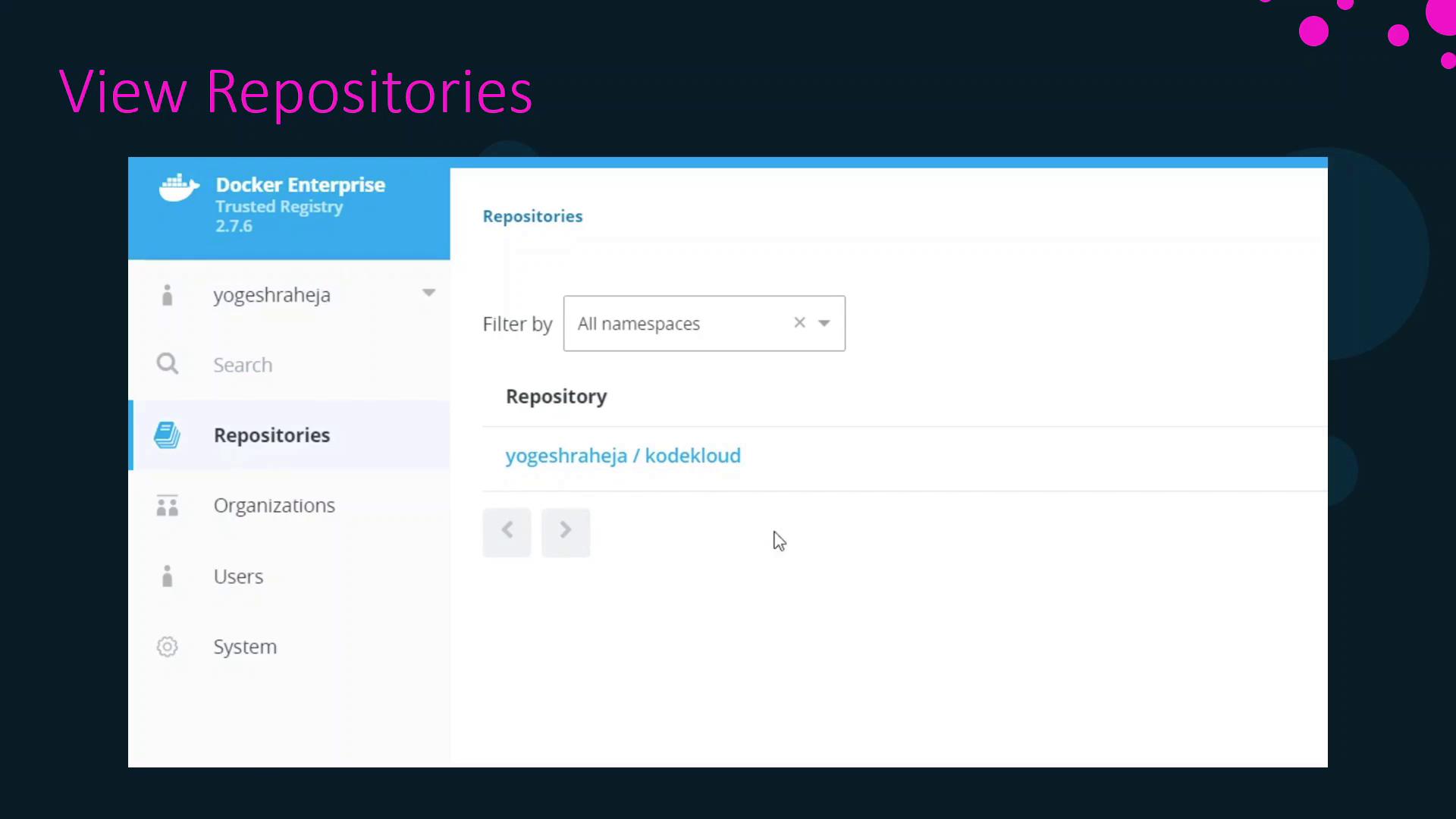
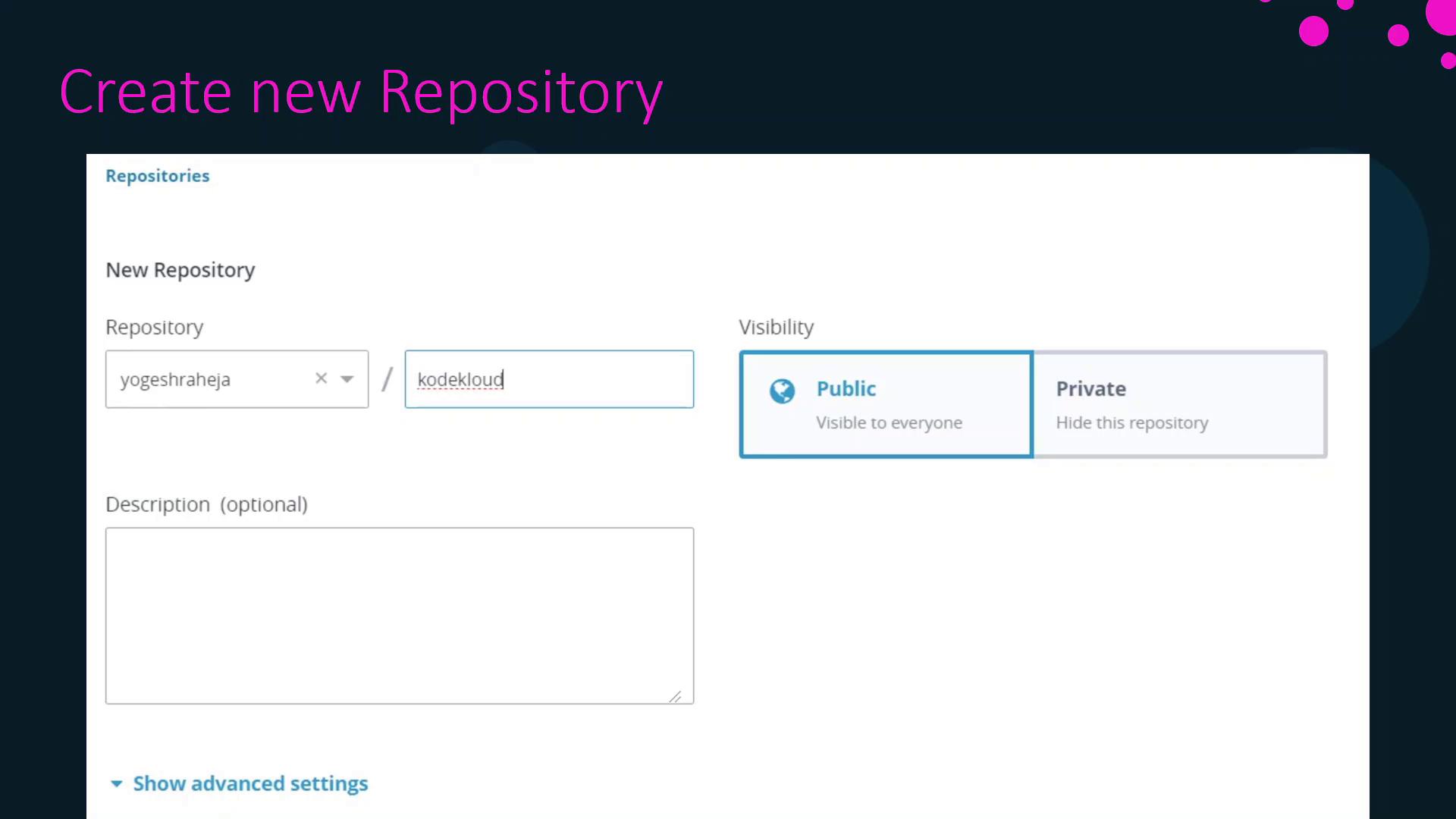
2. Create the Repository in DTR UI
Before pushing, create the repository via the DTR web interface:- Click New Repository.
- Enter the Namespace (user or organization).
- Provide a Repository name.
- (Optional) Add a Description.
- Set the Visibility (public or private).
3. Push the Image to DTR
With the repository created, push your tagged image: