

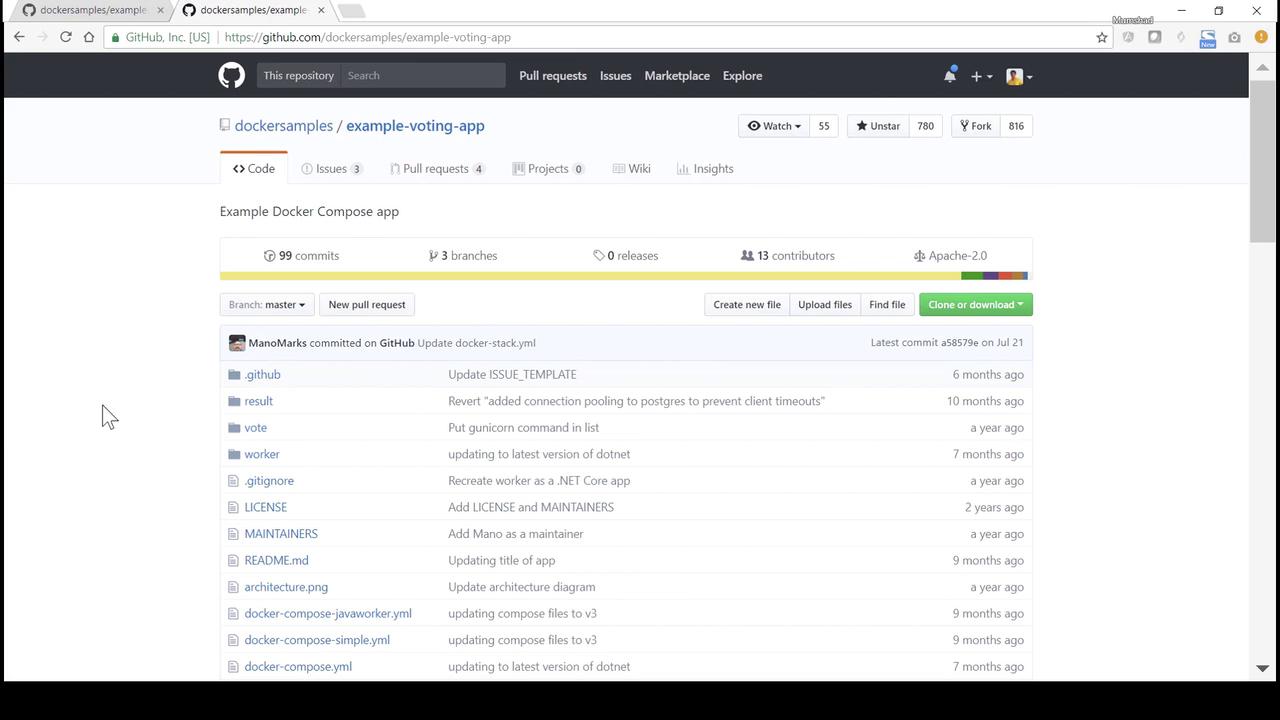
- Review the overall architecture.
- Dive into each component’s source code and Dockerfile.
- Deploy all services step by step with
docker run.
Architecture Overview
The voting system consists of five microservices: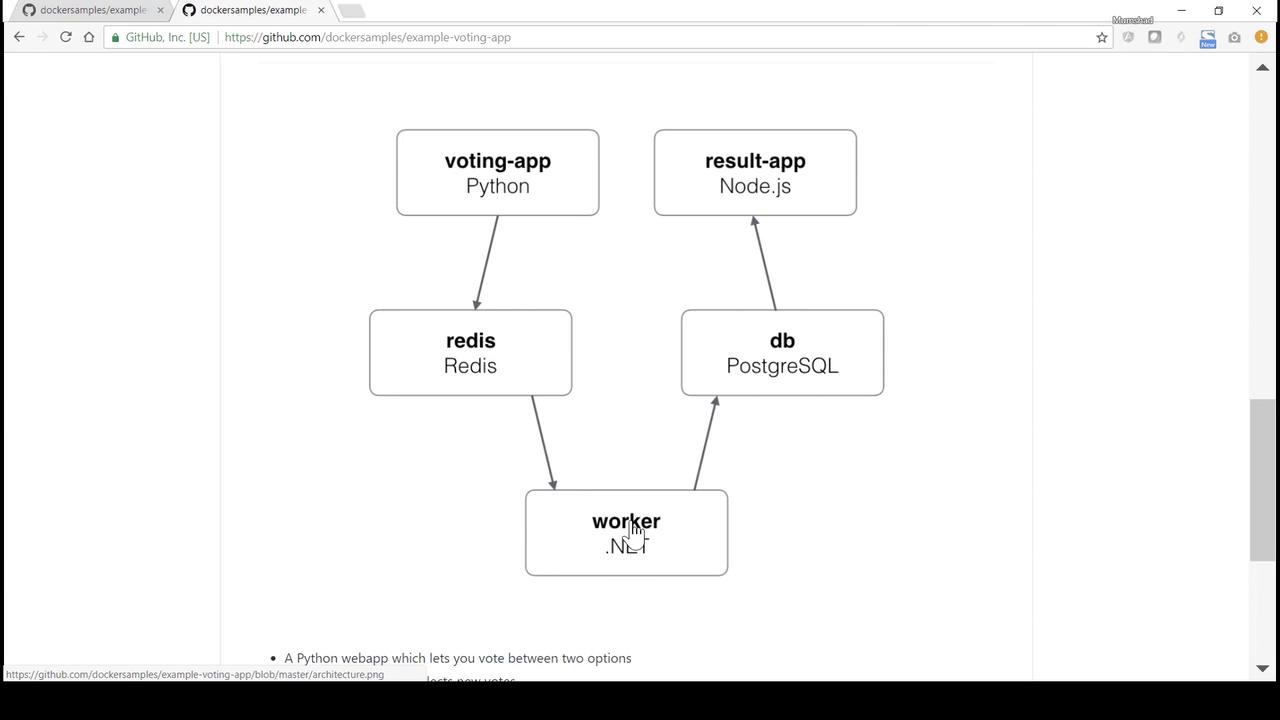
1. vote (Python Flask)
The vote service provides a simple web page to cast votes and pushes each vote into Redis. Navigate to thevote directory to explore its code and Dockerfile:
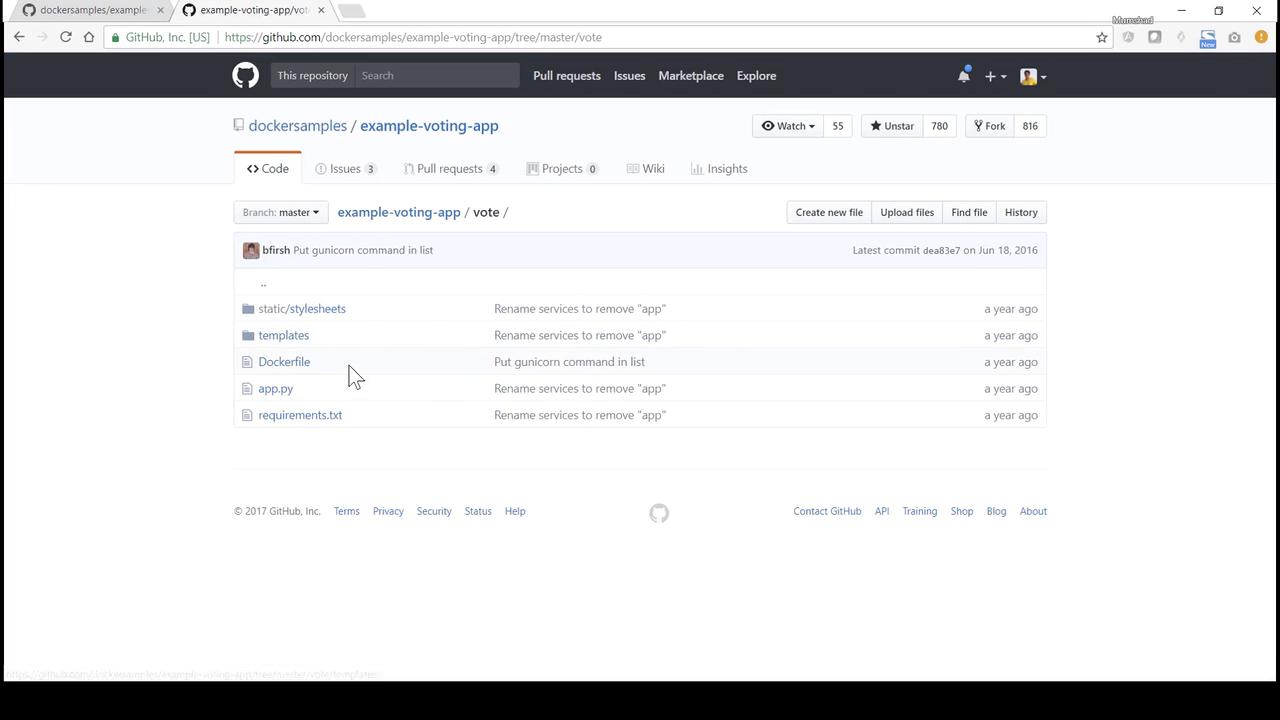
app.py
The Redis host is referenced as
redis. Ensure the Redis container is linked or networked under this name.Dockerfile
2. worker (Java)
The worker service consumes vote messages from Redis and writes them into PostgreSQL.Worker.java
Dockerfile
3. result (Node.js/Express)
The result service queries PostgreSQL for vote counts and renders a results page.server.js
Dockerfile
4. Deploying with docker run
The
--link flag is considered legacy. For production, prefer user-defined networks or Docker Compose.4.1 Clone & Build the Voting UI
4.2 Start Redis & Voting UI
4.3 Launch PostgreSQL Database
4.4 Build & Run the Worker
4.5 Build & Run the Result App
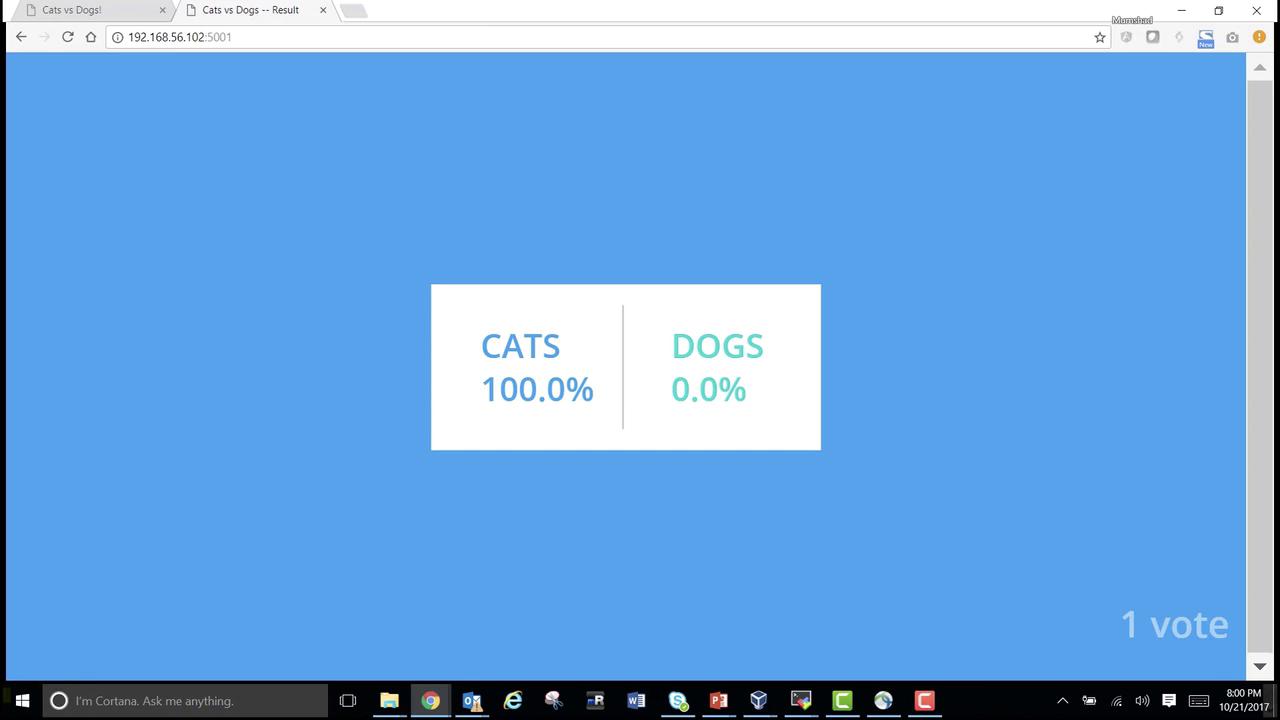
Congratulations! You’ve manually deployed all services using
docker run, linked them together, and completed a full voting workflow. Next, we’ll automate this setup with Docker Compose.
References
- Docker Documentation
- Flask (Python) Documentation
- Redis Official Site
- PostgreSQL Documentation
- Express (Node.js) Guide