title: Demo Deployment in Docker EE with UCP description: Step-by-step guide to deploy and manage a Swarm service in Docker EE using the Universal Control Plane (UCP) console.
Prerequisites
- A running Docker EE UCP cluster
- Access rights to create and manage services
Ensure you are logged into the UCP console with an account that has the
admin or cluster_admin role.Step-by-Step: Deploying a Swarm Service
1. Access the UCP Console
Open your browser and navigate to:2. Create a New Service
Click Create and configure the Details tab:
Leave all other options at their defaults.
3. Adjust Scheduling Policies
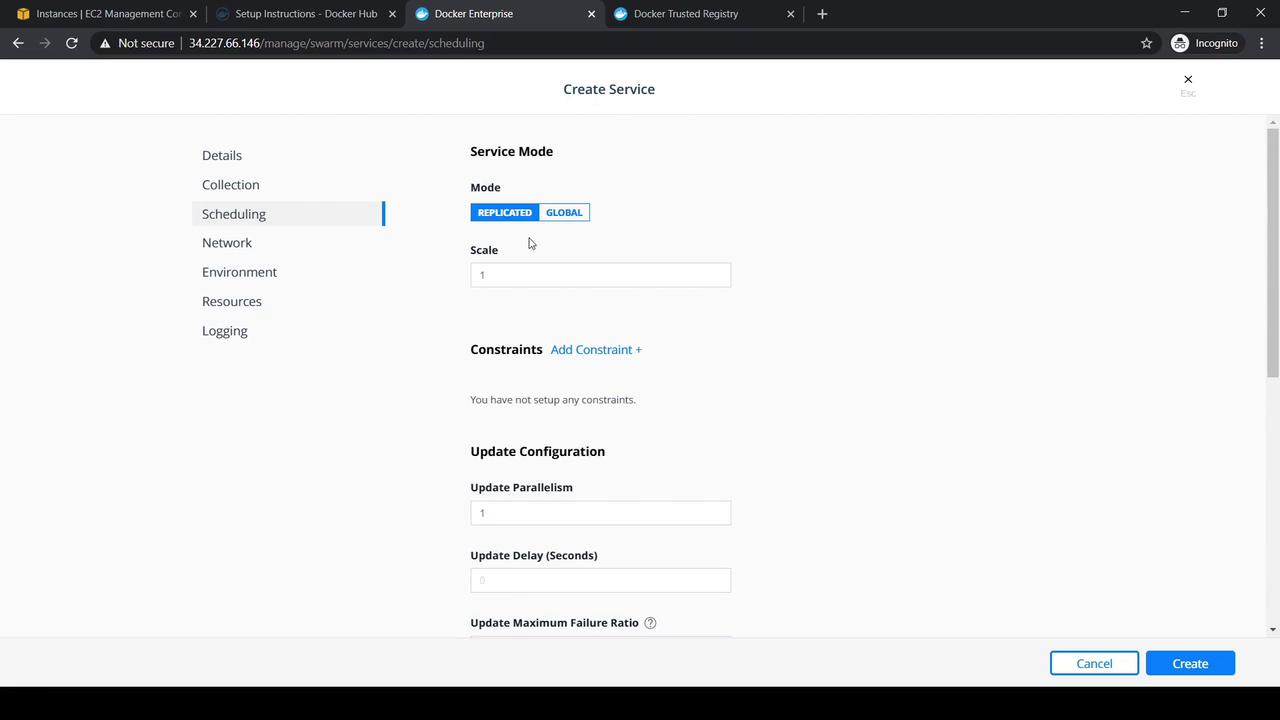
Switch to the Scheduling tab to modify:- Service mode (replicated or global)
- Replica count
- Placement constraints
- Update policy (parallelism, delay)
4. Define Environment Variables
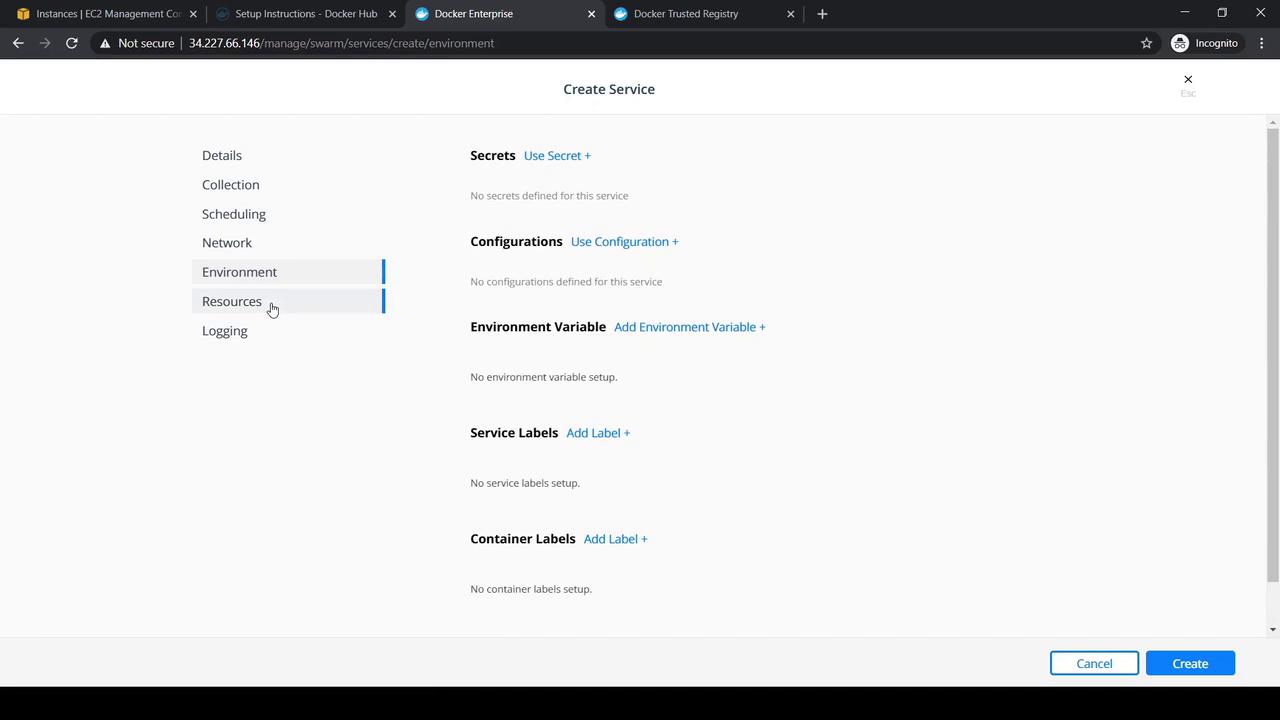
On the Environment tab, you can:- Add
Environment Variables - Attach
SecretsandConfigs - Assign service
Labels
5. Allocate Resources
Use the Resources tab to reserve or limit CPU and memory. Configure volume mounts if needed.6. Configure Logging
Select a logging driver (e.g.,json-file, syslog) and set driver options under the Logging tab.
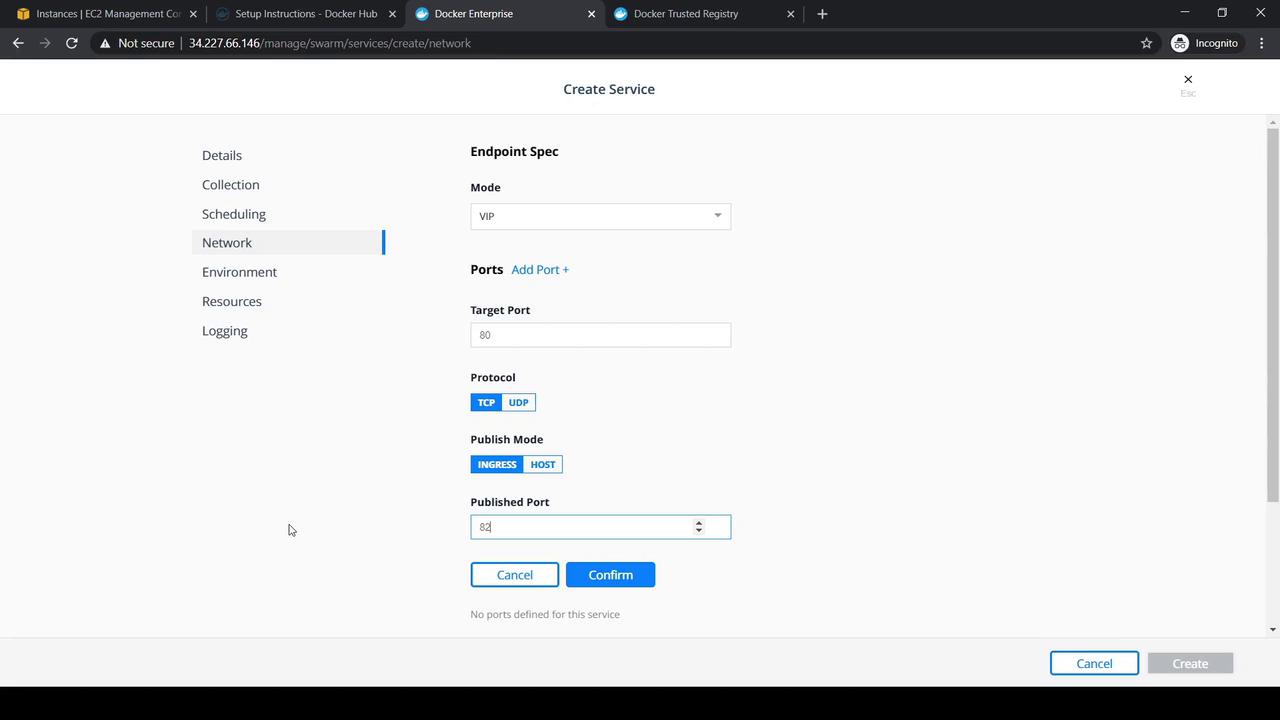
7. Publish Service Ports
Under Network, map the service ports for external access:
Click Confirm, review your settings, then Create.
Verifying Deployment
After creation, the service appears in Pending (red) and then becomes Running (green). Click the service name to view details and endpoint information.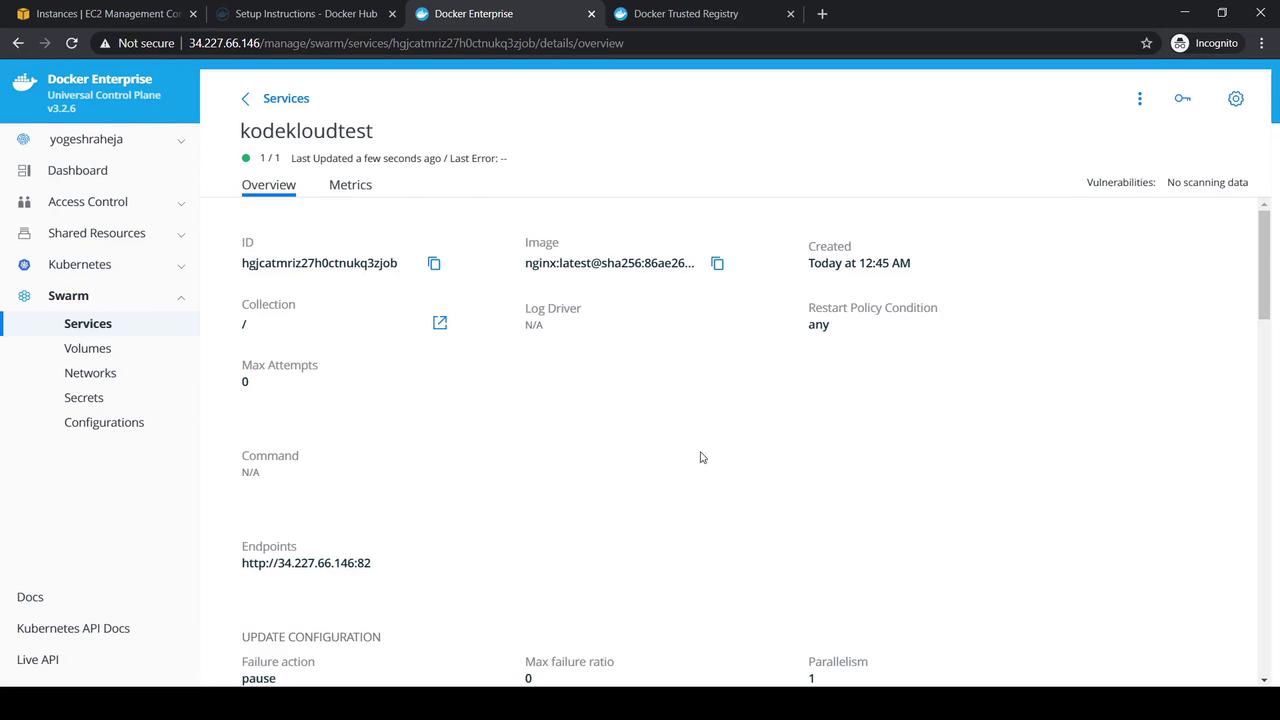
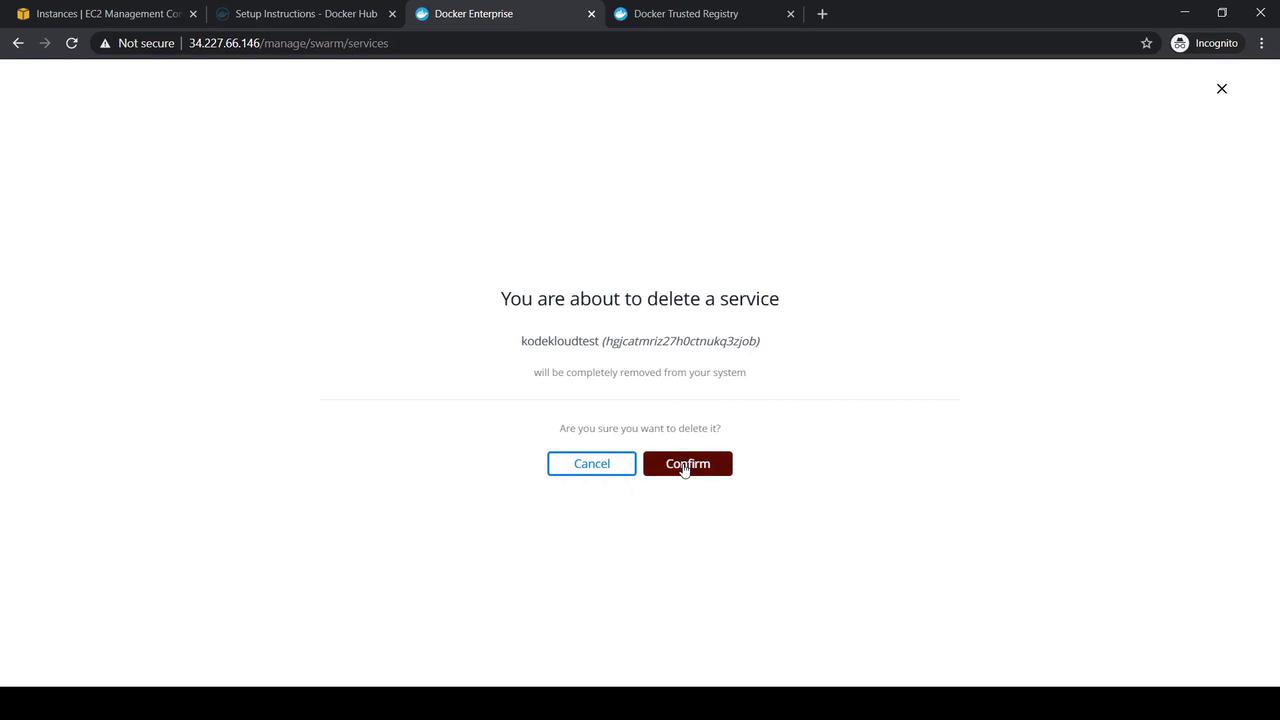
To remove the service, select it, choose Actions → Delete, and confirm the prompt.