

GitLab Auto DevOps Deployment Strategy
GitLab Auto DevOps offers multiple deployment workflows. In this lesson, we use:- Automatic deployment to staging
- Manual approval for production
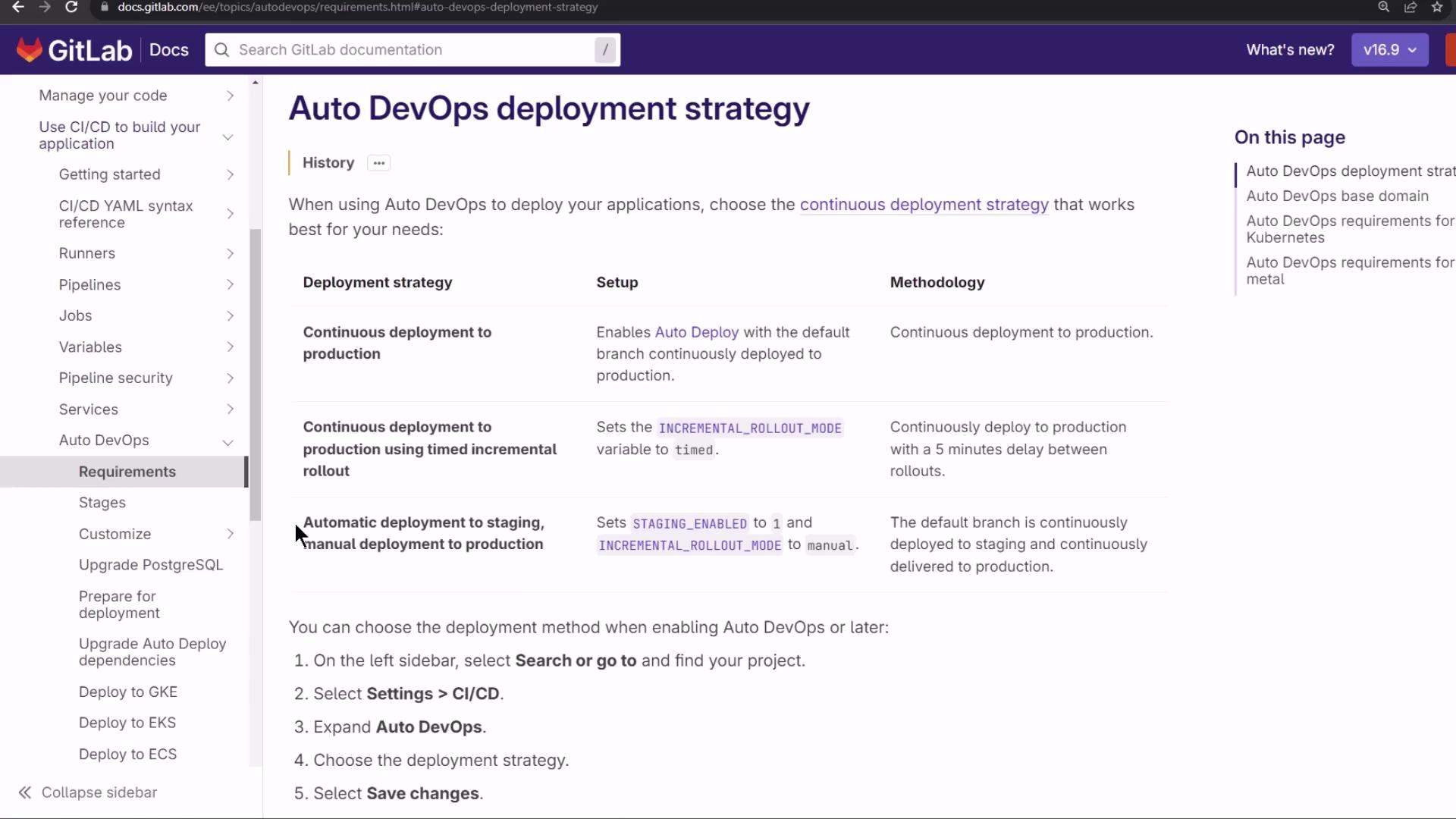
By default,
staging_enabled is set to 1 and INCREMENTAL_ROLLOUT_MODE is manual. This means every commit goes to staging automatically, while production requires a manual trigger.Canary (Incremental) Rollout
With a canary strategy, new releases go to a small subset of pods in steps. Monitor each phase before proceeding.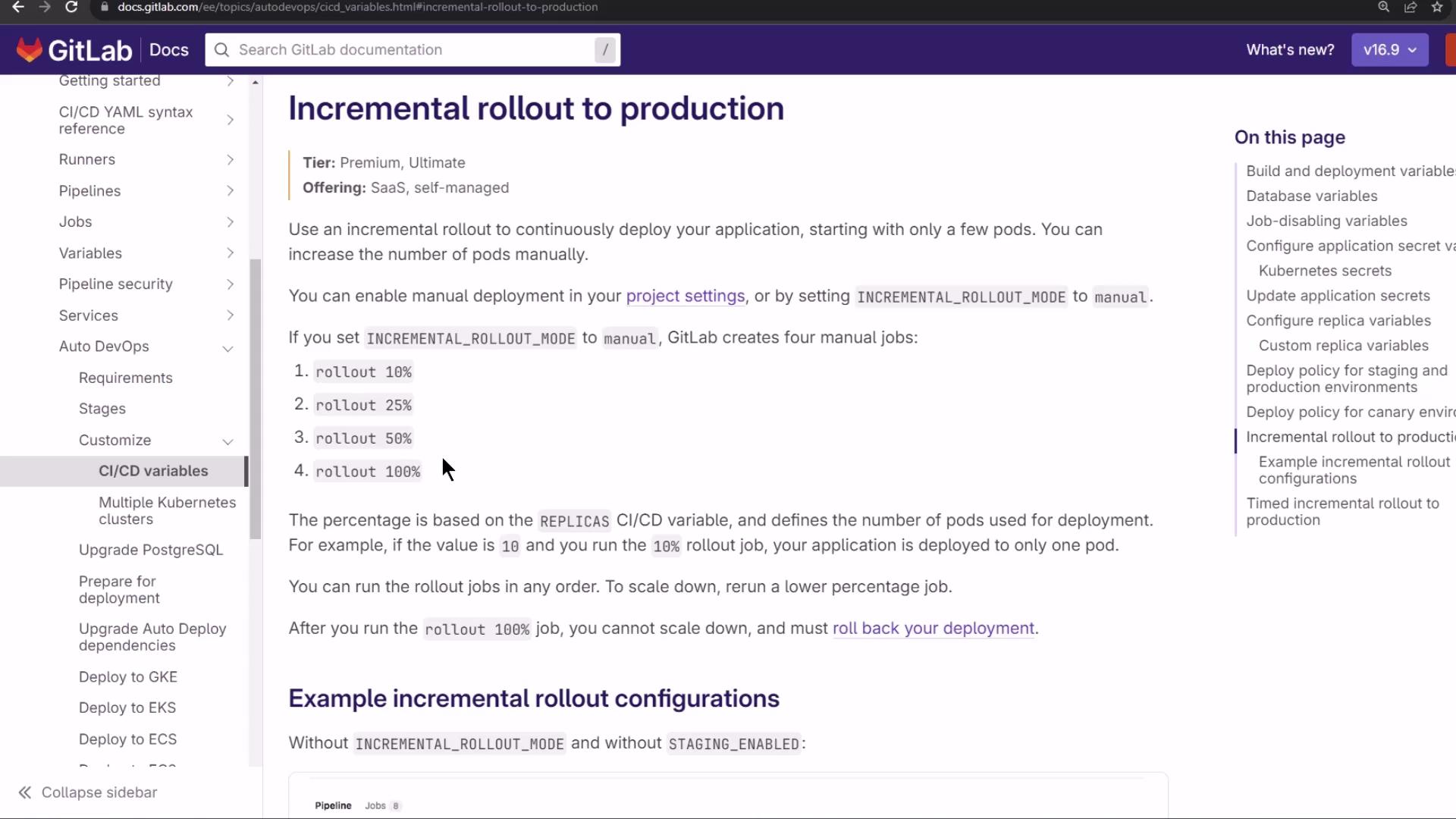
- 10% → 1 new pod
- 25% → 3 new pods
- 50% → 5 new pods
- 100% → all pods updated
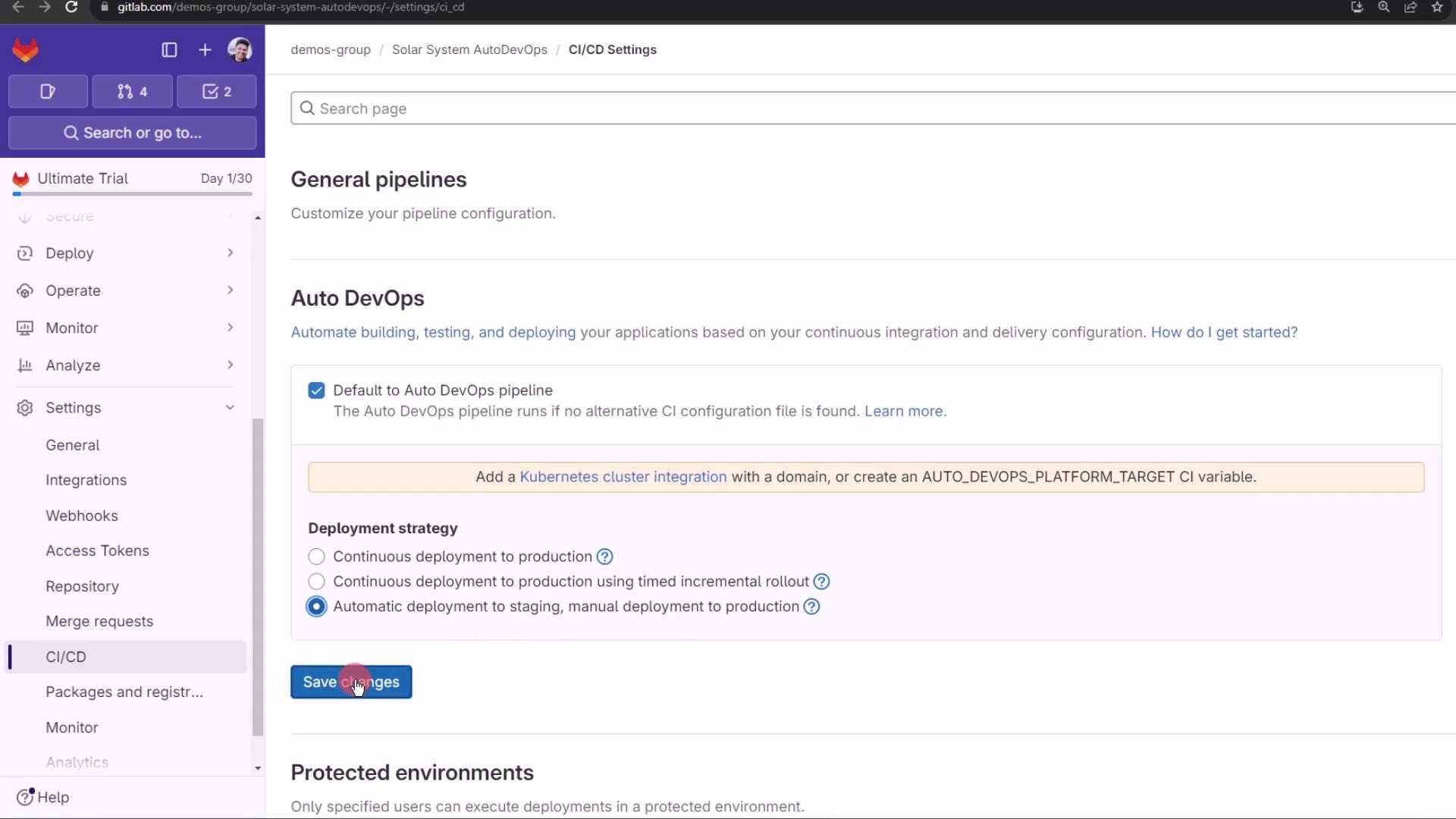
Demo: Configuring Auto DevOps
- Go to Settings > CI/CD in your project.
- Under Auto DevOps, choose Automatic deployment to staging and manual to production.
- Click Save changes.
Viewing Pipelines and Environments
After pushing, navigate to CI/CD > Pipelines to see your jobs: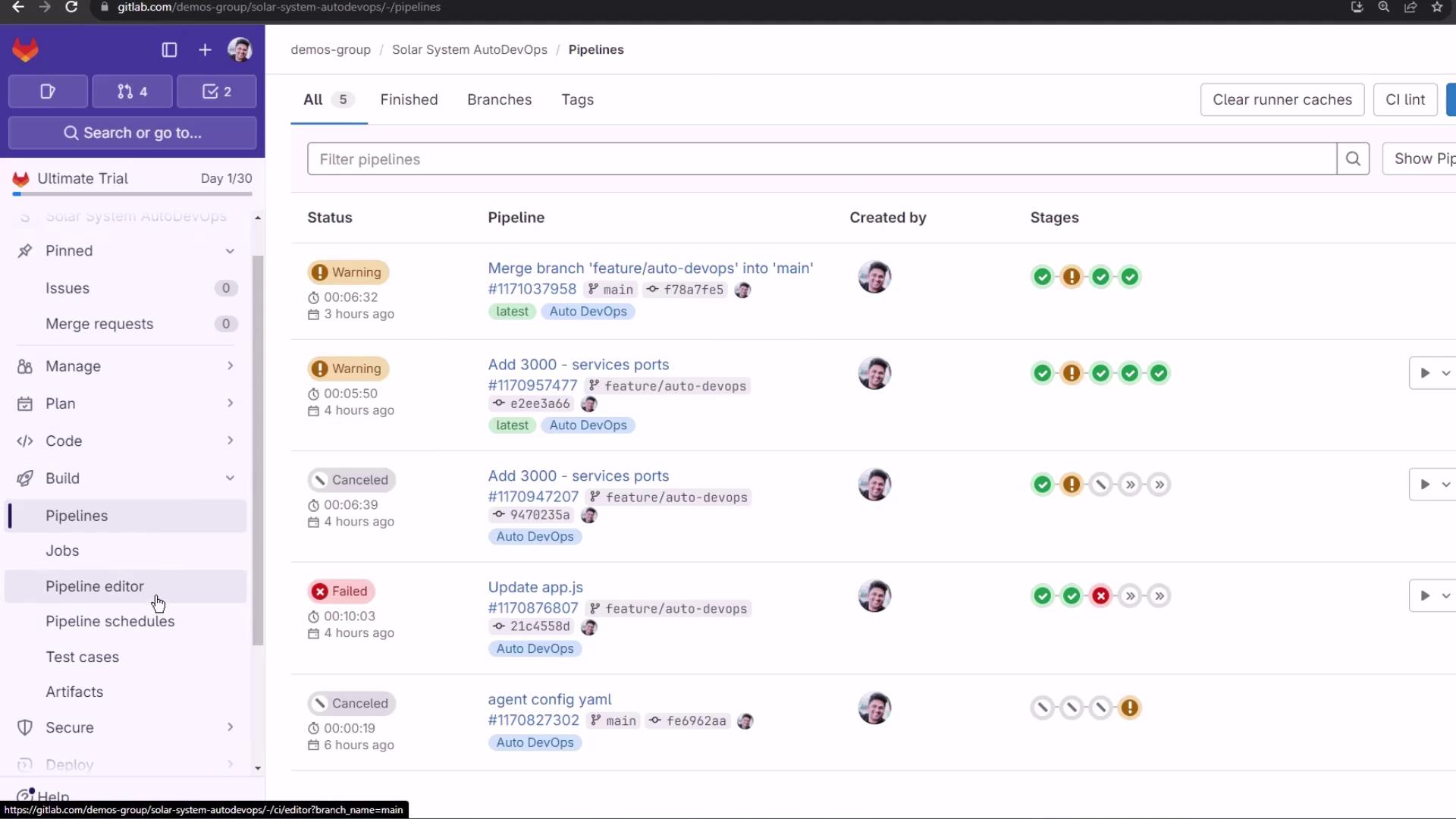
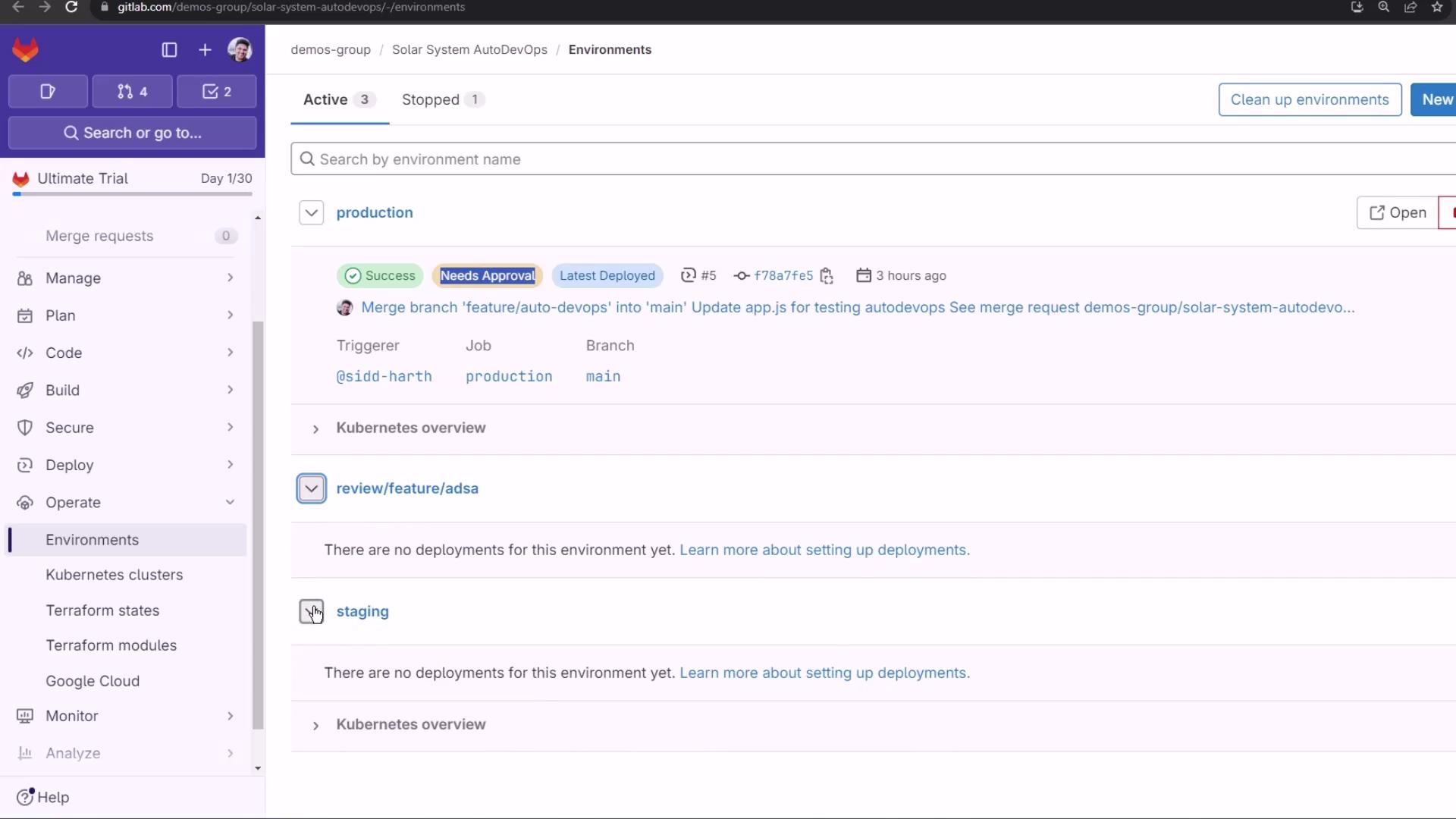
main) block automatic production deployment. Under Operations > Environments, you’ll notice that production requires manual approval:
Making Code Changes
Create a branch namedfeature/canary-deployment and update these files:
index.html
- Switch to a static background
- Remove the spinning keyframes
app.js
- Comment out an extra
console.log - Preserve existing Express & Mongoose setup
app-test.js
Enhance test logs for clarity:Observing the CI/CD Pipeline
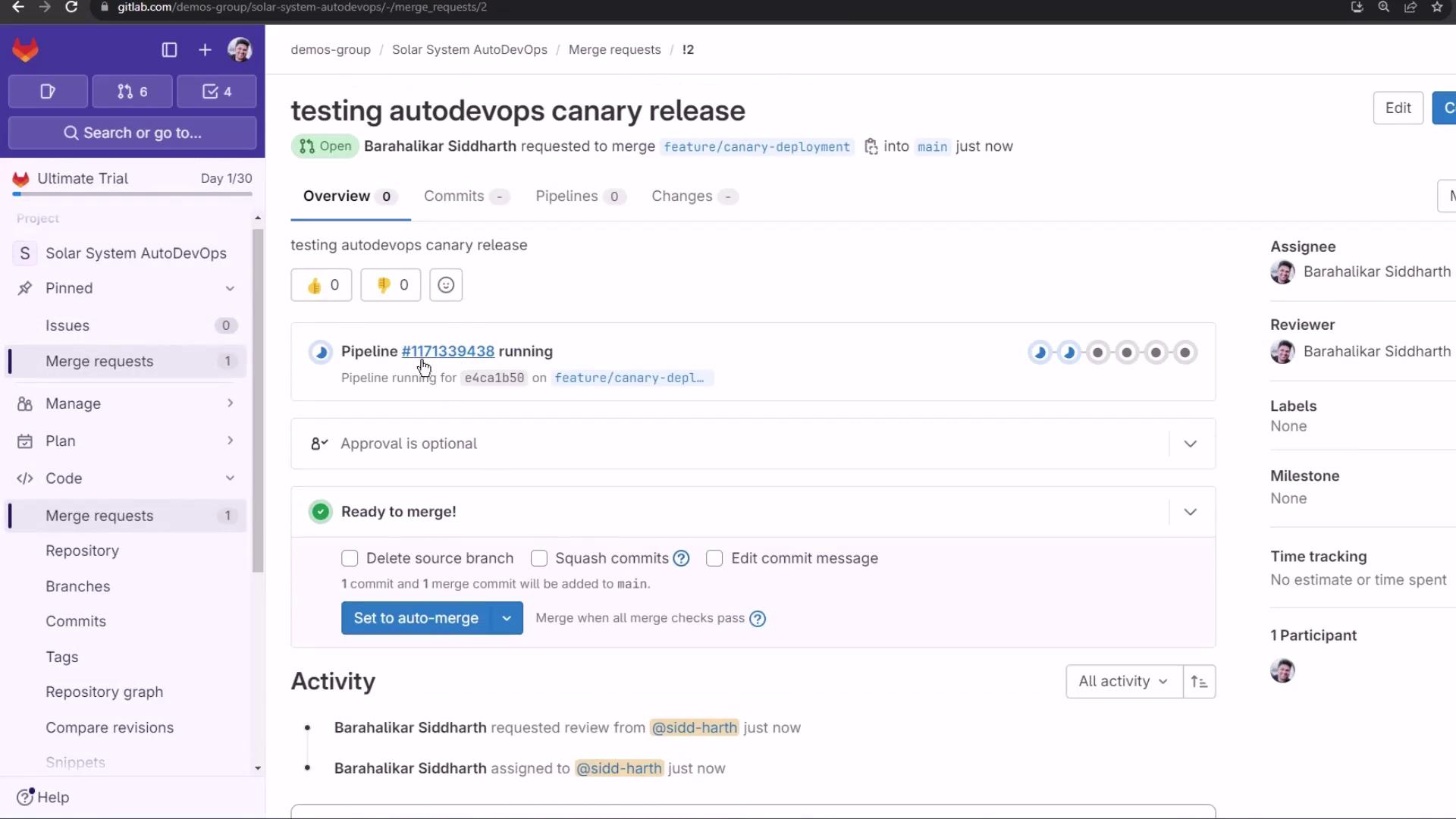
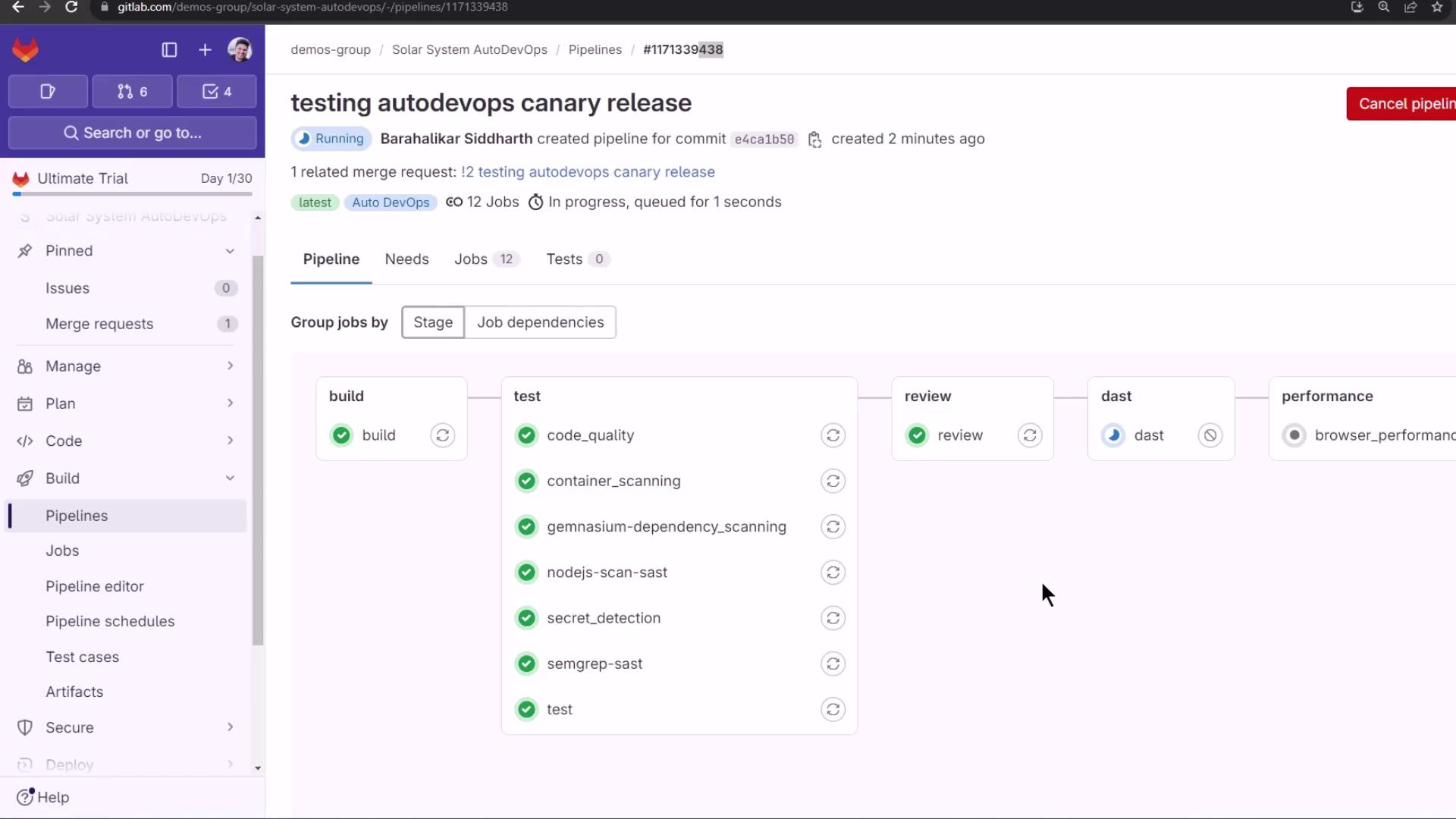
The merge request or branch push triggers these stages: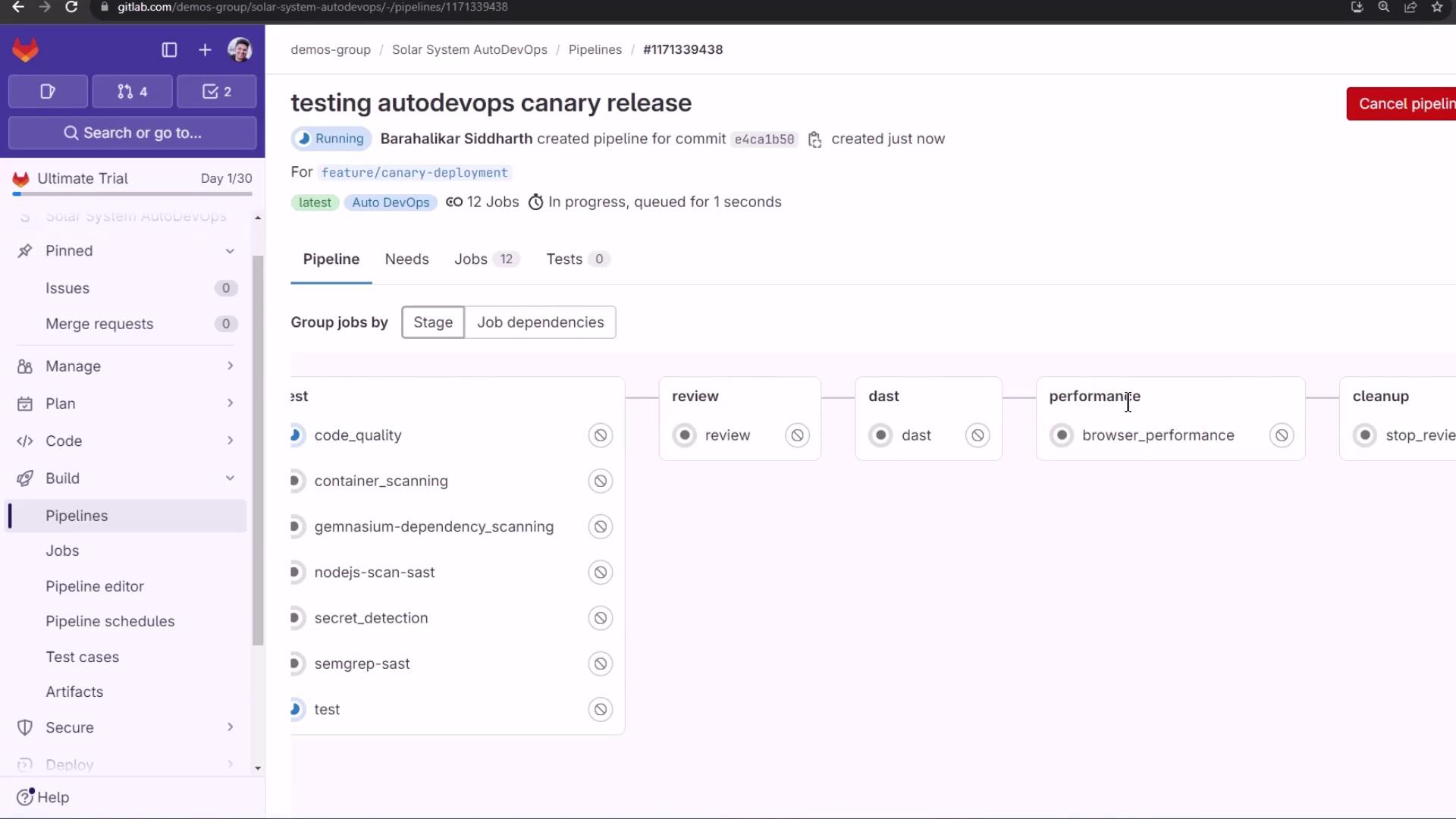
Dependency & Container Scanning
With an Ultimate license, Auto DevOps includes Dependency Scanning and Container Scanning: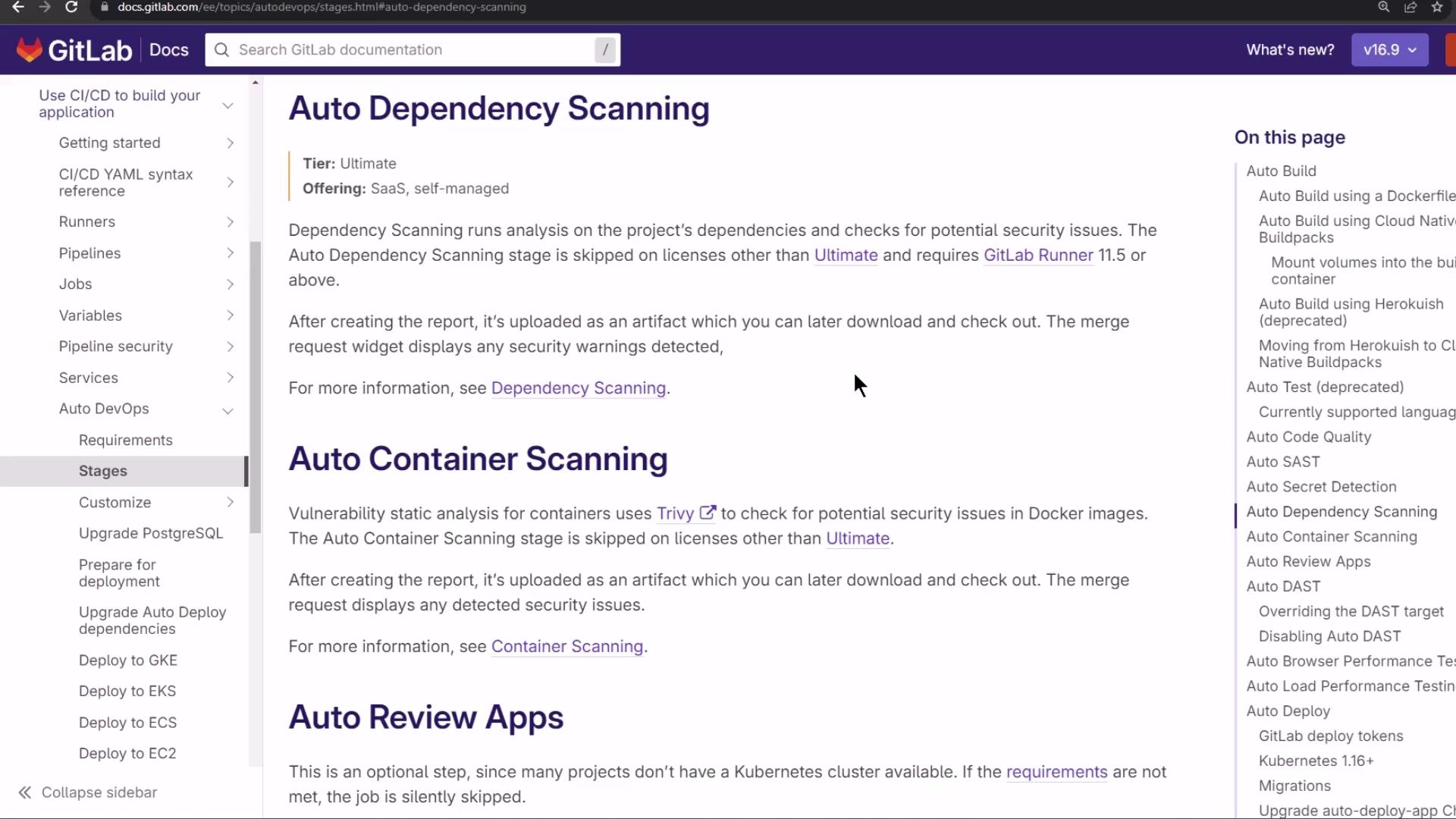
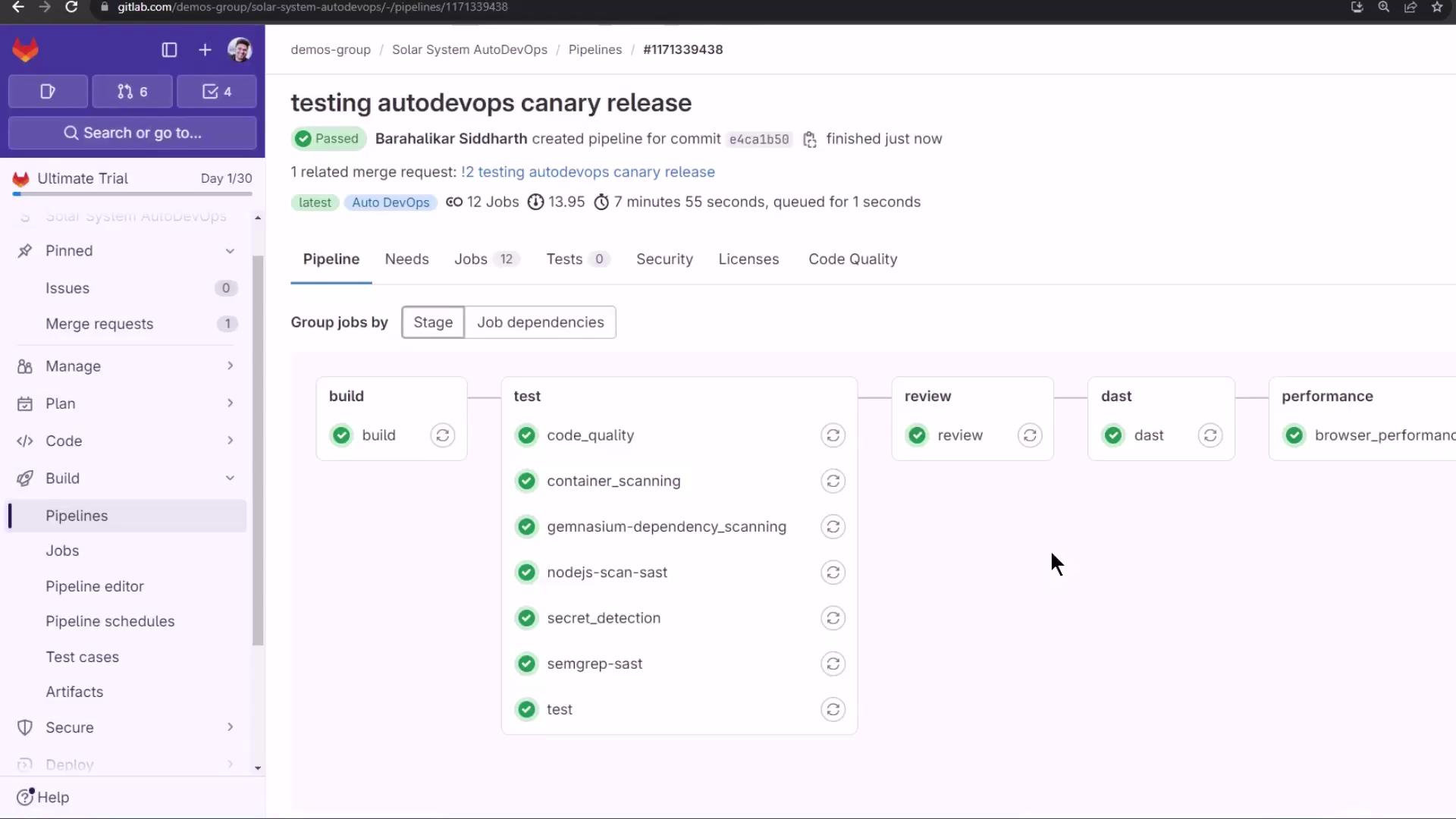
Dynamic Application Security Testing (DAST)
DAST runs OWASP ZAP against the review URL:report.html artifact. The live review environment now shows a static background:
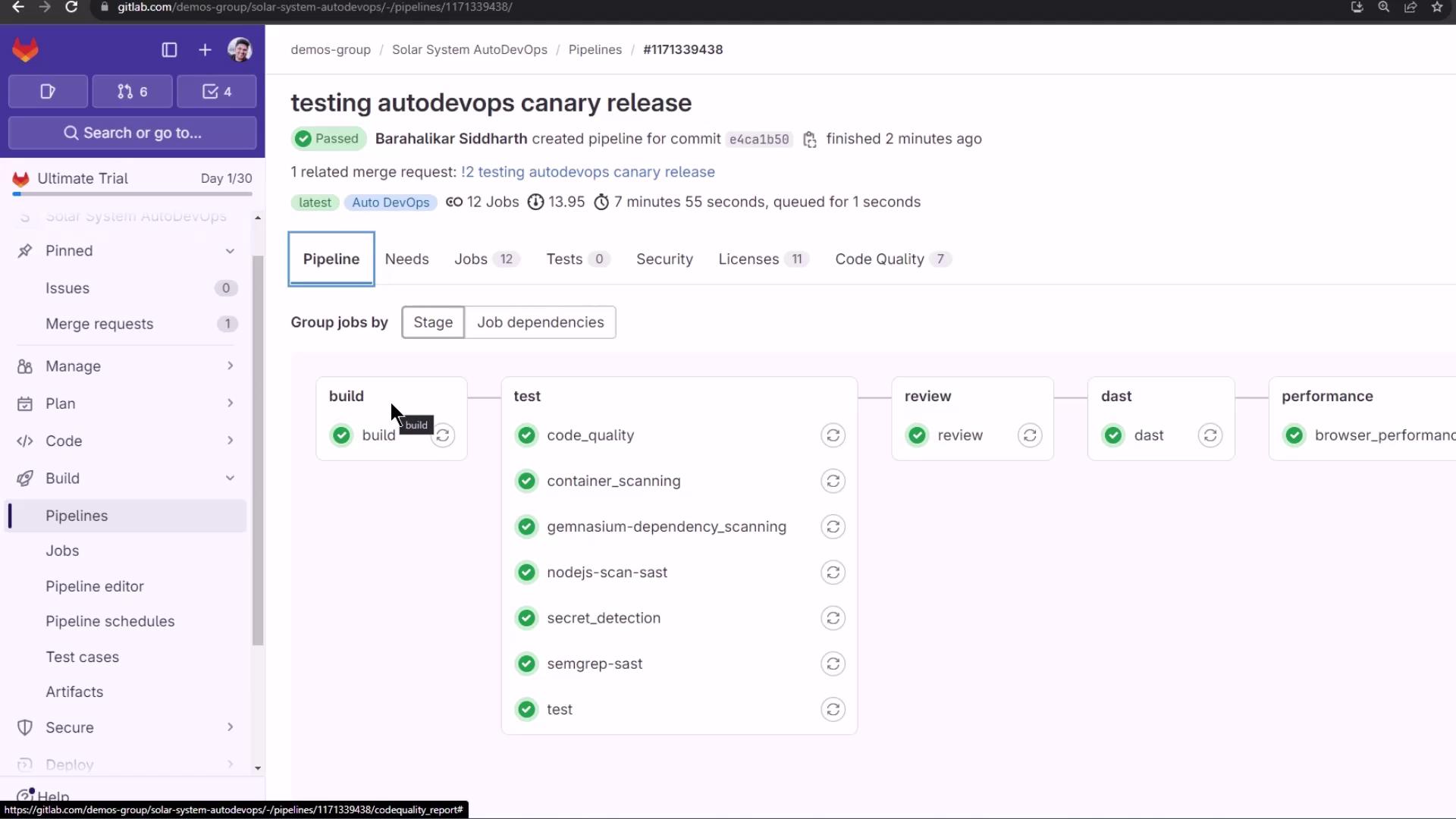
Merge Request Overview & Reports
On the MR page, GitLab surfaces:- License Compliance: e.g., Apache—20 packages
- Code Quality: Degradations and improvements
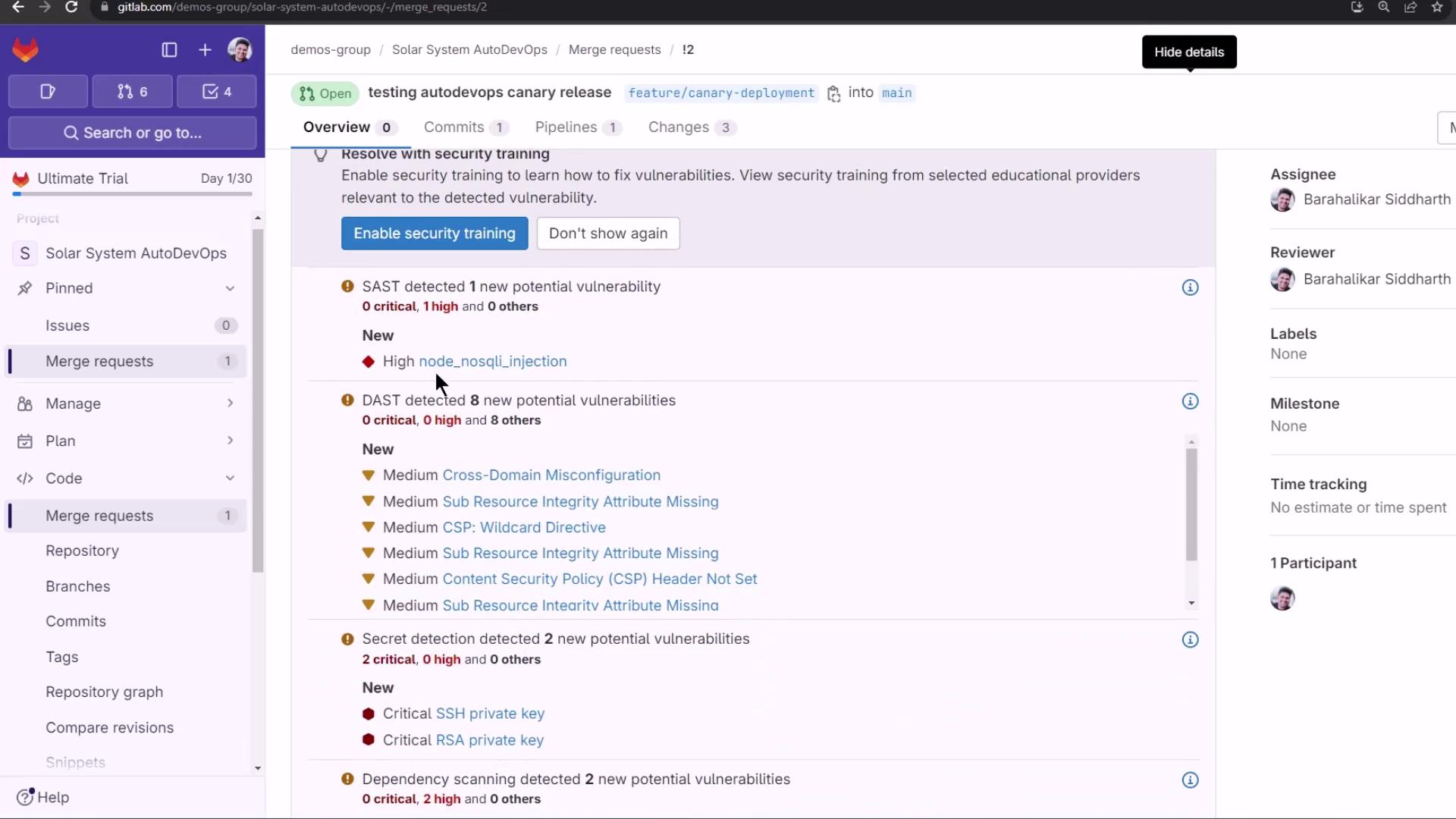
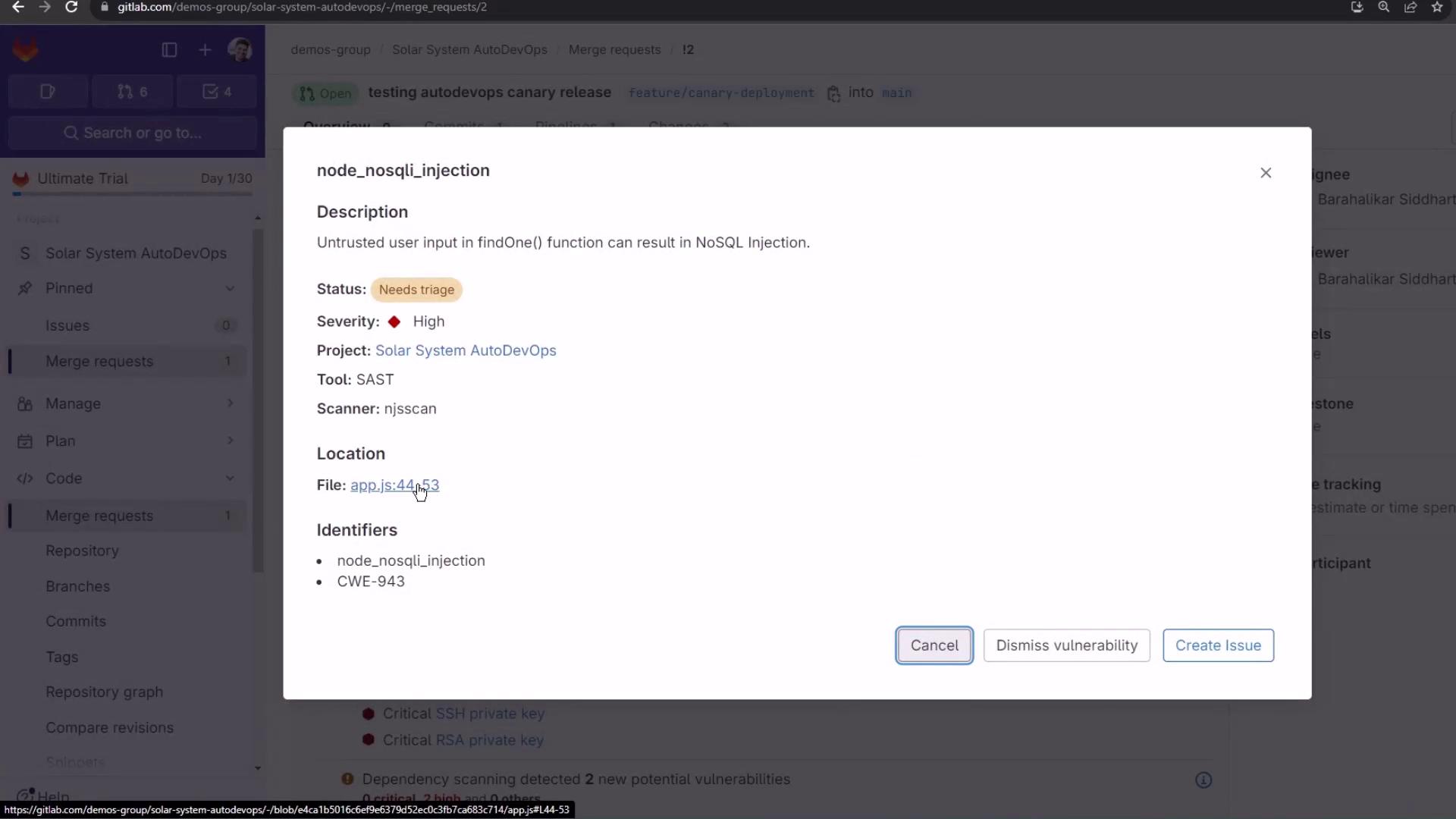
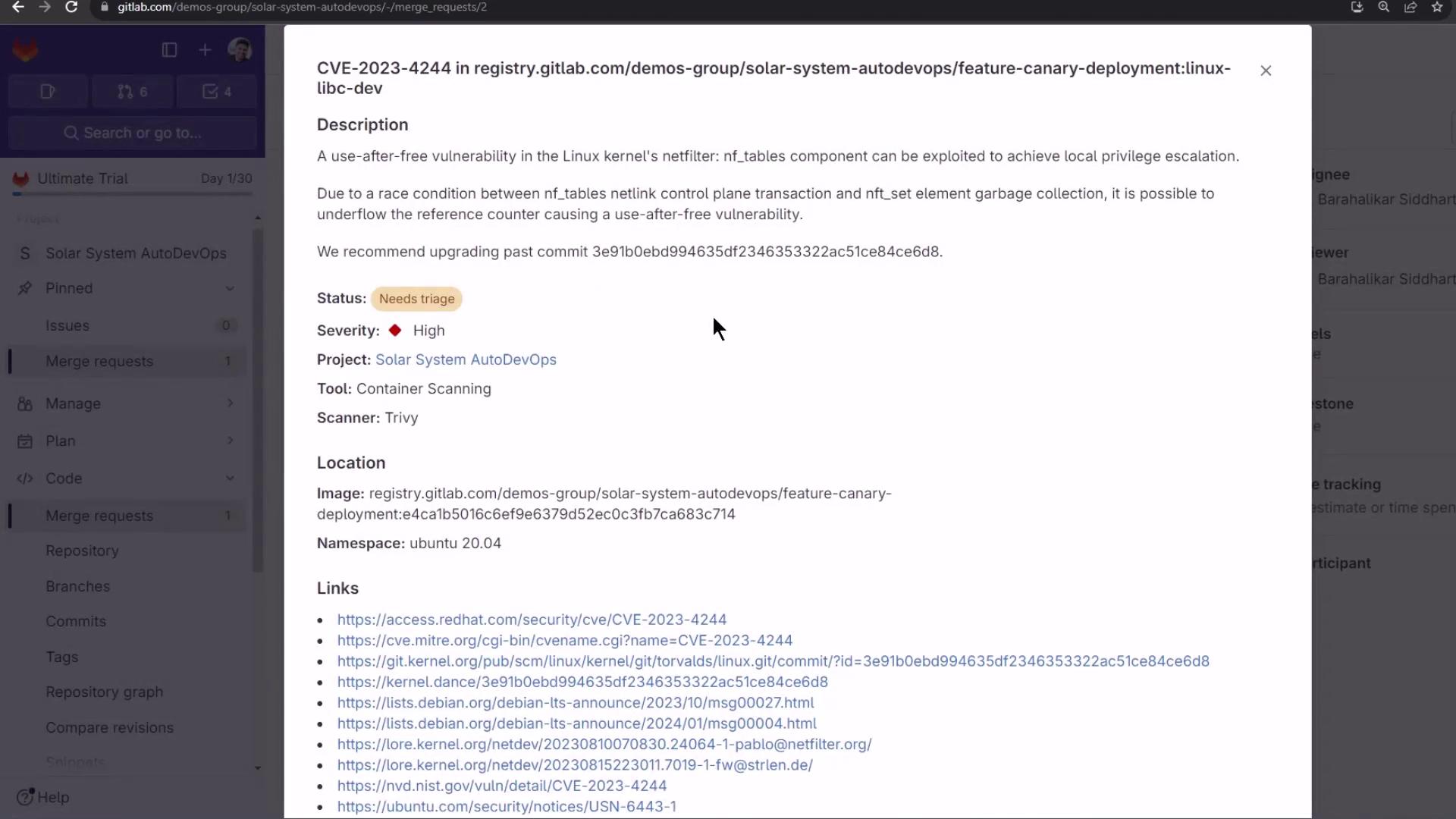
- Security Scans: SAST, DAST, Dependency Scanning, Container Scanning, Secret Detection
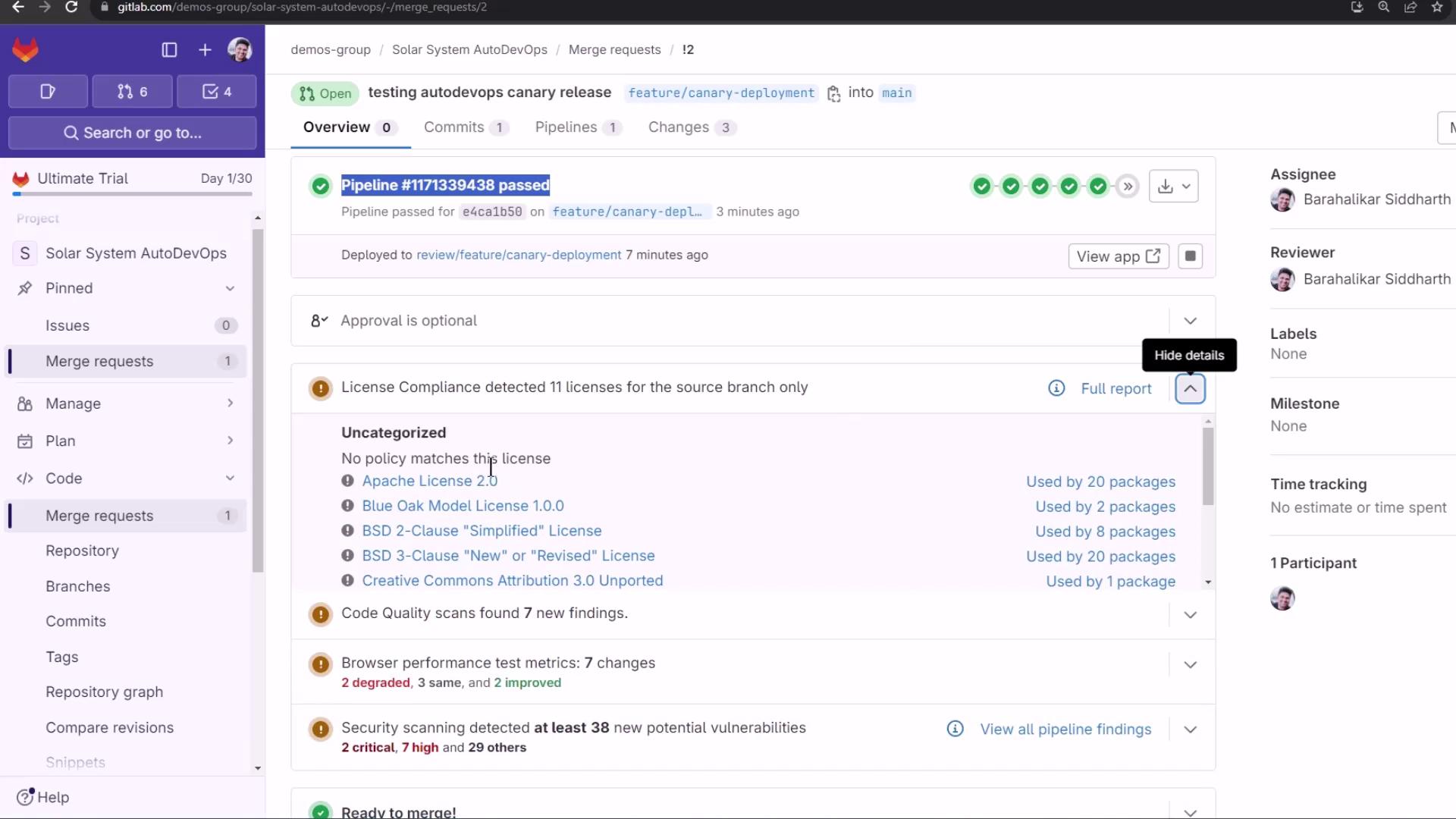
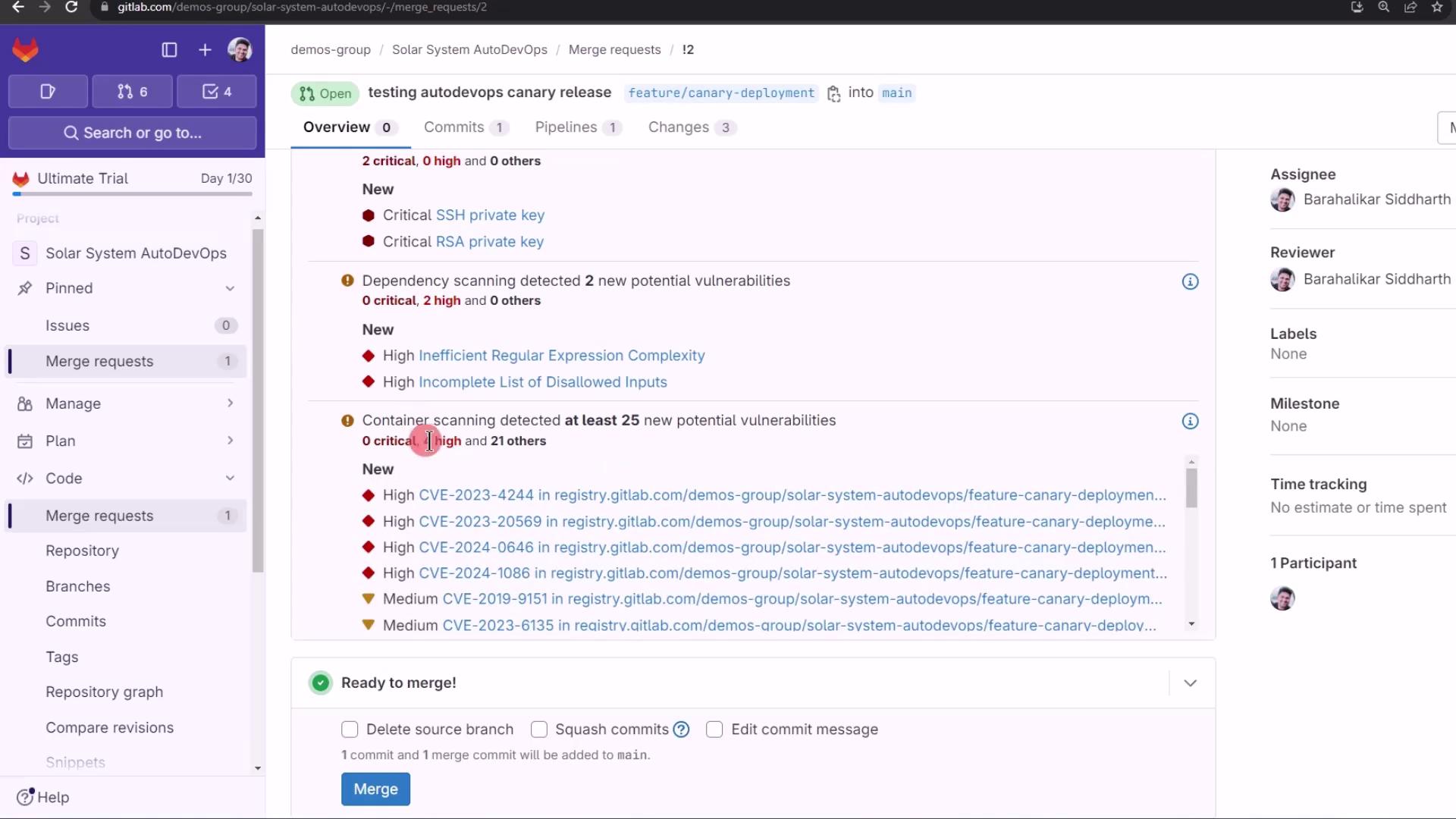
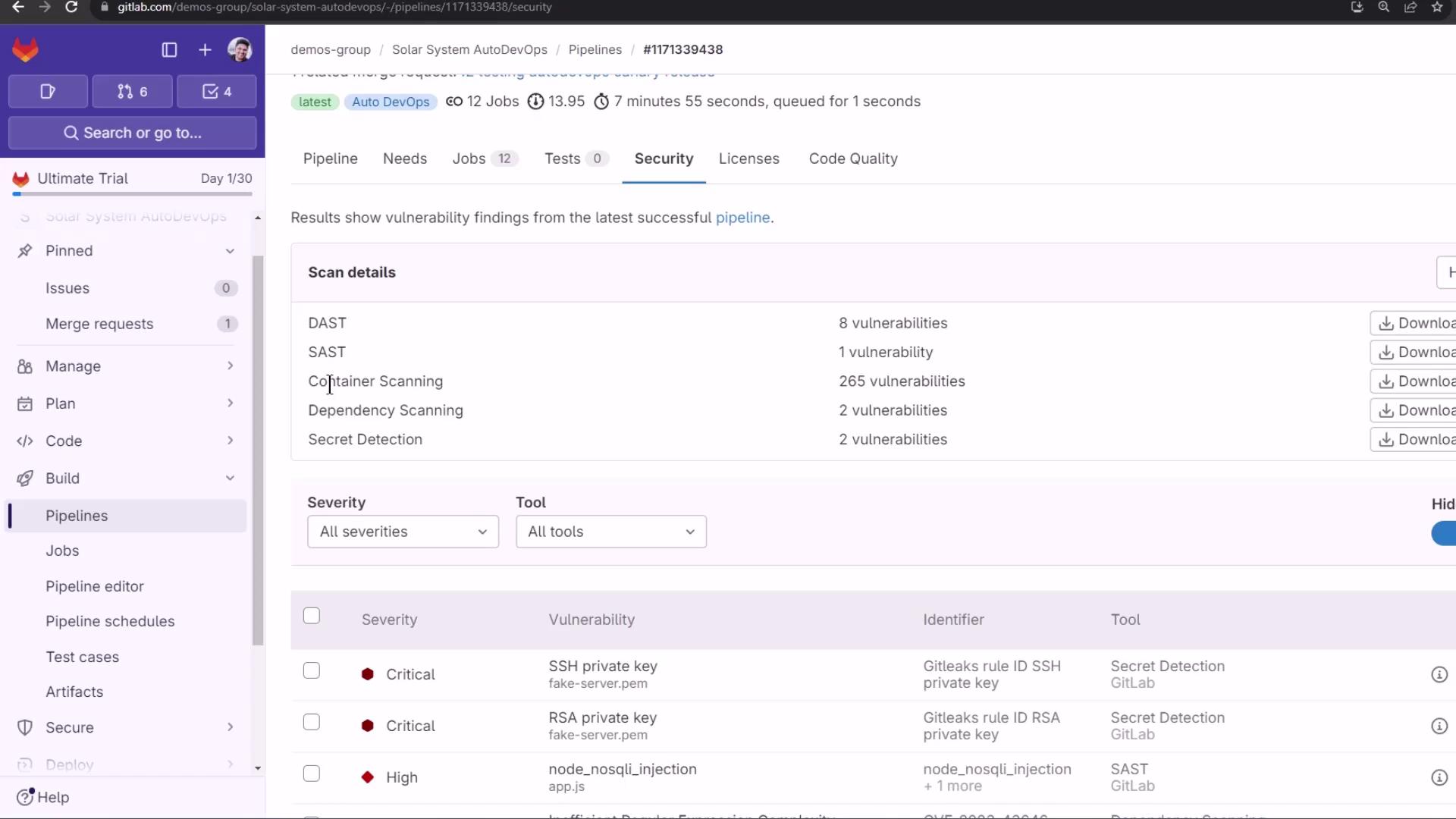
Finally, merge into the protected
main branch. Watch the canary jobs promote your release in staged percentages, requiring manual approval at each step.