

1. Inspect the Initial Auto DevOps Pipeline on main
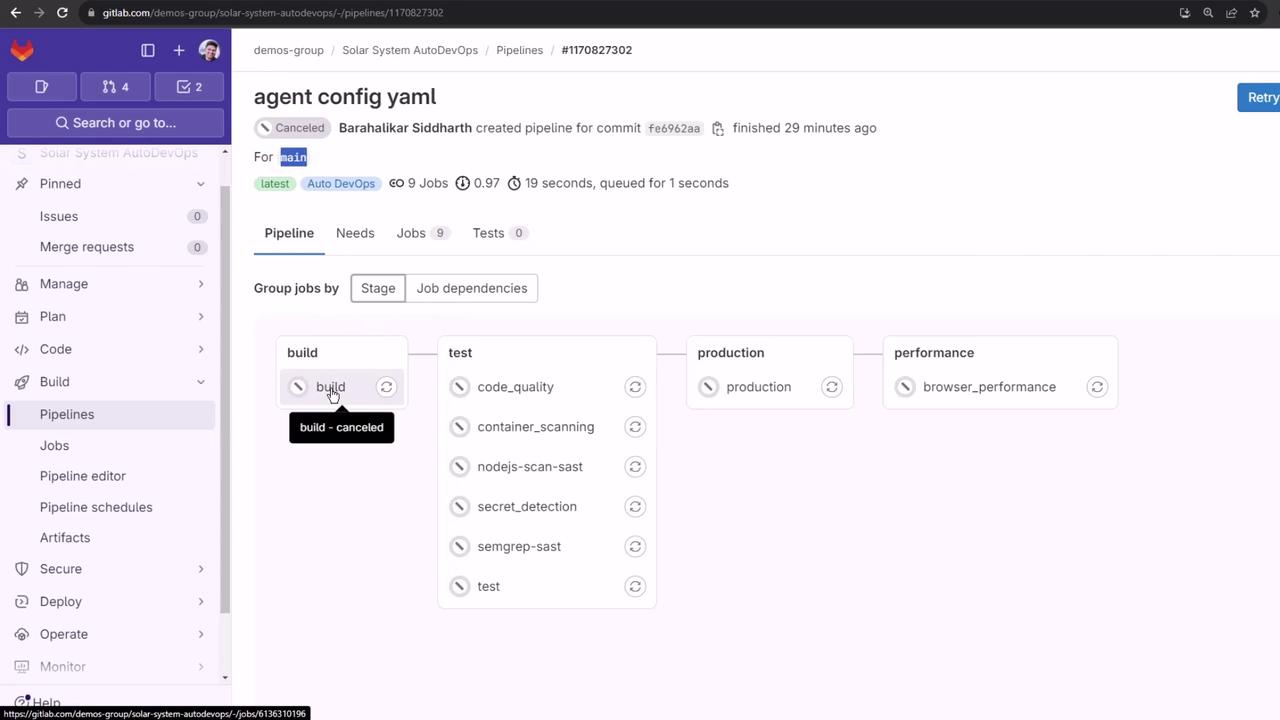
Once Auto DevOps is enabled, the pipeline for main runs standard stages—Build, Test, Production, and Performance—though the Build stage may be canceled if it’s already succeeded elsewhere:
2. Create a Feature Branch and Update Your Code
- Open
app.jsin your editor. - Uncomment the
console.logcallback inmongoose.connect. - Extend the Mongoose schema by adding a
descriptionfield:
3. Open a Merge Request in GitLab
- Go to your project in GitLab.
- Click Merge Requests → New Merge Request.
- Select
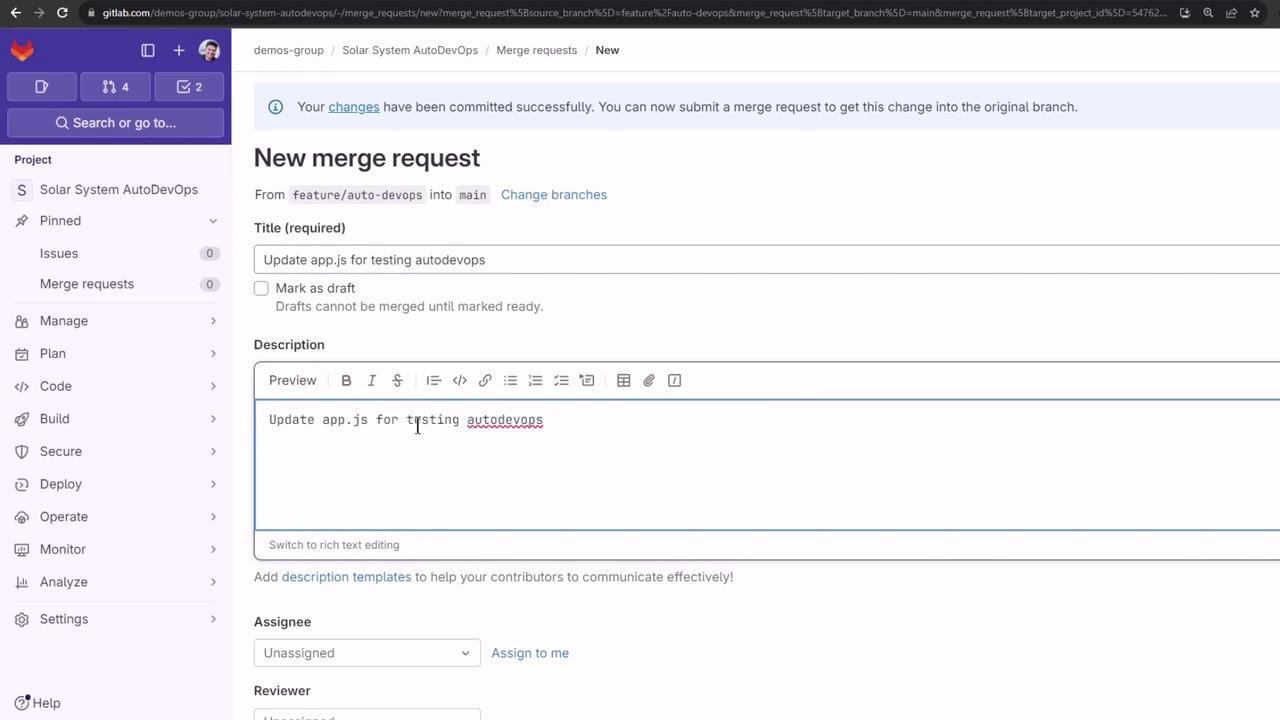
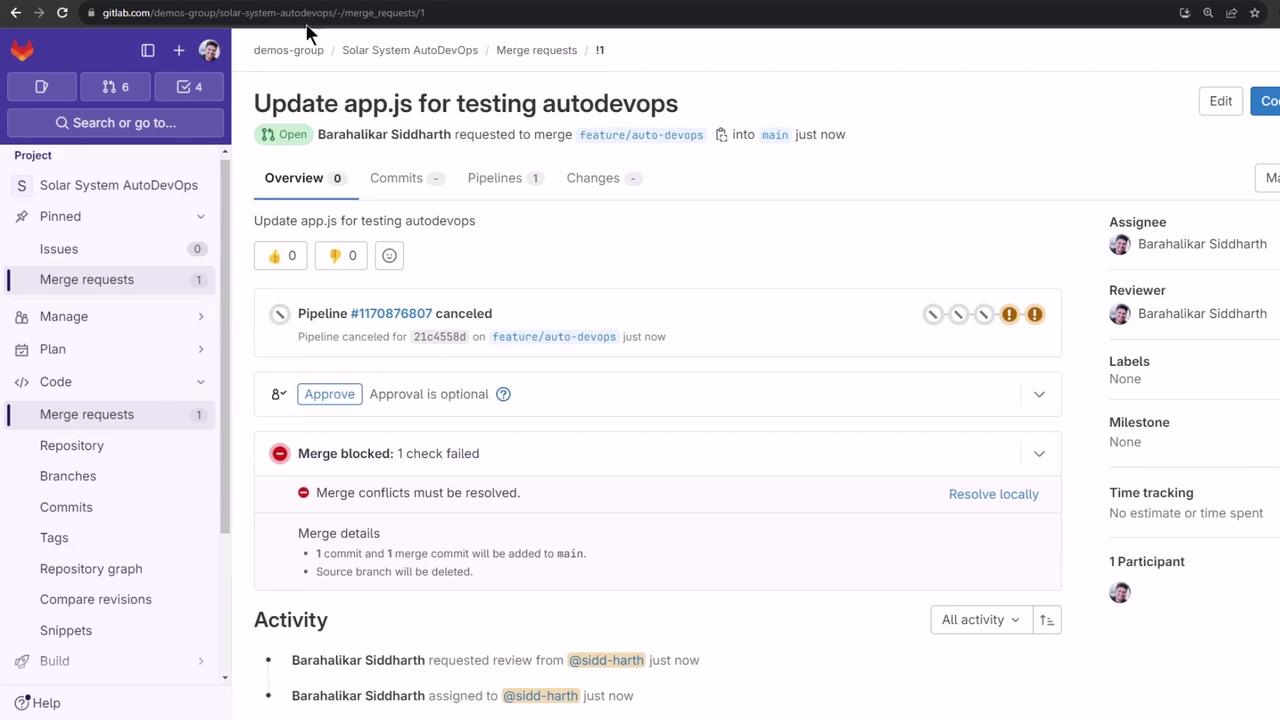
feature/auto-devopsas the source andmainas the target. - Fill in the title, description, assign reviewers, and click Create Merge Request.
4. Observe the Auto DevOps Pipeline for the MR
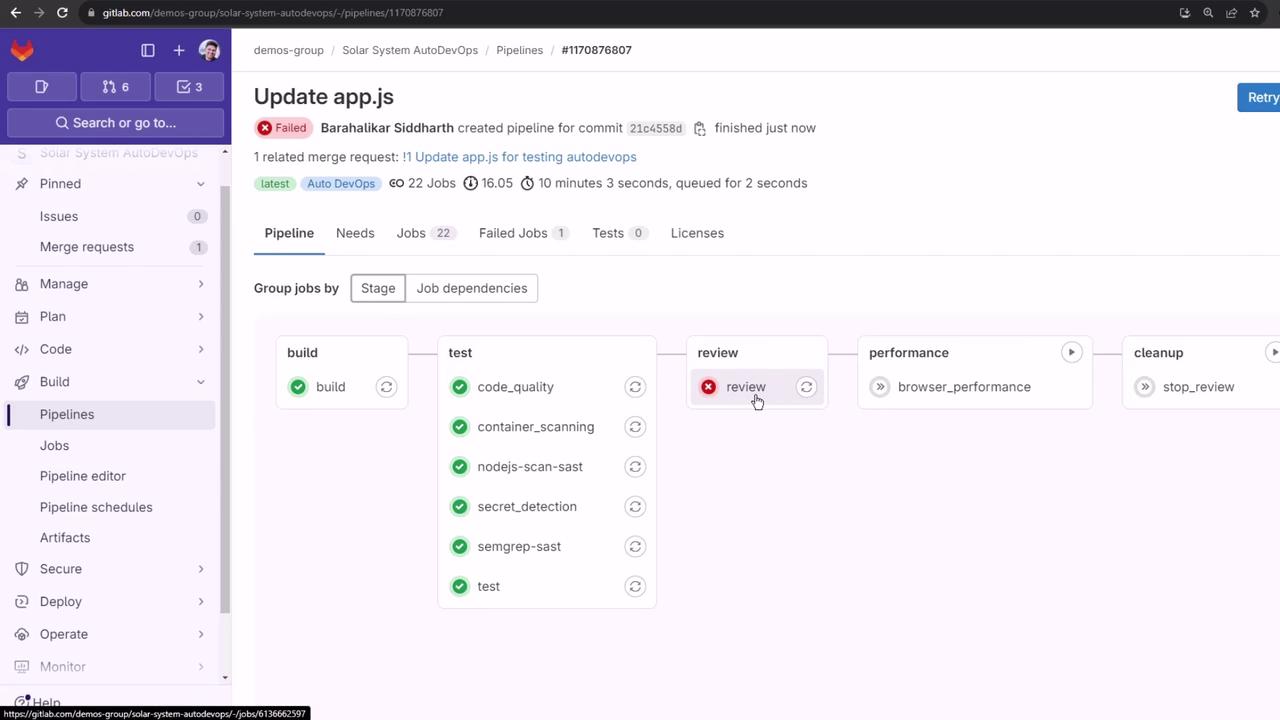
A new pipeline runs on your feature branch. In addition to Build, Test, Production (swapped for Review), and Performance, you’ll see Review and Cleanup stages: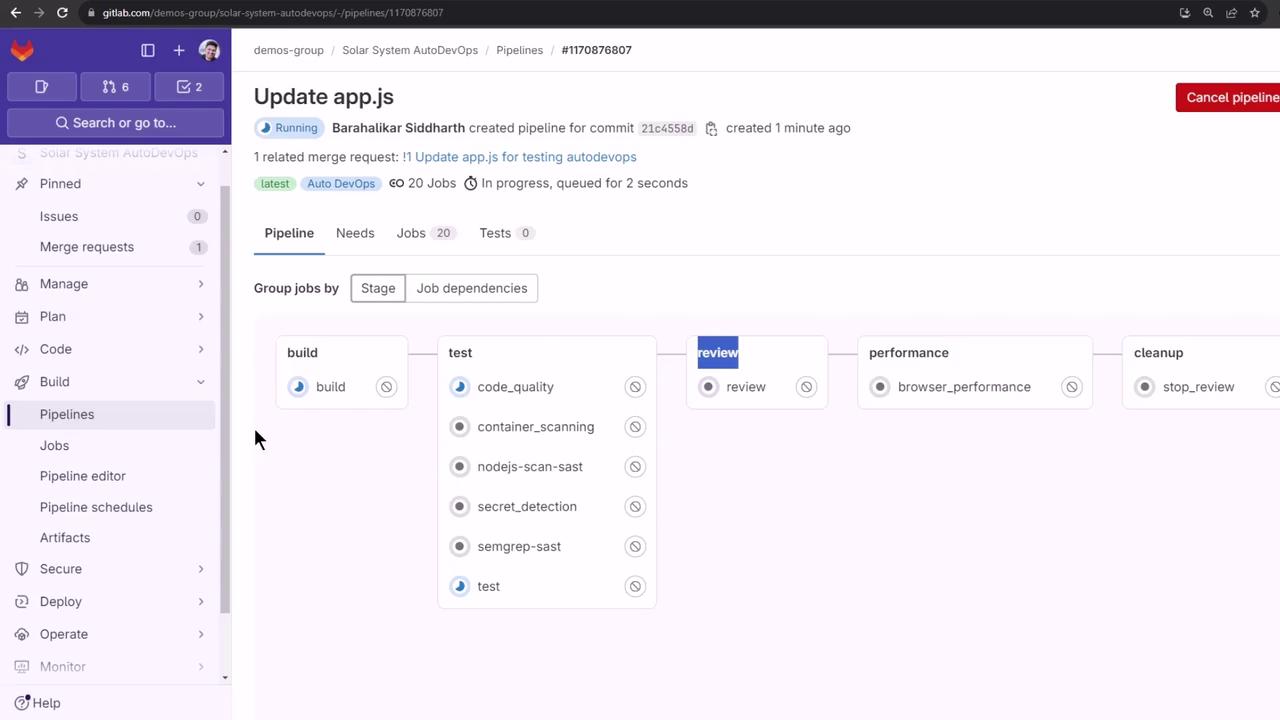
5. Build Stage (Auto Build)
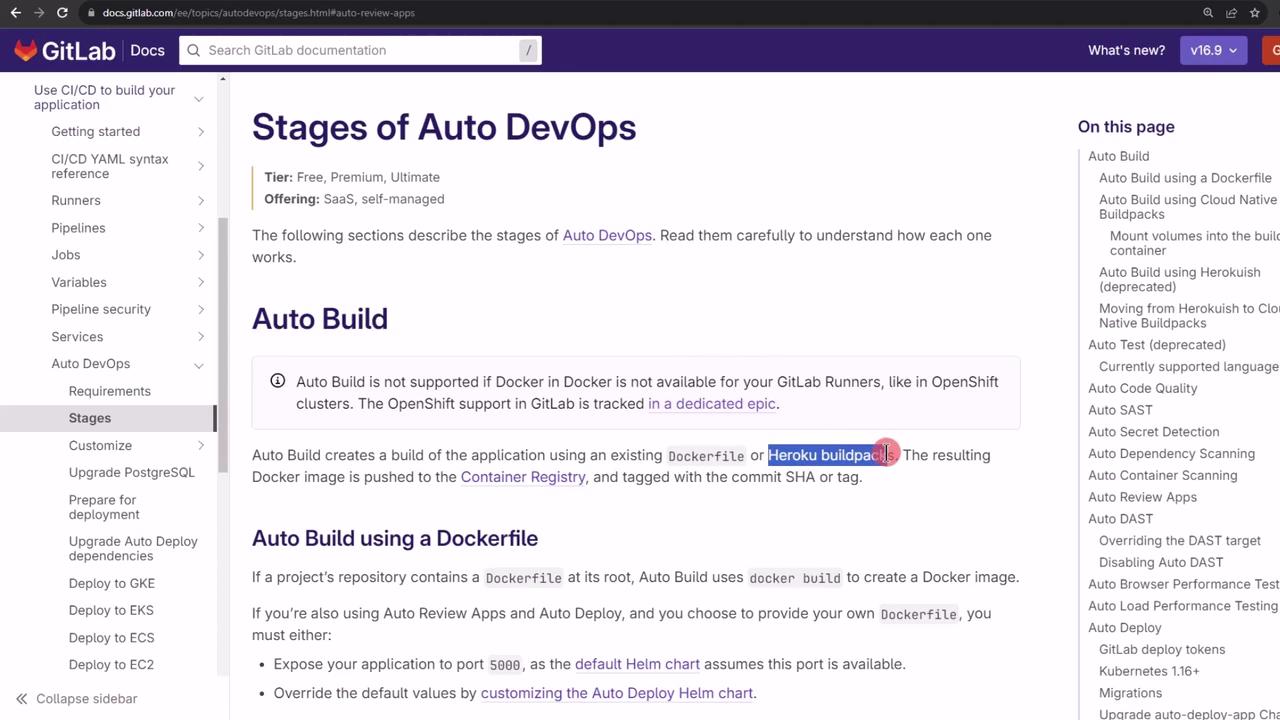
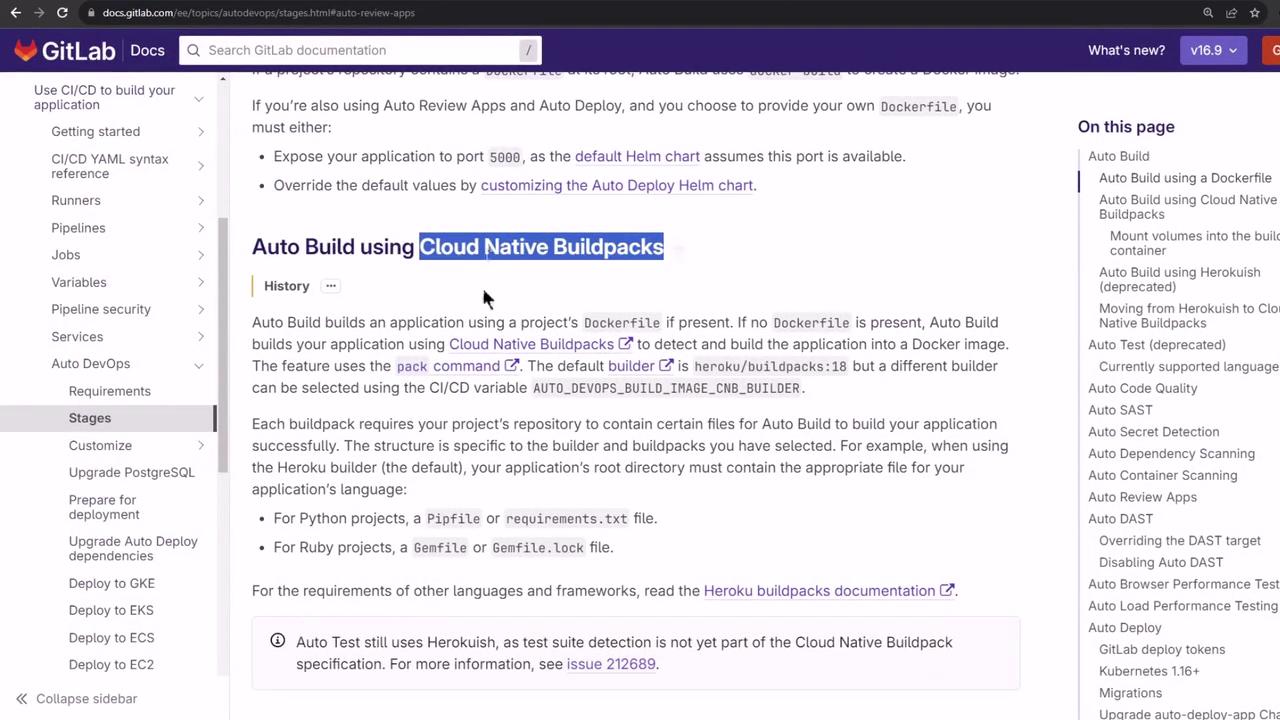
Auto DevOps uses your Dockerfile if present, otherwise it falls back to Cloud Native Buildpacks:
6. Test Stage and Template Jobs
Auto DevOps runs several parallel test jobs:- Code Quality
- Container Scanning
- Dependency Scanning
- SAST
- Secret Detection
- Semgrep
- Test (your Mocha suite)
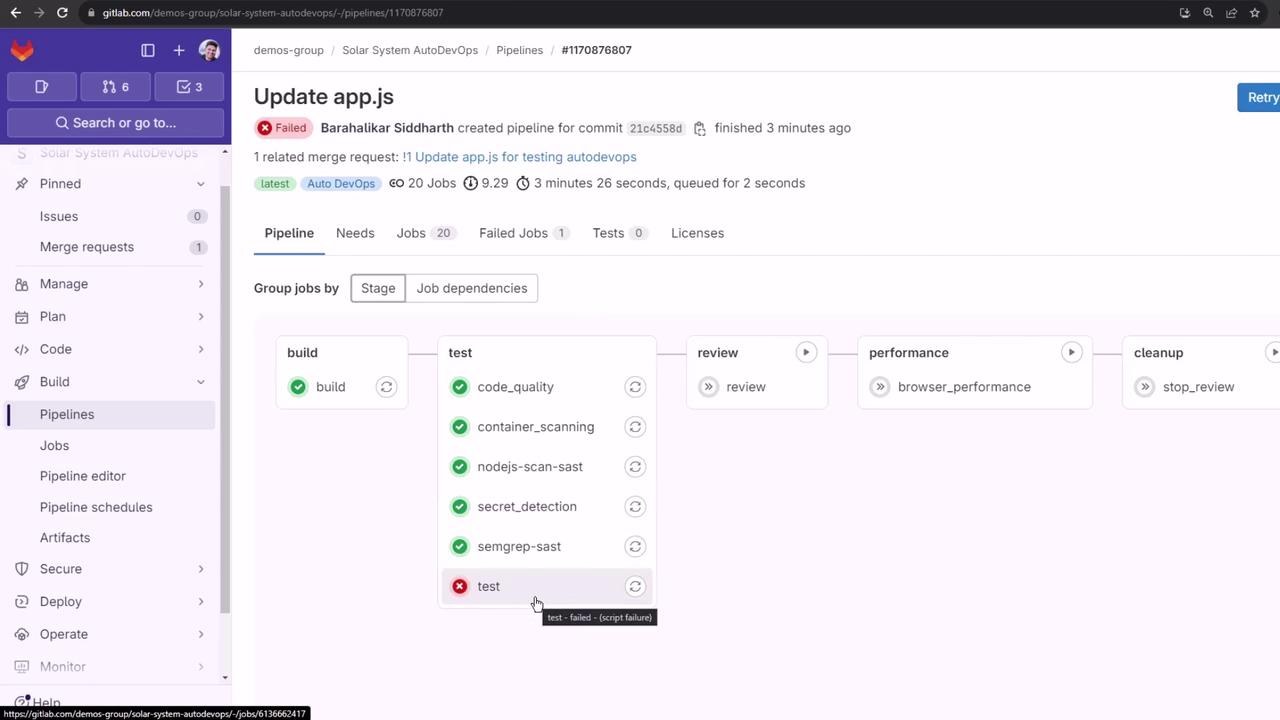
6.1. Understanding the Test Failure
The error indicates that
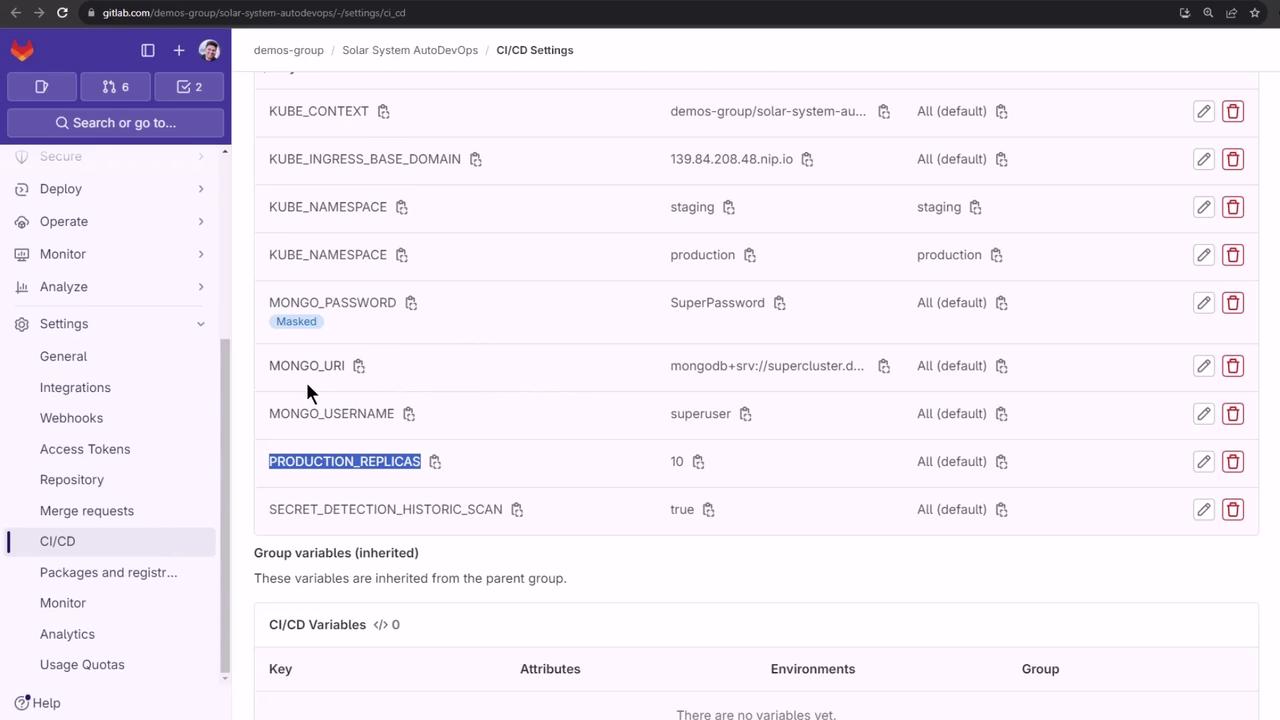
MONGO_URI (and related credentials) are not defined in CI.7. Define CI/CD Variables in GitLab
Add your MongoDB credentials (and enable historic secret scanning) under Settings → CI/CD → Variables: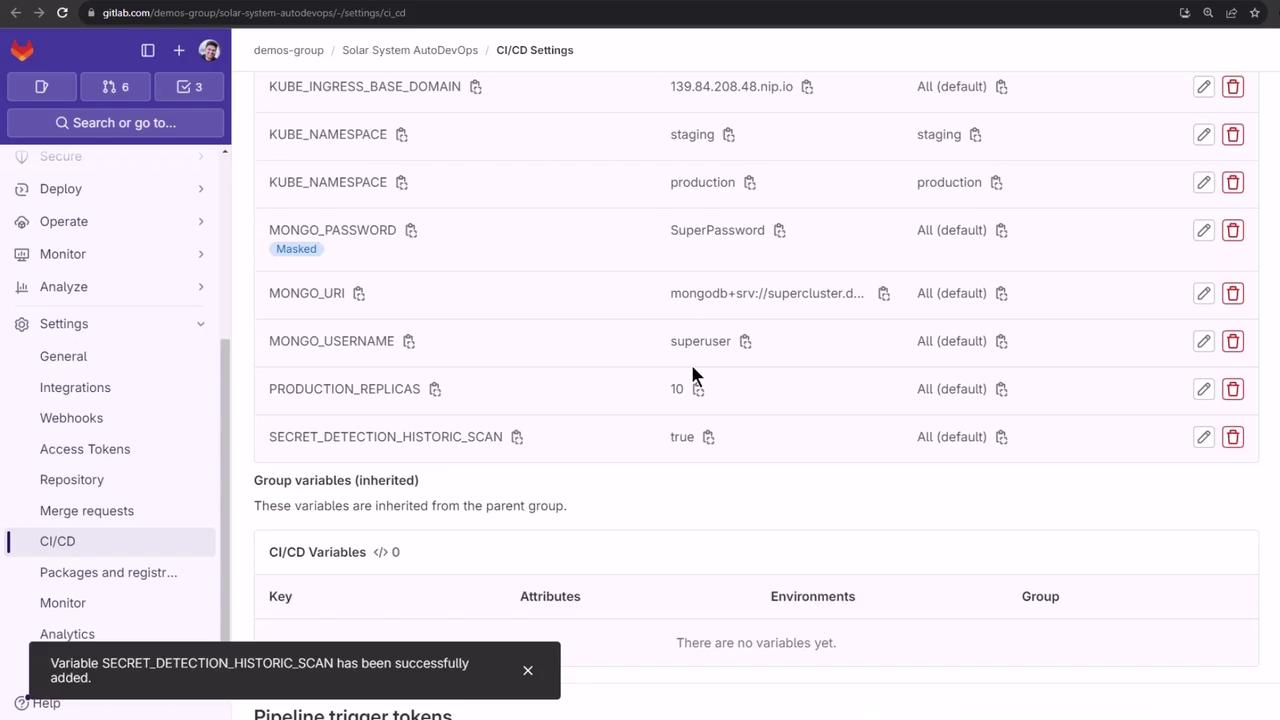
Ensure sensitive values like
MONGO_PASSWORD are protected and masked in GitLab to prevent exposure.8. Rerun Jobs and Verify Test Success
Rather than rerunning the whole pipeline, retry the Secret Detection and Test jobs:9. Review Apps Stage
The Review stage provisions a temporary environment in your Kubernetes cluster via Helm. Auto DevOps:- Validates the base domain.
- Downloads or uses the embedded Helm chart.
- Switches to the MR namespace.
- Creates registry secrets.
- Deploys the review app.
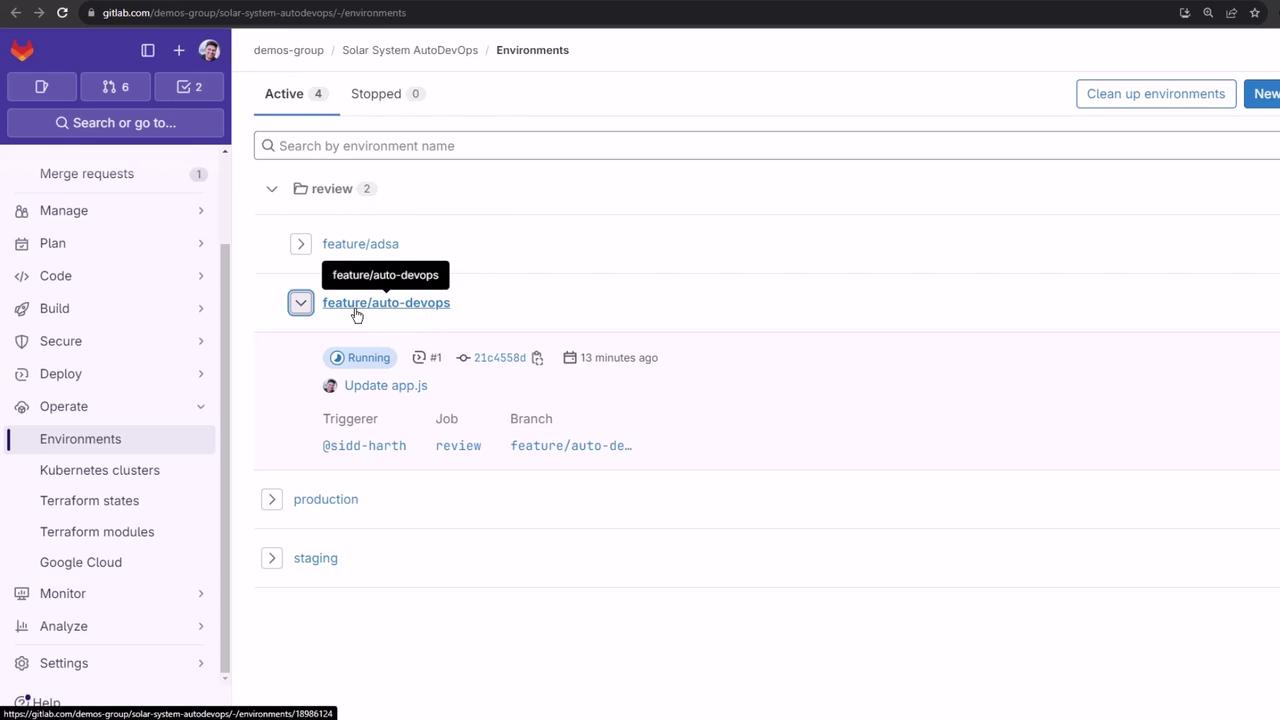
9.1. Handling Pod Crash Loops
If the review pod crashes, inspect it:values.yaml or use GitLab’s Review App variables documentation.
Up next, we’ll explore how to inject CI/CD variables into your Helm chart so that Review Apps can connect to external services like MongoDB.
Links and References
- GitLab Auto DevOps Documentation
- GitLab CI/CD Variables
- Review Apps Configuration
- Helm Official Site