

- Safe feature development
- Thorough testing before rollout
- Clear visibility into what version is running
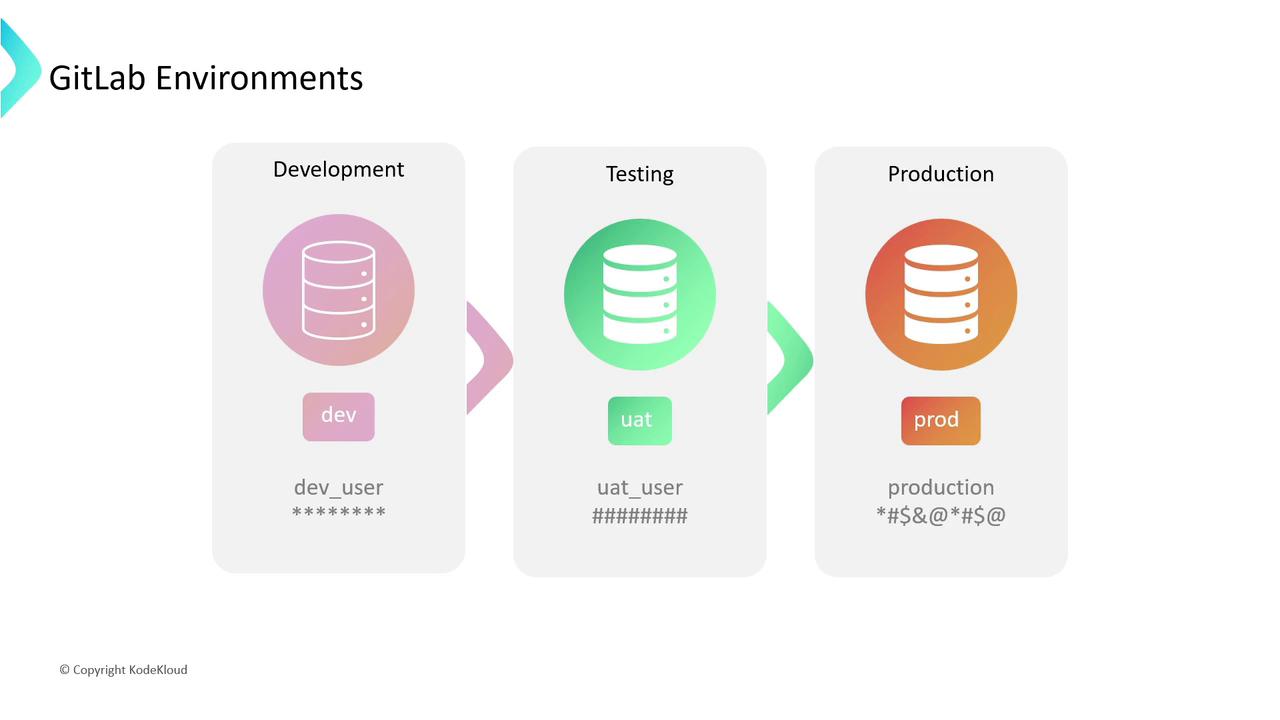
- Organize deployments
- Protect secrets
- Audit deployment history
Key Concepts
Before exploring environment types, let’s define two fundamental terms:Environments vs. Deployments
- Environment: A label representing a deployment target (e.g.,
development,staging,production). - Deployment: An instance of your code pushed to an environment. GitLab tracks each deployment as a record.
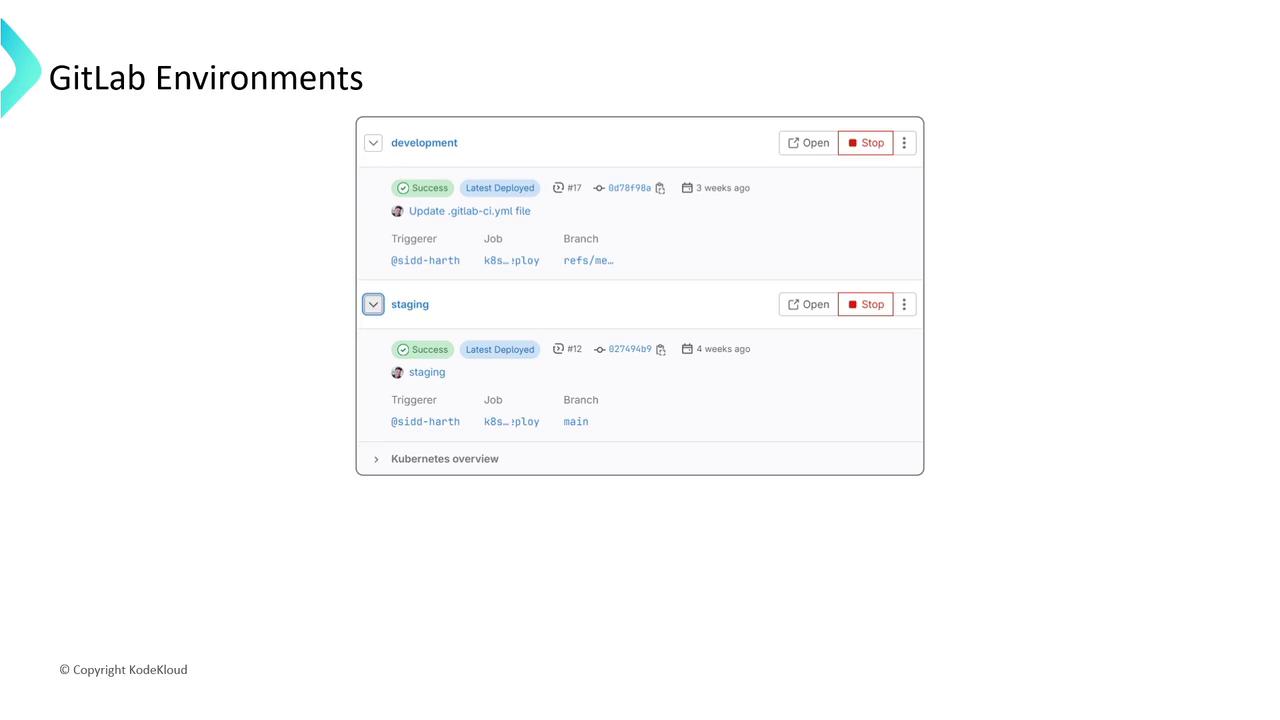
A rollback reverts to a previous deployment, helping you maintain stability when a release fails.
Types of Environments
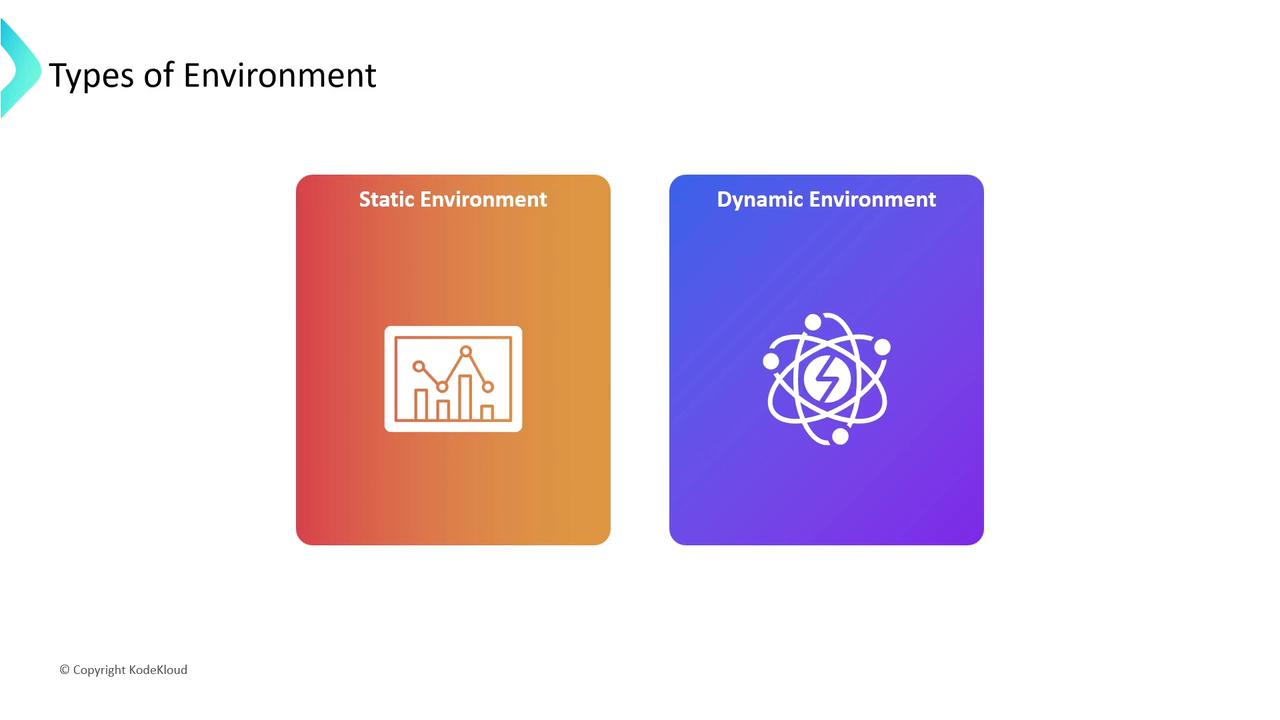
GitLab supports multiple environment categories. Choose the right one based on your workflow:Static vs. Dynamic
- Static Environments:
- Dynamic Environments:
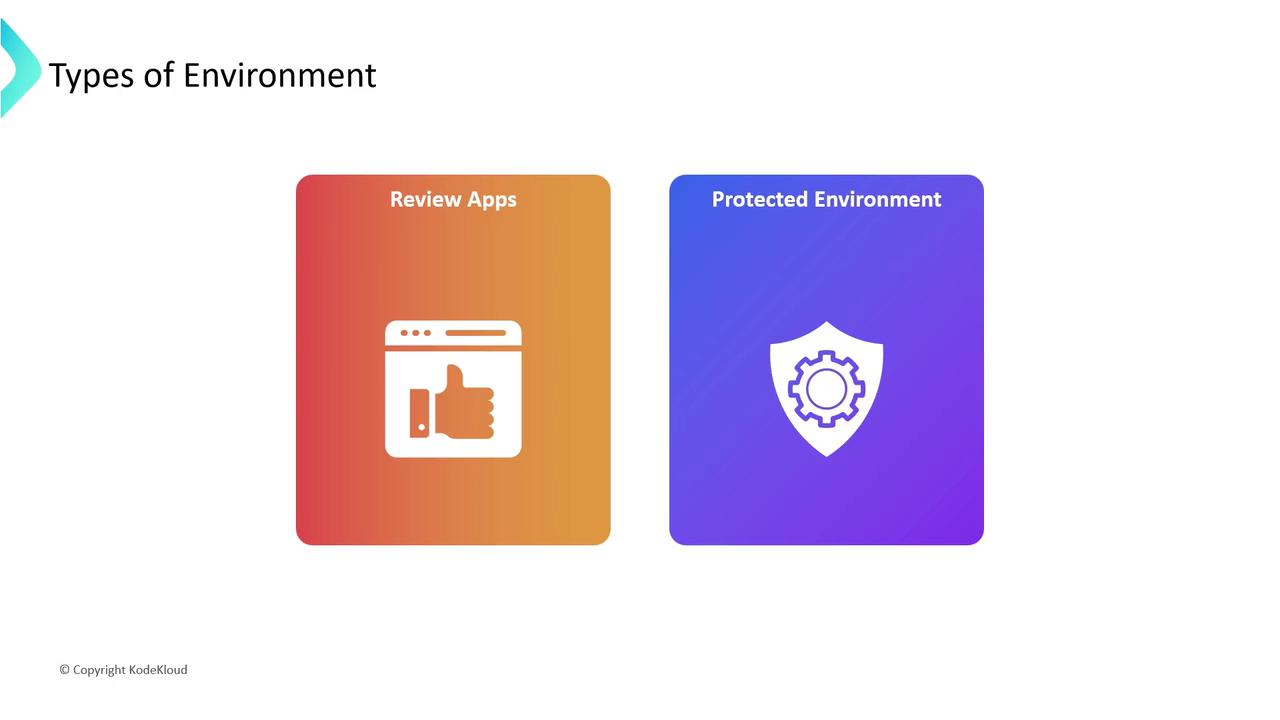
Review Apps & Protected Environments
- Review Apps: Spin up an isolated preview for every Merge Request.
- Protected Environments: Enforce approvals or specific roles before deployment.
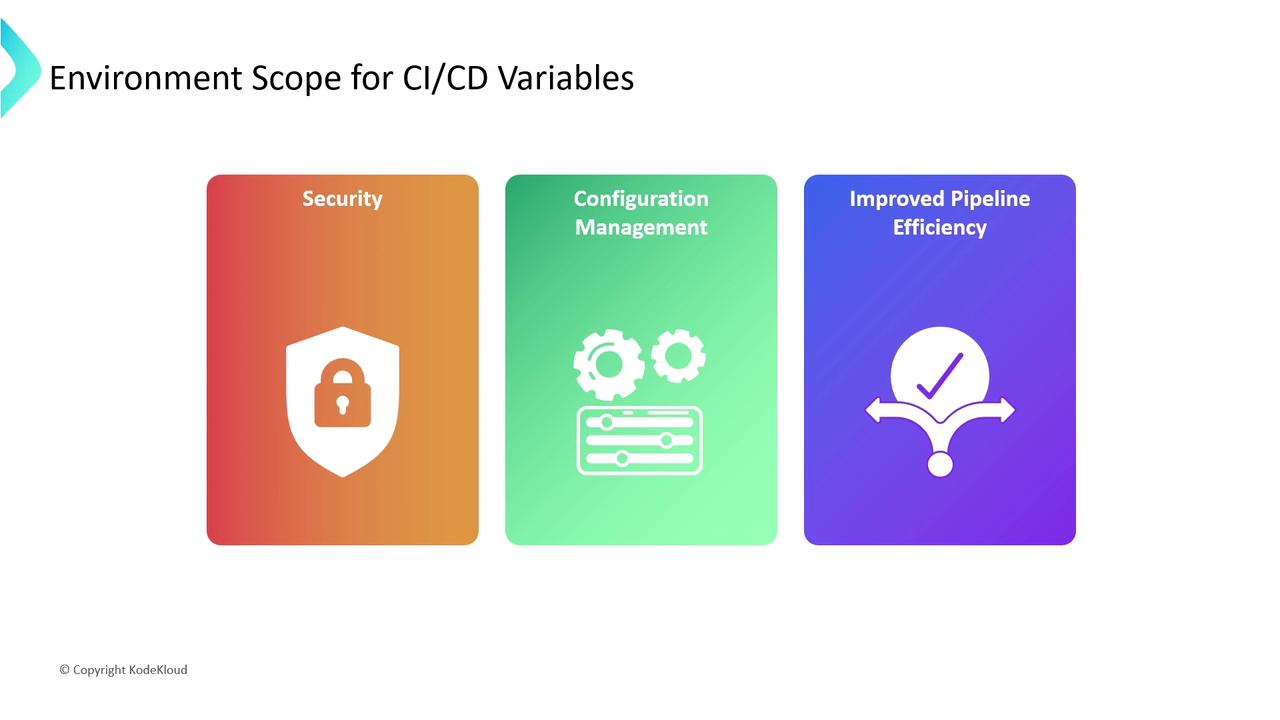
Securing CI/CD Variables with Environment Scope
By default, all jobs inherit every CI/CD variable. To tighten security and manage configuration:- Limit Exposure: Keep production secrets out of development logs.
- Environment-Specific Settings: Define separate values for each stage.
- Improve Performance: Smaller variable sets mean faster pipeline startup.
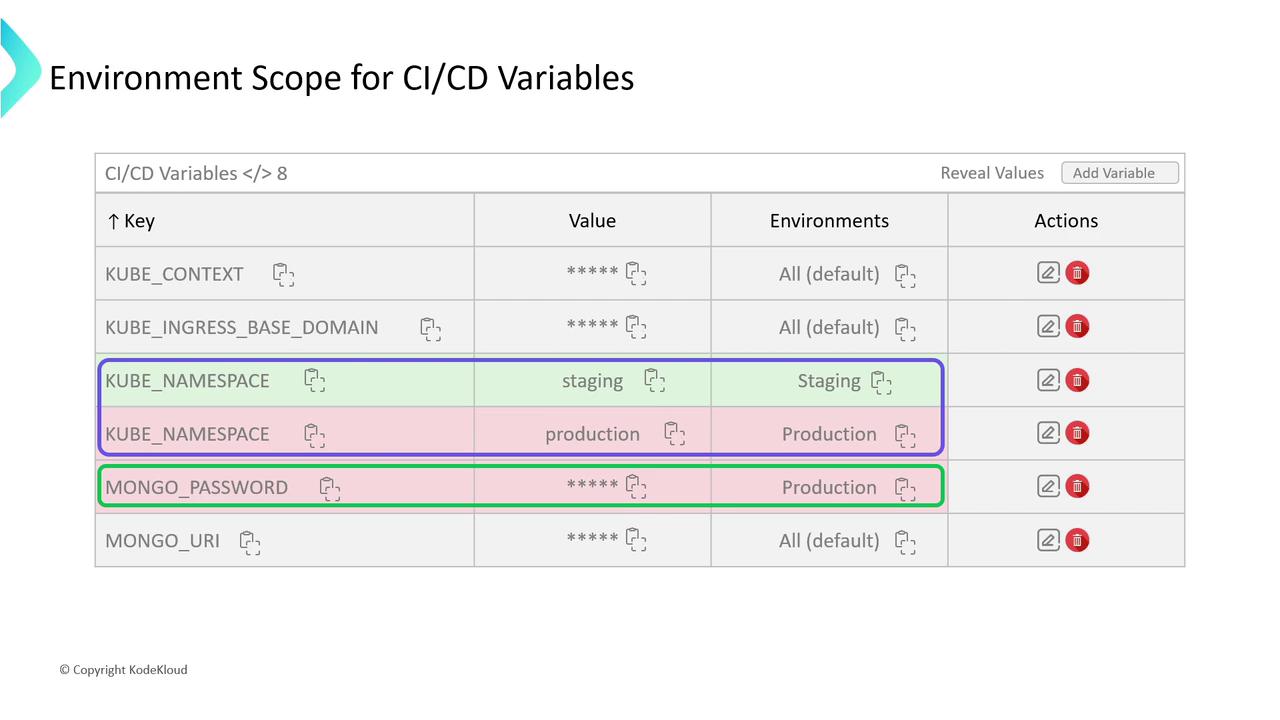
Example: Scoped Variables in GitLab UI
Avoid using the same variable key across environments without scoping—production secrets should never appear in staging or development jobs.
Further Reading
- GitLab CI/CD Variables Documentation
- GitLab Environments and Deployments
- Best Practices for GitLab Pipelines
By leveraging static, dynamic, review, and protected environments—alongside environment-scoped variables—you can build more secure, transparent, and efficient CI/CD workflows in GitLab.