

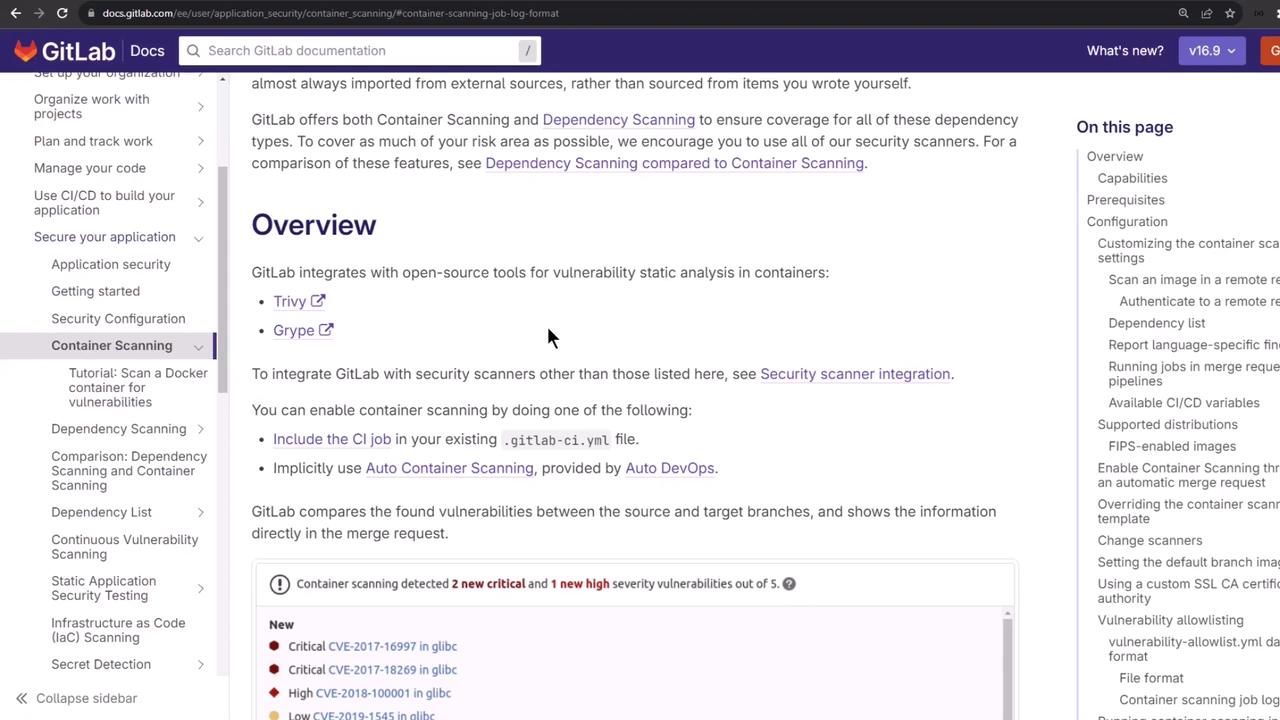
1. Enabling Container Scanning
Add the built-in Container Scanning template to your.gitlab-ci.yml:
By default, the
container_scanning job runs in the test stage. Override CS_DEFAULT_BRANCH_IMAGE to scan a different image tag.1.1 Scanning Remote Images
OverrideCS_IMAGE and log level:
1.2 Authenticating to a Private Registry
If your registry requires authentication, log in duringbefore_script and supply credentials as CI variables:
2. Container Scanning CI/CD Variables
These variables control which image is scanned and how verbose the logs are: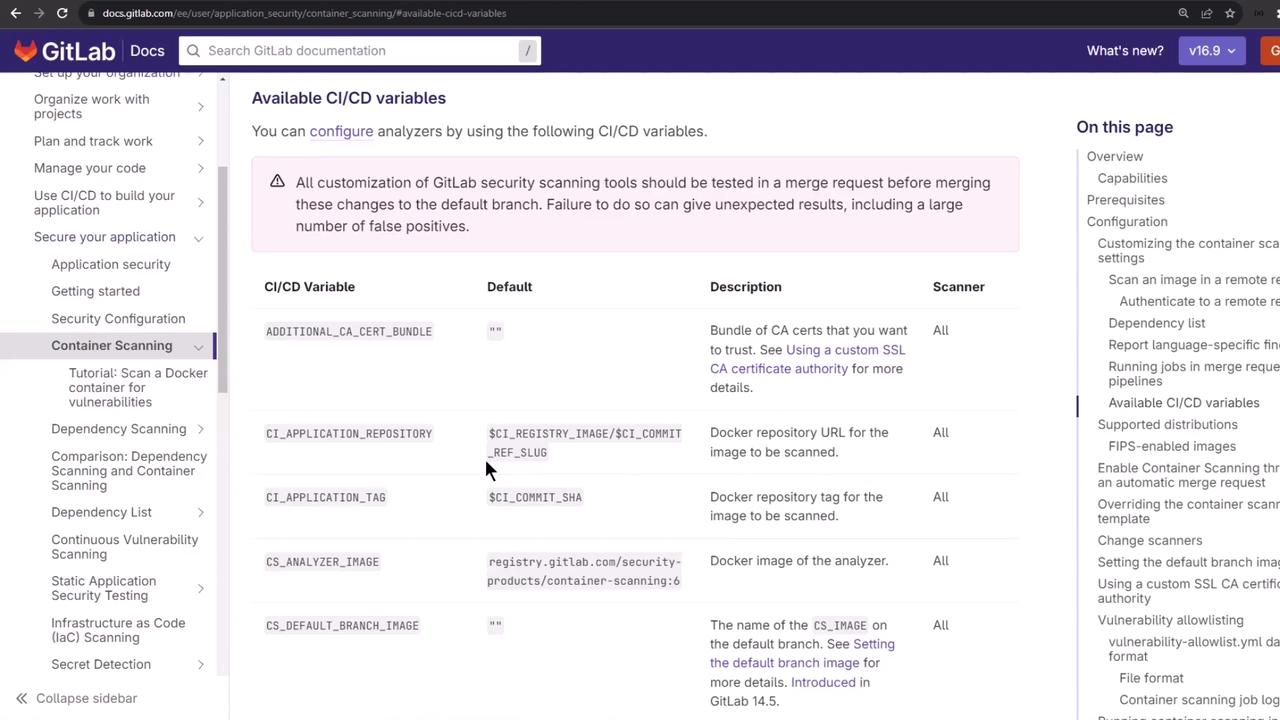
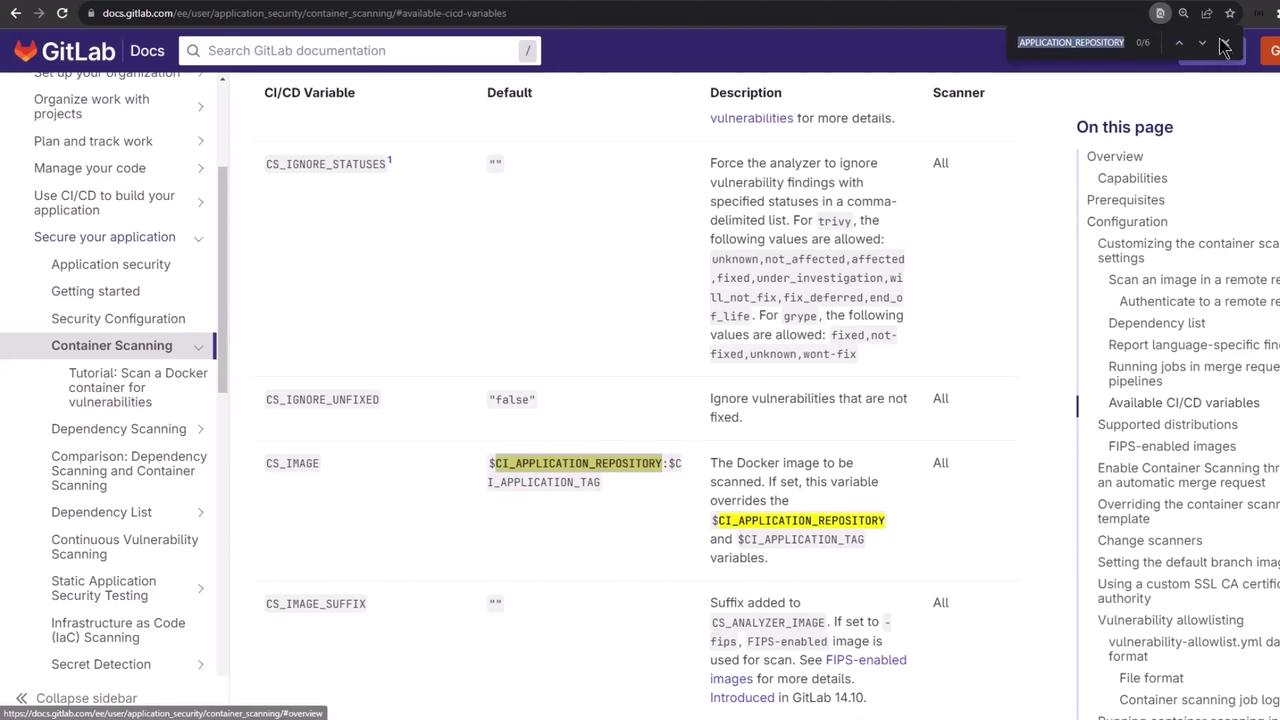
3. Allowlisting Vulnerabilities
To ignore specific CVEs, add avulnerabilities-allowlist.yaml in your repo:
Allowlisting will mark these CVEs as approved and they will not fail your pipeline. Use with caution!
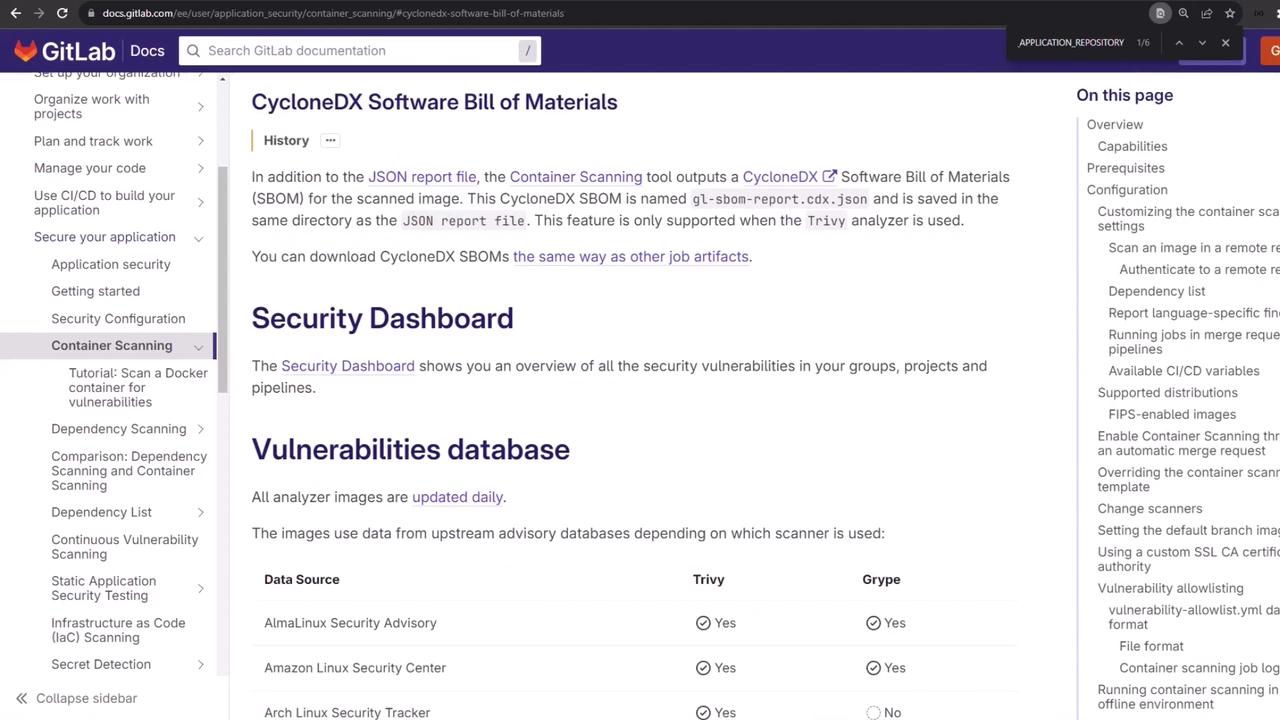
4. CycloneDX SBOM Output
Container Scanning also generates a CycloneDX SBOM artifact (gl-sbom-*.cdx.json), following the OWASP standard for Software Bill of Materials.
5. Integrating into a Full Pipeline
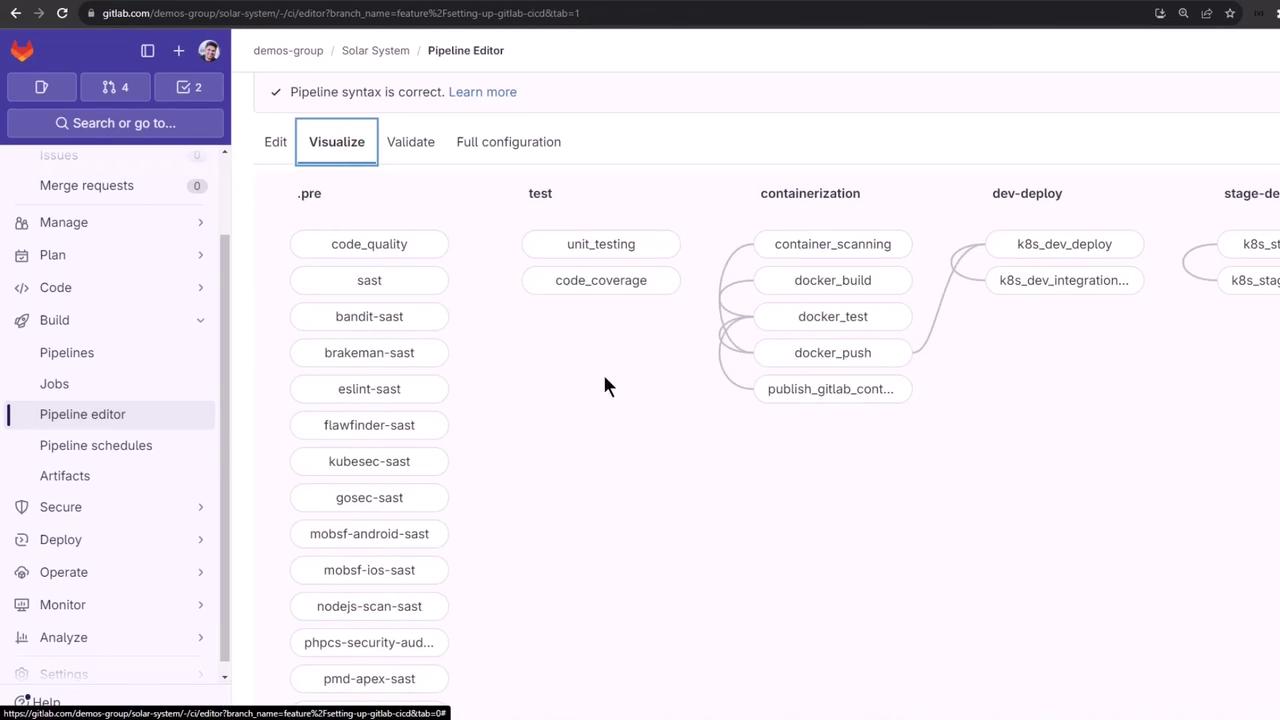
Below is an example.gitlab-ci.yml snippet that combines build, SAST, secret detection, and container scanning:
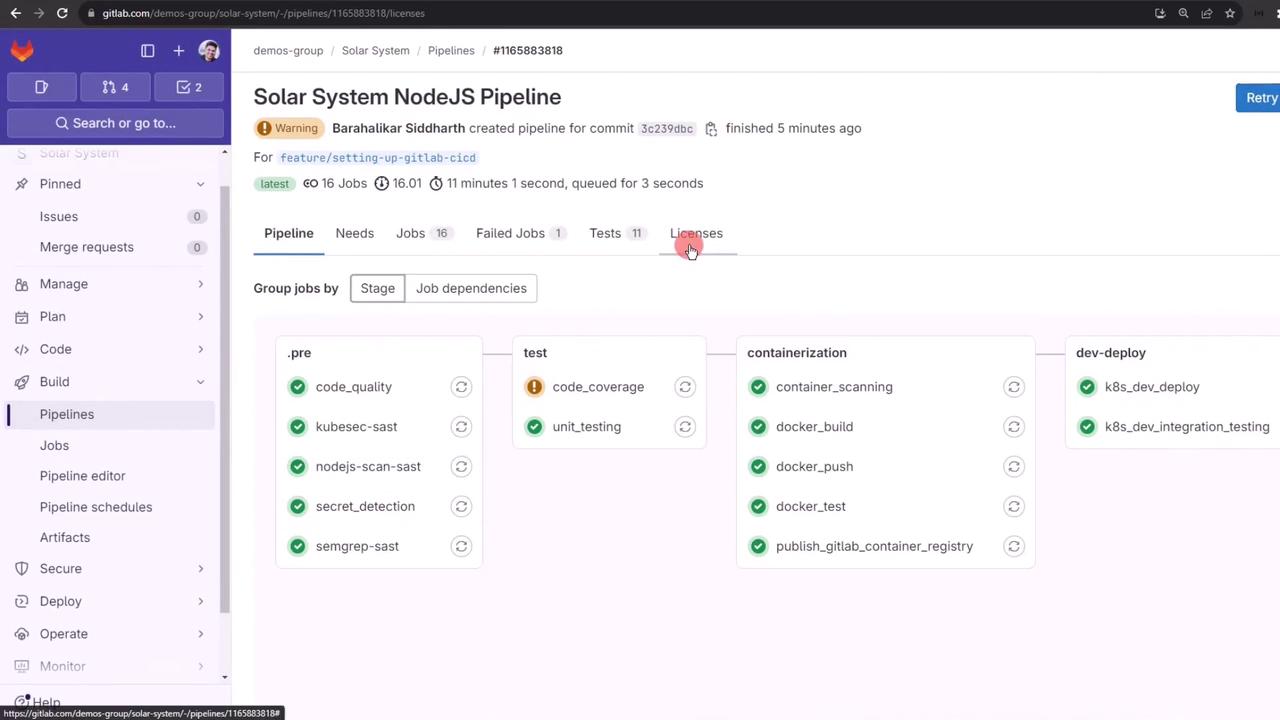
6. Demo: Generating Vulnerabilities
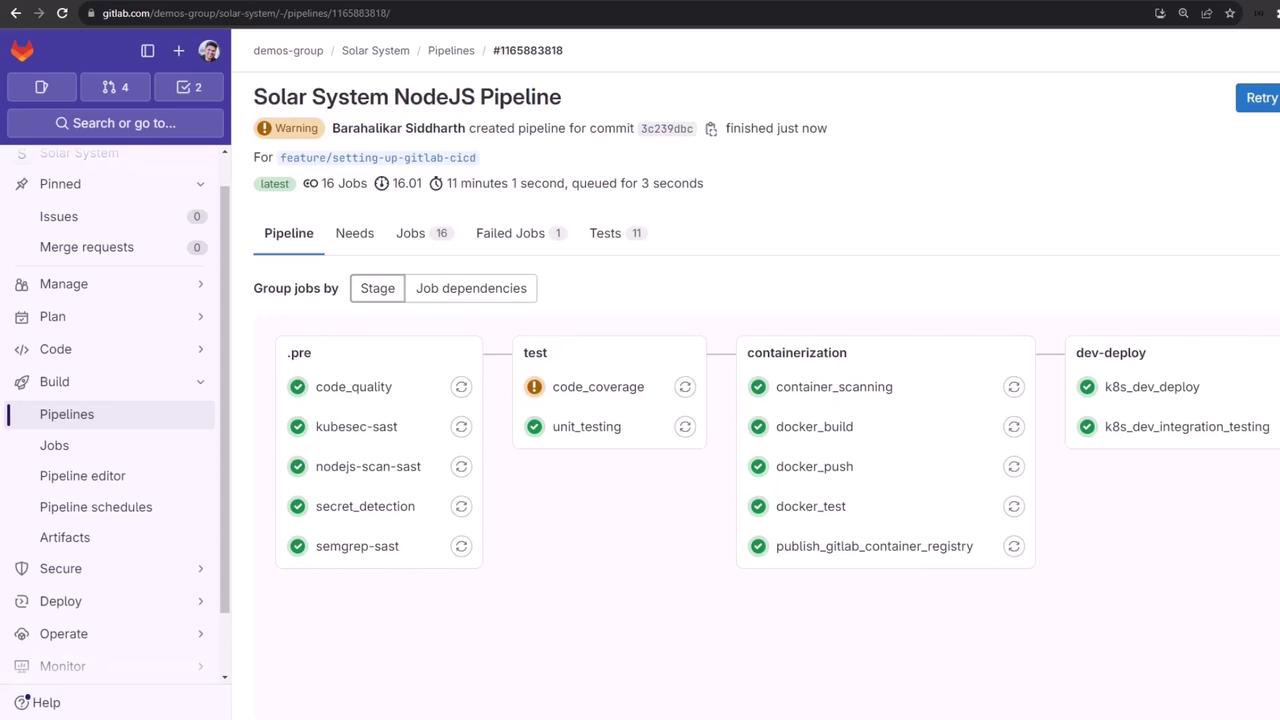
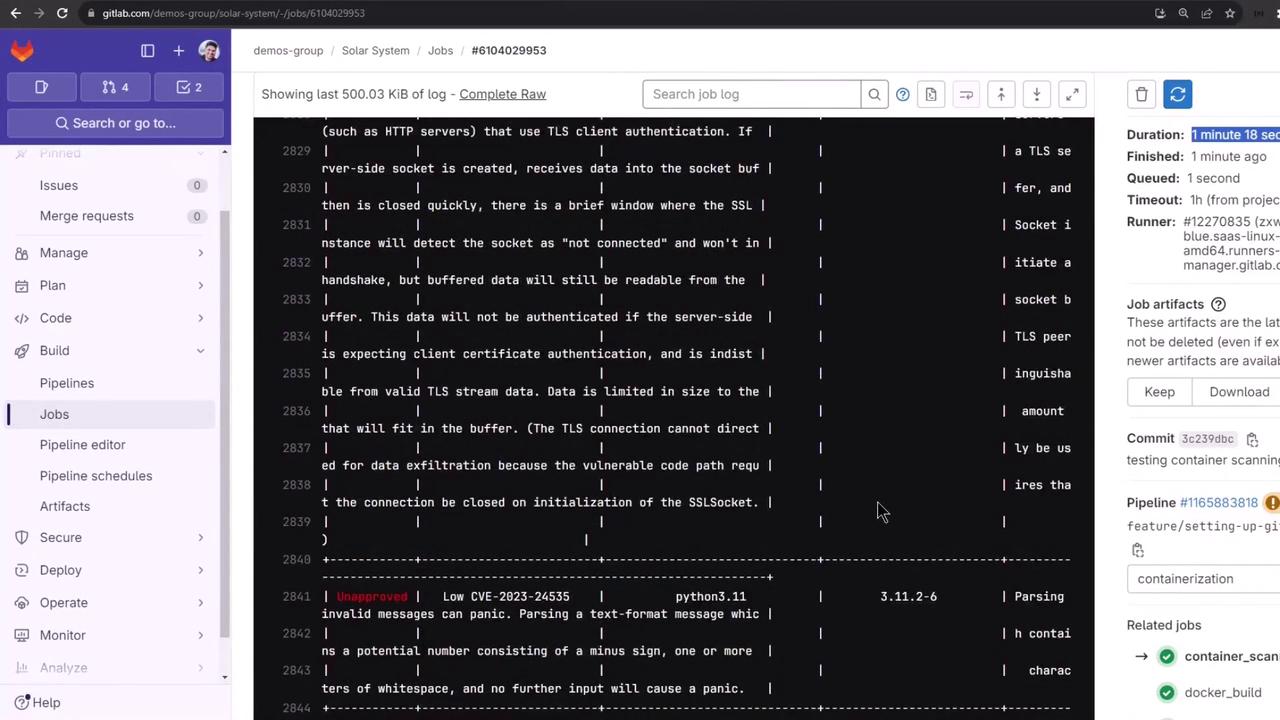
To demonstrate detection, switch yourDockerfile from Alpine to Debian:
containerization stage.
7. Inspecting the Reports
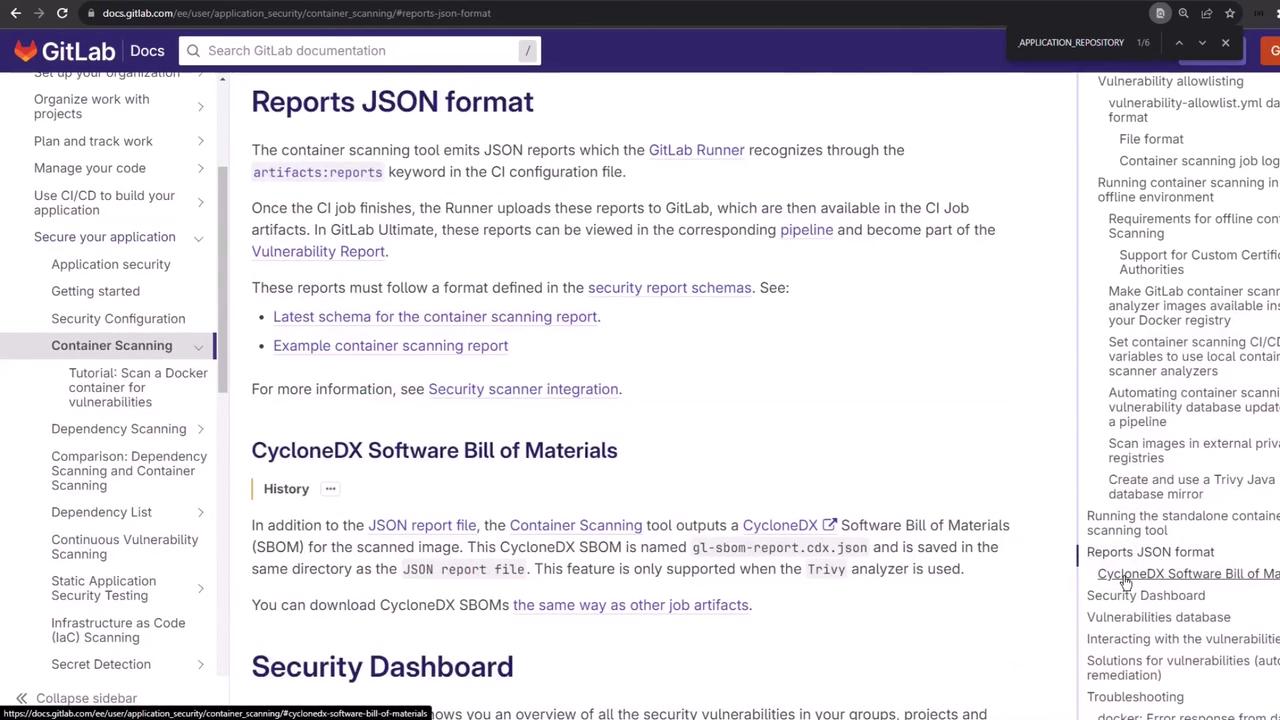
7.1 JSON Vulnerability Report
Thegl-container-scanning-report.json artifact lists vulnerabilities in structured JSON:
7.2 CycloneDX SBOM
The SBOM artifact follows the CycloneDX spec: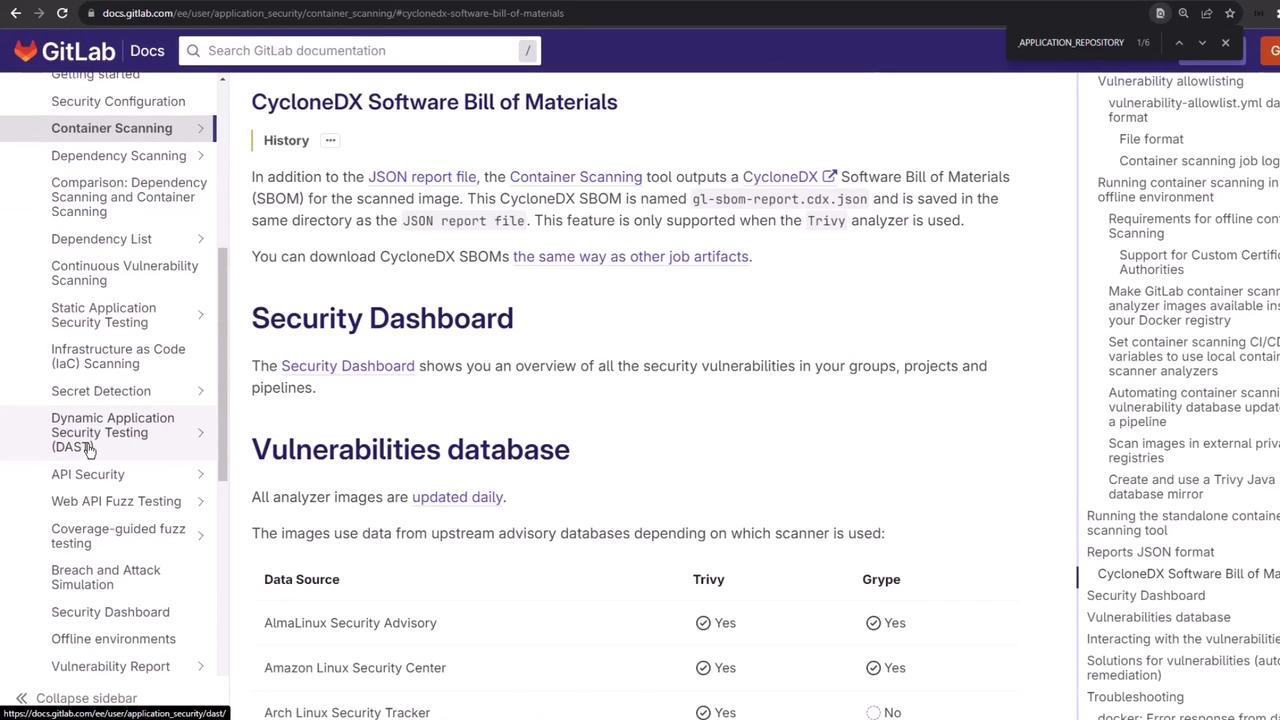
Links and References
- GitLab Container Scanning Documentation
- Trivy Scanner on GitLab
- OWASP CycloneDX Specification
- GitLab CI/CD Variables