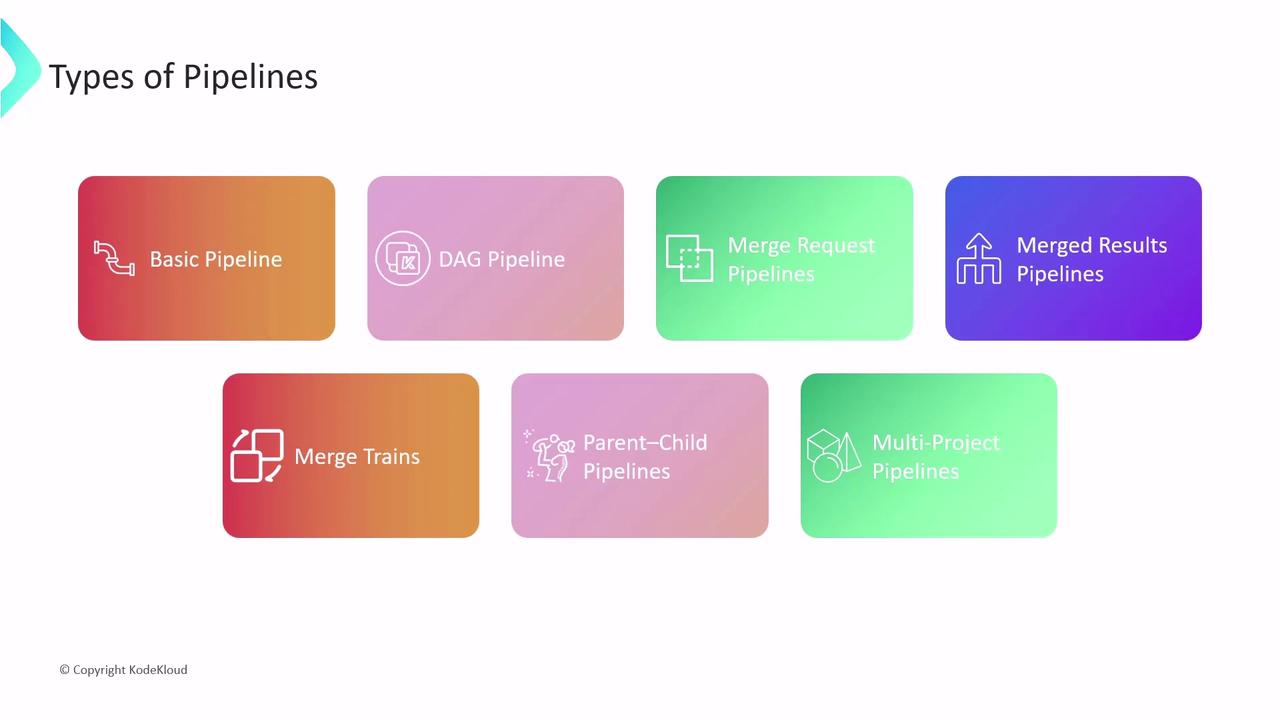
.gitlab-ci.yml and choose the right pipeline type for your workflow.
CI/CD Core Components Overview
Pipeline
A pipeline is defined via a.gitlab-ci.yml file at the root of your repo and represents the blueprint for your CI/CD workflow.
Ensure your
See GitLab CI/CD YAML reference.
.gitlab-ci.yml lives in the repository root; otherwise GitLab won’t detect it.See GitLab CI/CD YAML reference.
- Definition: YAML file named
.gitlab-ci.yml. - Naming: Use
workflow:nameto assign a custom name shown in the Pipelines tab. - Triggers: Pipelines start on
push,merge_request,schedule, or manual actions. - Conditions: Use
rulesto control when pipelines run.
main
Jobs
A job is the fundamental execution unit in a pipeline:- Execution: Runs on a GitLab Runner (shared or self-hosted).
- Runner selection: Use
tagsto pick specific runners. - Stage assignment: Each job belongs to a defined stage.
Keep sensitive data out of
script blocks. Use CI/CD variables for secrets like tokens or credentials.Scripts
Thescript section lists shell commands executed by the job:
- Sequential execution: Commands run in order.
- Common use cases: Install dependencies, build code, run tests, deploy artifacts, perform security scans.
- Before/after hooks:
before_script: Setup steps (e.g., install Node.js, configure DB).after_script: Cleanup tasks (e.g., remove temp files).
Example .gitlab-ci.yml
Here’s a complete sample that defines two stages—test and deploy—and a workflow rule:
- The pipeline runs only on
main. - The test stage executes
unit_test_jobwith setup, tests, and teardown. - The deploy stage runs
deploy_jobafter successful tests.
Stages
Stages define the sequence of execution in a pipeline. Jobs within the same stage run in parallel. Common stages include:Pipeline Types