

1. GitLab’s Built-in CI/CD Analytics
GitLab offers a per-project CI/CD analytics dashboard that displays overall pipeline success rates and duration trends. While convenient for a handful of repositories, it doesn’t scale to dozens of projects: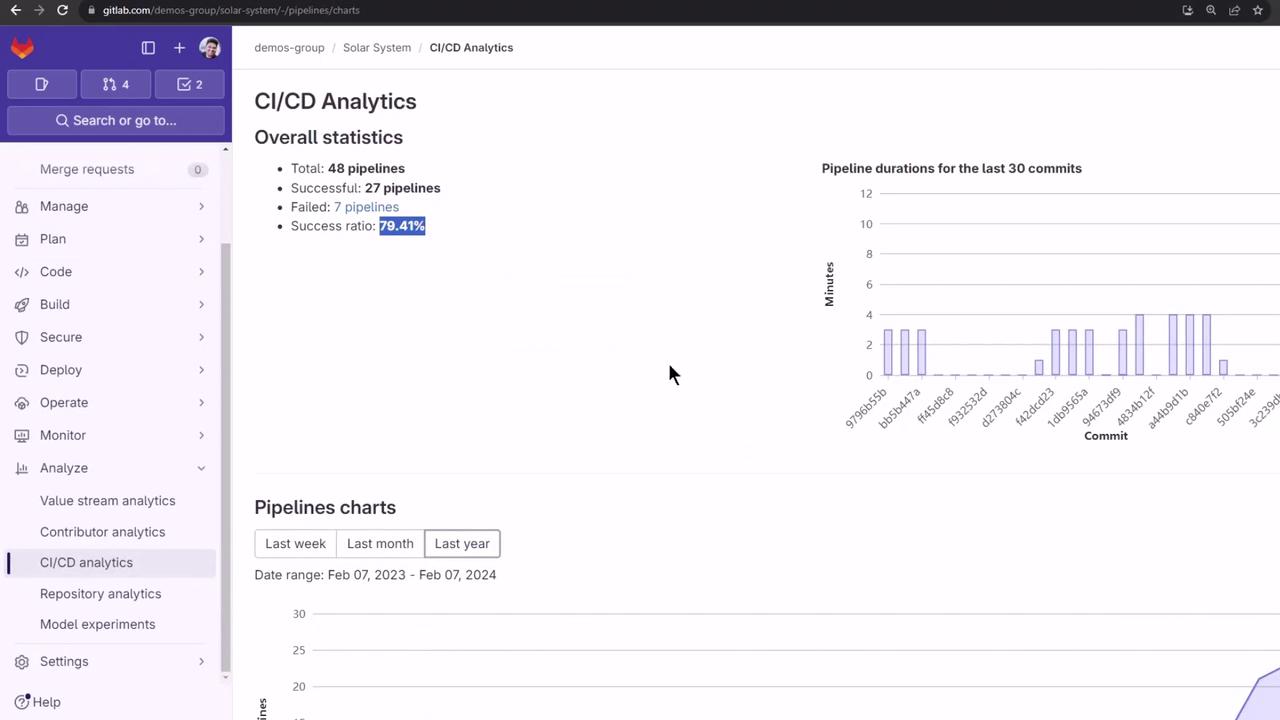
2. Centralized Pipeline Monitoring
To obtain a global view, pair Prometheus with Grafana and the GitLab CI Pipelines Exporter: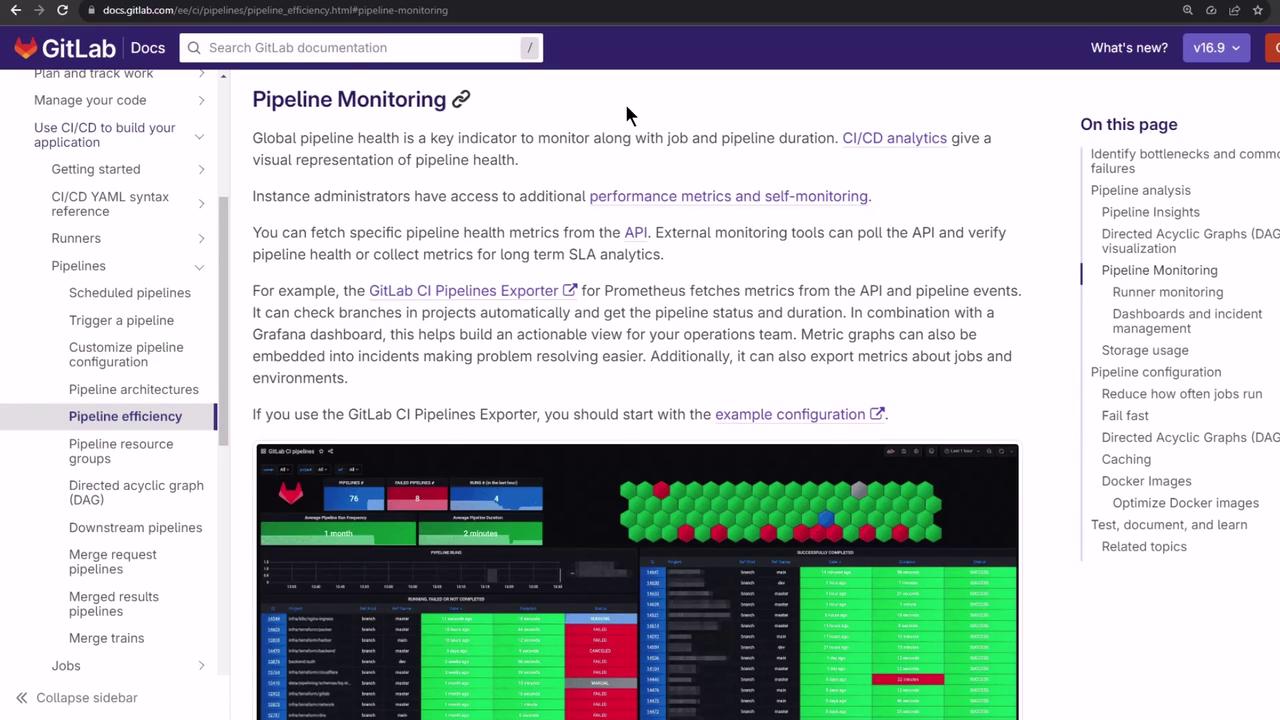
3. GitLab CI Pipelines Exporter
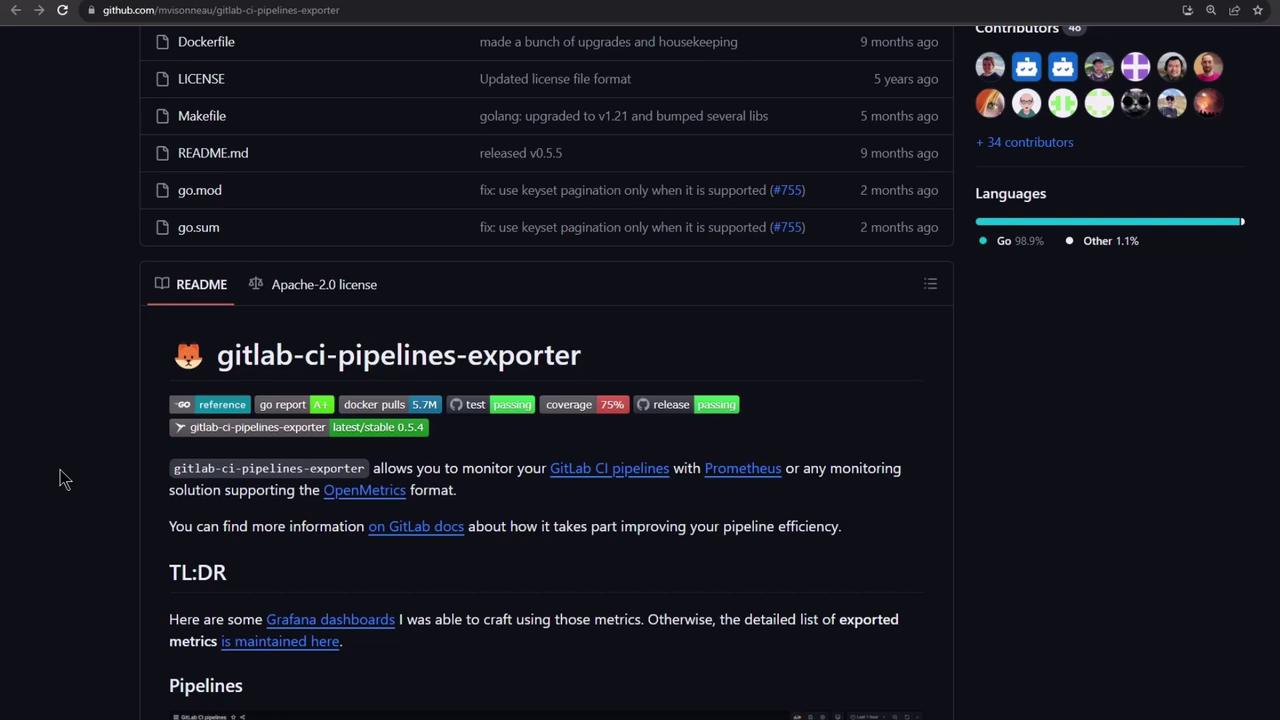
3.1 Installation Options
Choose the installer that matches your environment:3.2 Quickstart Example
A Docker Compose quickstart brings up the exporter, Prometheus, and Grafana in one go:3.3 Docker Compose Overview
3.4 Prometheus Scraping Config
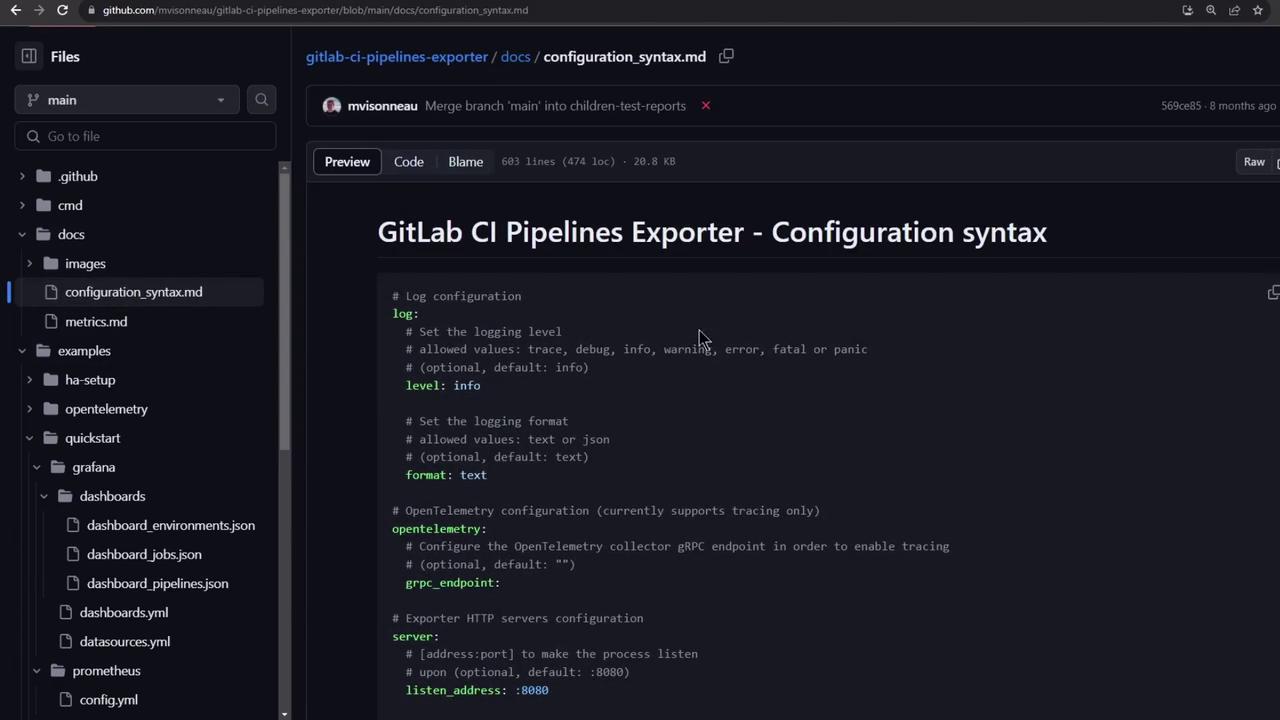
Configure Prometheus to scrape the exporter:3.5 Exporter Configuration
A minimalgitlab-ci-pipelines-exporter.yml:
4. Creating a Personal Access Token
Generate a token under User Settings → Access Tokens with at leastread_api scope:

Keep your personal access token secure. Do not commit it to public repositories or share it in logs.
gitlab-ci-pipelines-exporter.yml before launching the stack.
5. Verifying the Exporter
Ensure the exporter is up and exposing metrics:6. Exploring in Prometheus
Visit Status → Targets in Prometheus (http://localhost:9090) to confirm the exporter is up: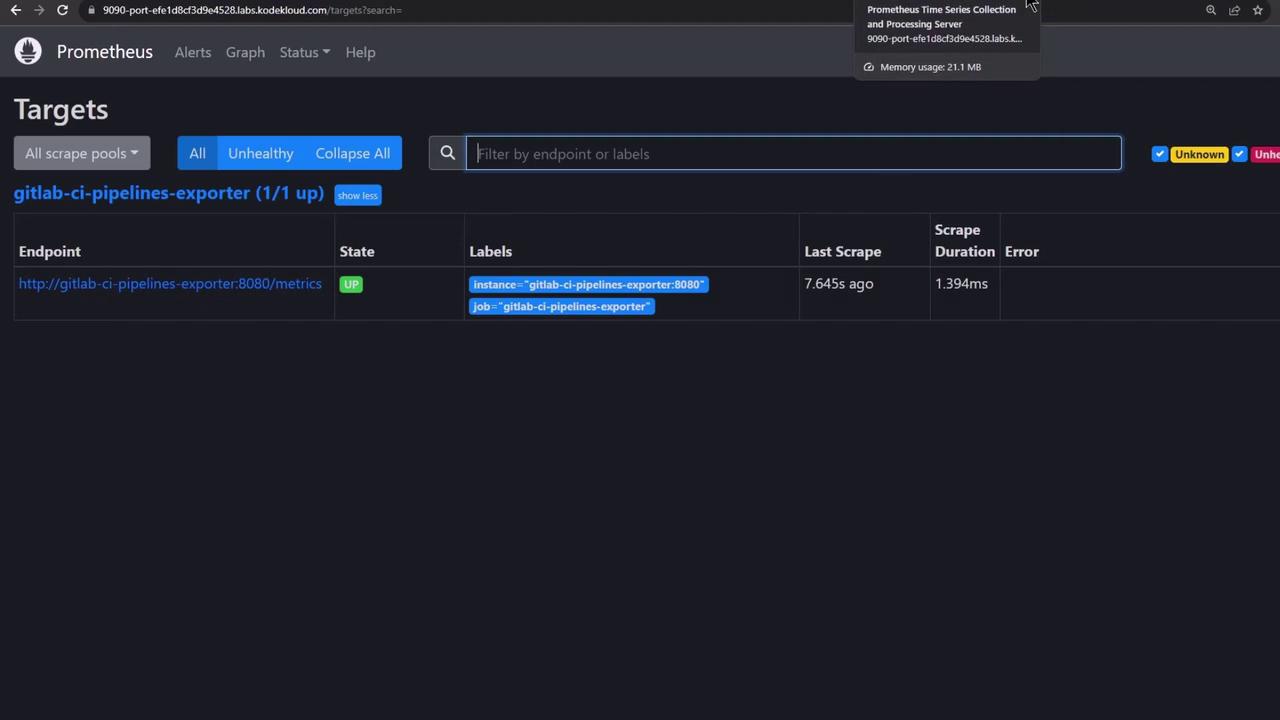
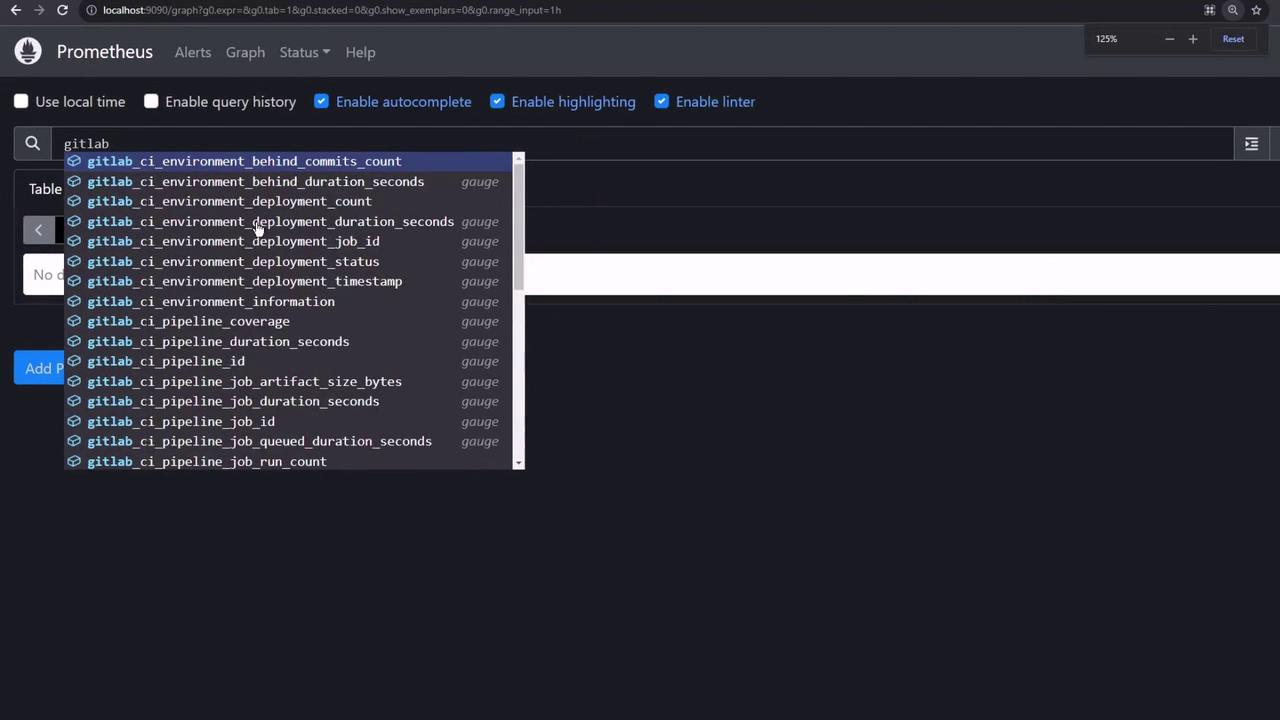
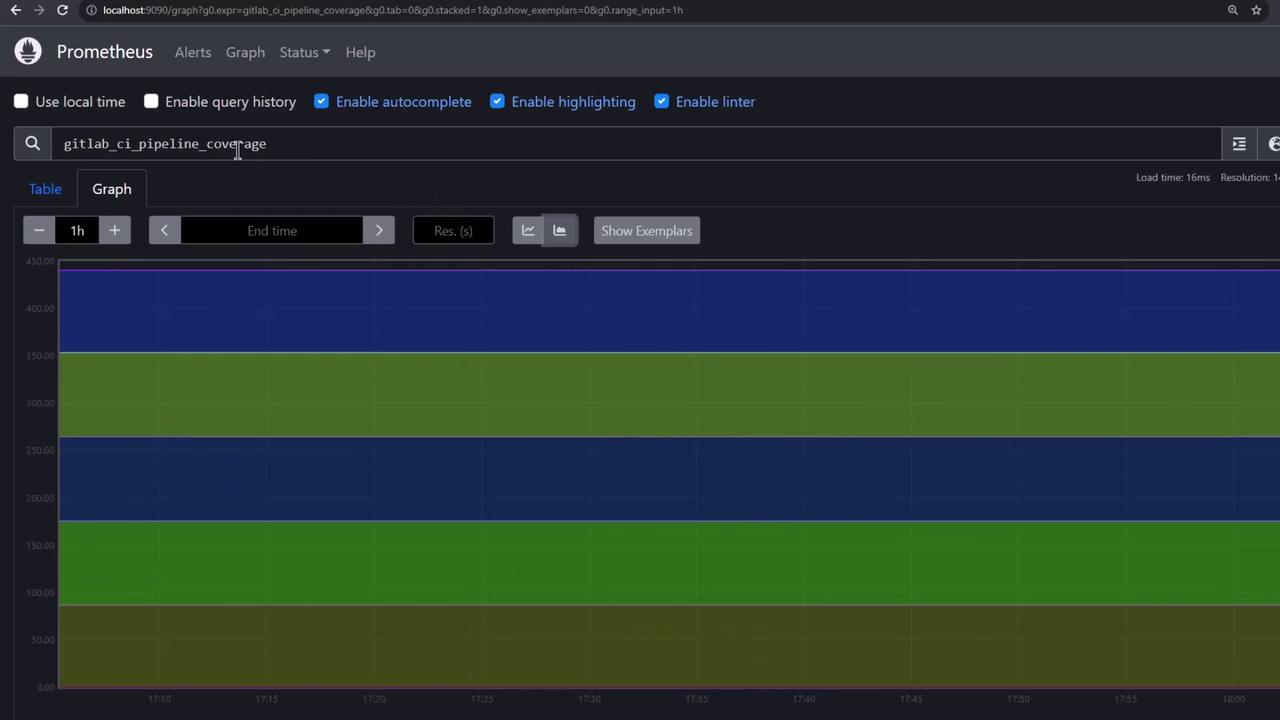
7. Grafana Dashboards
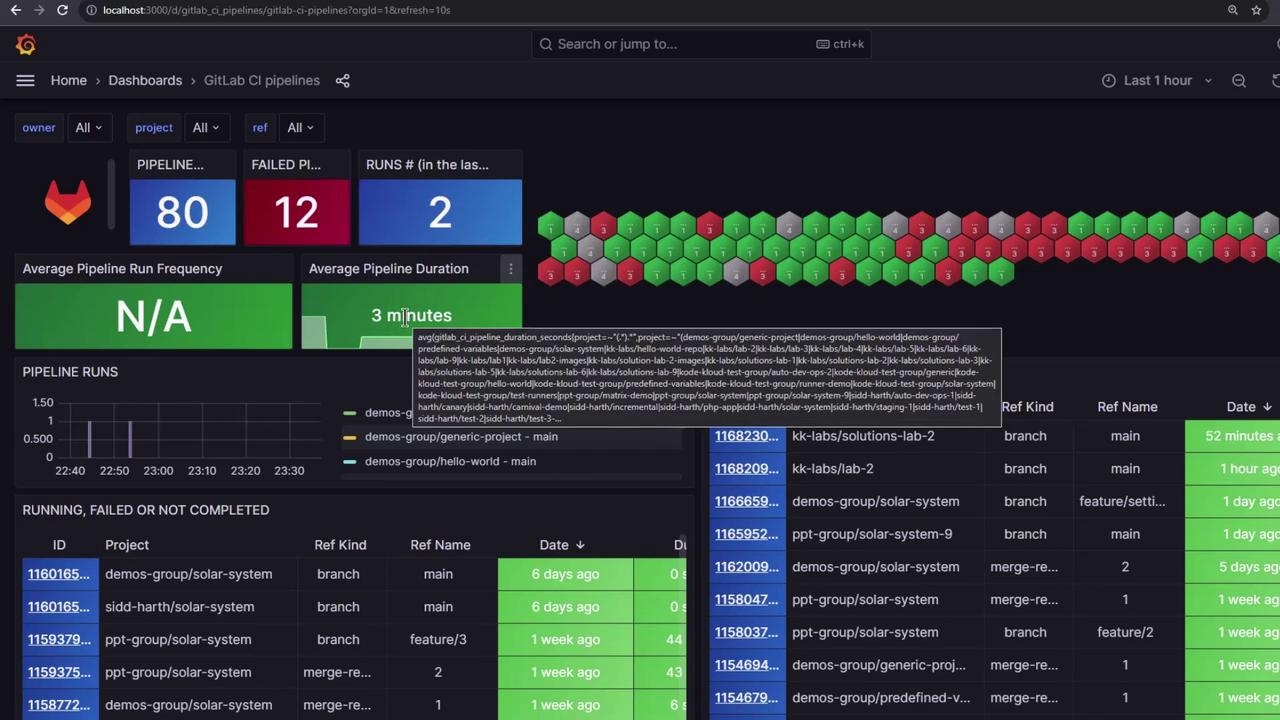
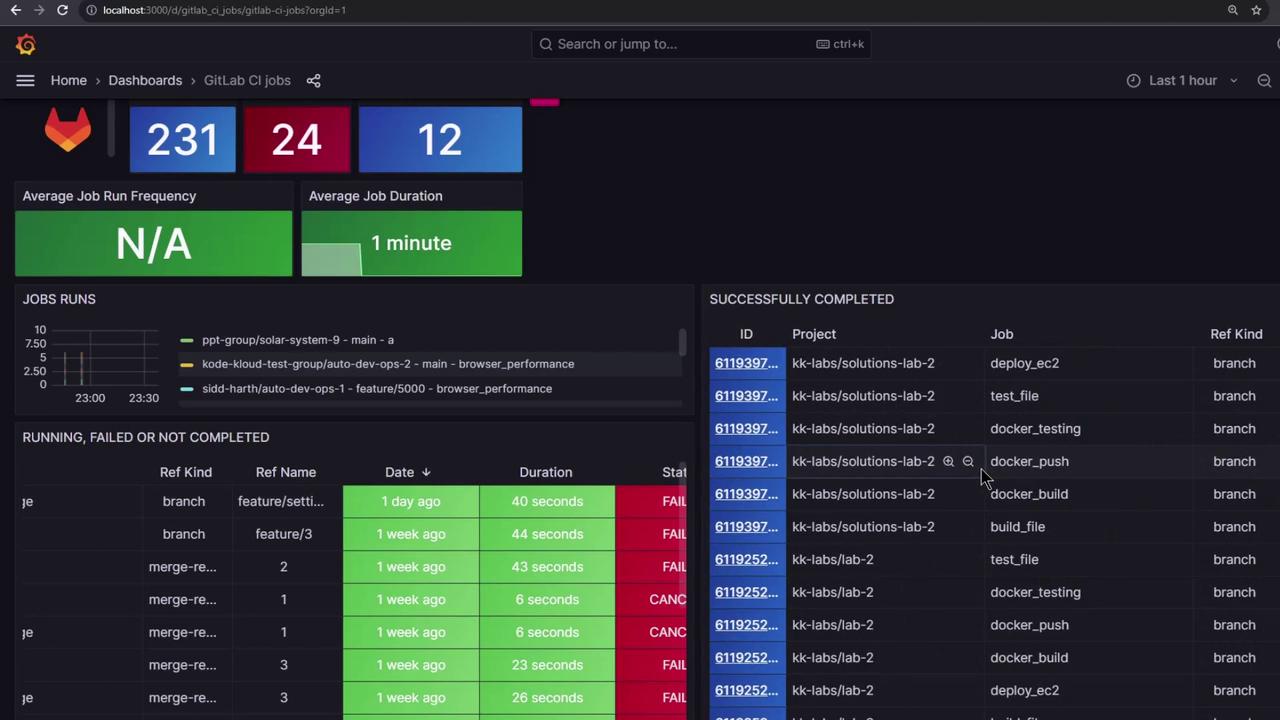
Log in to Grafana (http://localhost:3000, admin/admin). The exporter provides three ready-to-use dashboards:Environments & Deployments

Pipelines Overview
Jobs Statistics
For production environments, check out the HA setup example in the exporter repository.