

Why Skip CI/CD Pipelines?
Skipping pipelines saves valuable runner minutes and reduces clutter in your pipeline dashboard. Typical use cases include:- Documentation updates (
README.md,CHANGELOG.md) - Configuration tweaks that don’t affect build/test logic
- Minor formatting or comment changes
Example .gitlab-ci.yml Configuration
Below is a sample CI configuration. Even pure documentation changes will trigger this pipeline unless skipped explicitly:
Skip Directives Overview
You can use either[ci skip] or [skip ci] in your commit message:
Both directives are recognized by GitLab. Choose the one you prefer—case-insensitive.
Committing with a Skip Directive
To skip the pipeline for a documentation-only change: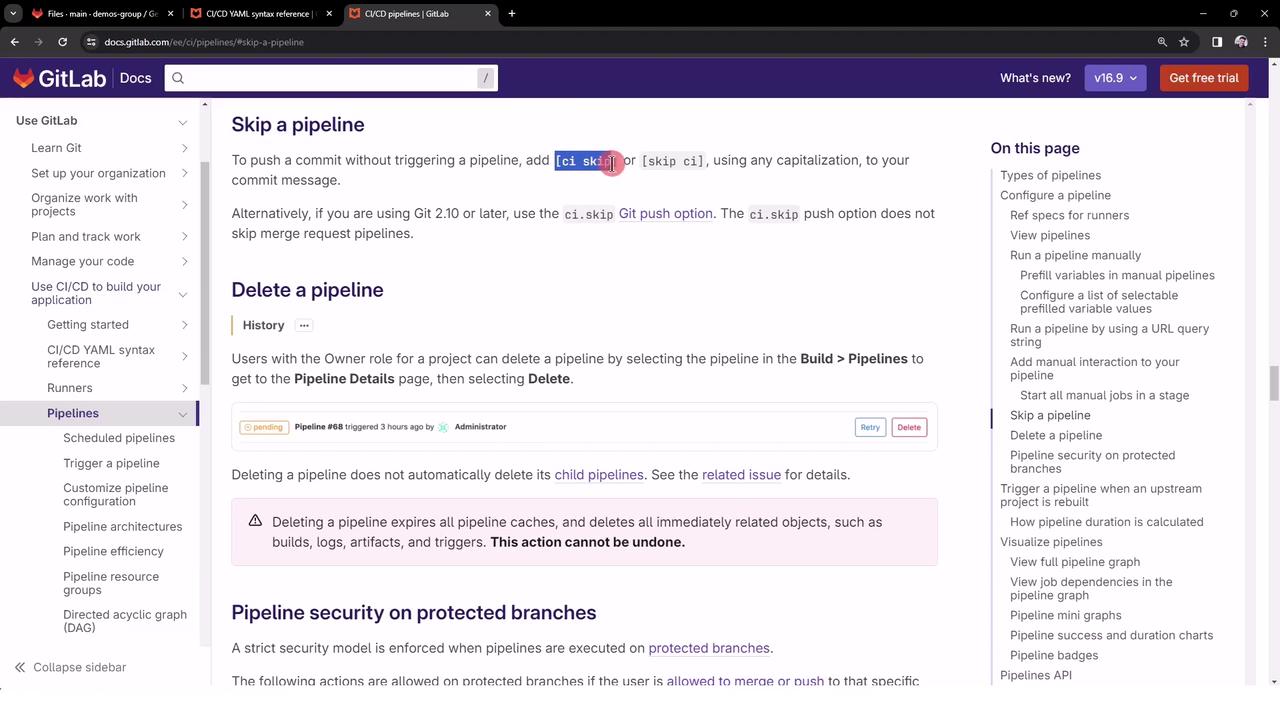
Verifying the Skipped Pipeline
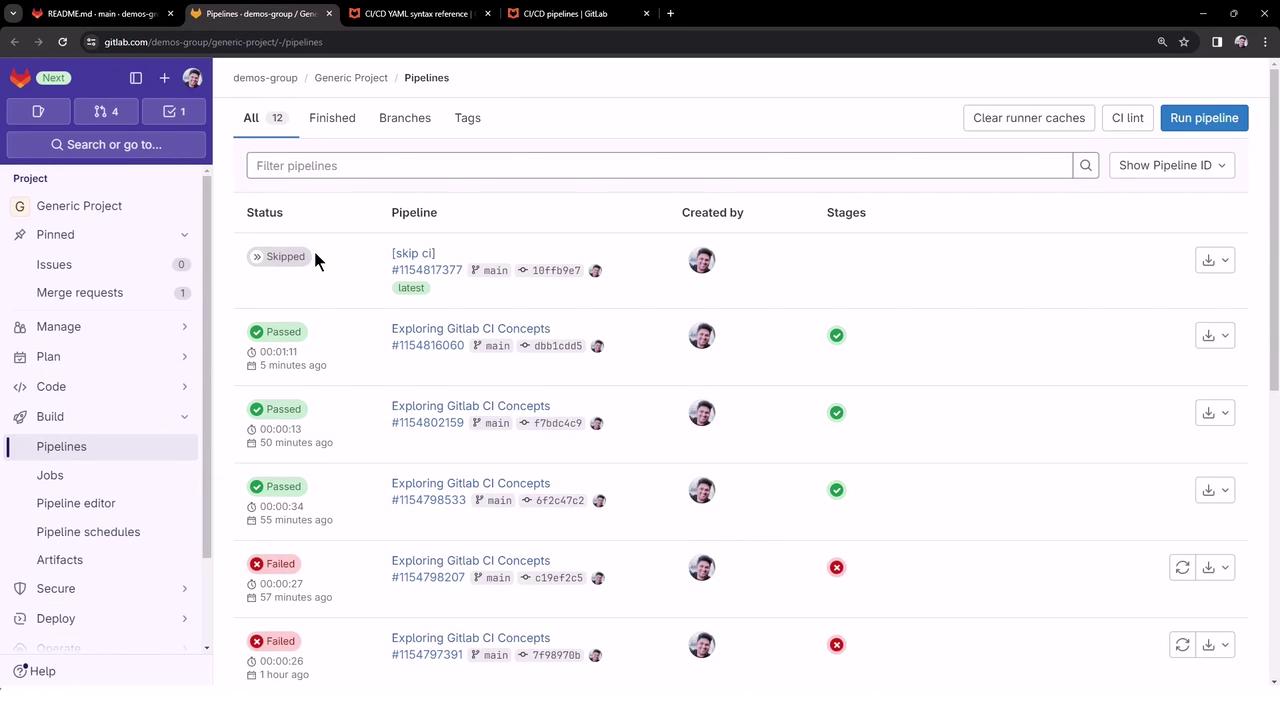
Navigate to CI/CD > Pipelines in your project’s sidebar. You will see the latest push marked as Skipped:- No jobs are run.
- Pipeline minutes are preserved.
- Dashboard remains uncluttered.
Do not use skip directives for commits that modify build scripts, tests, or production code. Skipping critical changes can lead to undetected failures.