

rules keyword at the job level to include or exclude jobs based on CI_PIPELINE_SOURCE.
1. Define Jobs in .gitlab-ci.yml
First, declare two test jobs in your pipeline:
- generic_predefined_variables – prints general CI/CD variables
- merge_request_predefined_variables – prints merge request–specific variables
Predefined merge request variables like
CI_MERGE_REQUEST_TITLE are only available in pipelines triggered by merge requests—not on direct pushes to branches.2. Apply rules to Limit the Job to Merge Requests
To ensure merge_request_predefined_variables runs only for merge requests, add a rules clause that checks the pipeline source:
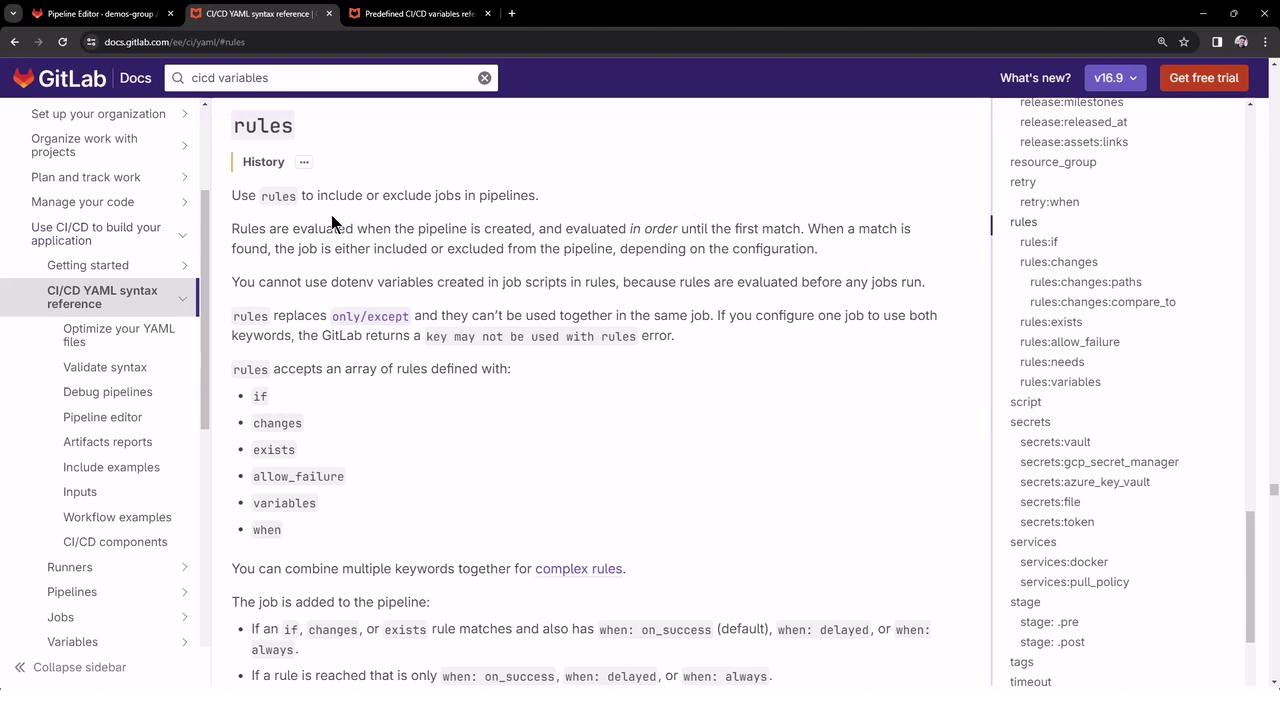
Always wrap your conditional expression in single quotes to prevent YAML parsing errors.
CI_PIPELINE_SOURCE equals merge_request_event.
3. Create a Feature Branch and Push Changes
- Checkout a new branch (e.g.,
feature-1):
git checkout -b feature-1 - Commit your
.gitlab-ci.ymlchanges and push:
git push -u origin feature-1

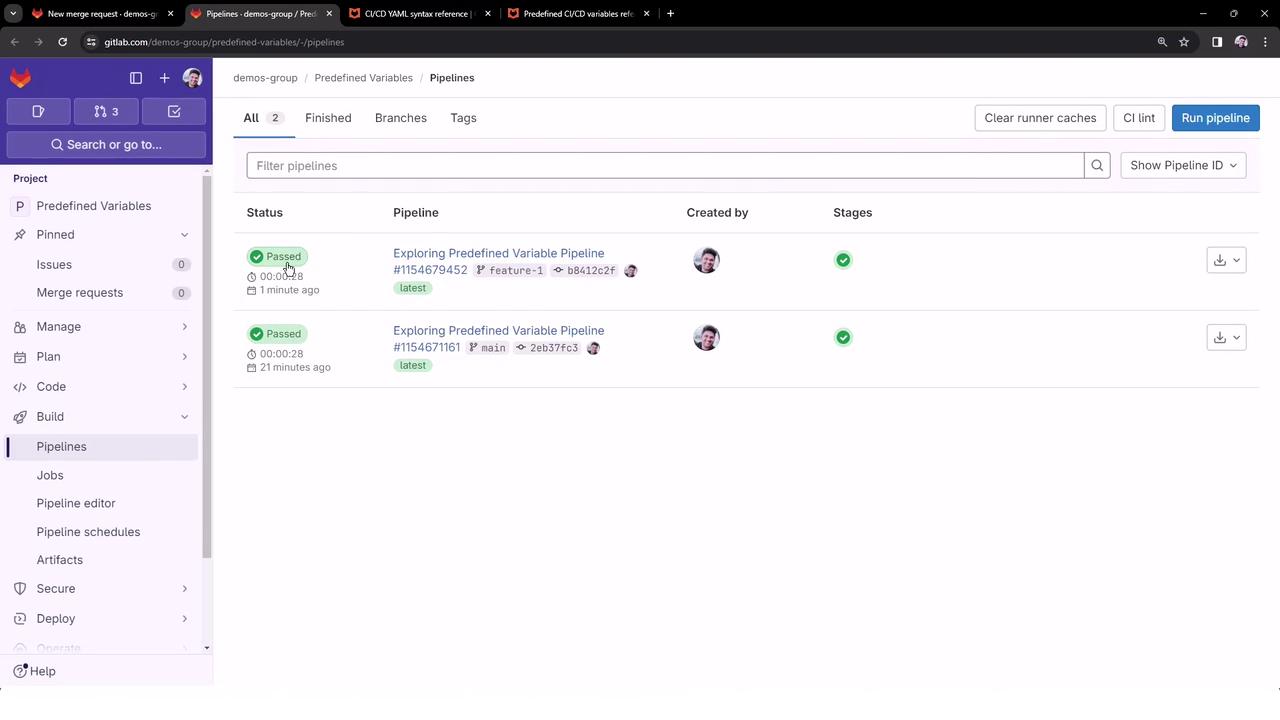
4. Open and Inspect the Merge Request Pipeline
- In your project, click Create merge request for
feature-1. - Add labels such as
predefined-variables,testing-rules, then submit.
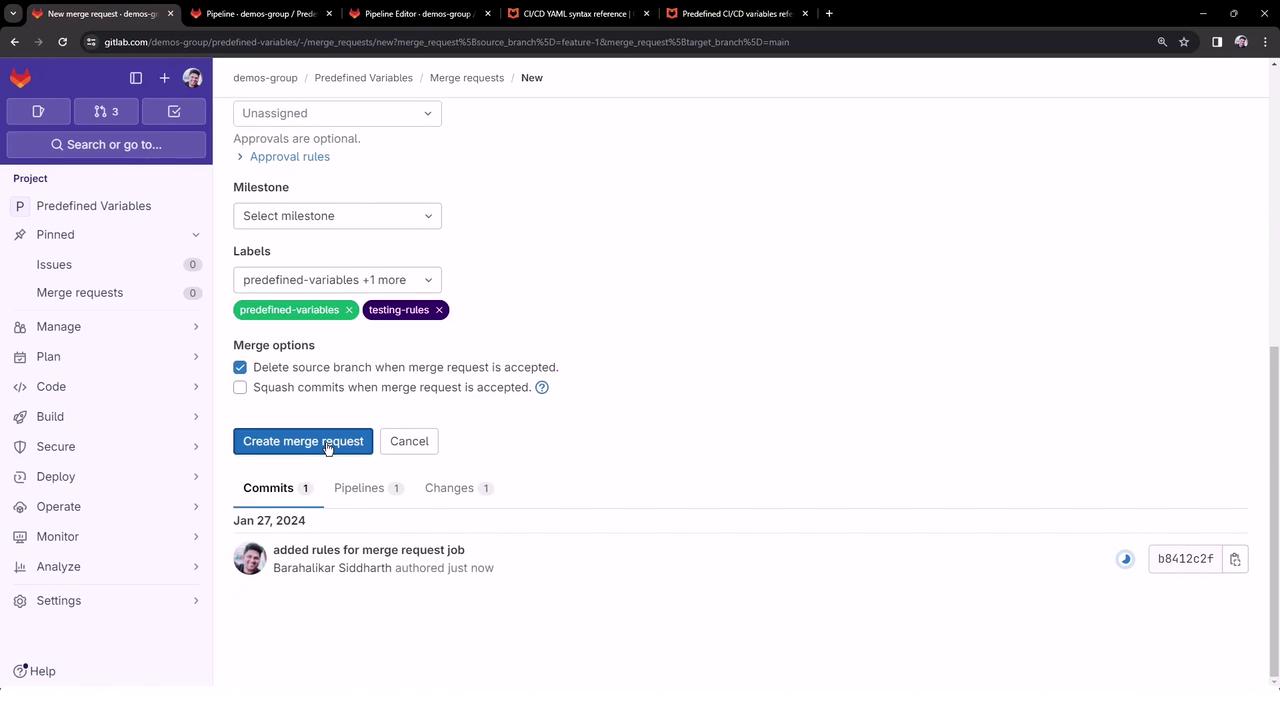
- GitLab triggers a merge request pipeline, visible under Merge requests as merge request:
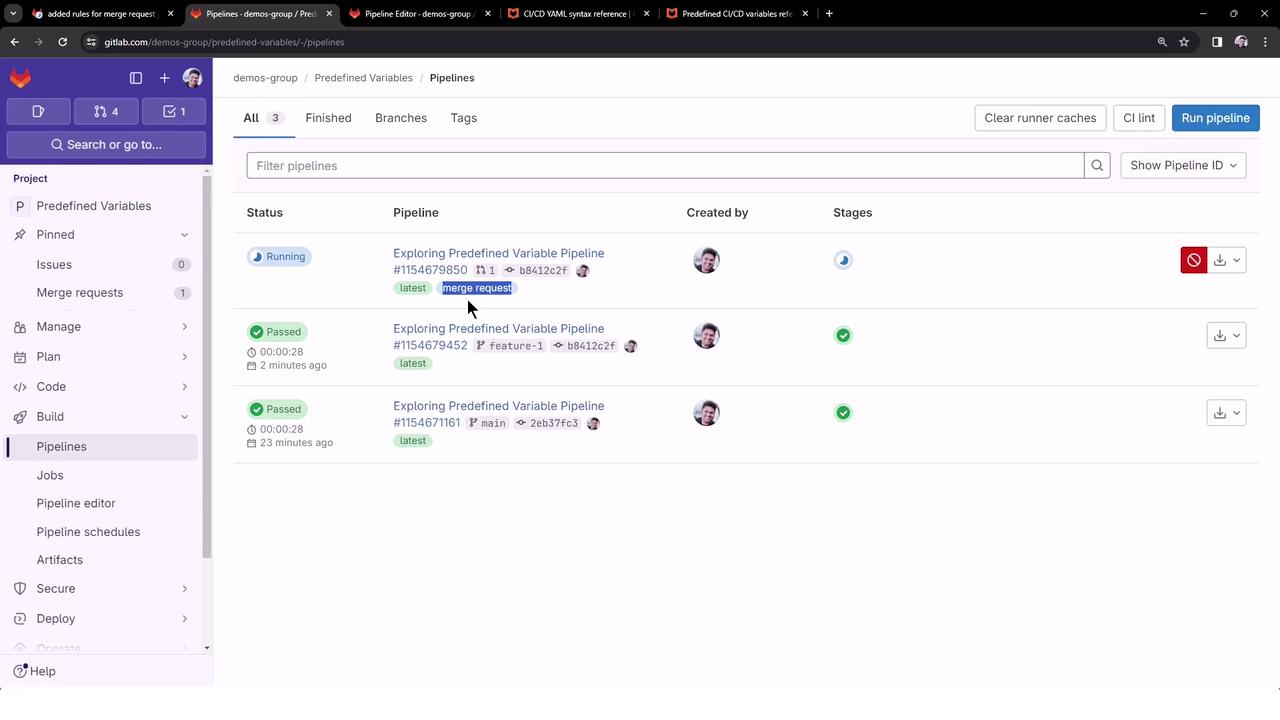
- Open the MR pipeline. You should see only the
merge_request_predefined_variablesjob ran successfully:
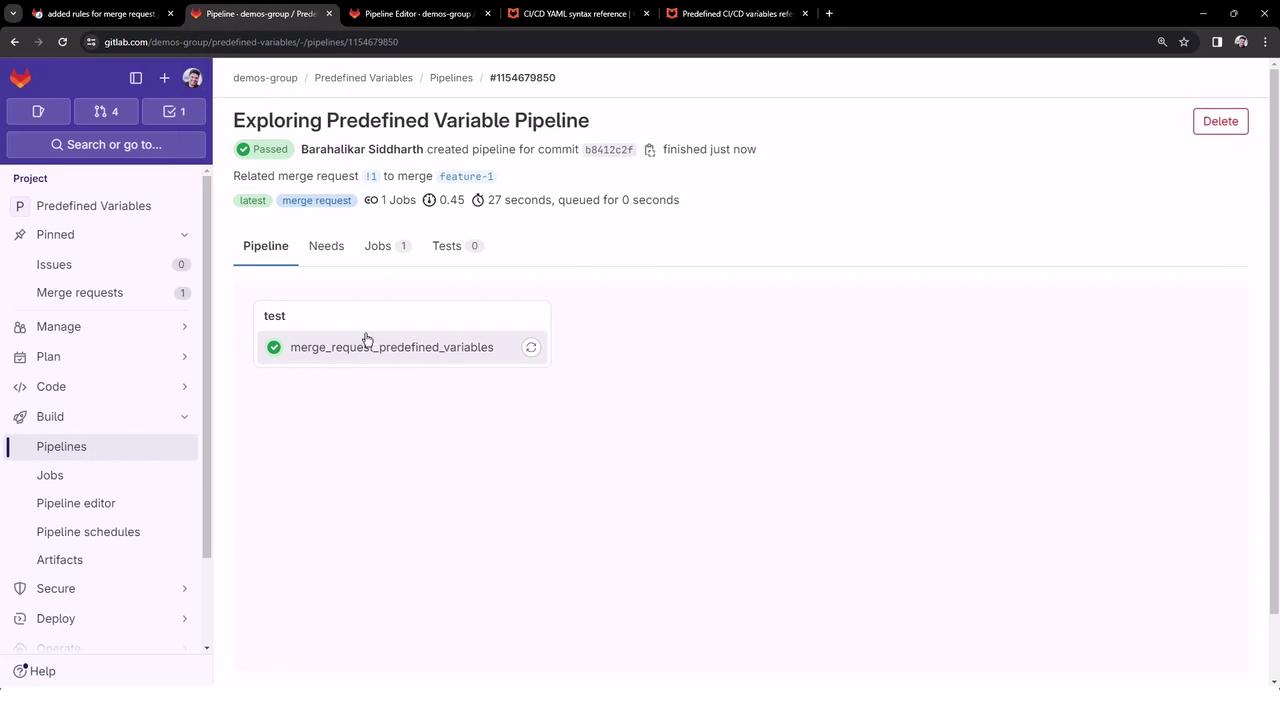
5. Review the Merge Request Job Output
- Merge request variables are populated only in MR pipelines.
- The
ruleskeyword controls when a job is executed.
rules configurations and merge request integrations.