.gitlab-ci.yml, pass them between stages, and view them in the UI.
What Are Artifacts?
In GitLab CI/CD, artifacts are archives of files and directories generated by a job. They are:- Uploaded to GitLab when a job finishes.
- Automatically downloaded by downstream jobs in the same pipeline.
- Retained according to the
expire_inpolicy you define.
Artifacts are uploaded only if the job’s status matches the
when setting (e.g., on_success or always). Use the dependencies or needs keywords to control which upstream artifacts a job downloads.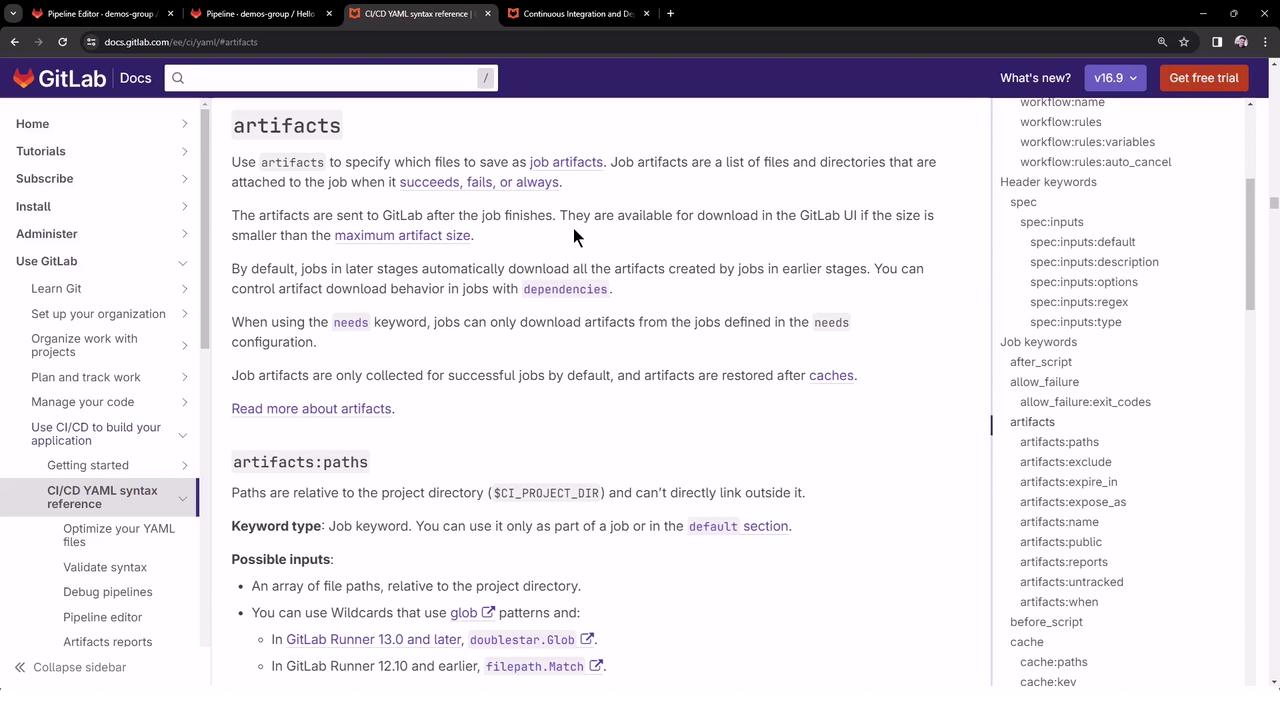
Configuring Artifacts
Under theartifacts section of a job, you can define several options. The table below summarizes the most common:
Example: Defining Artifacts
End-to-End Pipeline Example
Below is a simple three-stage pipeline where thebuild_job creates a file, then passes it to test_job and deploy_job.
- build_job generates
dragon.txtand uploads it. - test_job and deploy_job automatically download the artifact.
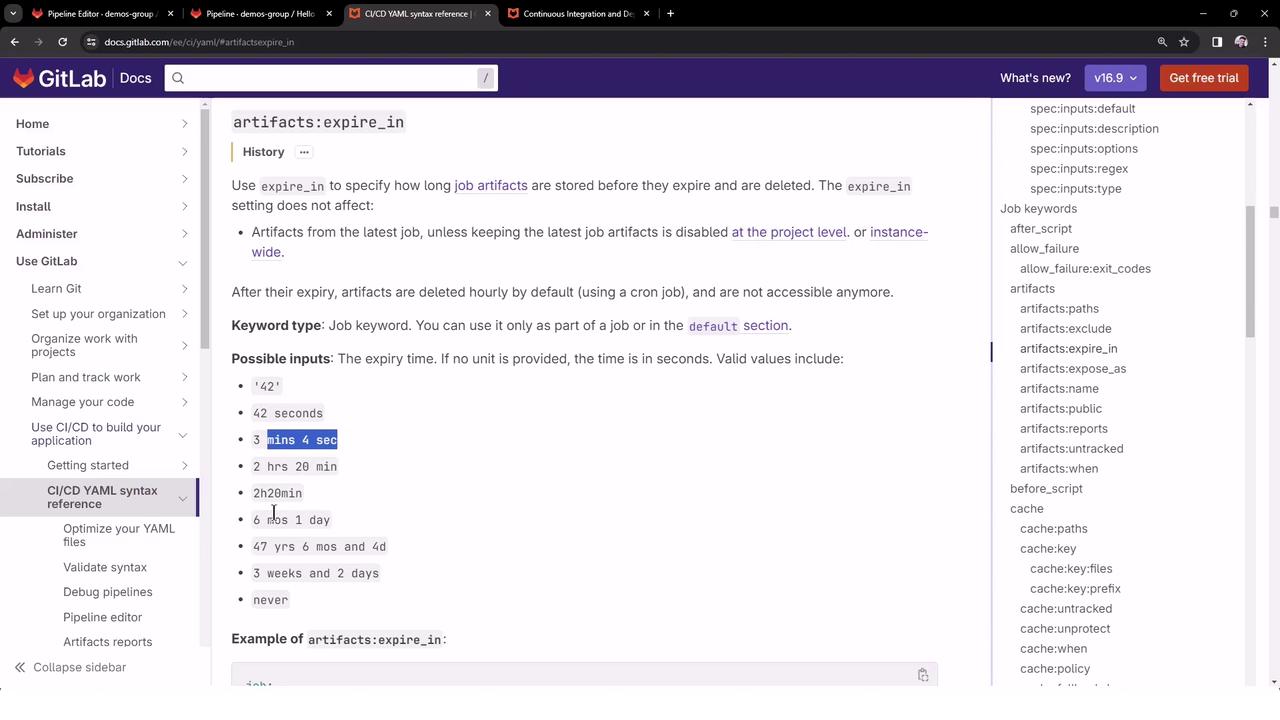
- Artifacts expire after three days.
Pipeline Execution and Logs
build_job
test_job
deploy_job
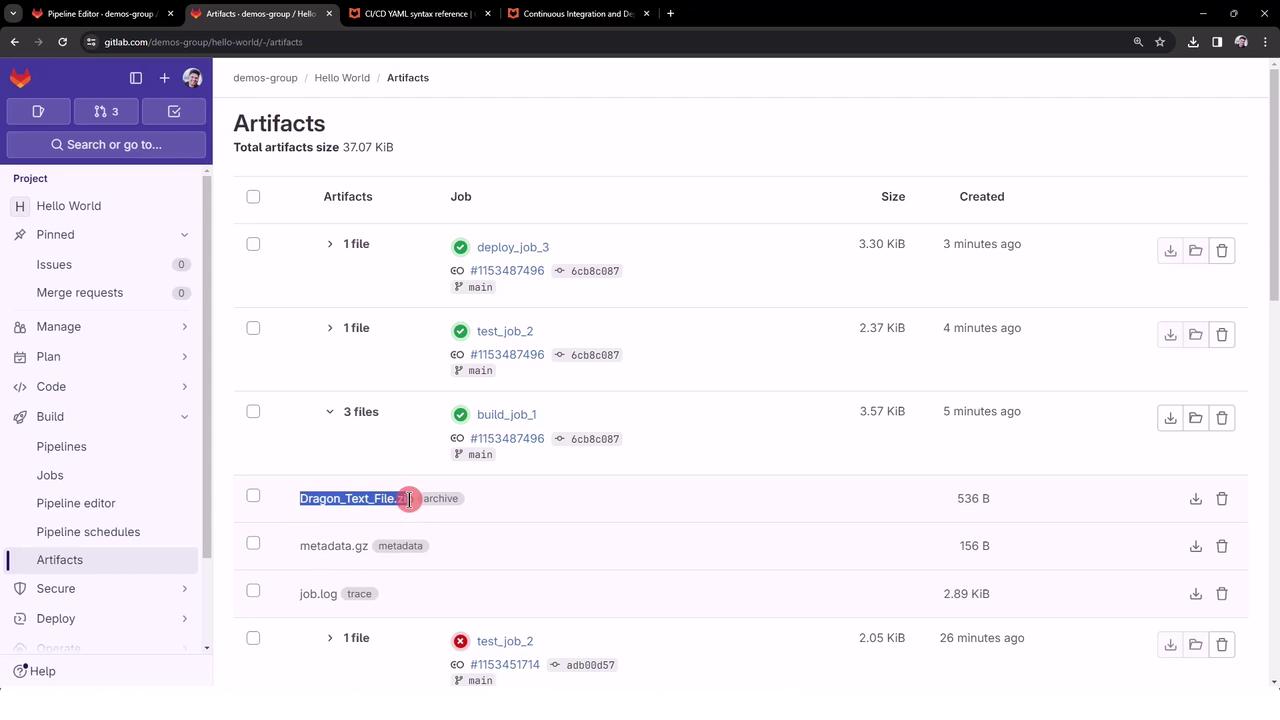
Viewing Artifacts in GitLab UI
In the Pipeline view, jobs that produce artifacts display an Artifacts badge. Clicking Browse or Download lets you inspect and retrieve the files.