allow_failure keyword to ignore specific job failures and continue executing dependent jobs in your GitLab CI/CD pipeline. By default, if a job fails, all downstream jobs that needs it are skipped and the entire pipeline is marked as failed.
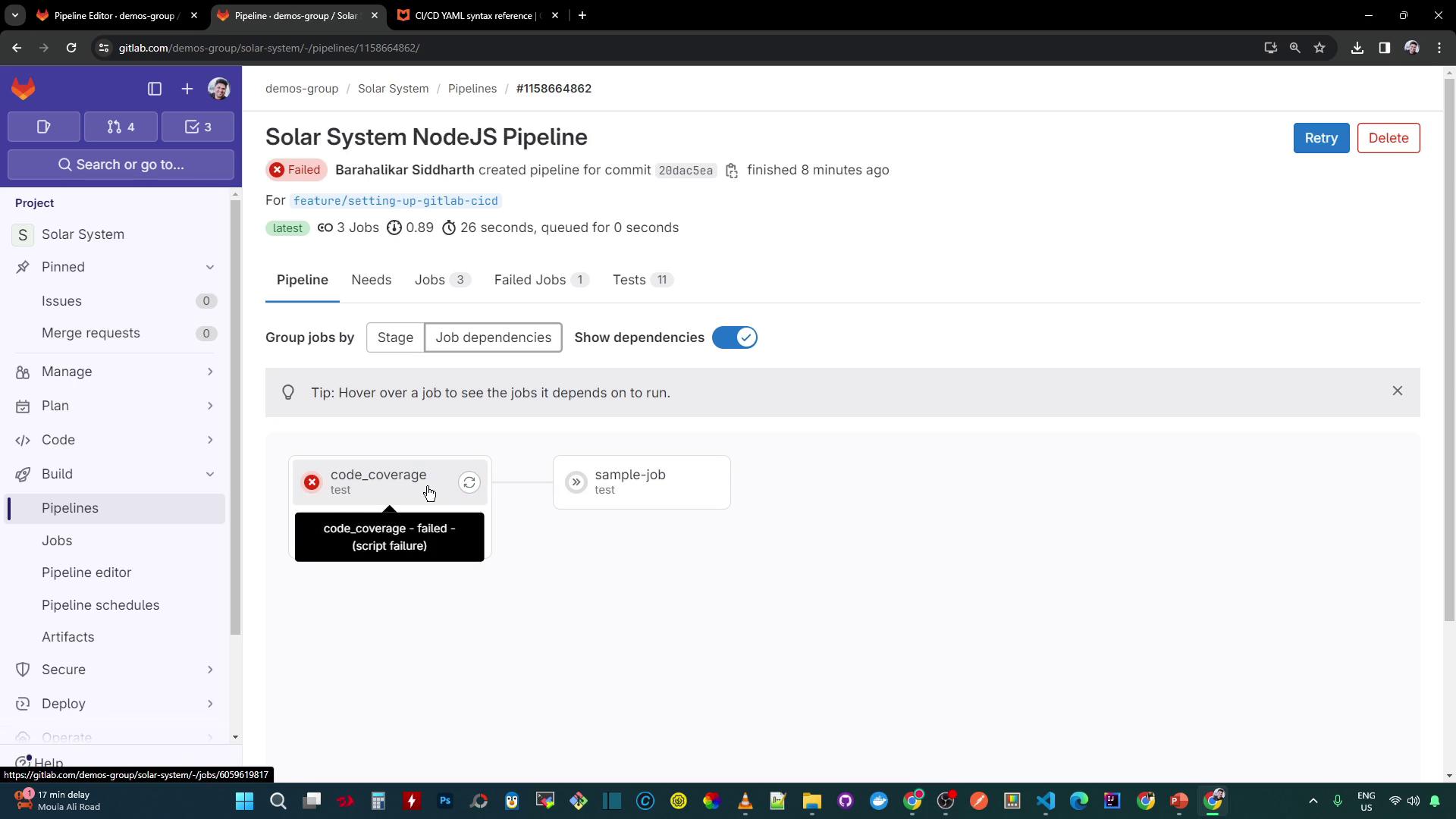
What Is allow_failure?
According to the GitLab CI/CD YAML syntax reference, allow_failure is a boolean or a set of exit codes that determines whether a job failure should block the pipeline:
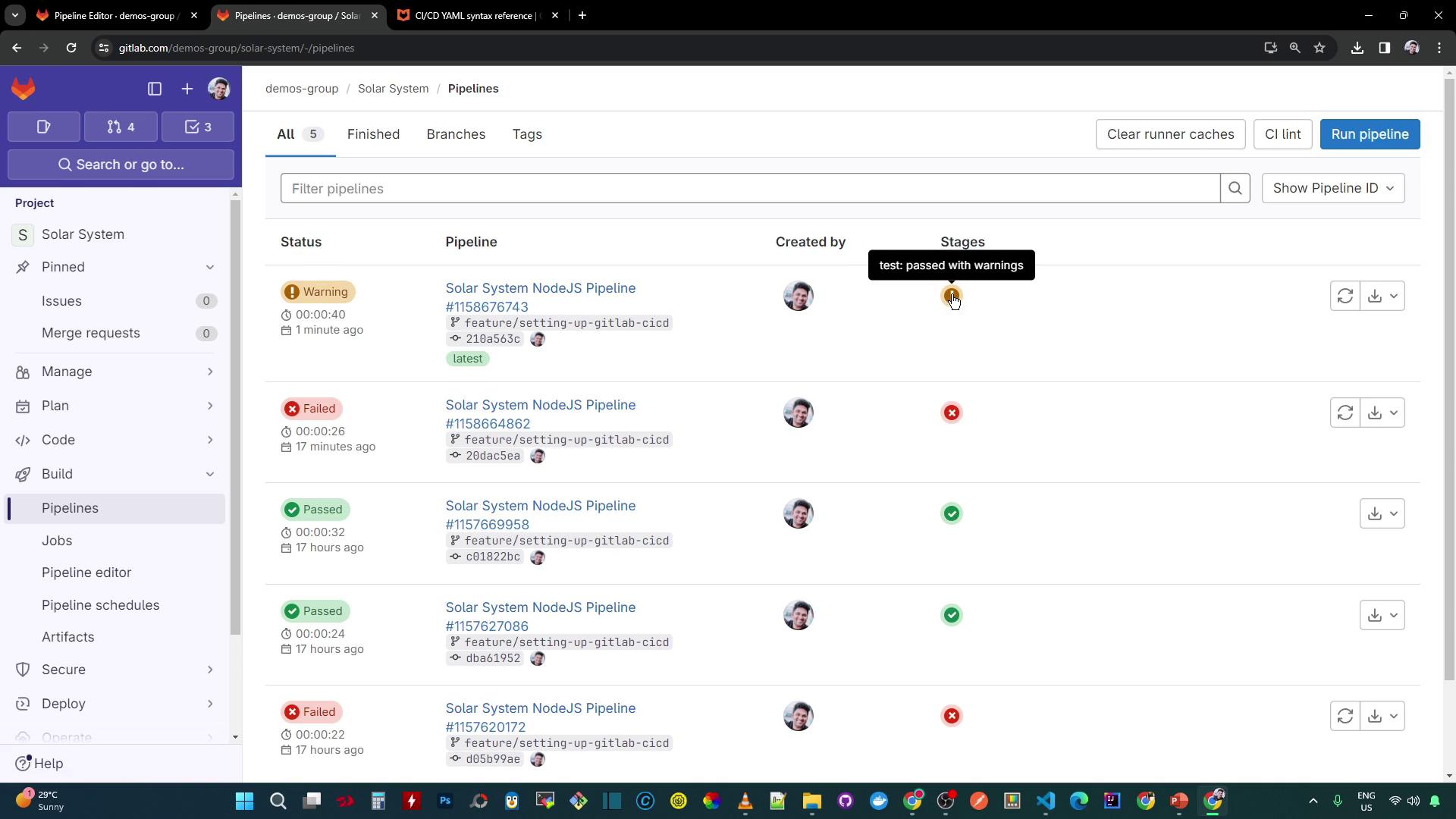
allow_failure: true, even if job2 exits with a non-zero status, the pipeline continues and is marked as passed with warnings.
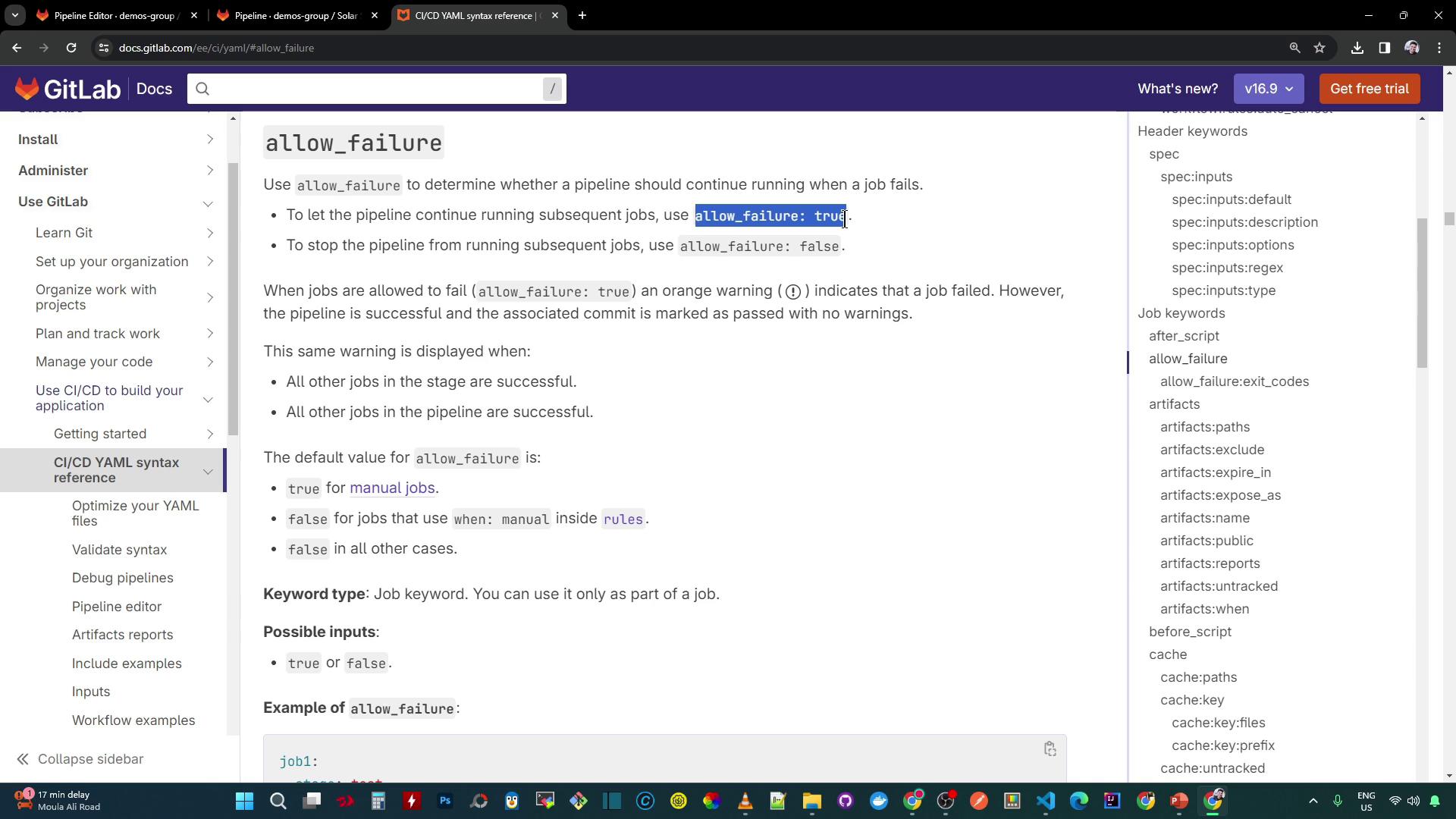
Setting
allow_failure: true records job failures as warnings rather than hard errors, ensuring dependent jobs still execute.Controlling Failures by Exit Code
You can restrict which exit codes are treated as allowed failures. Any exit code not listed will still fail the pipeline:Only exit codes specified under
allow_failure.exit_codes bypass pipeline failures. All other exit codes will mark the pipeline as failed.Applying allow_failure to Your Pipeline
Update the existing code_coverage job so its failure is ignored and the dependent job still runs:
sample-job will run even if code_coverage fails.
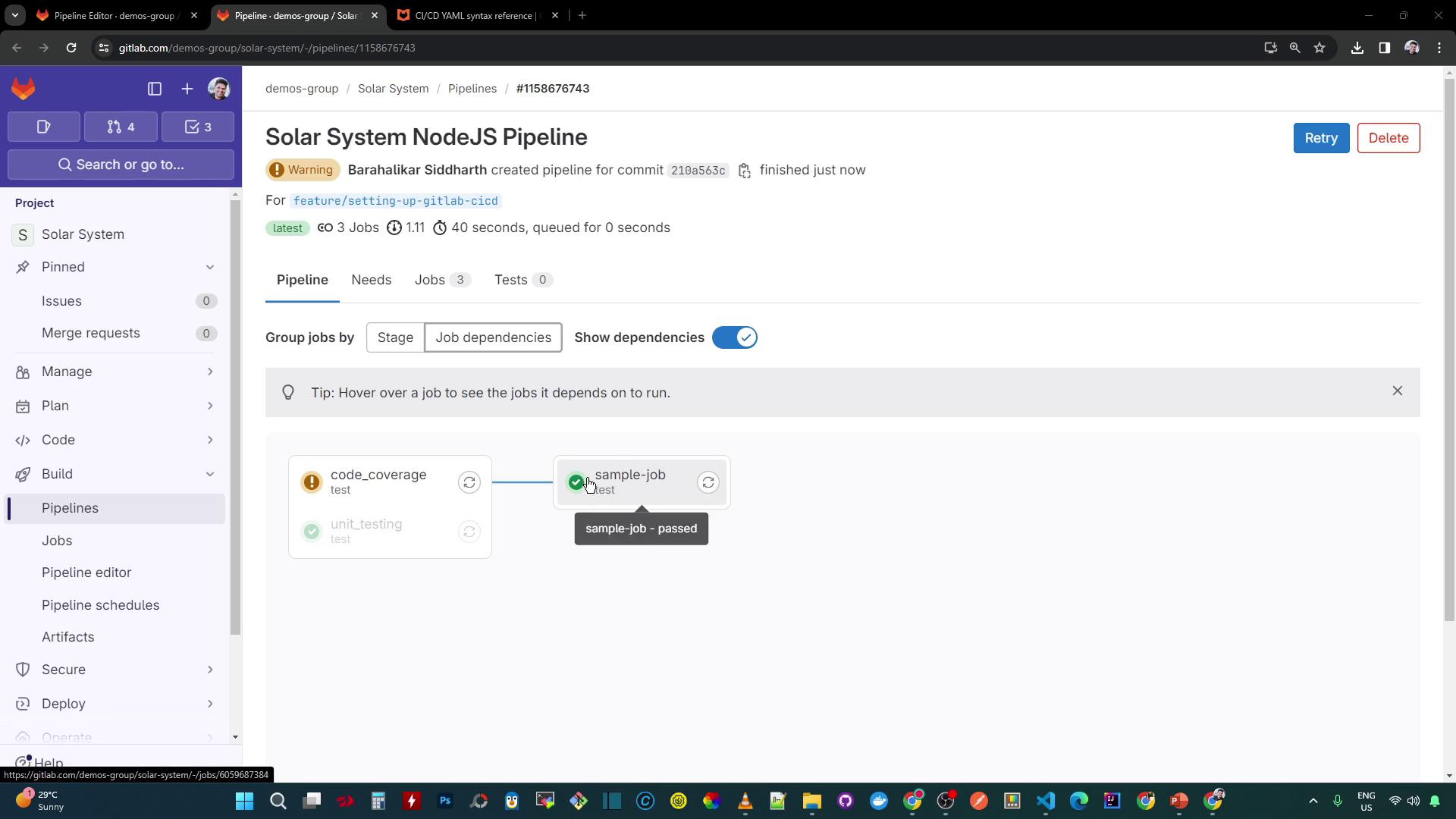
Viewing the Pipeline Status
After updating your pipeline:- The overall status is passed but displays a warning icon (⚠️).
- The
code_coveragejob shows “failed with warnings.” - Dependent jobs like
sample-jobstill execute:
Accessing Coverage Artifacts
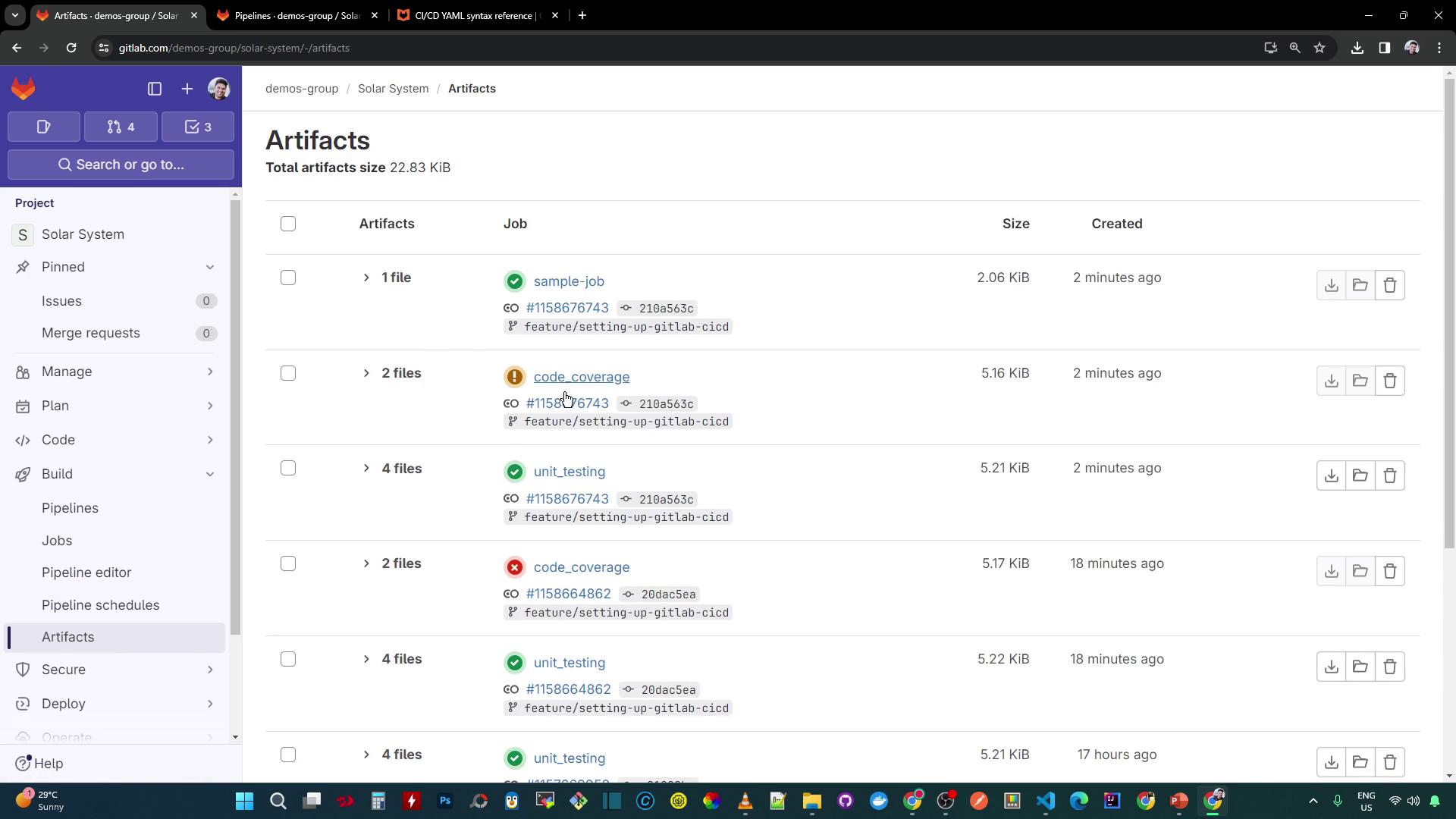
Sincecode_coverage produces a Cobertura XML report, download it even if the job fails:
- Navigate to CI/CD > Jobs and click the
code_coveragejob. - In the sidebar, select Artifacts.
- Download
cobertura-coverage.xml(available for 3 days).