

node_modules directory in GitLab CI, you can reduce install time from ~7 s to ~1 s per job and save runner resources.
Example package.json for “Solar System” App
Here’s a simplifiedpackage.json for our Node.js service:
npm install generates package-lock.json and populates node_modules. In GitLab CI, each job running npm install repeats this process:
Cache vs. Artifacts
GitLab CI offers both cache and artifacts, but they serve different purposes:Configuring cache:policy
Use the policy keyword to control download/upload behavior:
pull– only restore an existing cachepush– only upload a new cachepull-push(default) – restore first, then upload after job success
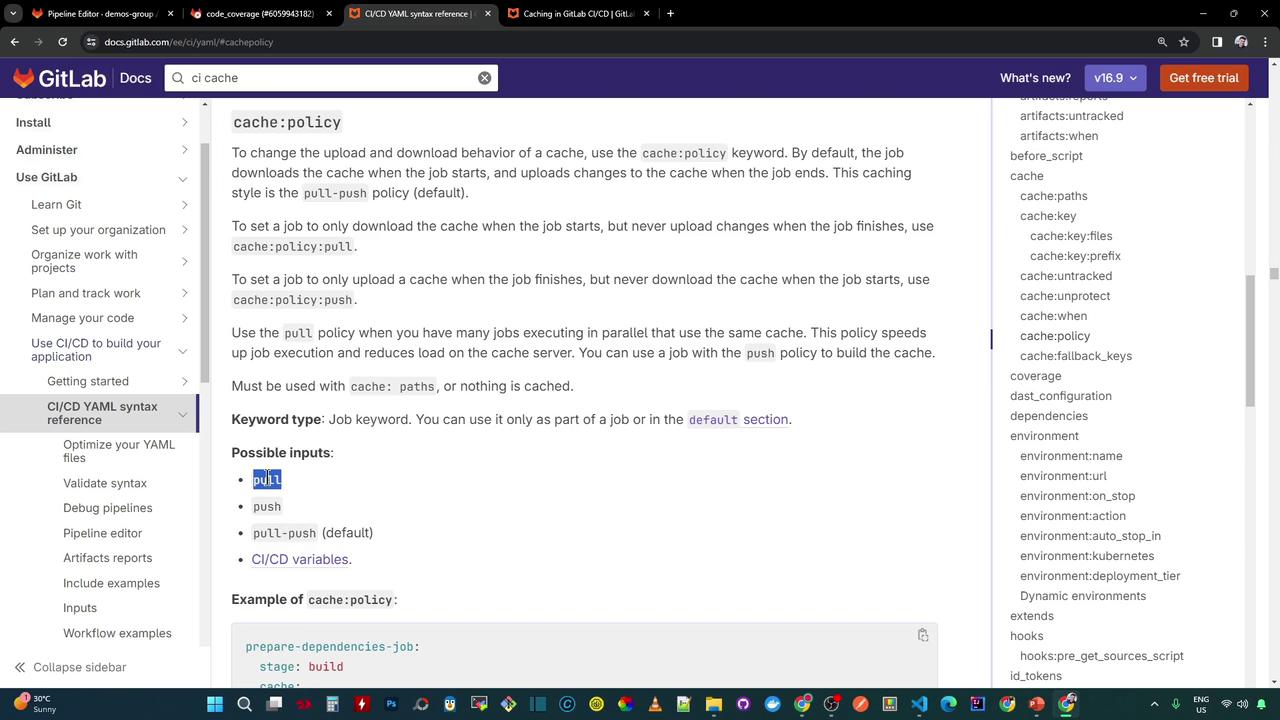
Adding Cache to .gitlab-ci.yml
Below is a minimal configuration that caches node_modules for unit_testing and code_coverage jobs:
Using
package-lock.json in the cache key ensures the cache is invalidated automatically whenever your dependencies change.Viewing the Pipeline
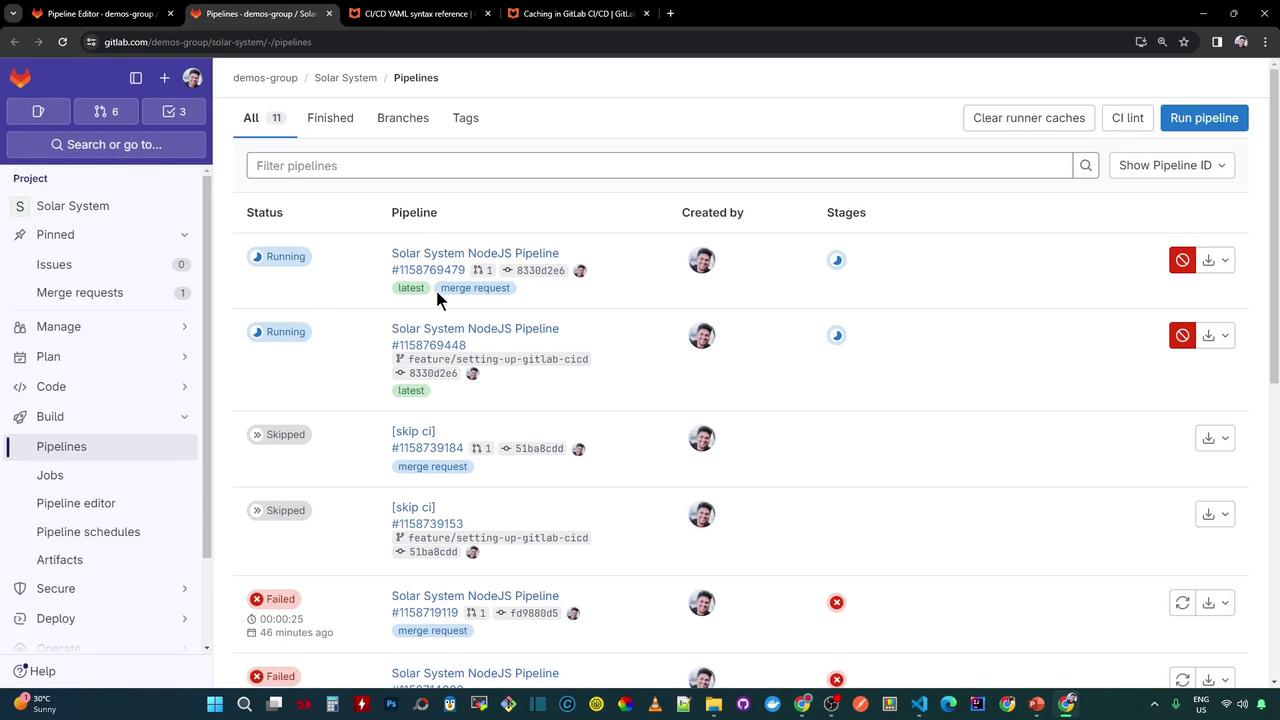
After committing.gitlab-ci.yml, GitLab triggers a pipeline. The Pipelines page shows status and stages:
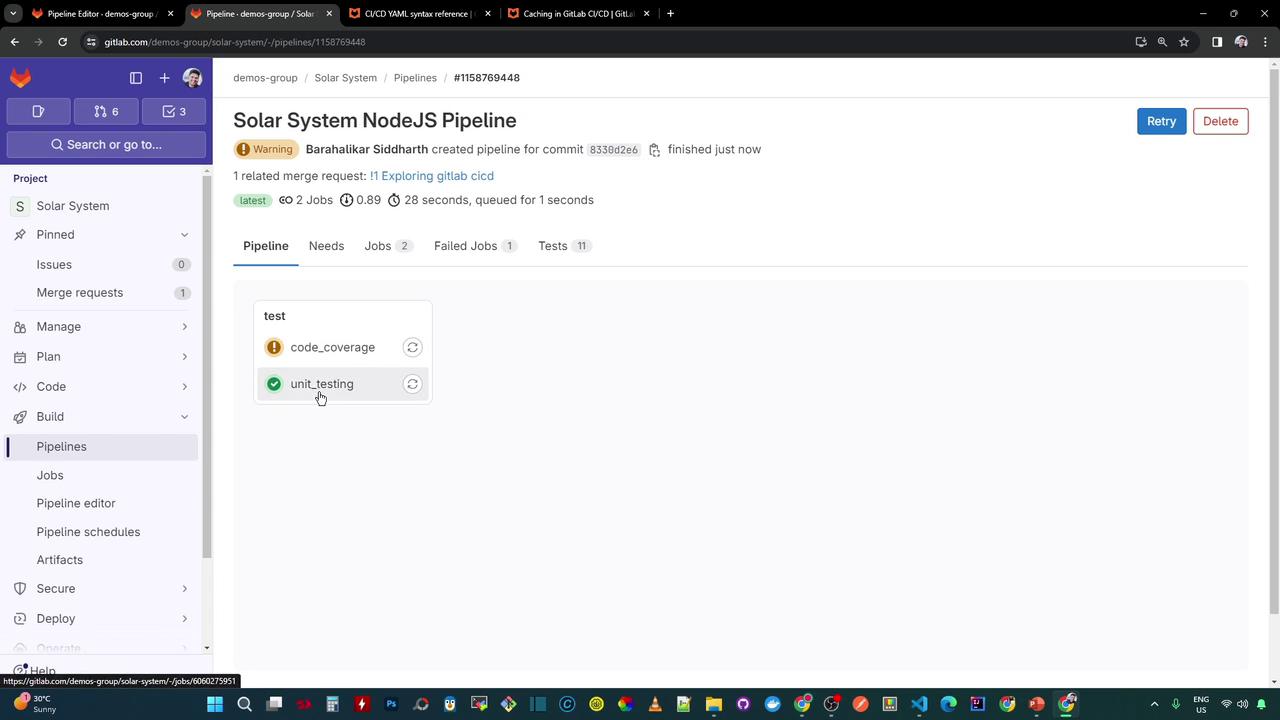
unit_testing and code_coverage:
First Run: Cache Miss
On the initial run, no cache exists. The pipeline installs dependencies and then uploads the cache: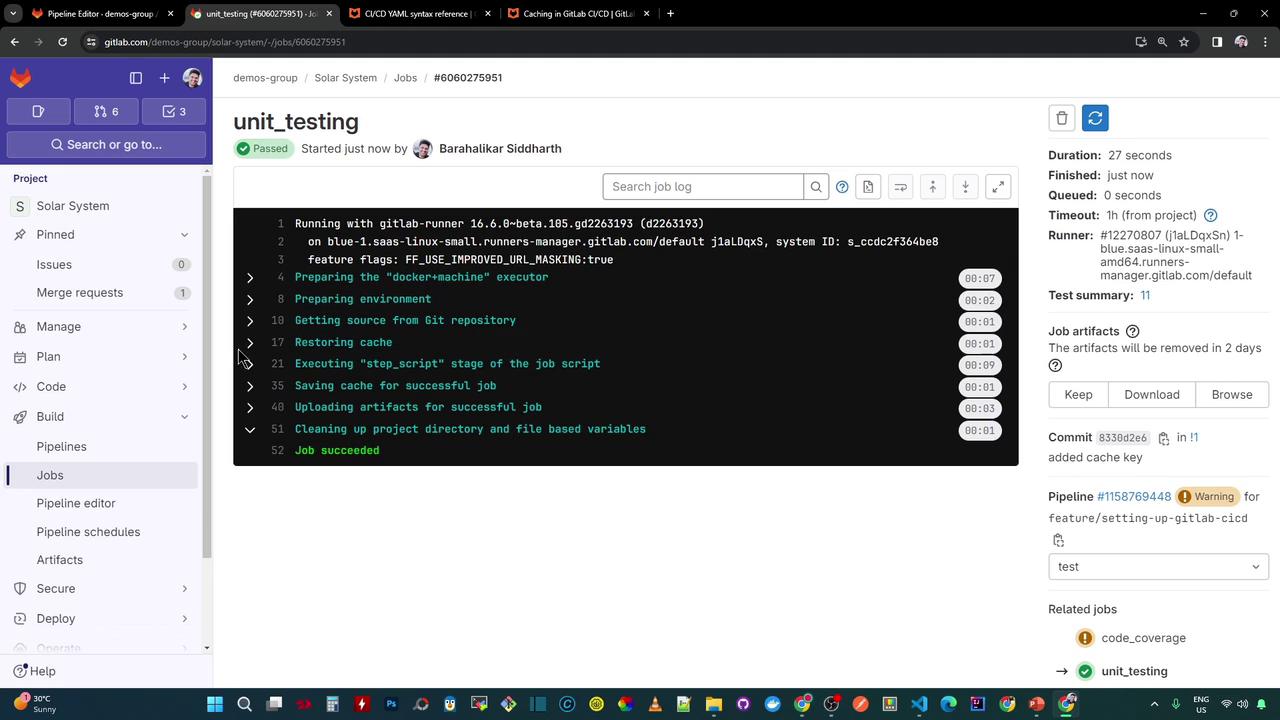
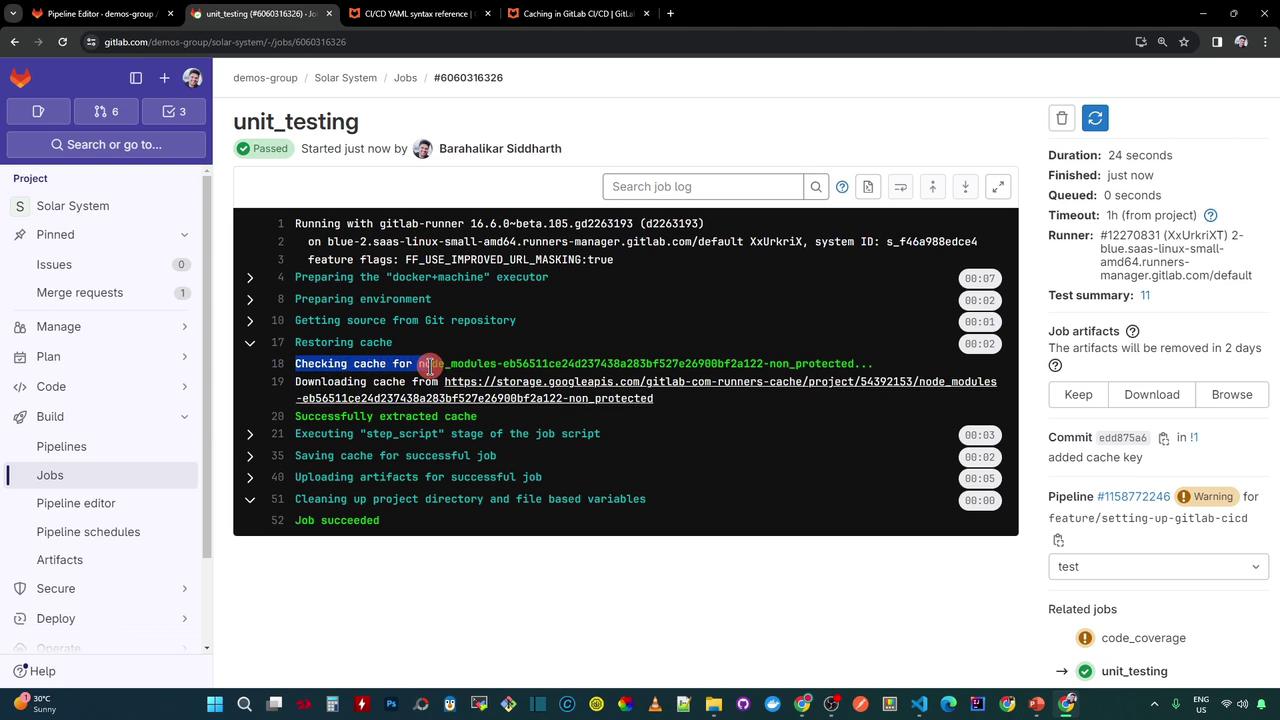
Subsequent Run: Cache Hit
With no changes topackage-lock.json, the cache restores instantly and npm install completes in ~1 s:
Clearing or Invalidating Cache
You can manually clear caches via Settings → CI/CD → Clear runner caches.To automate invalidation, use
package-lock.json in your cache:key as shown above.
Clearing caches too frequently may negate performance gains. Only clear when dependencies are truly out of sync.