GitLab CI/CD lets you define rules at both the job and workflow levels. While job-level rules determine whether an individual job runs, workflow-level rules control if the entire pipeline is created. This approach helps you:
  • Dynamically set variables.
  • Match branch patterns using regex.
  • Filter pipelines by file changes.
In this guide, you’ll learn how to implement workflow-level rules with real examples.

Prerequisites

  1. Create a new GitLab project under your demos group.
  2. Name it generic-project (public) and initialize with a README.md.
  3. Open CI/CD > Editor to configure your pipeline.
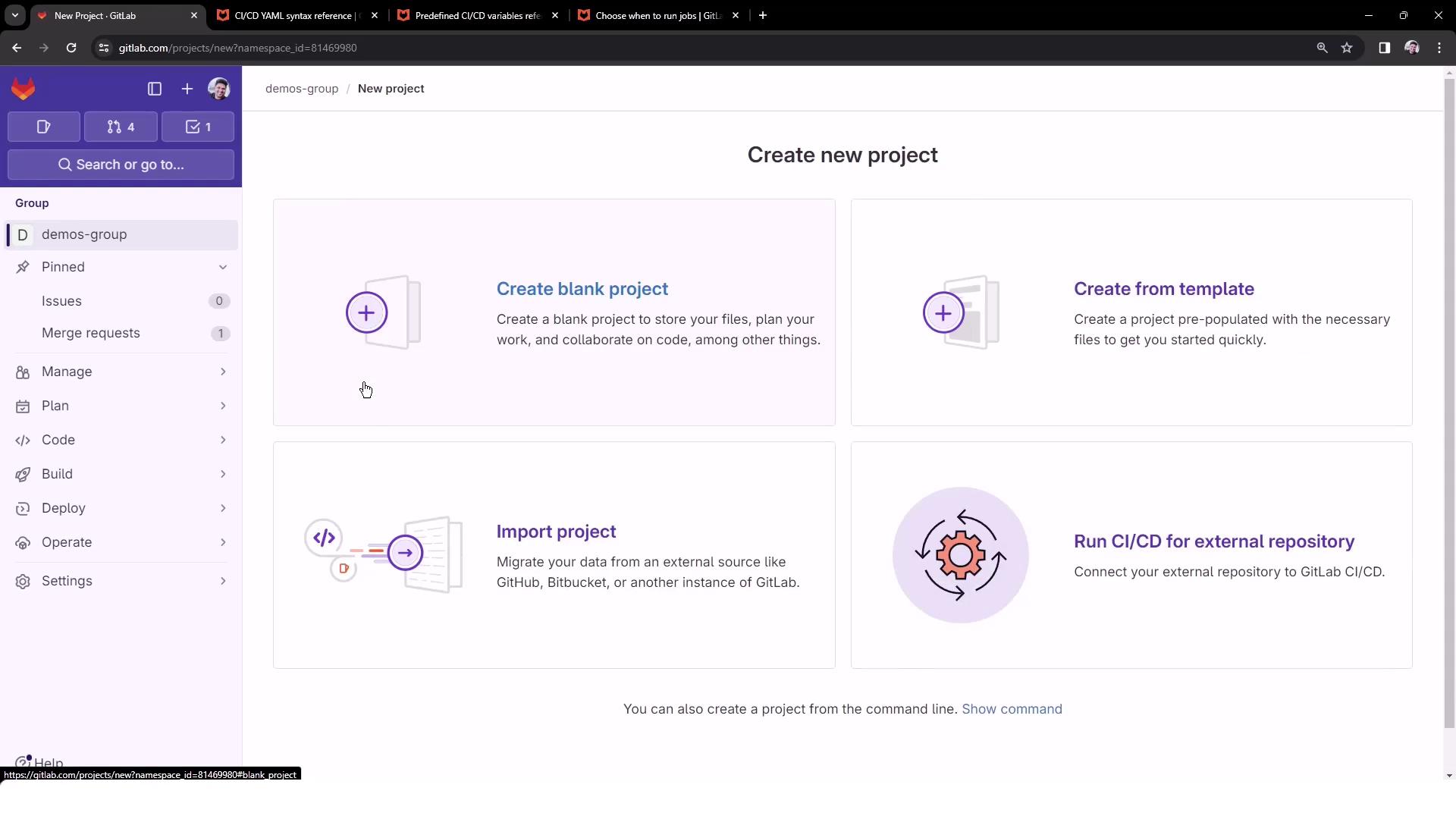
The image shows a GitLab interface for creating a new project, offering options to create a blank project, create from a template, import a project, or run CI/CD for an external repository.
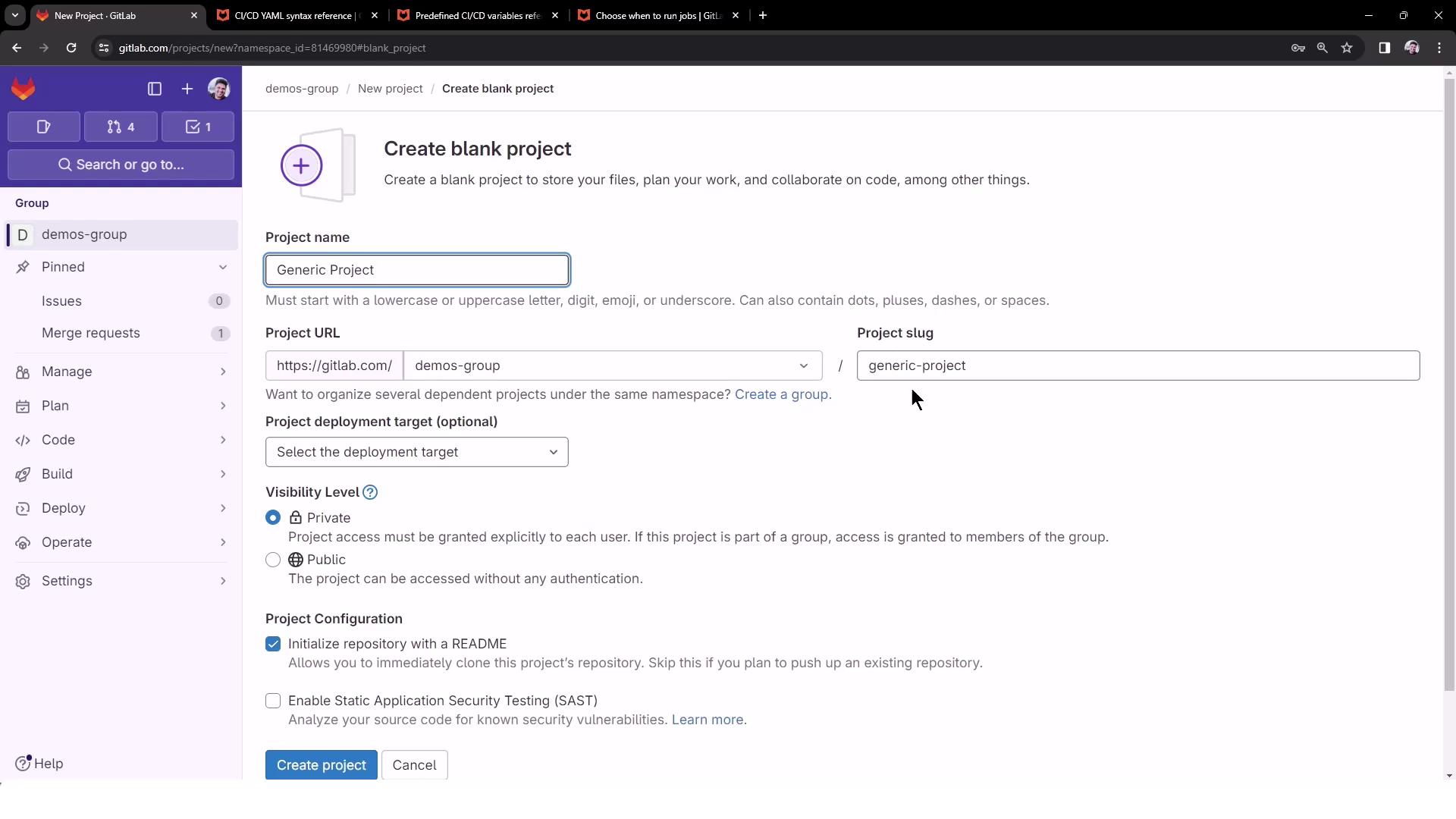
The image shows a GitLab interface for creating a new blank project, with fields for project name, URL, and visibility settings.

1. Initial Pipeline Configuration

Add a minimal .gitlab-ci.yml to ensure your project has a pipeline:
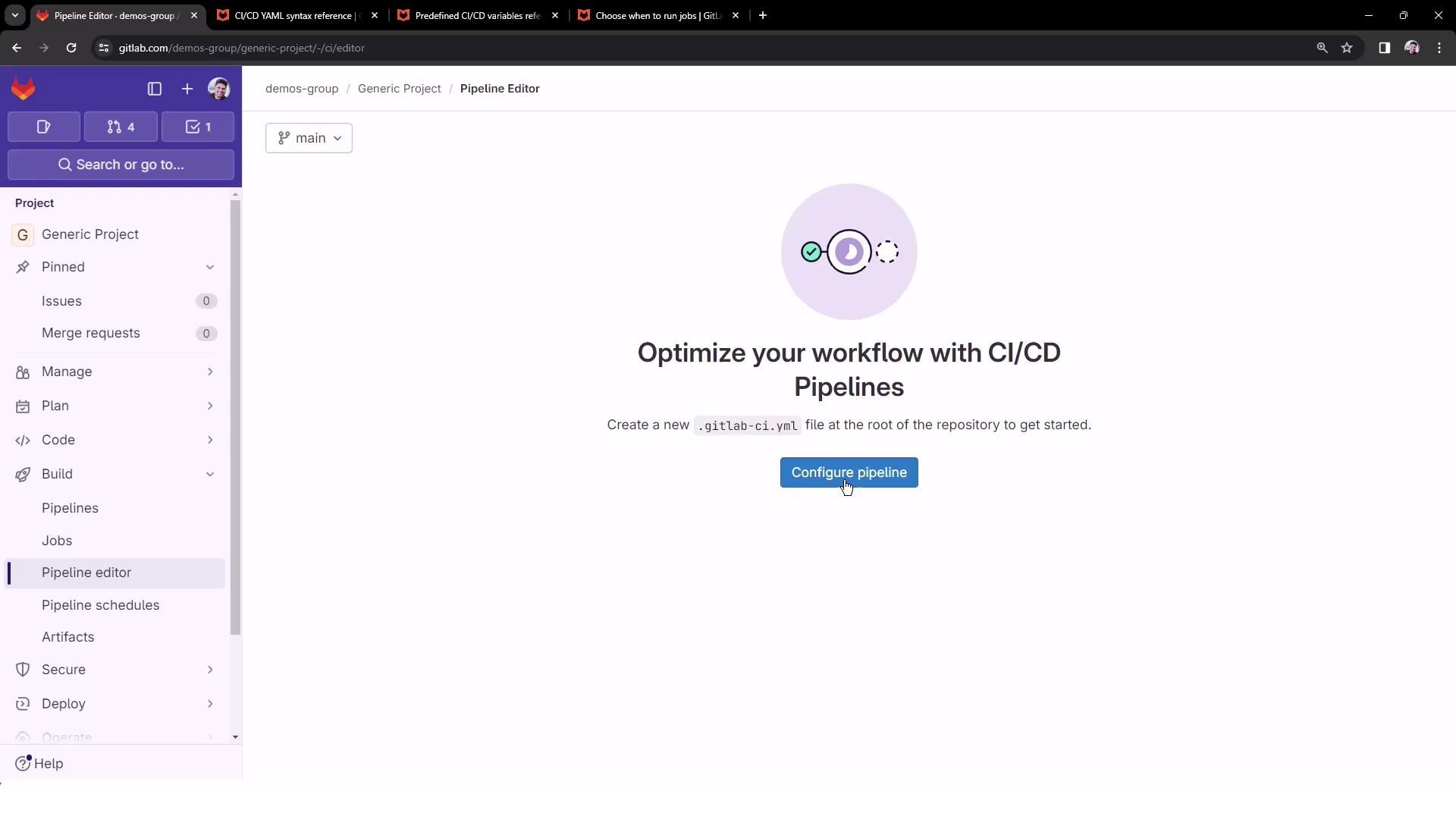
The image shows a GitLab Pipeline Editor interface with an option to configure a CI/CD pipeline by creating a .gitlab-ci.yml file. The sidebar includes project management options like issues, merge requests, and pipelines.
workflow:
  name: Exploring GitLab CI Concepts

deploy-job:
  script:
    - echo "Deploying application..."
    - echo "Application successfully deployed to $DEPLOY_VARIABLE environment"
By default, no variables are set and the pipeline always runs. Let’s introduce workflow-level rules to change that.

2. Rule 1: Run Only on main

Trigger the pipeline only for pushes to main, and set DEPLOY_VARIABLE to PRODUCTION:
workflow:
  name: Exploring GitLab CI Concepts
  rules:
    - if: $CI_COMMIT_BRANCH == "main"
      variables:
        DEPLOY_VARIABLE: "PRODUCTION"

deploy-job:
  script:
    - echo "Deploying application..."
    - echo "Application successfully deployed to $DEPLOY_VARIABLE environment"
When you push to main:
$ echo "Deploying application..."
Deploying application...
$ echo "Application successfully deployed to $DEPLOY_VARIABLE environment"
Application successfully deployed to PRODUCTION environment

3. Rule 2: Merge Requests from feature/*

Only run pipelines on merge requests whose source branch matches feature/*. Use the predefined variable CI_MERGE_REQUEST_SOURCE_BRANCH_NAME:
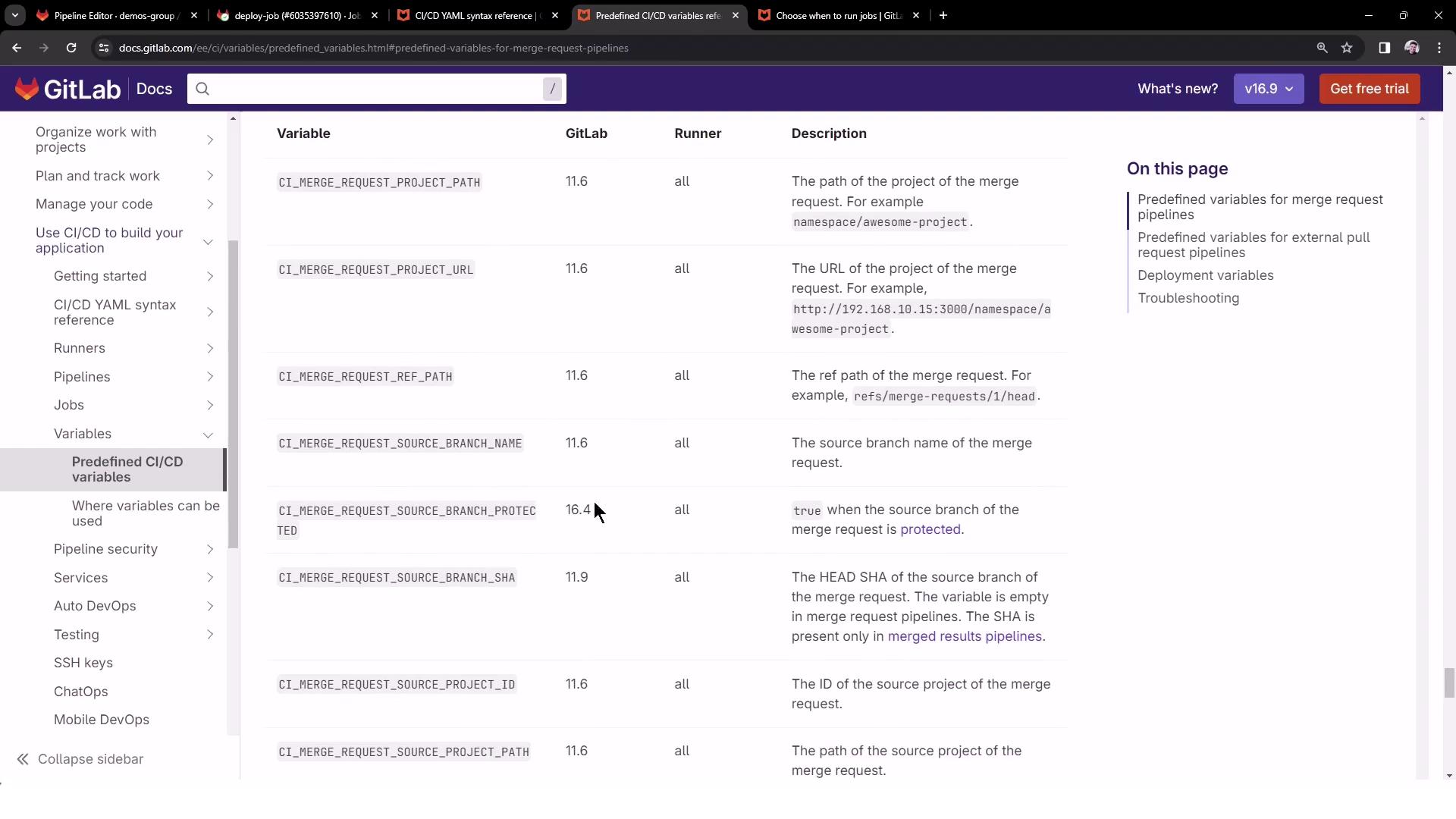
The image shows a GitLab documentation page listing predefined CI/CD variables for merge request pipelines, including their names, GitLab version, runner compatibility, and descriptions.
workflow:
  name: Exploring GitLab CI Concepts
  rules:
    - if: $CI_COMMIT_BRANCH == "main"
      variables:
        DEPLOY_VARIABLE: "PRODUCTION"
    - if: '$CI_MERGE_REQUEST_SOURCE_BRANCH_NAME =~ /^feature\// && $CI_PIPELINE_SOURCE == "merge_request_event"'
      variables:
        DEPLOY_VARIABLE: "TESTING"

deploy-job:
  script:
    - echo "Deploying application..."
    - echo "Application successfully deployed to $DEPLOY_VARIABLE environment"
Push to feature/my-awesome-feature and create an MR:
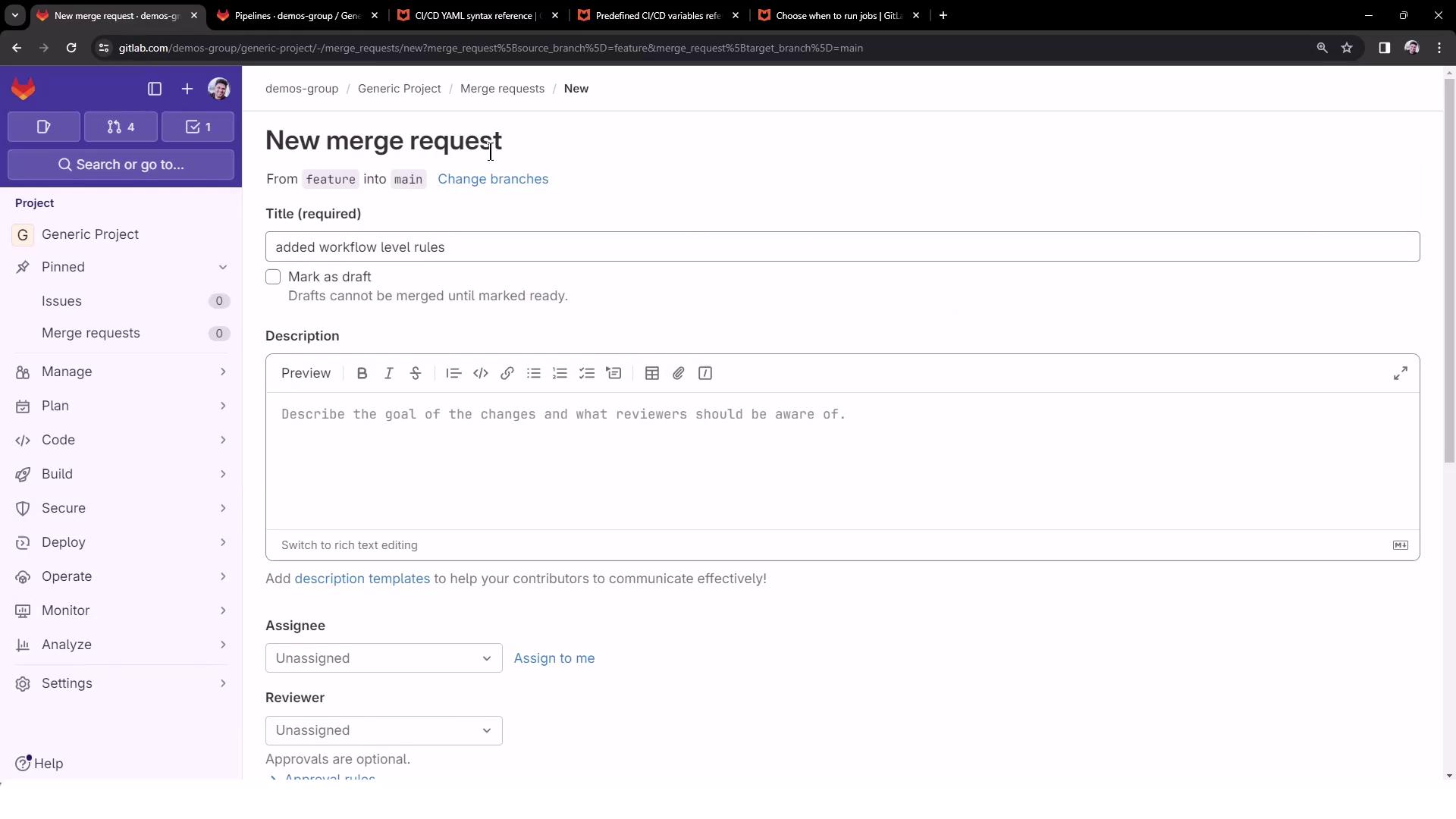
The image shows a GitLab interface for creating a new merge request, with fields for title, description, assignee, and reviewer.
No pipeline runs yet because we haven’t introduced file-change filters.

4. Rule 3: File-Change Filtering

Use the changes: keyword to trigger pipelines only when certain files are modified. For example, run MR pipelines only if README.md changes:
workflow:
  name: Exploring GitLab CI Concepts
  rules:
    - if: $CI_COMMIT_BRANCH == "main"
      variables:
        DEPLOY_VARIABLE: "PRODUCTION"
    - if: '$CI_MERGE_REQUEST_SOURCE_BRANCH_NAME =~ /^feature\// && $CI_PIPELINE_SOURCE == "merge_request_event"'
      changes:
        - README.md
      variables:
        DEPLOY_VARIABLE: "TESTING"

deploy-job:
  script:
    - echo "Deploying application..."
    - echo "Application successfully deployed to $DEPLOY_VARIABLE environment"
Update README.md in your feature branch and push. Now you’ll see a new pipeline:
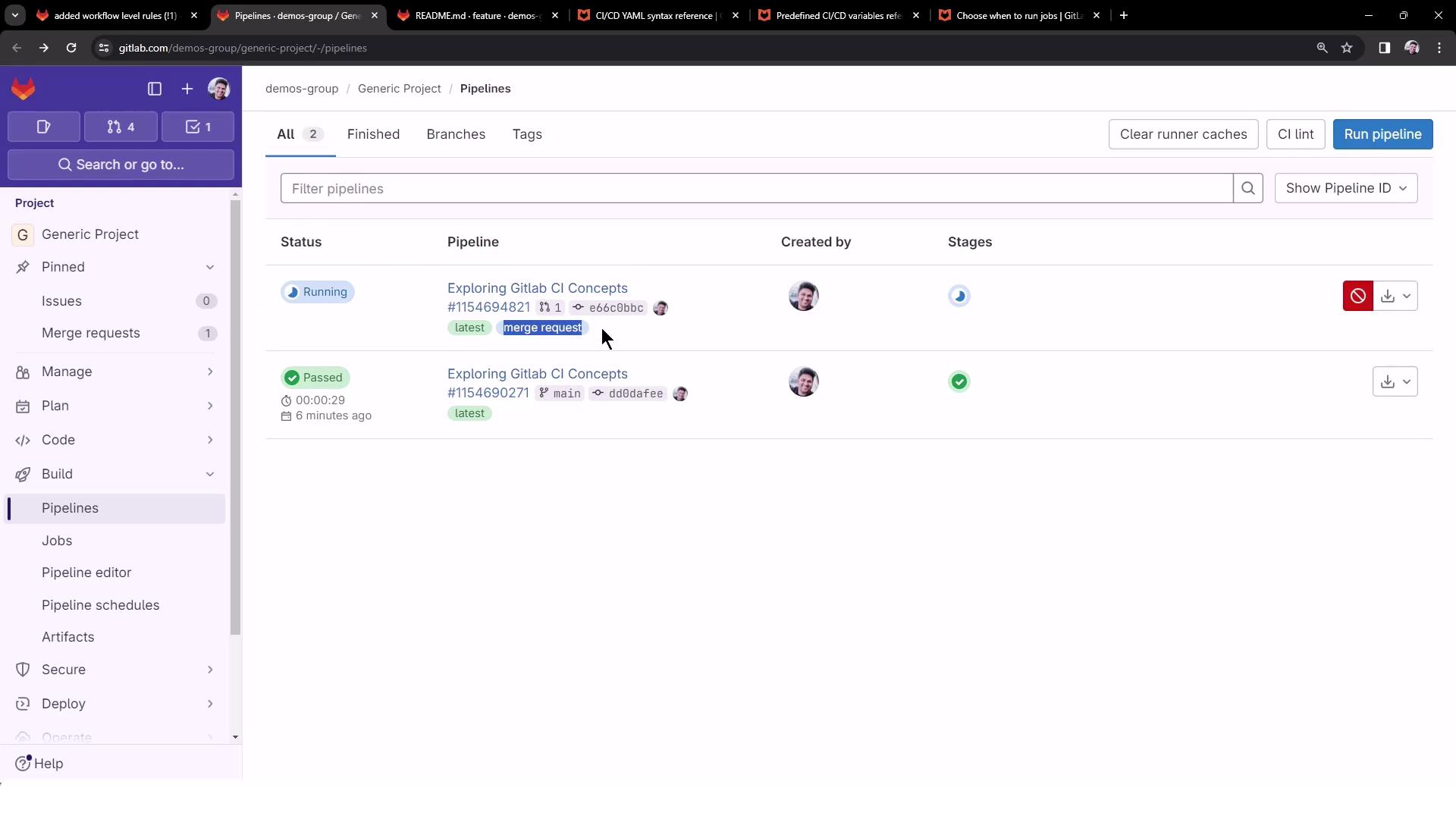
The image shows a GitLab CI/CD pipeline interface with two pipeline entries, one running and one passed, along with user avatars and pipeline details.
The job log confirms the TESTING variable:
$ echo "Deploying application..."
Deploying application...
$ echo "Application successfully deployed to $DEPLOY_VARIABLE environment"
Application successfully deployed to TESTING environment

Summary of Workflow-Level Rules

RuleTriggerVariableDescription
1CI_COMMIT_BRANCH == "main"PRODUCTIONOnly build on main
2MR event & source branch matches feature/*TESTINGRun on feature-branch merge requests
3Same as Rule 2 and changes: [README.md]TESTINGOnly when README.md is updated in the MR branch

The first matching rule wins. If no rule matches, the pipeline won’t be created—no jobs will run.

Final .gitlab-ci.yml Example

workflow:
  name: Exploring GitLab CI Concepts
  rules:
    - if: '$CI_COMMIT_TITLE =~ /-draft$/'
      when: never
    - if: '$CI_PIPELINE_SOURCE == "merge_request_event"'
    - if: '$CI_COMMIT_BRANCH == $CI_DEFAULT_BRANCH'

deploy-job:
  script:
    - echo "Deploying application..."
    - echo "Application successfully deployed to $DEPLOY_VARIABLE environment"
Customize your rules with when: manual, allow_failure, or file filters to match your team’s workflow.