Authentication Methods
GitLab supports several registry authentication methods:- Personal Access Tokens
- Deploy Tokens
- Project Access Tokens
- Group Access Tokens
Logging in with a Token
Locally, you can log in using any valid token:Always keep your tokens secure. GitLab’s predefined variables (e.g.,
CI_JOB_TOKEN) expire automatically, reducing exposure risk.Building and Pushing Images Manually
If you prefer to build and push outside of CI/CD, follow these steps:<group>, <project>, and <image-name> with your specific values.
GitLab CI/CD Job: publish_gitlab_container_registry
Below is an example publish_gitlab_container_registry job that:
- Loads a prebuilt image archive
- Authenticates to the registry
- Tags the image
- Pushes it upstream
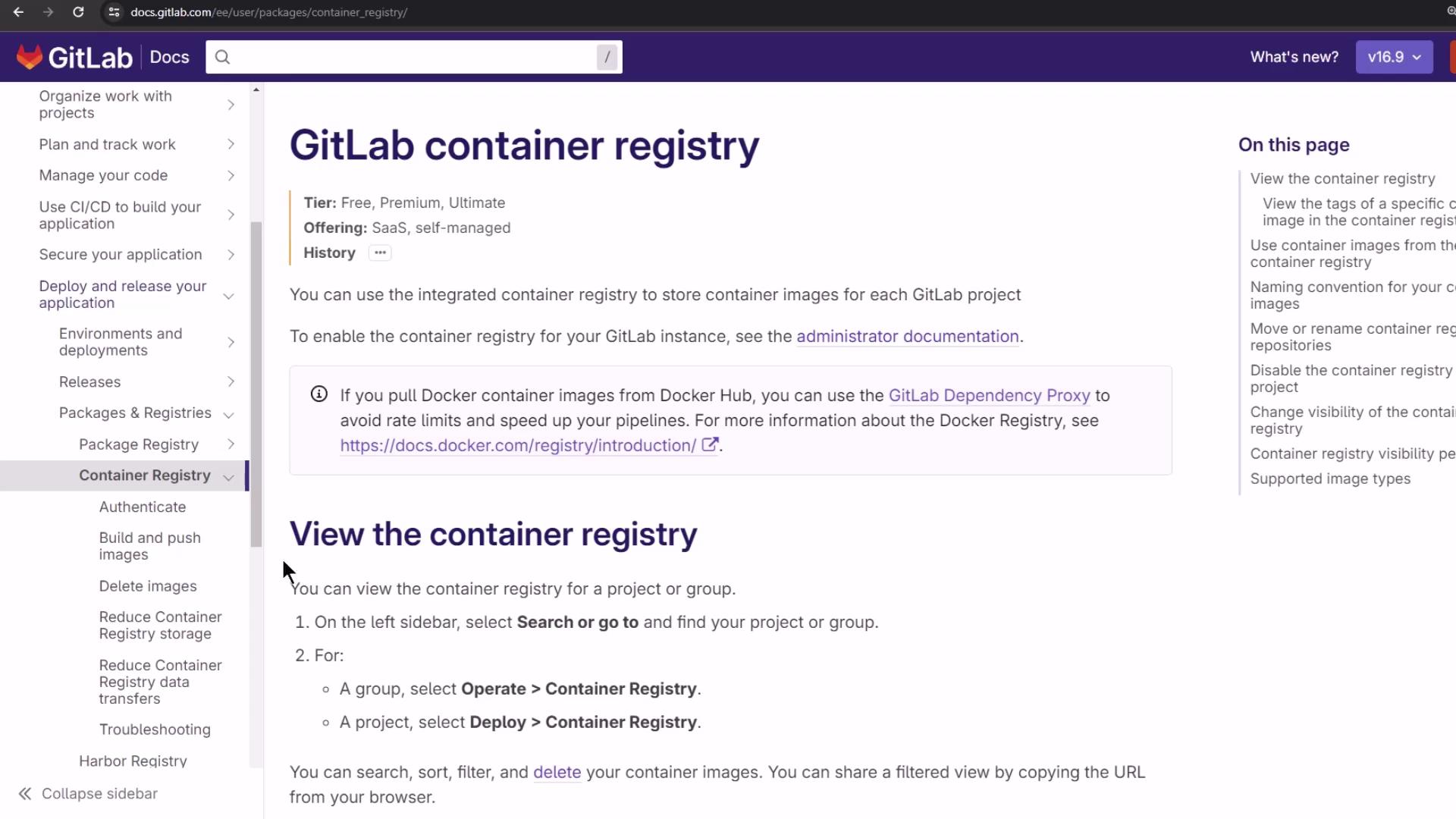
Predefined CI/CD Variables
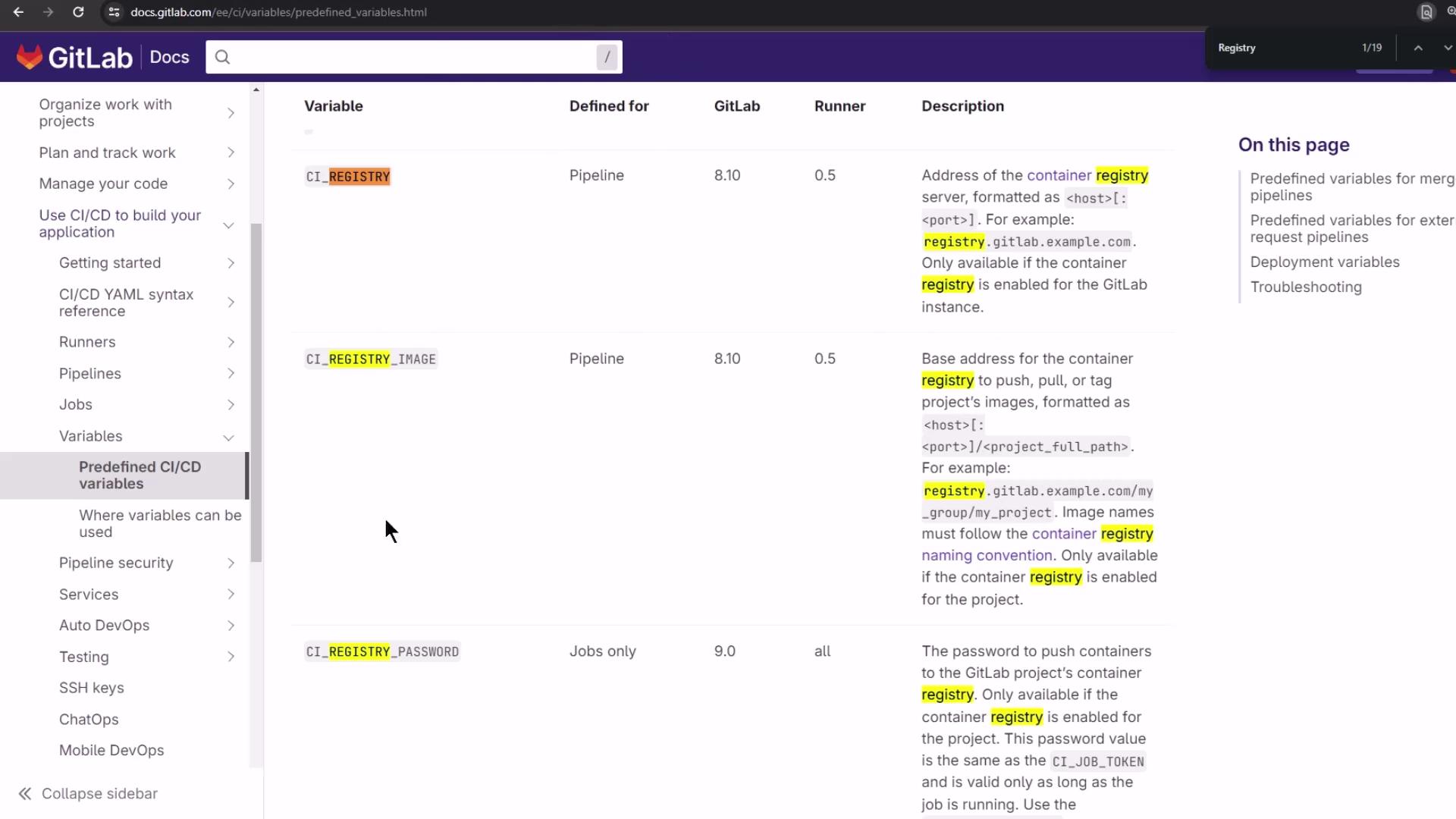
Viewing the Registry Before and After Push
Before any push, the Container Registry is empty: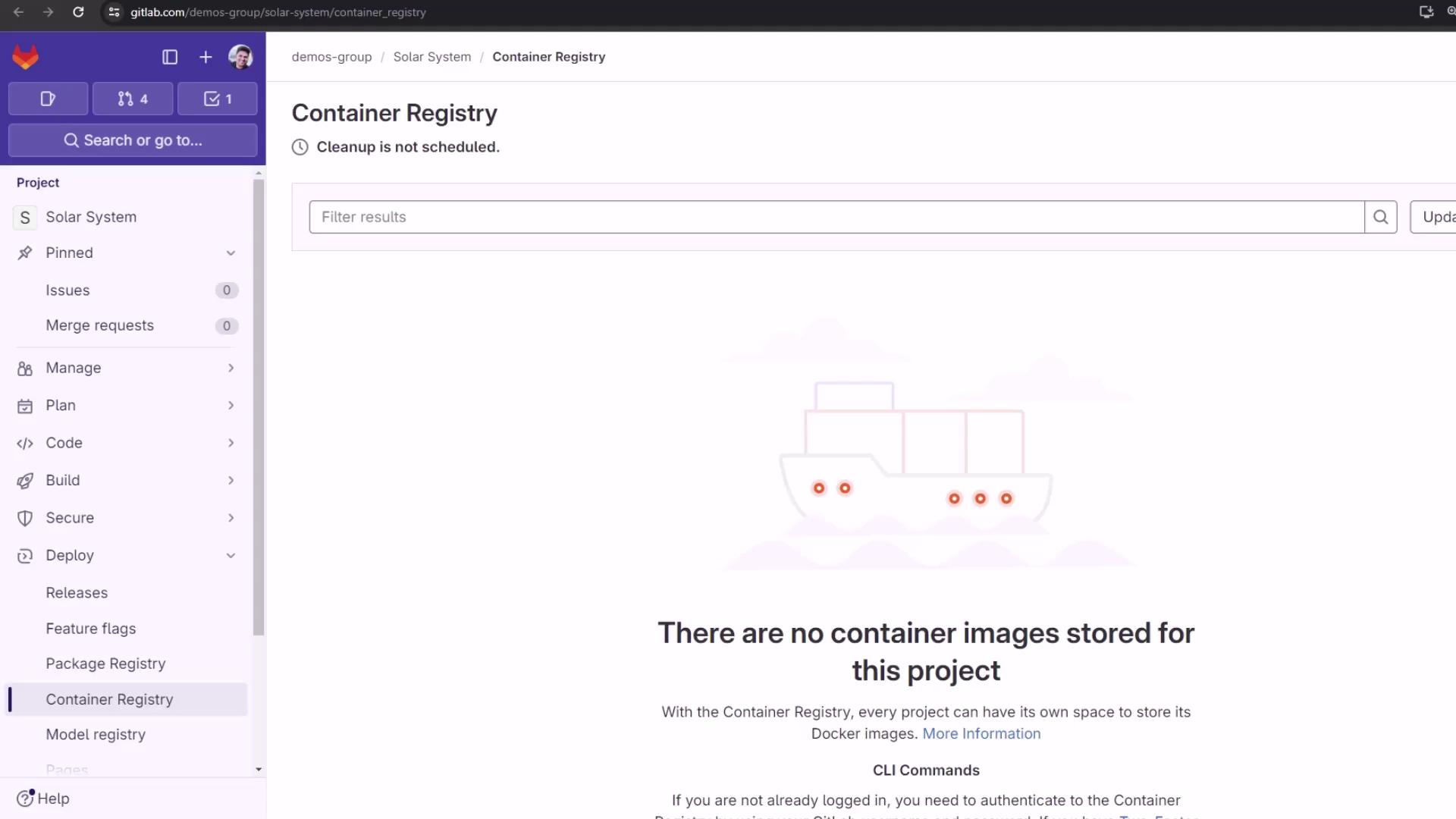
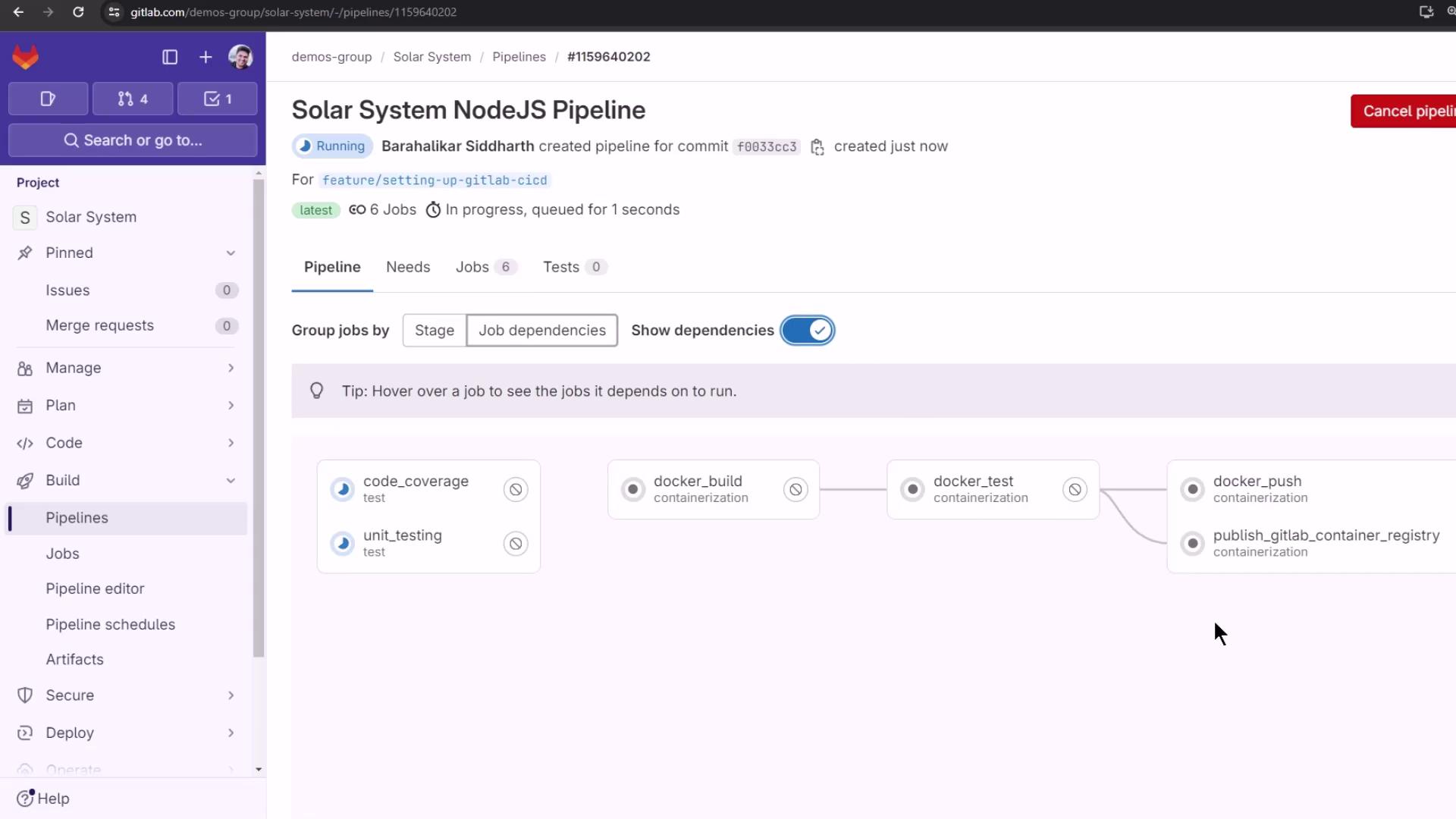
.gitlab-ci.yml and running the pipeline, the publish_gitlab_container_registry job executes in parallel with other containerization steps:
Troubleshooting Login Errors
If you encounter a syntax error using--password-stdin, switch to the -p flag:
Passing passwords directly via
-p can be insecure. Use --password-stdin where possible, and ensure your CI logs are protected.Verifying a Successful Push
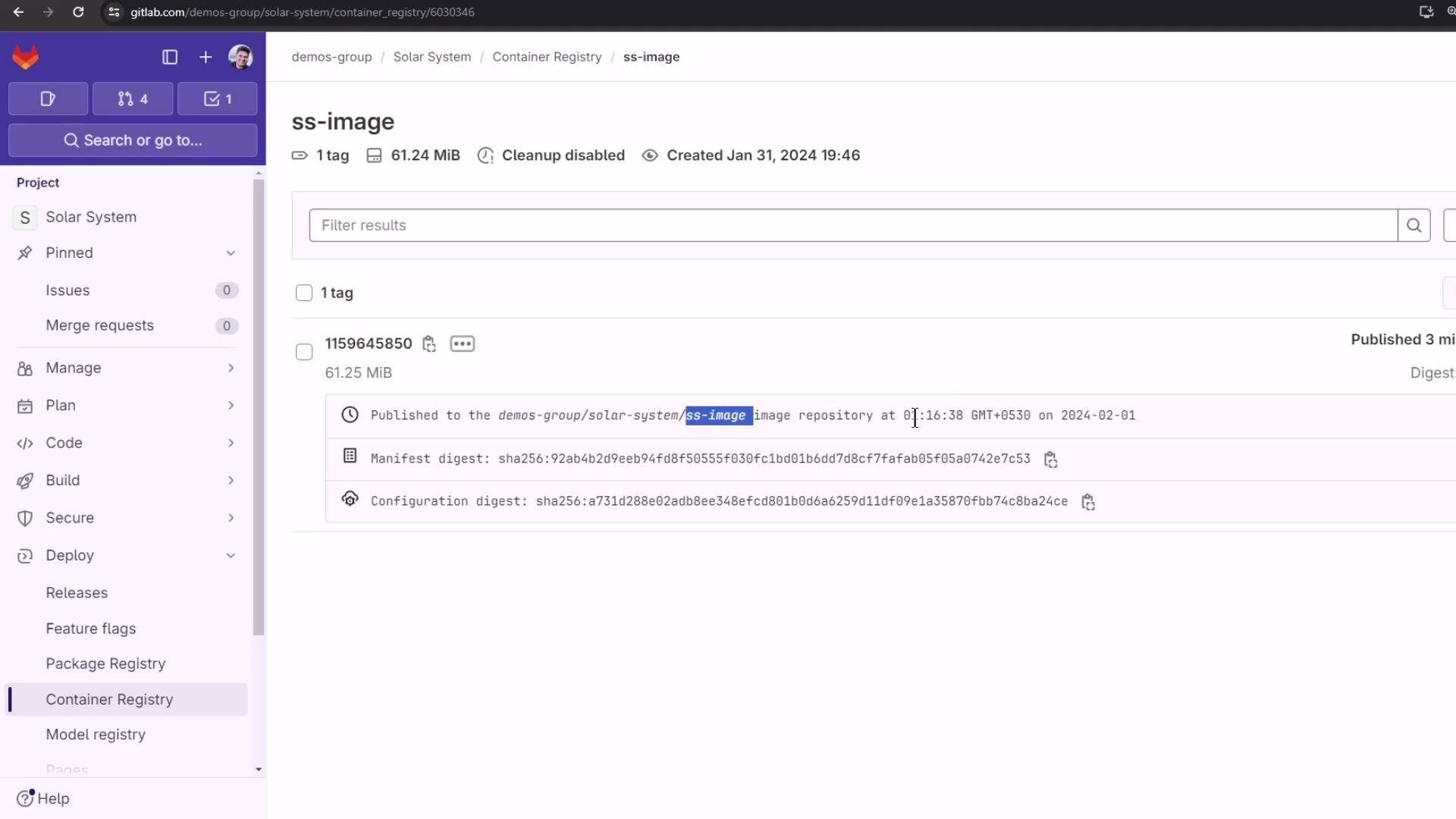
Once the job completes, your logs should look like this: