Welcome to the GitLab CI/CD course. I’m Siddharth, your instructor for this lesson on automation with GitLab CI/CD. This course will guide you through continuous integration, continuous delivery, pipelines, and runner management inside GitLab so you can automate testing, builds, and deployments with confidence. What you’ll learn (high level):
  • Core CI/CD concepts and GitLab-specific pipeline components
  • Writing and organizing .gitlab-ci.yml pipelines
  • Runners: types, setup, and registration
  • Testing, code coverage, and artifact management
  • Containerization and deploying to Kubernetes
  • Secrets, environments, and Auto DevOps best practices
We start by building a strong foundation: why CI/CD matters, the benefits of automation, and the difference between continuous delivery and continuous deployment. From there, we move into GitLab CI/CD fundamentals and the building blocks used to author pipelines. We then progress from simple pipelines to end-to-end examples that include unit testing, code coverage, container images, Kubernetes deployments, and uploading artifacts to S3-compatible storage. Each topic in the course follows a three-step structure:
  • A concise theoretical lesson,
  • A practical demonstration with real GitLab configuration and pipeline examples,
  • Hands-on labs so you can practice in a real environment.
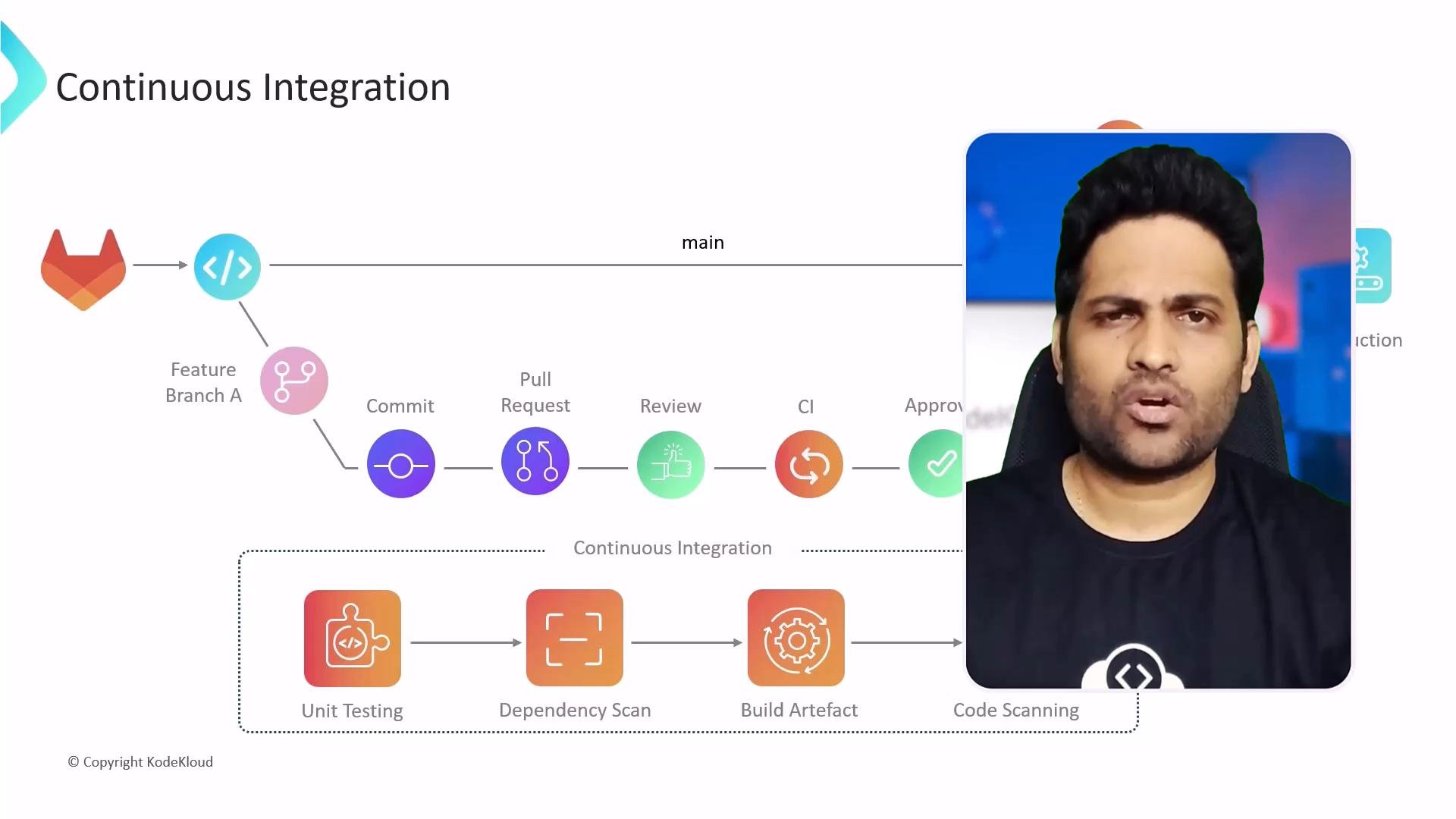
A presentation slide showing a Continuous Integration workflow with icons for feature branches, commits, pull requests and stages like unit testing, dependency scanning, build artifact and code scanning. On the right a rectangular video overlay shows a man speaking.
Course structure (sample modules) Practical labs are provided through KodeKloud. These browser-based environments give you just-in-time access to real infrastructure so you can immediately apply what you learn without local setup overhead. Runner setup example Below is a common approach to run GitLab Runner locally using Docker, then register it interactively with your GitLab instance. Run the GitLab Runner container and mount the Docker socket and config volume:
Start an interactive registration session from inside the container:
Example interactive registration session Below is a sample transcript of the interactive registration prompts you will typically see. User responses are shown after each prompt.
Registration tokens and runner registration workflows have evolved across GitLab versions. If you see a deprecation warning or an authentication failure, verify your GitLab release and follow the recommended registration method in the official GitLab Runner docs: https://docs.gitlab.com/runner/register/
How the labs reinforce learning We design labs to be interactive and challenge-driven so you learn by doing. Expect tasks that mirror real-world scenarios: instrumenting test suites, producing artifacts, building container images, configuring protected variables, and deploying to clusters. These exercises accelerate skill retention and prepare you for production workflows.
Tip: Engage with the KodeKloud community forum to ask questions, share solutions, and get peer feedback. Collaborative learning helps you troubleshoot real-world CI/CD challenges more quickly.
References and further reading If you’re ready, let’s begin the first lesson and start authoring pipelines in .gitlab-ci.yml.

Watch Video