Streamline GitLab CI/CD pipelines by using standalone shell scripts for improved readability, maintainability, and version control of build logic.
Streamline your GitLab CI/CD pipelines by extracting complex commands into standalone shell scripts. This approach improves readability, maintainability, and version control for your build logic.
Below is a simple .gitlab-ci.yml that installs the cowsay gem and runs commands directly:
Copy
Ask AI
workflow: name: Generate ASCII Artworkascii_job: before_script: - gem install cowsay script: - echo "Generating ASCII Artwork using COWSAY Program" - cowsay -f dragon "Run for cover, I am a DRAGON....RAWR" >> dragon.txt - grep -i "dragon" dragon.txt - cat dragon.txt after_script: - echo "Executed at the end, can be used for cleaning/removing content"
While this works, embedding multiple commands can quickly clutter your CI file.
Extract repetitive or lengthy command sequences into versioned scripts to keep your pipeline definitions clean and reusable.
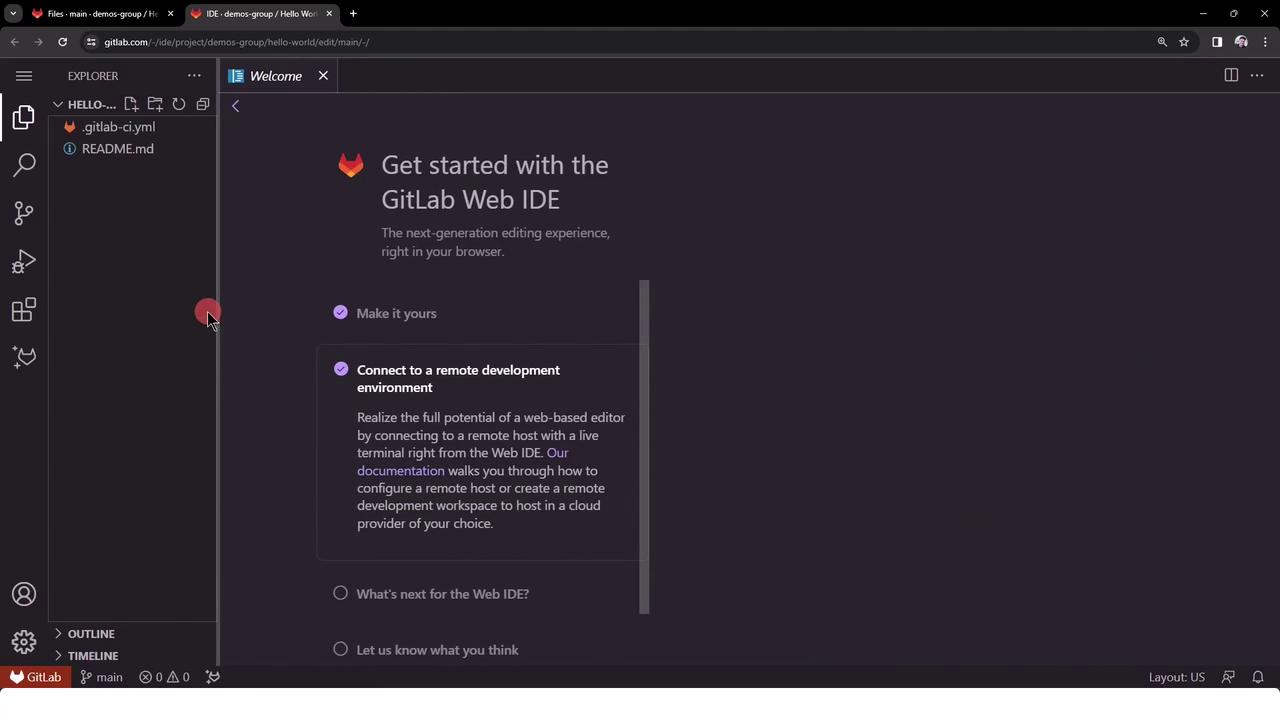
Add a file named ascii-script.sh at your repository root:
Copy
Ask AI
#!/bin/shecho "Generating ASCII Artwork using COWSAY Program"cowsay -f dragon "Run for cover, I am a DRAGON....RAWR" >> dragon.txtgrep -i "dragon" dragon.txtcat dragon.txtls -ltr
Save and commit ascii-script.sh so it’s tracked by Git.
Modify .gitlab-ci.yml to invoke the script instead of inline commands:
Copy
Ask AI
workflow: name: Generate ASCII Artworkascii_job: before_script: - gem install cowsay script: - ./ascii-script.sh after_script: - echo "Executed at the end, can be used for cleaning/removing content"
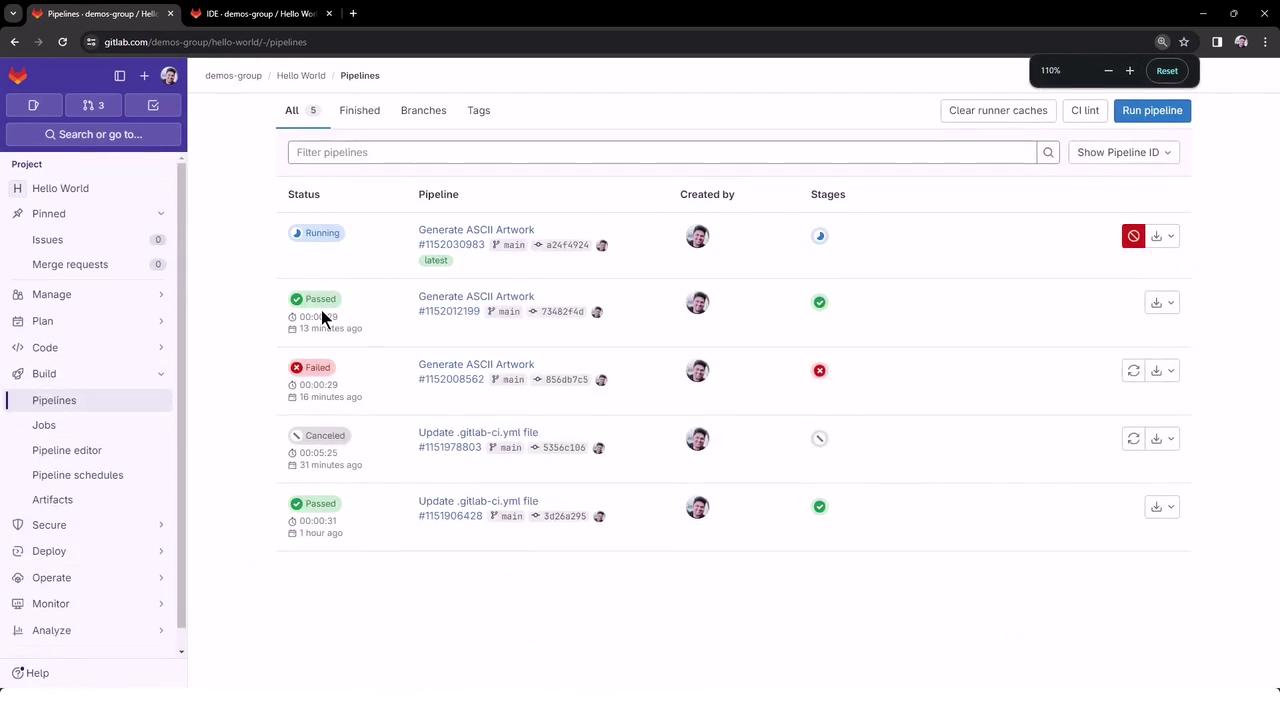
Commit and push your changes. The pipeline will now call the external script.
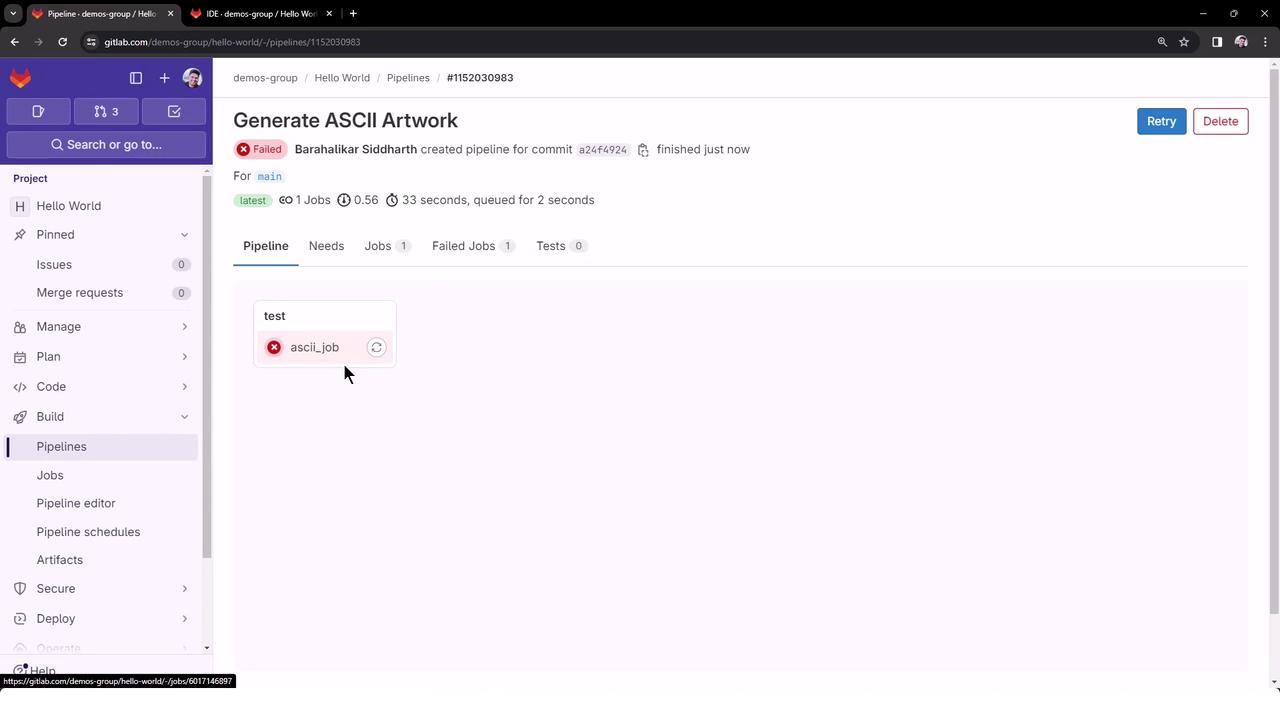
Add a chmod step in before_script to make the script executable:
Copy
Ask AI
workflow: name: Generate ASCII Artworkascii_job: before_script: - gem install cowsay - chmod +x ascii-script.sh script: - ./ascii-script.sh after_script: - echo "Executed at the end, can be used for cleaning/removing content"
Commit and push. The next pipeline run will apply the new permissions automatically.
$ chmod +x ascii-script.sh$ ./ascii-script.shGenerating ASCII Artwork using COWSAY Program | Run for cover, I am a DRAGON....RAWR |total 32-rwxrwxr-x 1 root root 185 Jan 25 19:32 ascii-script.sh-rw-rw-r-- 1 root root 6181 Jan 25 19:32 README.md-rw-rw-r-- 1 root root 270 Jan 25 19:32 .gitlab-ci.yml-rw-r--r-- 1 root root 948 Jan 25 19:32 dragon.txtRunning after_scriptJob succeeded
With this pattern, your .gitlab-ci.yml stays concise, and complex logic lives in maintainable, version-controlled scripts.