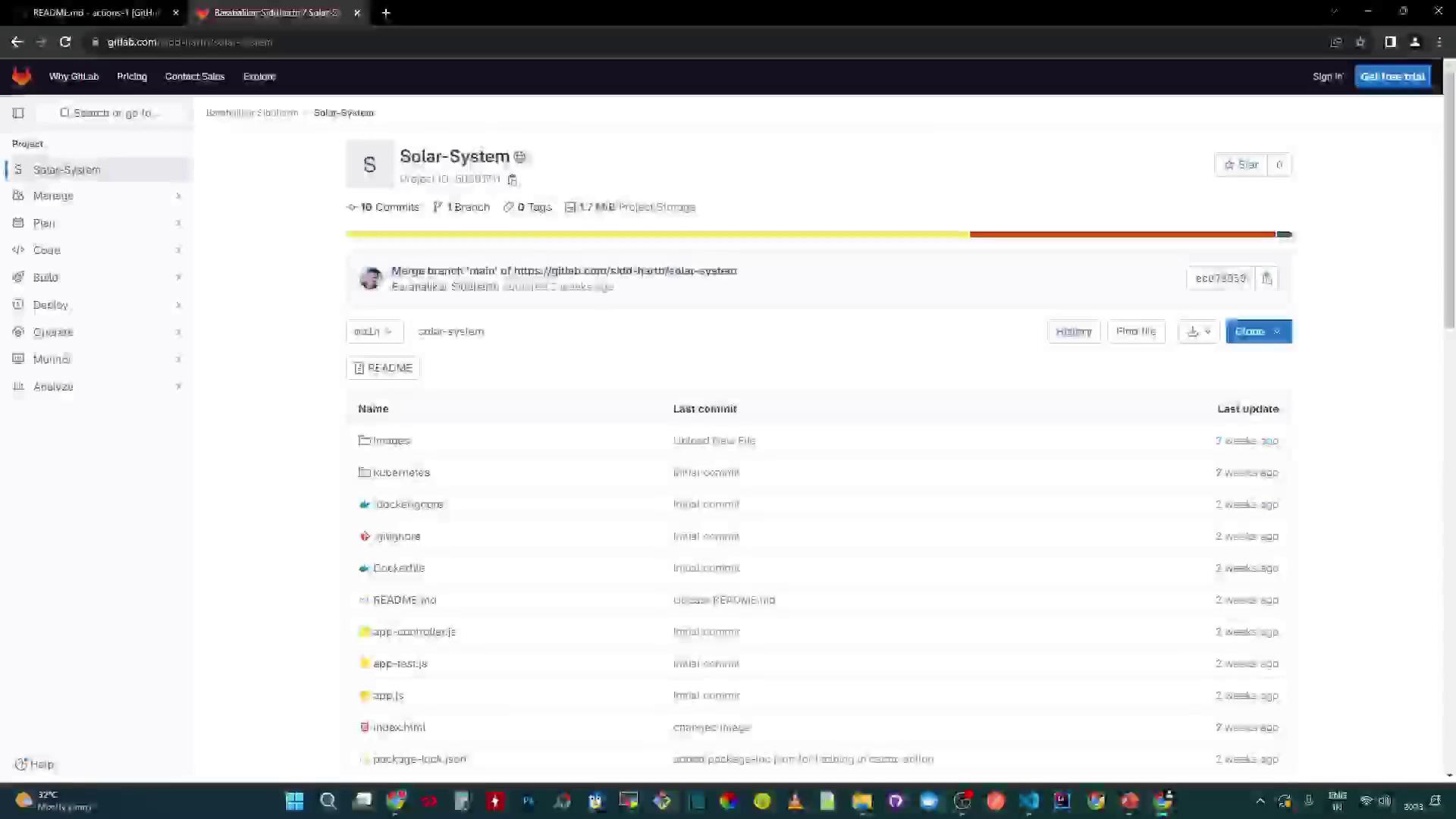
Learn how to run and test the Solar System Node.js application locally before integrating it into a GitLab CI/CD pipeline. The source code is hosted on GitLab.
The image shows a GitLab repository page for a project named "Solar-System," displaying the project files and their last commit details. The interface includes options for managing, planning, and deploying the project.

Prerequisites

  • Node.js and npm
  • A running MongoDB instance or Atlas cluster
  • Git installed on your machine
To verify Node.js and npm:
node --version   # e.g., v18.x.x
npm --version    # e.g., 9.x.x

Clone the Repository

git clone https://gitlab.com/sidd-harth/solar-system.git
cd solar-system

Project Structure and Key Files

This repository includes:
  • package.json: Defines metadata, scripts, dependencies, and coverage thresholds
  • app.js: Backend Express.js server
  • client.js: Frontend script to fetch planet data
  • Dockerfile: Build instructions for a Docker image
  • deployment.yaml & service.yaml: Kubernetes manifests

package.json

{
  "name": "Solar System",
  "version": "6.7.6",
  "author": "Siddharth Barahalikar",
  "license": "MIT",
  "scripts": {
    "start": "node app.js",
    "test": "mocha app-test.js --timeout 10000 --reporter mocha-junit-reporter --exit",
    "coverage": "nyc --reporter cobertura --reporter lcov --reporter text --reporter json-summary mocha app-test.js"
  },
  "nyc": {
    "check-coverage": true,
    "lines": 90
  },
  ...
}
ScriptDescriptionCommand
startLaunch the Express servernpm start
testRun tests with Mocha and JUnit reporternpm test
coverageGenerate coverage reports (cobertura, lcov)npm run coverage

Application Backend (app.js)

const path = require('path');
const express = require('express');
const bodyParser = require('body-parser');
const cors = require('cors');
const mongoose = require('mongoose');

const app = express();
app.use(bodyParser.json());
app.use(express.static(path.join(__dirname, '/')));
app.use(cors());

mongoose.connect(process.env.MONGO_URI, {
  user: process.env.MONGO_USERNAME,
  pass: process.env.MONGO_PASSWORD,
  useNewUrlParser: true,
  useUnifiedTopology: true
}, (err) => {
  if (err) {
    console.error("Connection error:", err);
  } else {
    console.log("Connected to MongoDB");
  }
});

app.listen(3000, () => {
  console.log("Server running on port 3000");
});
Ensure you add your REST API route handlers in app.js (for example, a GET /os endpoint) before testing.

Frontend Controller (client.js)

console.log('Client script loaded');

window.onload = () => {
  console.log("Requesting all planets");
  fetch("/os", { method: "GET" })
    .then(res => res.ok ? res.json() : Promise.reject("Fetch error"))
    .then(data => console.log(data))
    .catch(error => console.error(error));
};

Dockerfile

FROM node:18-alpine3.17
WORKDIR /usr/app
COPY package*.json ./
RUN npm install
COPY . .
ENV MONGO_URI=uriPlaceholder
ENV MONGO_USERNAME=usernamePlaceholder
ENV MONGO_PASSWORD=passwordPlaceholder
EXPOSE 3000
CMD ["npm", "start"]

Kubernetes Manifests

# deployment.yaml
apiVersion: apps/v1
kind: Deployment
metadata:
  name: solar-system
  labels:
    app: solar-system
spec:
  replicas: 2
  selector:
    matchLabels:
      app: solar-system
  template:
    metadata:
      labels:
        app: solar-system
    spec:
      containers:
        - name: solar-system
          image: your-repo/solar-system:latest
          ports:
            - containerPort: 3000
---
# service.yaml
apiVersion: v1
kind: Service
metadata:
  name: solar-system
  labels:
    app: solar-system
spec:
  type: NodePort
  selector:
    app: solar-system
  ports:
    - port: 3000
      targetPort: 3000
      protocol: TCP
Resource TypePurposeExample
DeploymentManages pods and rolling updatesDefined in deployment.yaml
ServiceExposes pods on the networkDefined in service.yaml

Install Dependencies

npm install
You may see notices:
44 packages are looking for funding
Run `npm fund` for details

1 high severity vulnerability
To address all issues, run:
  npm audit fix

Running the Server Locally

After dependencies are installed:
npm start
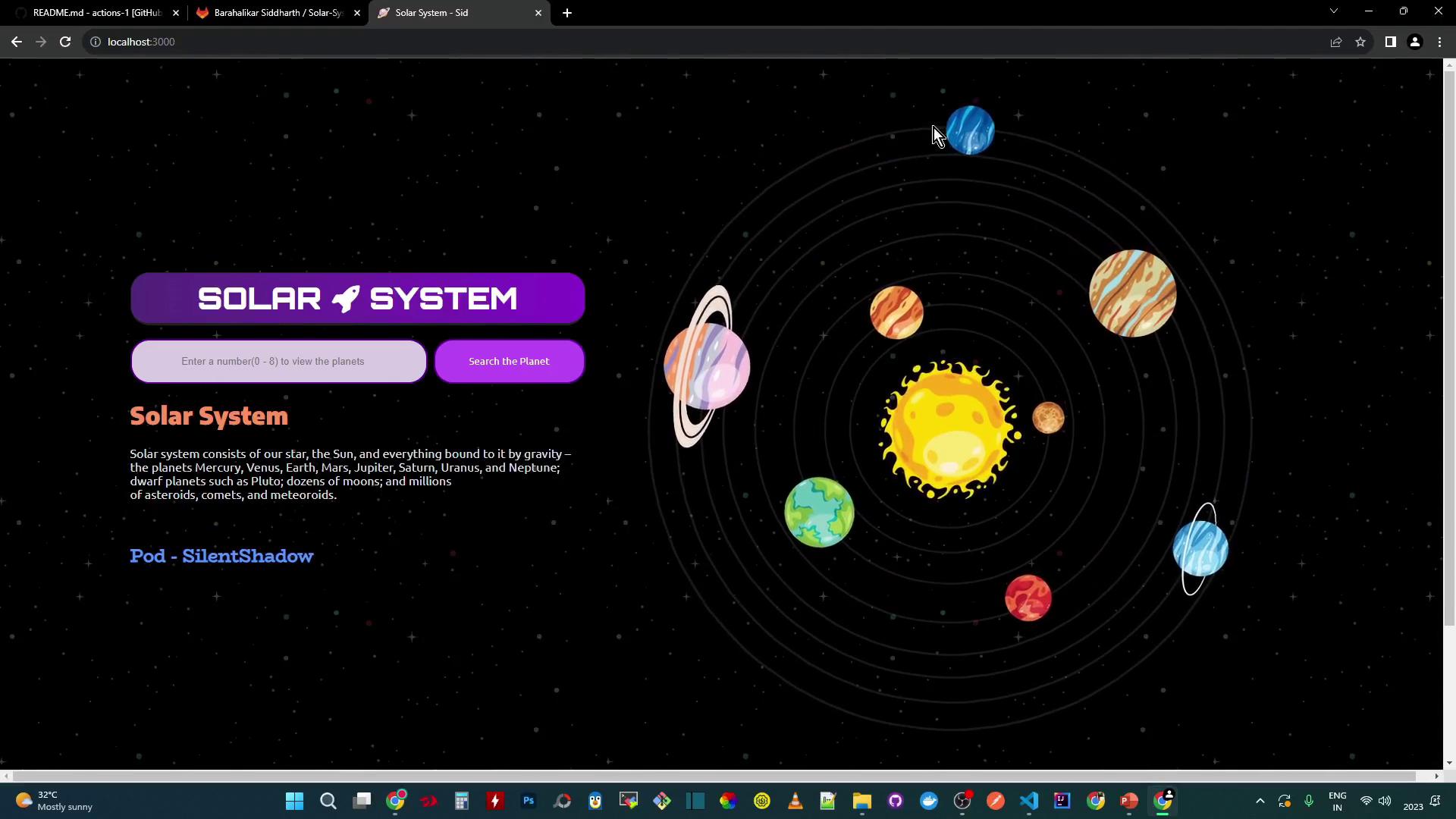
Open http://localhost:3000 in your browser:
The image shows a digital illustration of the solar system with planets orbiting the sun, accompanied by a user interface for searching planets. The background is a starry space theme with text describing the solar system.
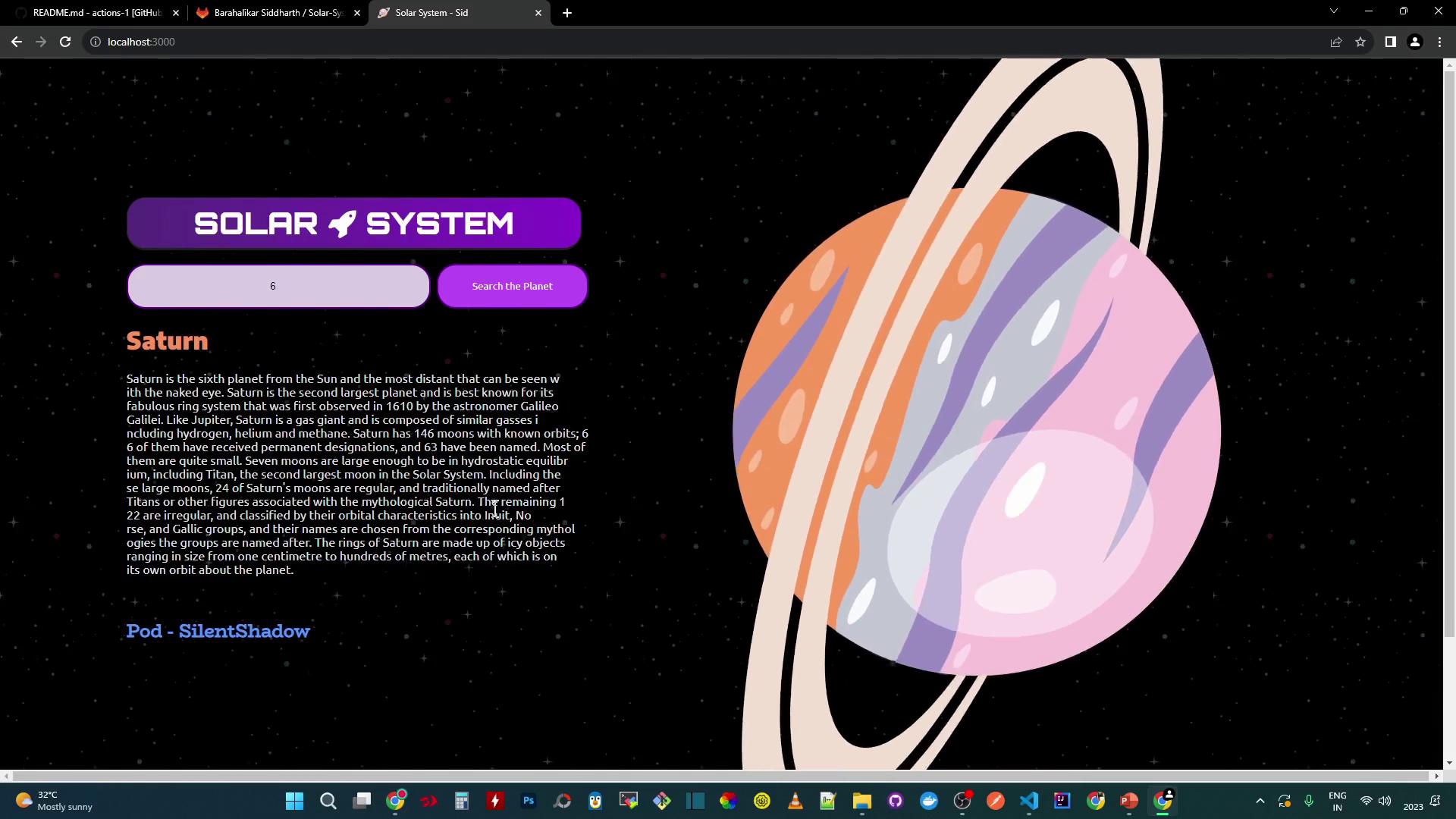
You can search by ID (e.g., 3 for Earth, 6 for Saturn). Data is fetched from your MongoDB.
The image shows a webpage about the solar system, specifically focusing on Saturn, with a stylized illustration of the planet and its rings on a starry background. There is a description of Saturn and a search feature for exploring planets.

Testing the Application

Run the test suite:
npm test
If environment variables are missing, you will see:
MongooseError: The `uri` parameter to `openUri()` must be a string, got `undefined`.
Tests will fail without MONGO_URI, MONGO_USERNAME, and MONGO_PASSWORD. Set these before running npm test.

Temporary Local Credentials

For a quick local demo, hard-code your MongoDB URI in app.js:
mongoose.connect('mongodb+srv://supercluster.d83jj.mongodb.net/superData', {
  user: 'superuser',
  pass: 'SuperPassword',
  useNewUrlParser: true,
  useUnifiedTopology: true
}, (err) => {
  if (err) console.error("Connection error:", err);
});
Re-run tests:
npm test
echo $?   # 0 means success
A test_results.xml file is generated for CI/CD:
<?xml version="1.0" encoding="UTF-8"?>
<testsuites name="Mocha Tests" time="3.953" tests="11" failures="0">
  <testsuite name="Planets API Suite" tests="8" time="3.953">
    <testcase name="Fetching Planet Details - Mercury" time="2.350" />
    <testcase name="Fetching Planet Details - Venus" time="0.224" />
    <!-- more testcases -->
  </testsuite>
</testsuites>

Coverage Report

Generate coverage:
npm run coverage
11 passing (4s)
ERROR: Coverage for lines (88.88%) does not meet global threshold (90%)
A non-zero exit code will signal coverage failures in CI pipelines.