

users table. In staging it completed in milliseconds. In production, within a minute every read and write against users times out — and the ALTER still hasn’t finished.
How can adding one empty column block reads? What could have prevented this outage?
The common instinct is to assume the ALTER rewrites the whole table (e.g., rewriting 50 million rows). That intuition is usually wrong.
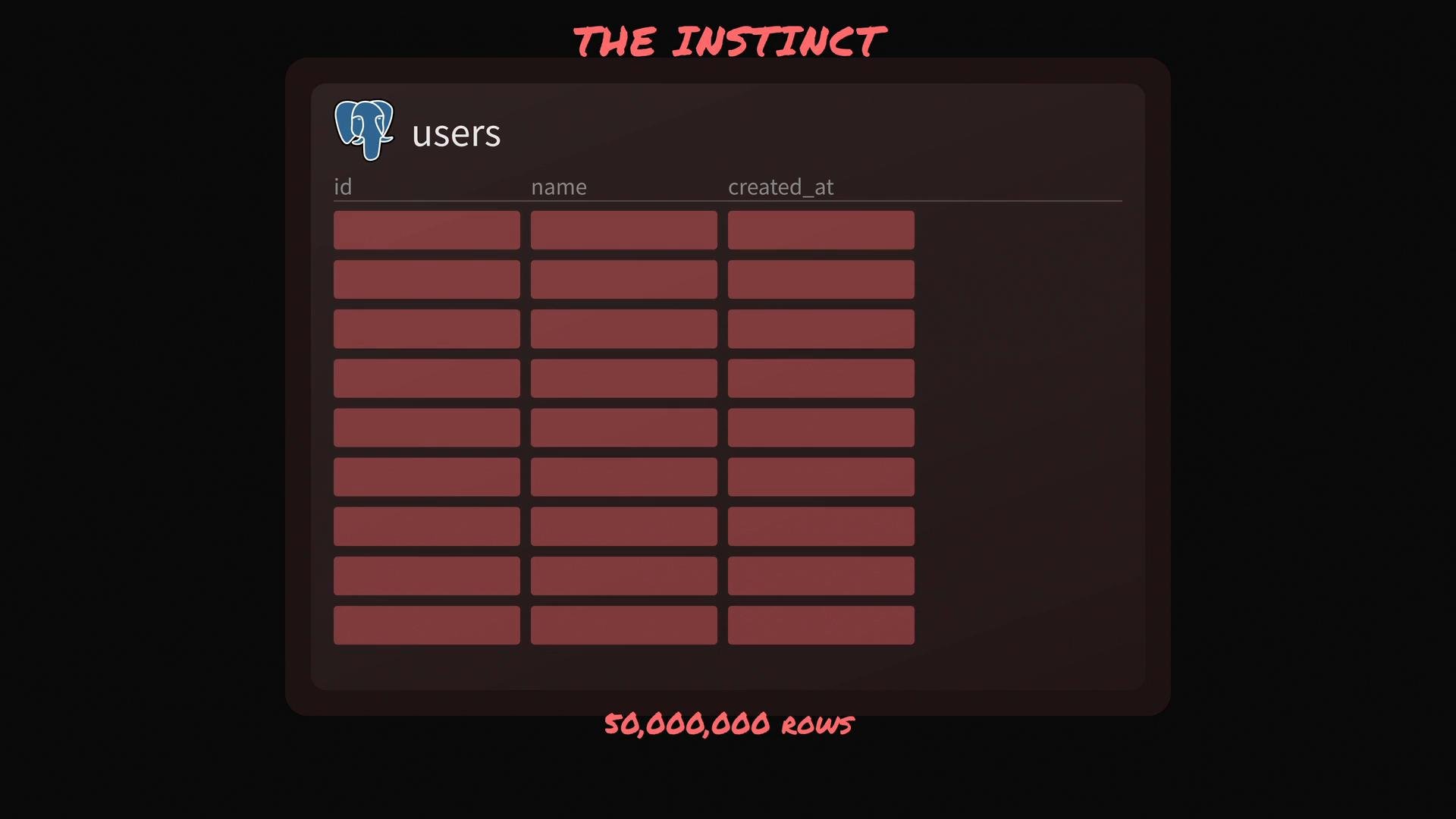
- Adding a nullable column with no default in modern PostgreSQL is a metadata-only change — it does not rewrite the table on disk.
- The outage happens because many
ALTER TABLEoperations acquire an ACCESS EXCLUSIVE lock. That lock conflicts with normal reads/writes and blocks them until the ALTER can obtain and finish its operation.
- If a long-running transaction (for example, an analytics query) already holds locks on
users, the ALTER cannot acquire ACCESS EXCLUSIVE and blocks waiting. - While the ALTER is waiting, PostgreSQL will also block subsequent statements that would conflict with the pending schema change. Those client queries queue up and eventually time out, causing the visible outage.
- This explains why staging (which typically has no long-running analytic jobs) completes fast, while production can deadlock the table for minutes.
- Ongoing queries: SELECT, UPDATE, long analytics SELECT…
- An ALTER TABLE users arrives and waits for ACCESS EXCLUSIVE
- The long analytics job runs for 20+ minutes, so the ALTER waits
- New incoming queries block and eventually time out
lock_timeout before running DDL so the ALTER fails fast if it cannot get the lock. Your migration tooling should catch that failure and retry later during a quieter window.
Example (run in the same session that executes the ALTER):
- Note:
SET lock_timeoutmust be in the same session executing the DDL. This example runs both commands in one psql invocation and retries on error.
Additional considerations
- If you must perform DDL during high load, consider:
- Scheduling during a maintenance window.
- Using a connection pooler that counts and rejects long-running sessions when applying schema changes.
- Breaking large migrations into smaller steps where feasible.
- Monitor long transactions and locks (
pg_stat_activity,pg_locks) to identify offending queries before running DDL.
Best practice: Always set a short
lock_timeout (e.g., 1s–2s) in the same session before running online schema changes in production, and ensure your migration runner can safely retry on timeout. This prevents long-running queries from turning a quick migration into a production outage.- PostgreSQL: ALTER TABLE — https://www.postgresql.org/docs/current/sql-altertable.html
- PostgreSQL: Locking — https://www.postgresql.org/docs/current/explicit-locking.html
- Monitoring locks:
pg_stat_activity,pg_locks