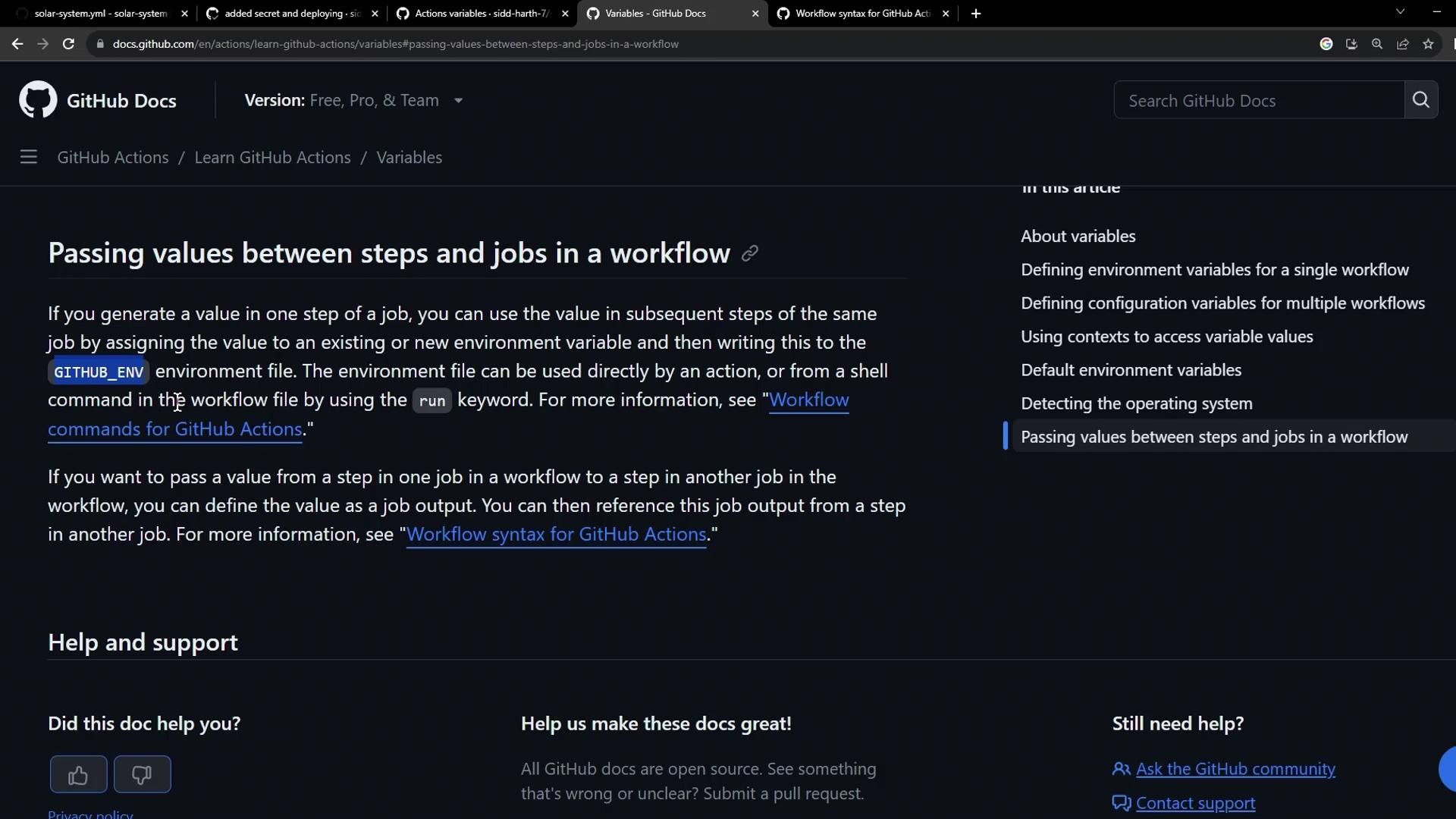
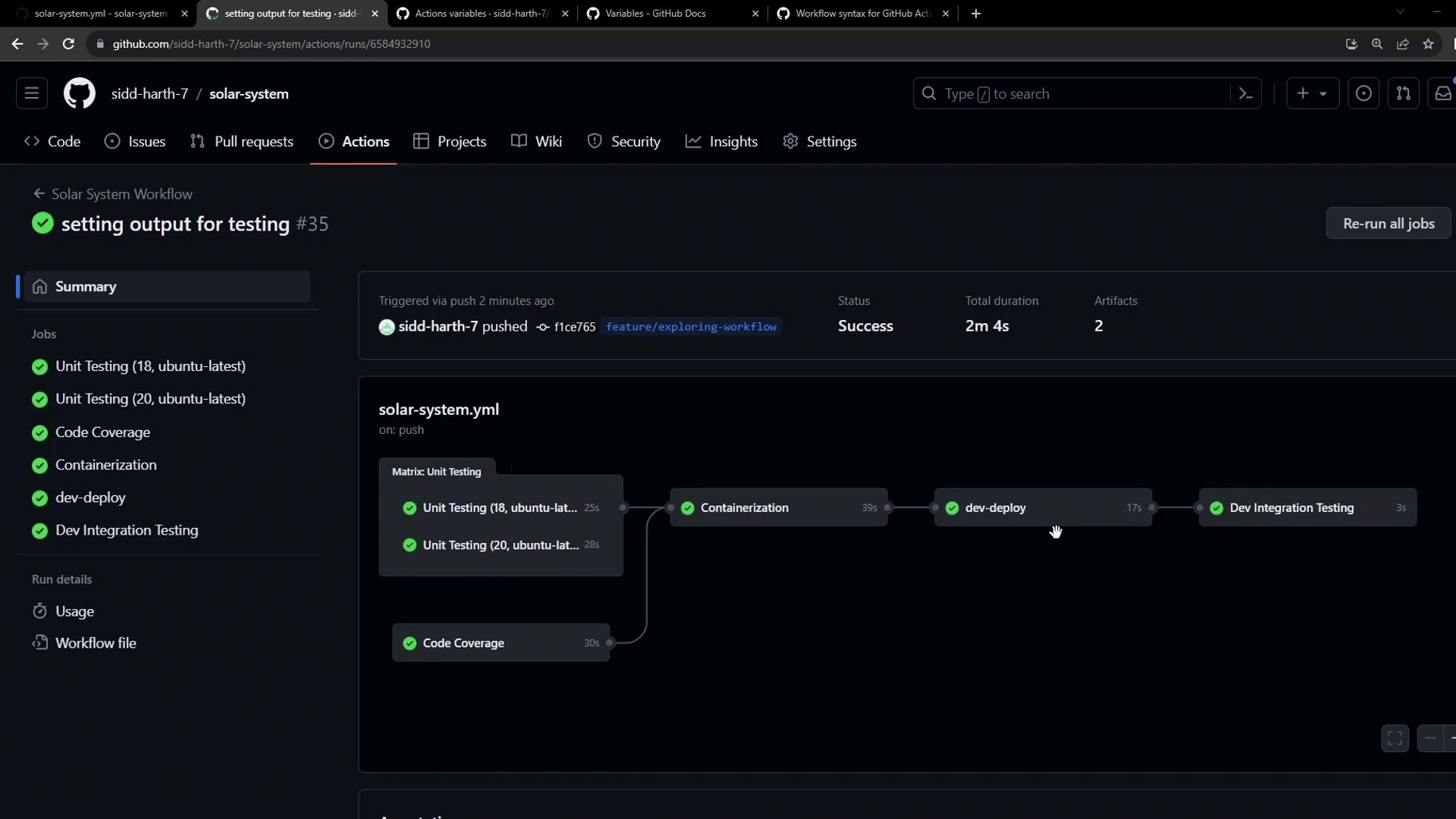
This guide shows you how to dynamically fetch your Kubernetes Ingress host, expose it as a job output in a dev-deploy job, and consume that output in an integration-testing job to verify your /live endpoint. By the end, you’ll have a seamless flow where the Ingress URL travels between jobs in the same workflow.
Overview
Capture the Ingress host URL after deployment
Export it as a job output
Use the output in a downstream integration test
1. Deploying to Dev and Capturing the Ingress URL
In the dev-deploy job, we apply Kubernetes manifests and query the Ingress host name. We then write it to $GITHUB_OUTPUT so it becomes available to other jobs.
jobs :
dev-deploy :
needs : docker
runs-on : ubuntu-latest
steps :
- name : Checkout Repository
uses : actions/checkout@v4
- name : Install kubectl CLI
uses : azure/setup-kubectl@v3
with :
version : 'v1.26.0'
- name : Configure kubeconfig
uses : azure/k8s-set-context@v3
with :
method : kubeconfig
kubeconfig : ${{ secrets.KUBECONFIG }}
- name : Deploy to Dev Environment
run : kubectl apply -f kubernetes/development
- name : Set App Ingress Host URL
id : set-ingress-host-address
run : |
HOST=$(kubectl -n ${{ vars.NAMESPACE }} \
get ingress -o jsonpath='{.items[0].spec.tls[0].hosts[0]}')
echo "APP_INGRESS_URL=$HOST" >> "$GITHUB_OUTPUT"
outputs :
APP_INGRESS_URL : ${{ steps.set-ingress-host-address.outputs.APP_INGRESS_URL }}
Ensure your Kubernetes context and namespace (${{ vars.NAMESPACE }}) are correctly configured before running kubectl.
2. Defining the Integration Testing Job
After dev-deploy completes, integration-testing retrieves the APP_INGRESS_URL output and calls the /live endpoint using curl and jq.
integration-testing :
name : Dev Integration Testing
needs : dev-deploy
runs-on : ubuntu-latest
steps :
- name : Test `/live` Endpoint
env :
URL : ${{ needs.dev-deploy.outputs.APP_INGRESS_URL }}
run : |
echo "Testing endpoint: https://$URL/live"
curl https://$URL/live -s -k | jq -r .status | grep -iq live
The Ubuntu runner includes both curl and jq by default. If you use a custom runner, install these tools before running the test.
3. Passing Values Between Jobs
GitHub Actions lets you map step outputs to job outputs and then reference them in downstream jobs via the needs context.
Level Syntax Example Step output steps.<step_id>.outputs.<output_name>steps.set-ingress-host-address.outputs.APP_INGRESS_URLJob output needs.<job_id>.outputs.<output_name>needs.dev-deploy.outputs.APP_INGRESS_URL
For more details, see the GitHub Actions contexts documentation .
4. Complete Workflow Example
Here’s how the full .github/workflows/solar-system.yml might look with both jobs defined:
name : Deploy and Test
on :
push :
branches : [ main ]
jobs :
dev-deploy :
needs : docker
runs-on : ubuntu-latest
steps :
- name : Checkout Repository
uses : actions/checkout@v4
- name : Install kubectl CLI
uses : azure/setup-kubectl@v3
with :
version : 'v1.26.0'
- name : Configure kubeconfig
uses : azure/k8s-set-context@v3
with :
method : kubeconfig
kubeconfig : ${{ secrets.KUBECONFIG }}
- name : Deploy to Dev Environment
run : kubectl apply -f kubernetes/development
- name : Set App Ingress Host URL
id : set-ingress-host-address
run : |
HOST=$(kubectl -n ${{ vars.NAMESPACE }} \
get ingress -o jsonpath='{.items[0].spec.tls[0].hosts[0]}')
echo "APP_INGRESS_URL=$HOST" >> "$GITHUB_OUTPUT"
outputs :
APP_INGRESS_URL : ${{ steps.set-ingress-host-address.outputs.APP_INGRESS_URL }}
integration-testing :
name : Dev Integration Testing
needs : dev-deploy
runs-on : ubuntu-latest
steps :
- name : Test `/live` Endpoint
env :
URL : ${{ needs.dev-deploy.outputs.APP_INGRESS_URL }}
run : |
echo "Testing endpoint: https://$URL/live"
curl https://$URL/live -s -k | jq -r .status | grep -iq live
References