

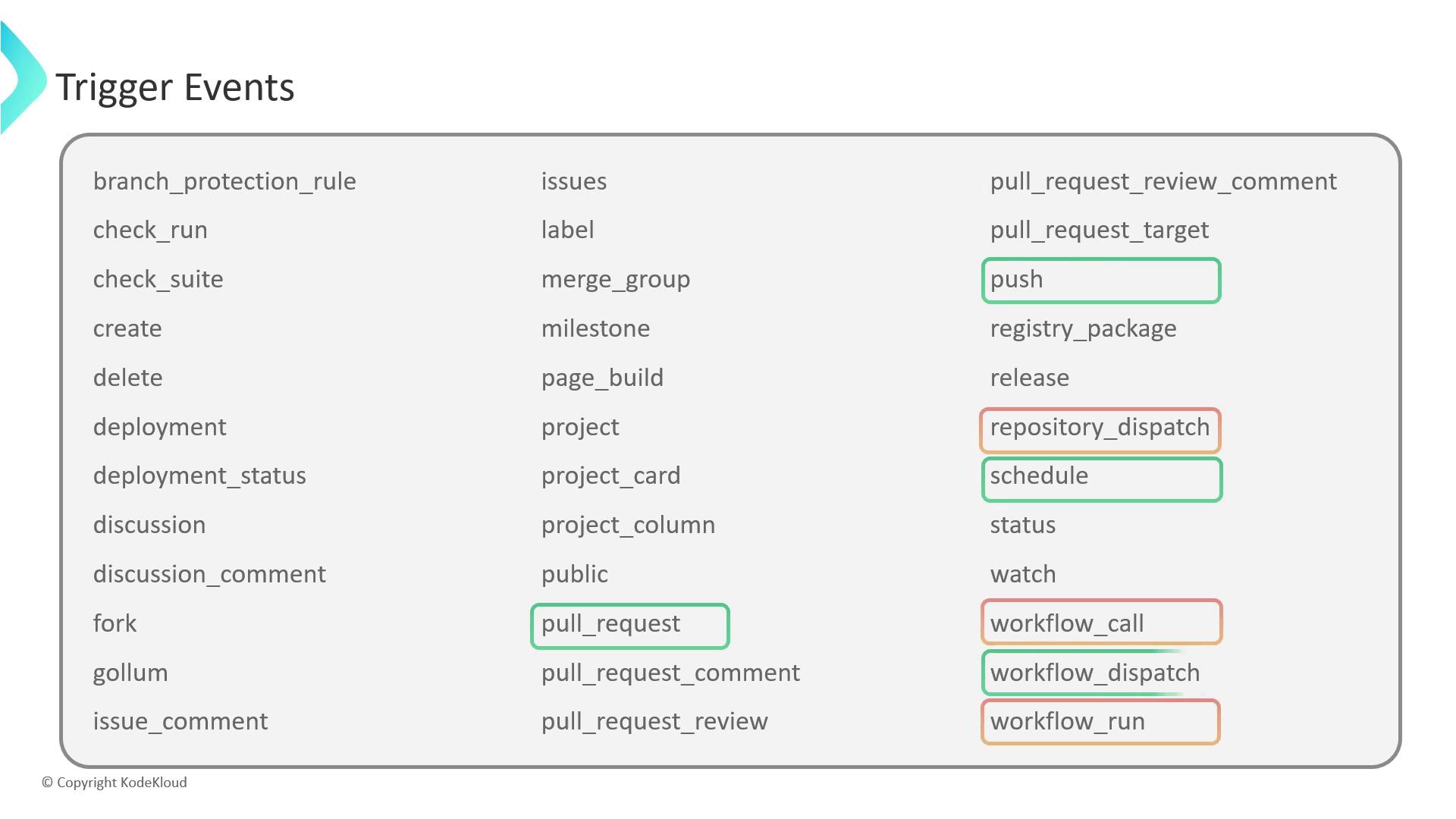
workflow_dispatch, repository_dispatch, workflow_call, and workflow_run—to help you automate and chain your CI/CD pipelines efficiently.
1. workflow_dispatch
Theworkflow_dispatch event enables manual, on-demand execution of workflows. You can define custom inputs to parameterize each run:
message.
If you omit
required: true, the input becomes optional and can be left blank.2. repository_dispatch
Userepository_dispatch to fire workflows from external systems via an HTTP POST:
Ensure your
GITHUB_TOKEN has repo scope; otherwise the API request will fail with a 403 error.3. workflow_call
Theworkflow_call event helps you define reusable workflows that other workflows can invoke. This promotes DRY principles across repositories:
Reusable workflows accept
with and secrets inputs, making them highly parameterized and secure.4. workflow_run
Chain workflows by listening to the completion of another workflow. For example, deploy only after a successful build:Build Workflow
Deployment Workflow
types (completed, requested, in_progress) and branch logic using ${{ github.event.workflow_run.conclusion }}.