In this guide, we’ll explore how to invoke GitHub Actions workflows using various events, scheduled cron jobs, and manual dispatch. Understanding these triggers helps automate builds, tests, deployments, and more whenever specific activities occur in your repository.

Supported Events

GitHub Actions supports dozens of repository and organization events. For a full list, see the official GitHub Actions documentation.
Common trigger events include push, pull_request, schedule, registry_package, and workflow_dispatch. You can mix multiple events in a single workflow.
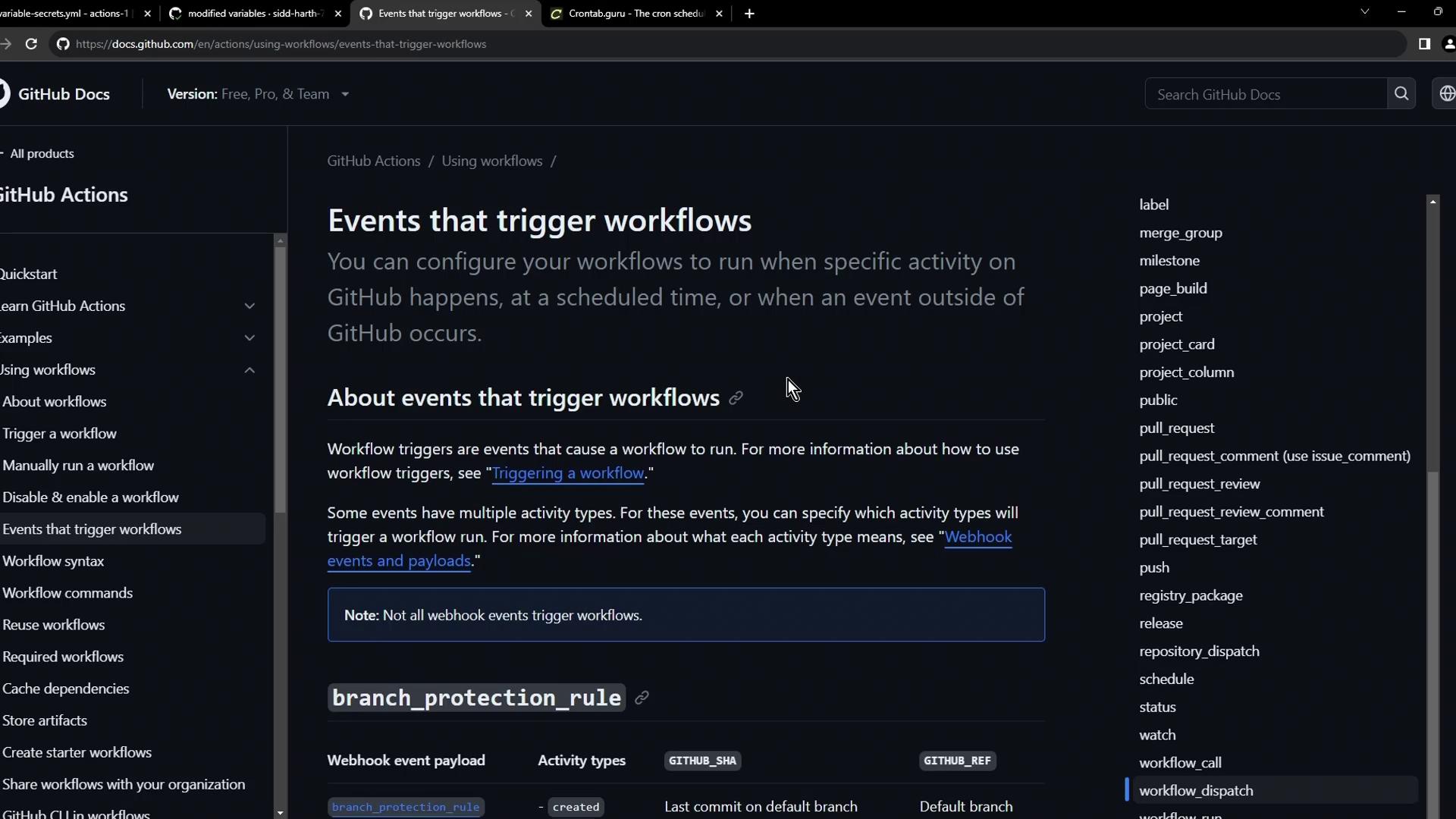
The image shows a GitHub documentation page about "Events that trigger workflows," detailing how to configure workflows based on specific activities or events. The page includes a sidebar with navigation links and a list of event types on the right.

1. Push Event

The push event is the most common trigger. Whenever you push commits to a branch or tag, the workflow kicks off.
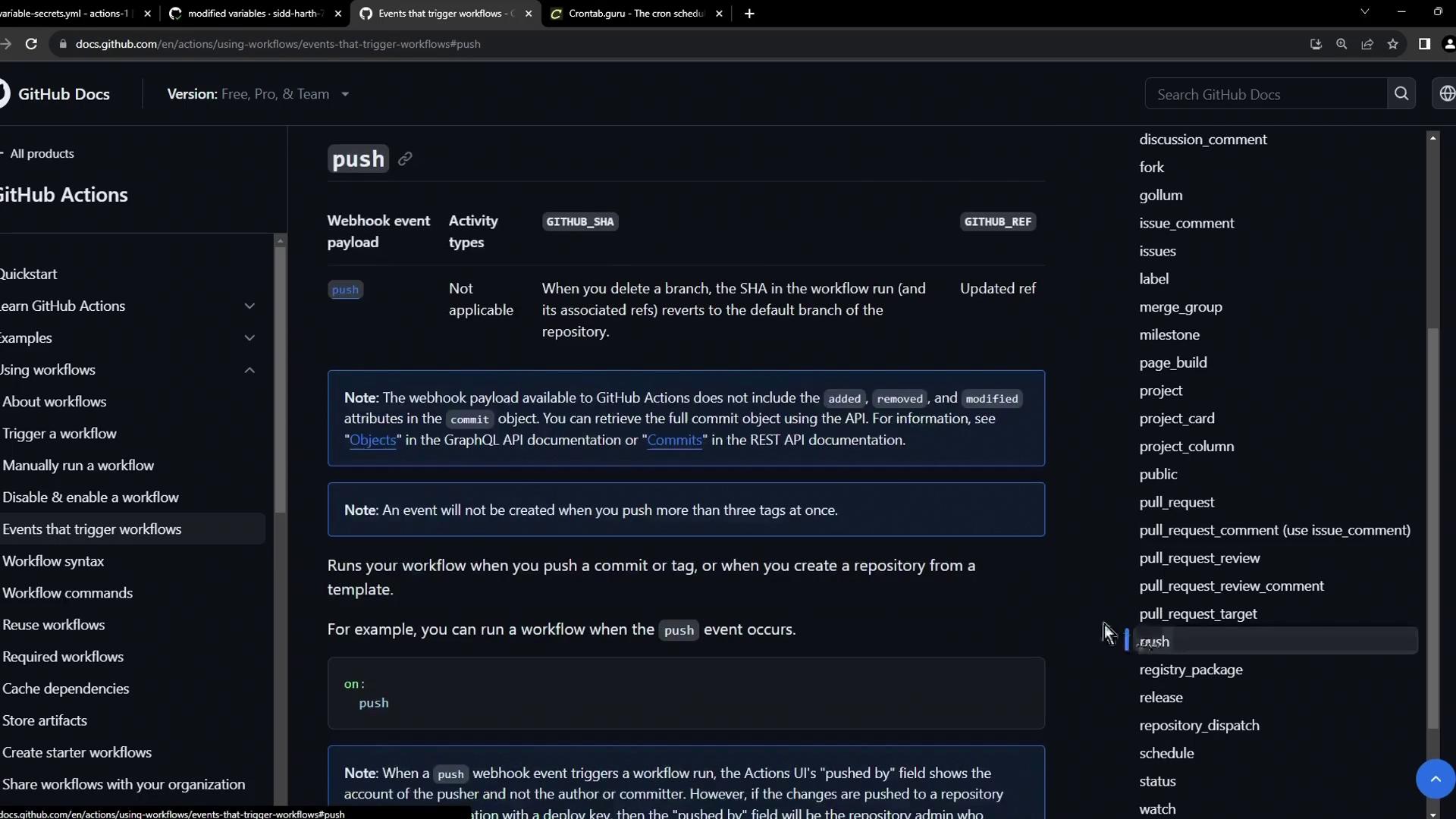
The image shows a GitHub documentation page about GitHub Actions, specifically focusing on events that trigger workflows, with details about the "push" event.

2. Pull Request Event

Use pull_request to run checks on PR activity. You can filter by action types like opened, edited, synchronize, and closed.
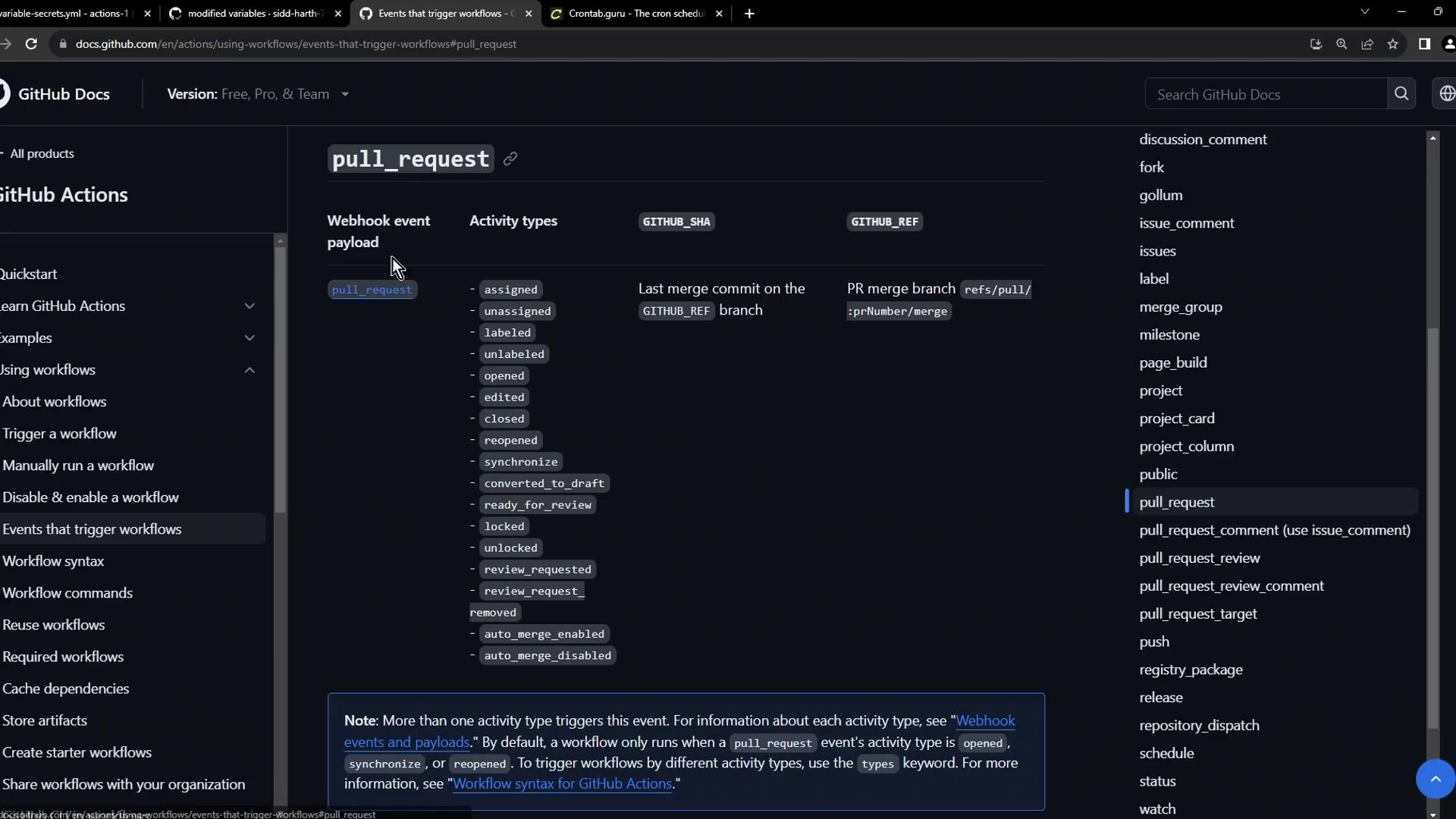
The image shows a GitHub Docs page detailing events that trigger workflows, specifically focusing on the "pull_request" event and its activity types. The sidebar lists various GitHub Actions topics, and the main content explains the webhook event payload and related activity types.

3. Registry Package Event

Trigger workflows when packages are published to GitHub’s package registry. This is ideal for post-publish tests or notifications.
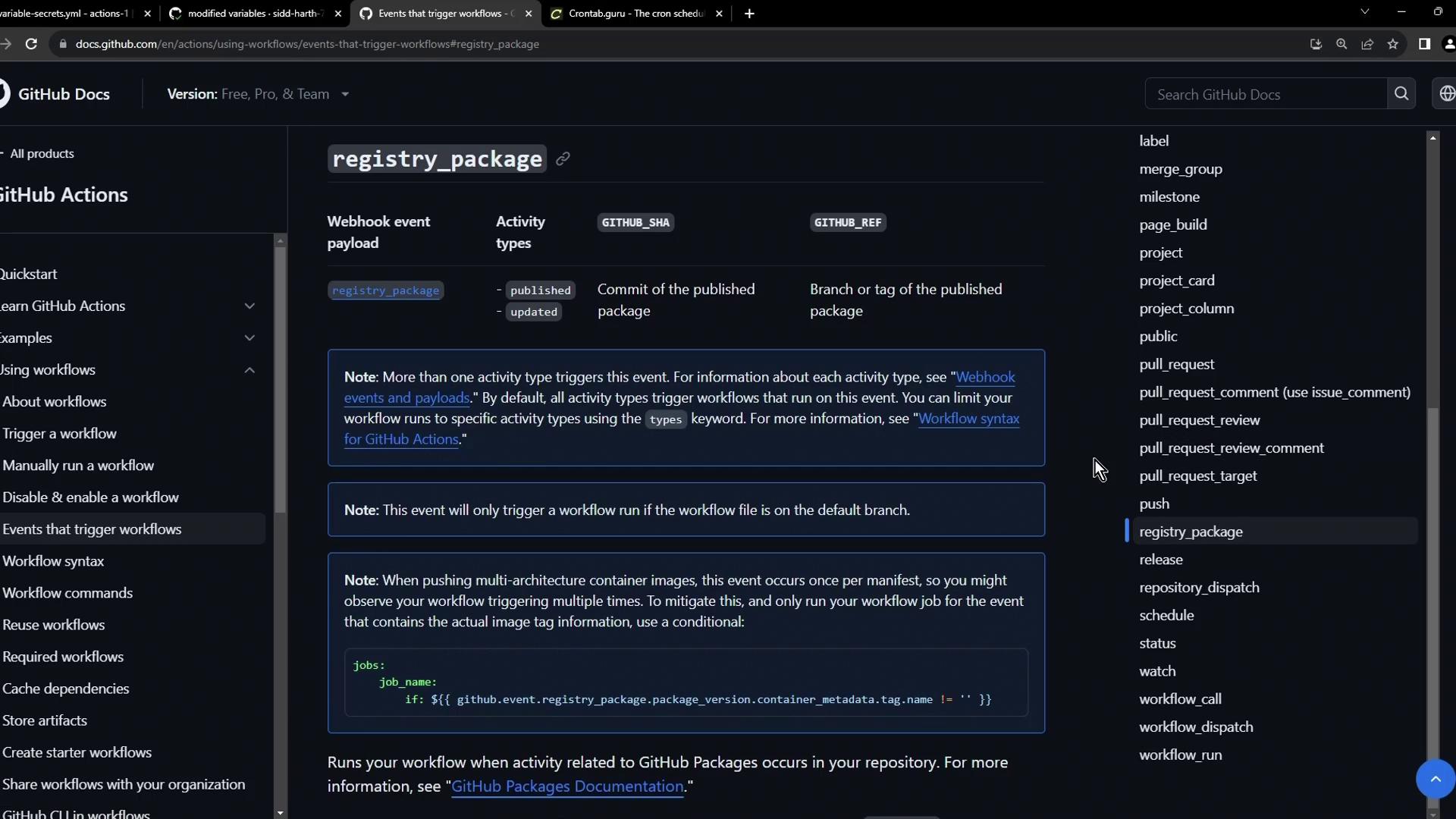
The image shows a GitHub Docs page about GitHub Actions, specifically detailing events that trigger workflows, with a focus on the "registry_package" event.

4. Scheduled Workflows with Cron

Define scheduled workflows using cron syntax under the schedule event. Cron schedules run independent of code changes.
Use Crontab Guru to build and validate cron expressions.
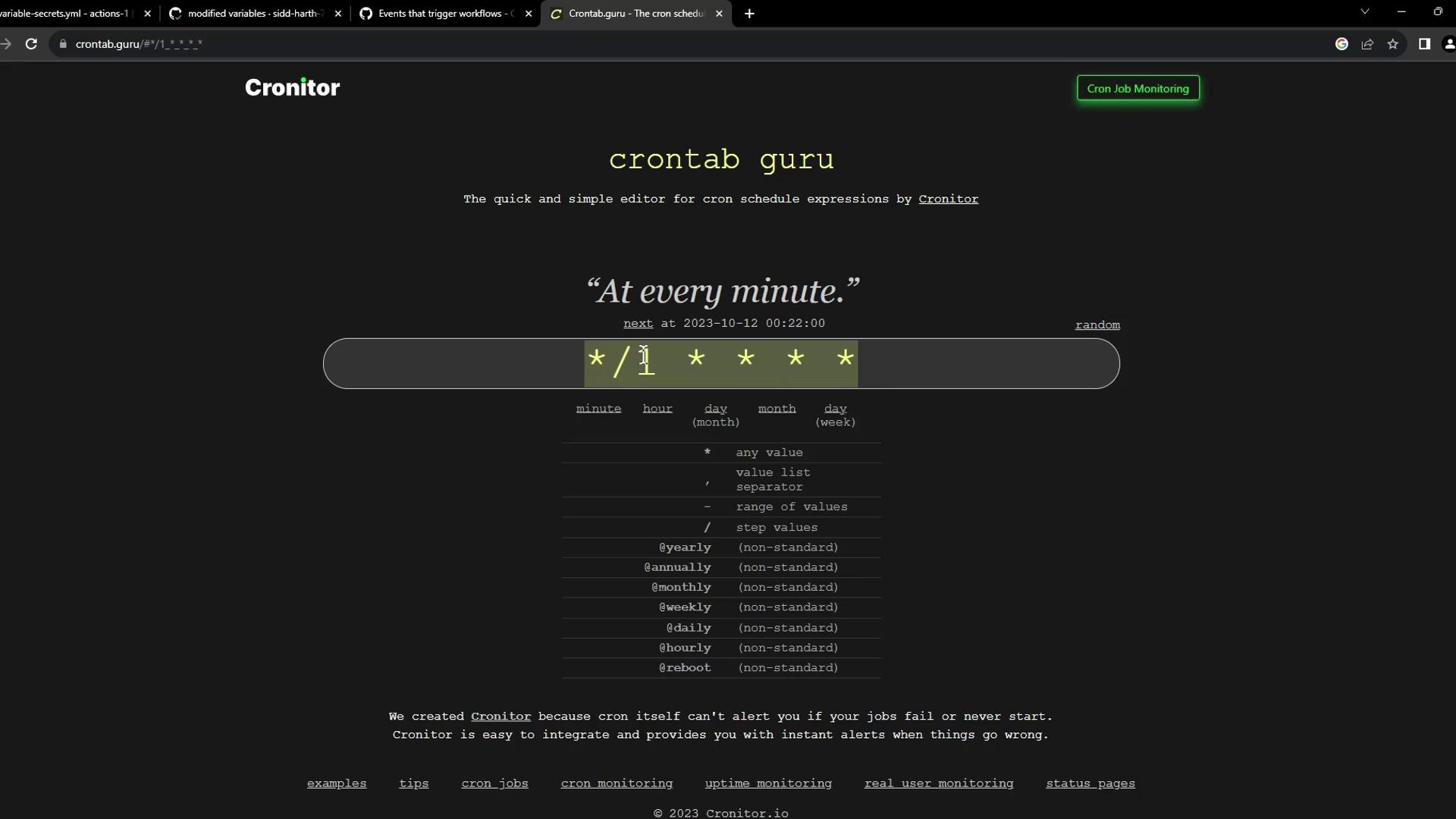
The image shows a webpage from "crontab guru," a tool for creating and understanding cron schedule expressions. It displays a cron expression set to run every minute, with a description and a table explaining cron syntax.

Example: Twice Daily at 05:30 & 17:30 UTC

Example: Specific Weekdays

Example: Every Minute Build & Publish


5. Manual Trigger with workflow_dispatch

Enable manual runs through the GitHub UI or API using workflow_dispatch. You can define inputs for custom parameters.
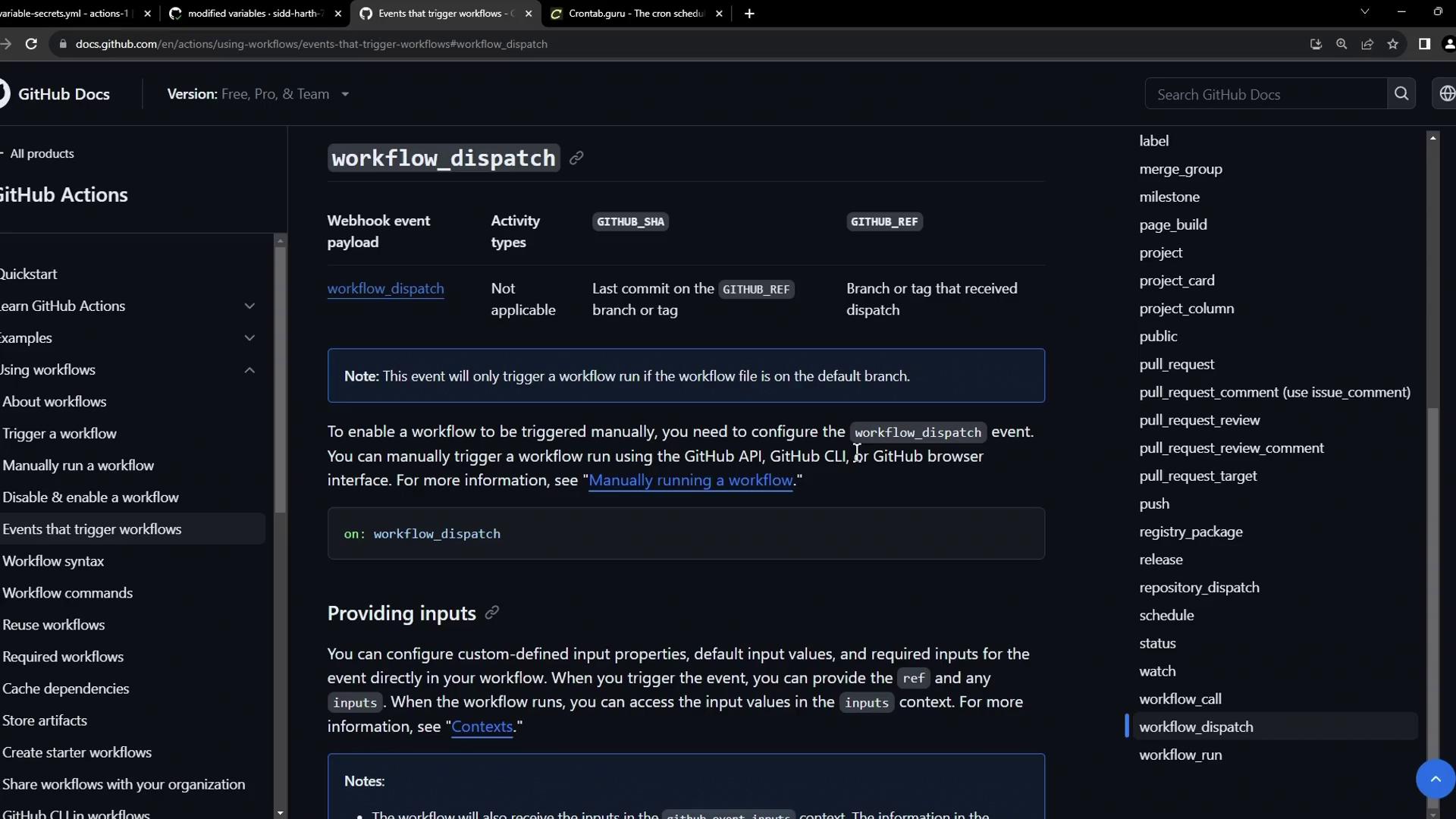
The image shows a GitHub documentation page about "workflow_dispatch" in GitHub Actions, detailing how to manually trigger workflows and configure inputs.

Minimal workflow_dispatch

Advanced Inputs Example
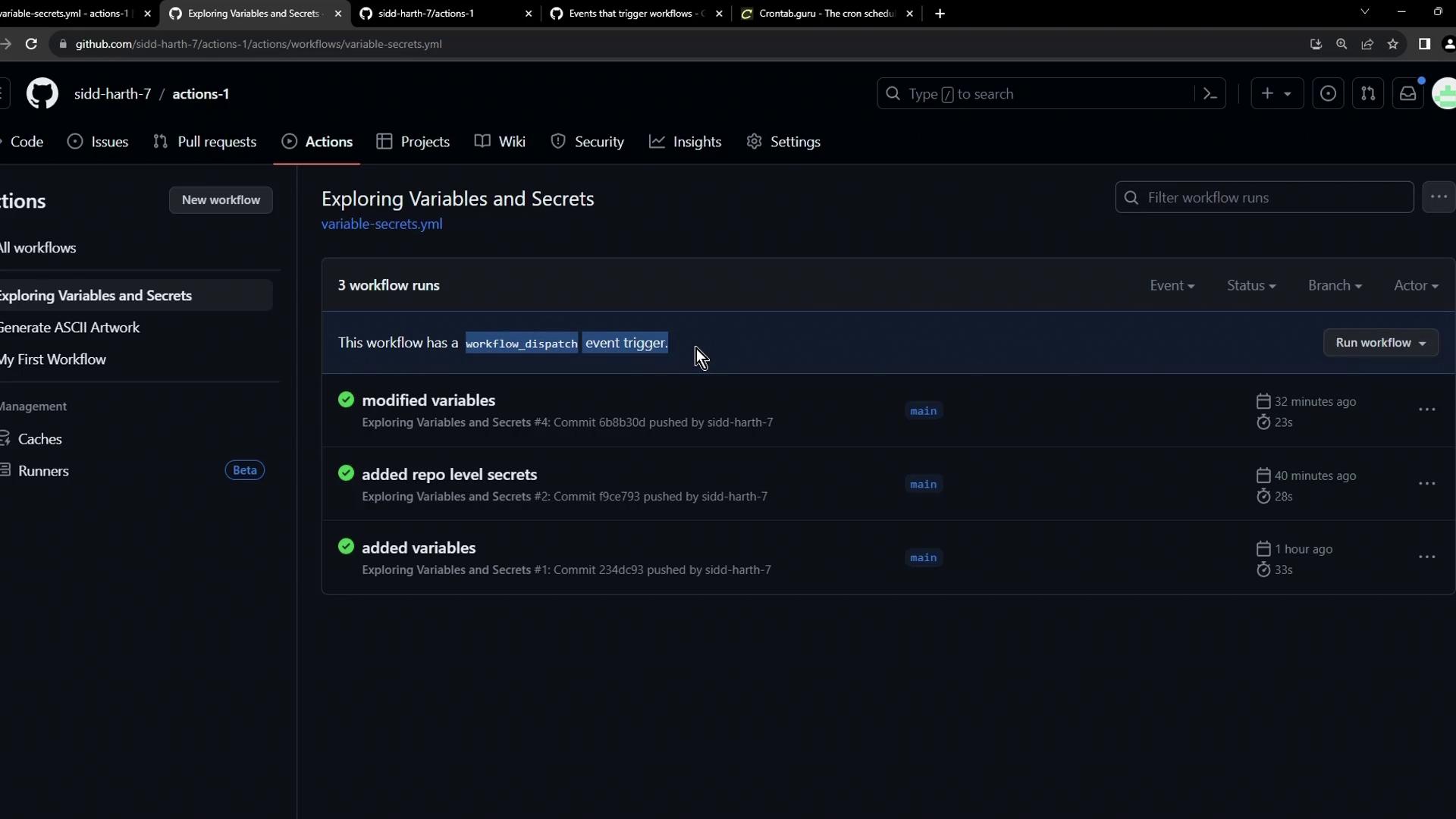
When configured, the Actions tab displays a Run workflow button. This screenshot shows the Exploring Variables and Secrets workflow with runs triggered by push, schedule, and manual dispatch:
The image shows a GitHub Actions interface displaying a workflow titled "Exploring Variables and Secrets" with three workflow runs, each indicating modifications or additions to variables and secrets.

Summary

You now know how to:
  • Trigger workflows on repository events (push, pull_request, registry_package, etc.).
  • Schedule cron jobs for periodic tasks.
  • Manually dispatch workflows with custom inputs.
Explore more in the GitHub Actions Documentation.

Watch Video