Prerequisites
- A GitHub repository containing your application code and a
Dockerfile. - Unit tests and code coverage steps already configured in your workflow.
- Docker Hub account with repository access.
1. Existing Workflow Overview
Below is an example workflow that runs unit tests and measures code coverage on every push tomain or any feature/* branch:
2. Dockerfile for the Application
Ensure your repository includes aDockerfile like this:
3. Add the Containerization Job
We’ll create a new job namedcontainerization that depends on the previous jobs. This job will:
- Check out the repository.
- Authenticate to Docker Hub.
- Build and push the Docker image.
Replace
You can also tag with
my-app with your Docker Hub repository name (e.g., username/solar-system).You can also tag with
:latest or semantic versions.4. Store Credentials as Variables and Secrets
To prevent exposing your Docker Hub credentials in the workflow, add them via the GitHub UI:- Go to Settings > Secrets and variables > Actions.
- Under Repository variables, click New repository variable and add
DOCKERHUB_USERNAME. - Under Repository secrets, click New repository secret and add
DOCKERHUB_PASSWORD.
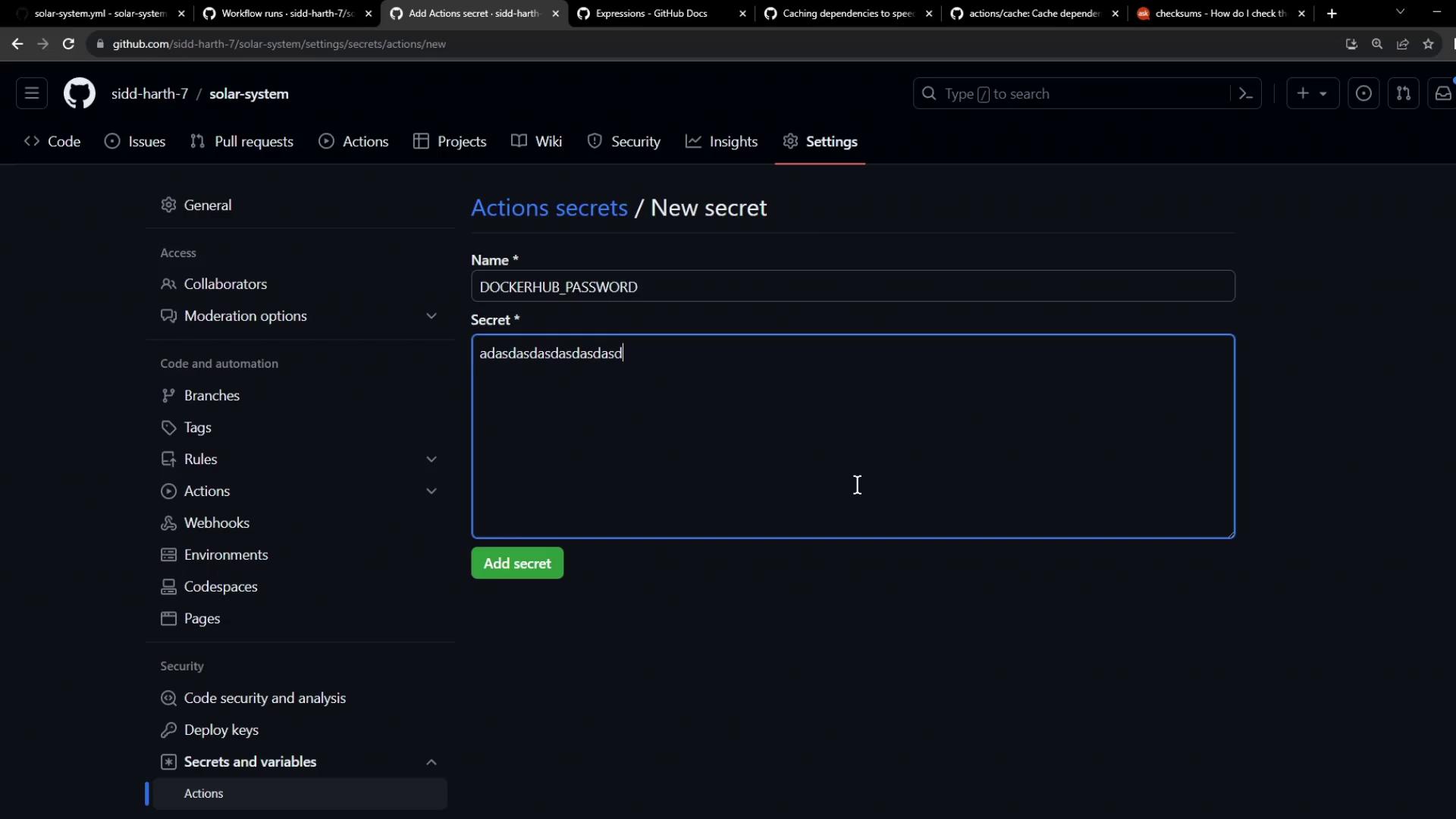

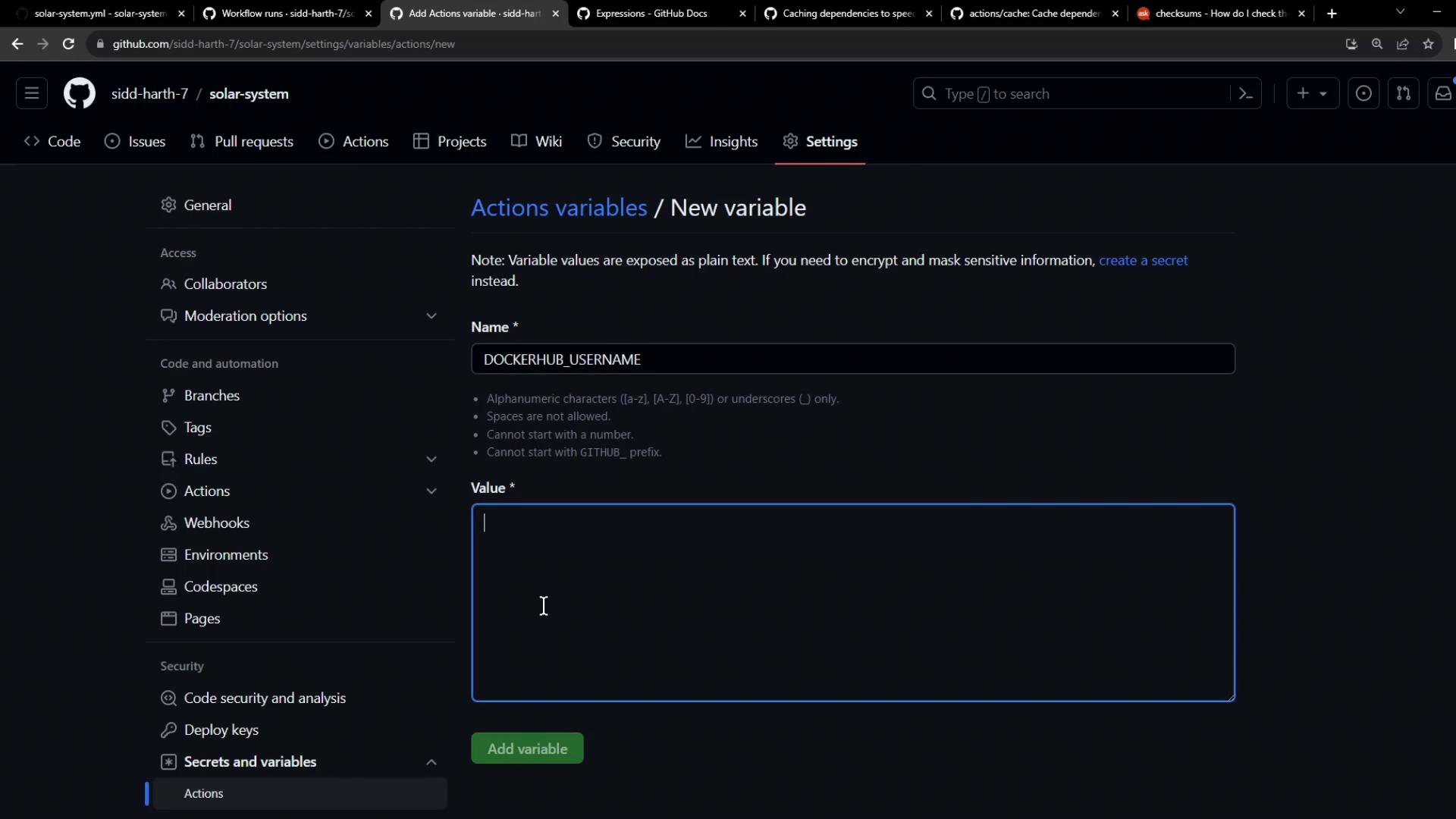
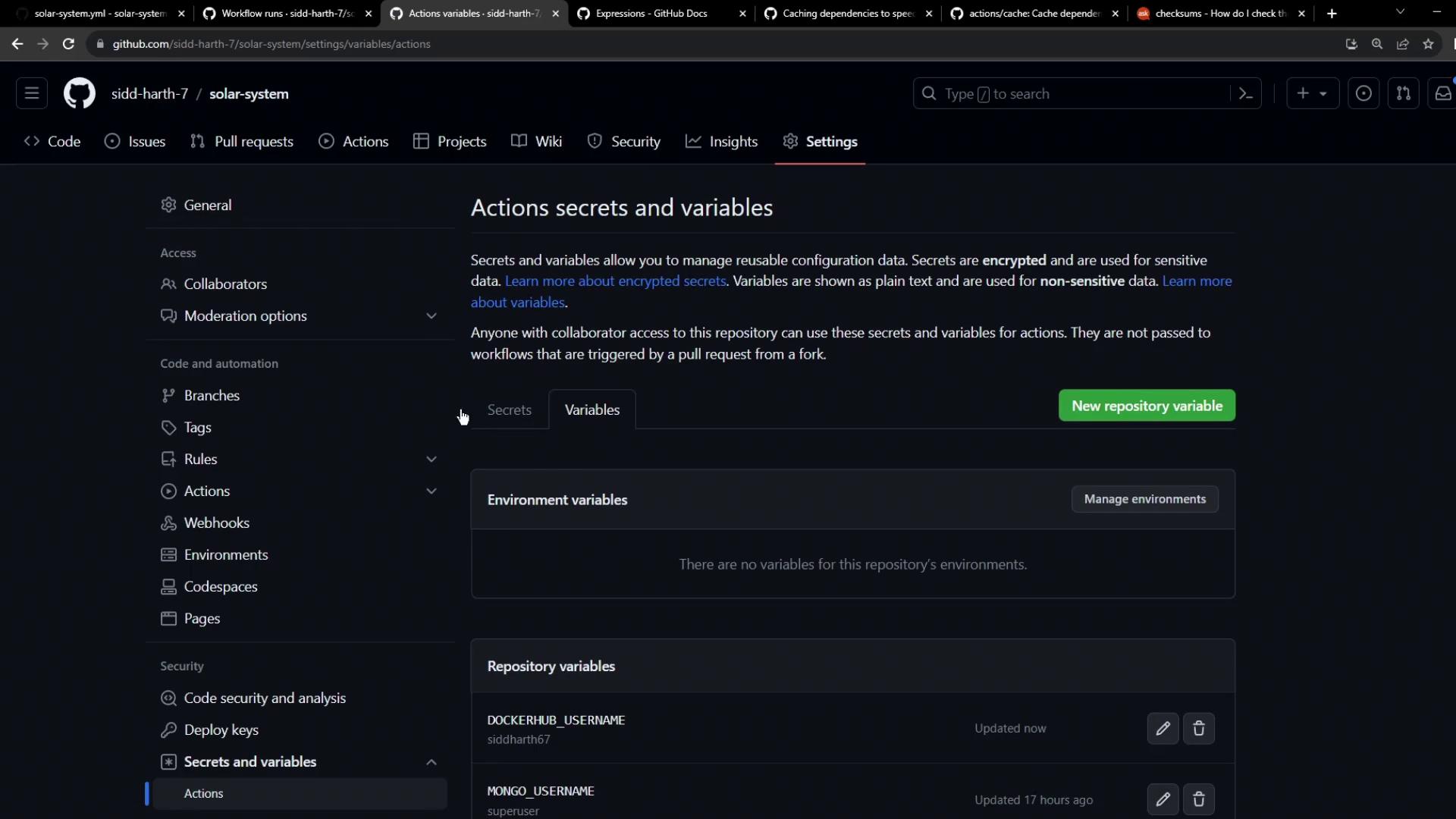
Never hardcode sensitive credentials in your workflow files. Always use Secrets for passwords and Variables for non-sensitive values.
5. Commit and Push
After updating.github/workflows/ci.yml (or your workflow filename), commit your changes and push to the repository:
6. Verify the Workflow Run
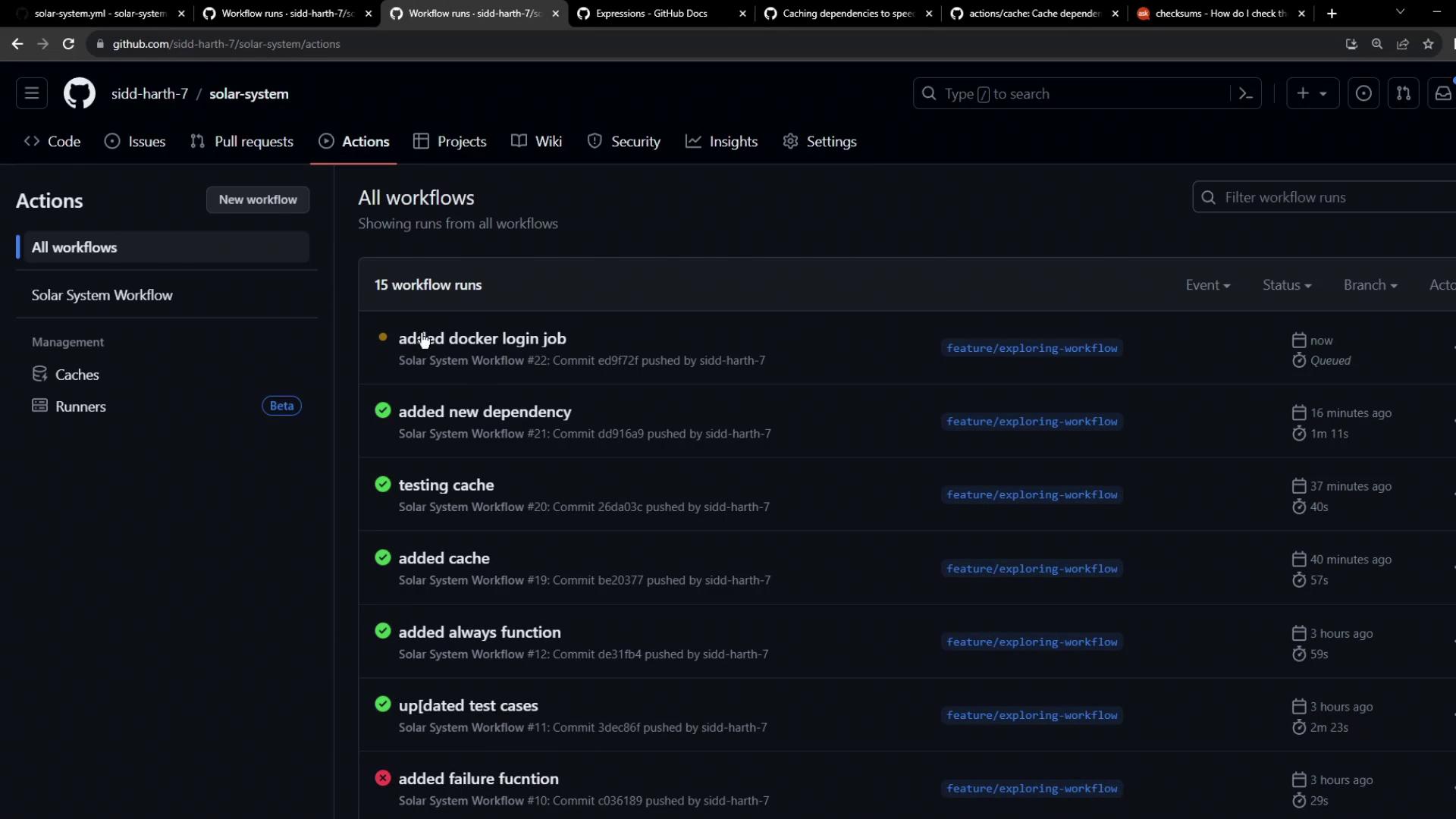
- Navigate to the Actions tab in your repository.
- Select the latest run of your workflow.
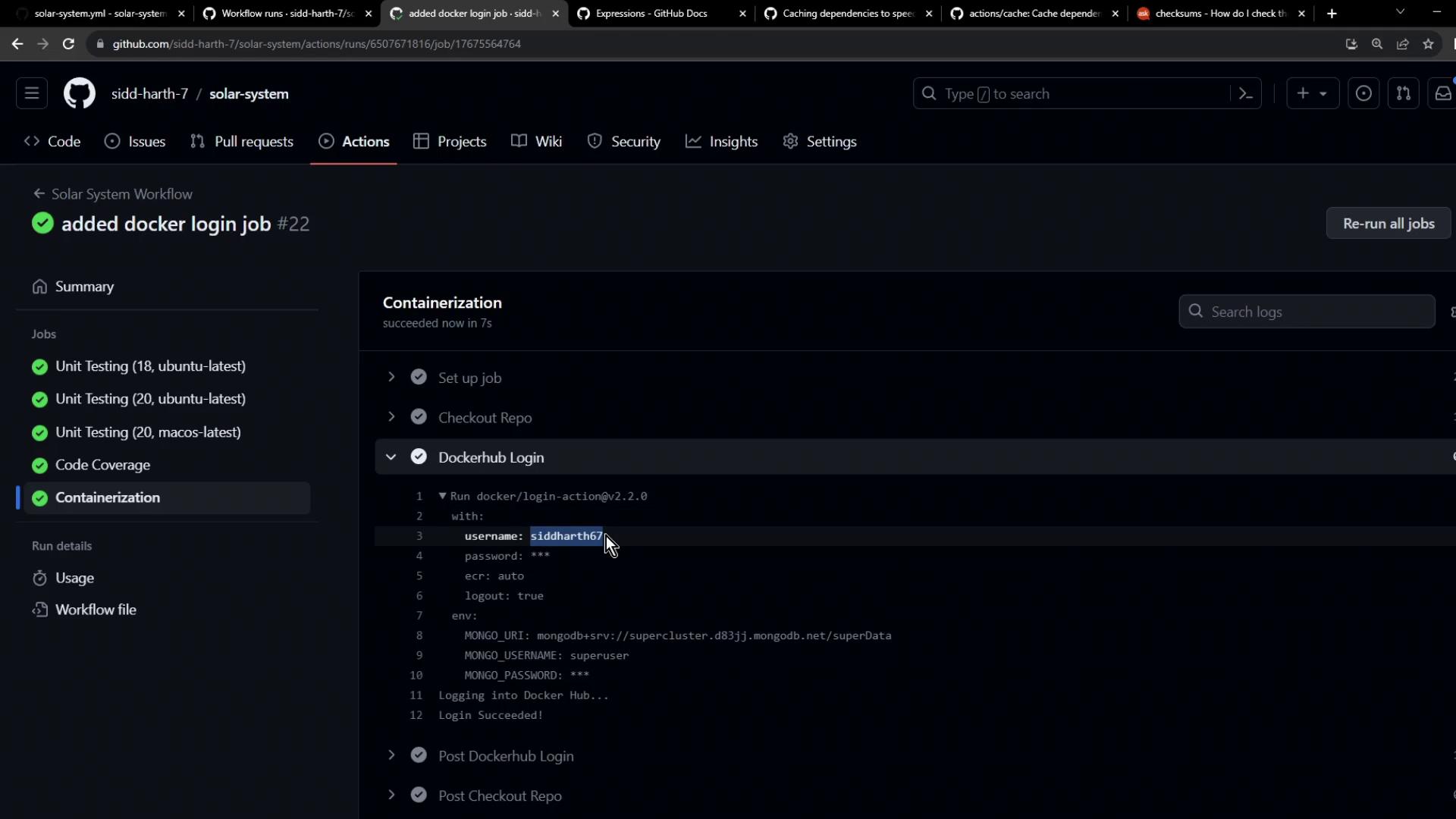
- Confirm that:
- The
containerizationjob starts only afterunit-testingandcode-coverage. - The Docker Hub login step completes without printing your password.
- The