

if expressions in GitHub Actions workflows to run jobs conditionally. This is essential for optimizing CI/CD pipelines, reducing unnecessary steps, and ensuring deployments only occur on the desired branch.
What Are Context Variables?
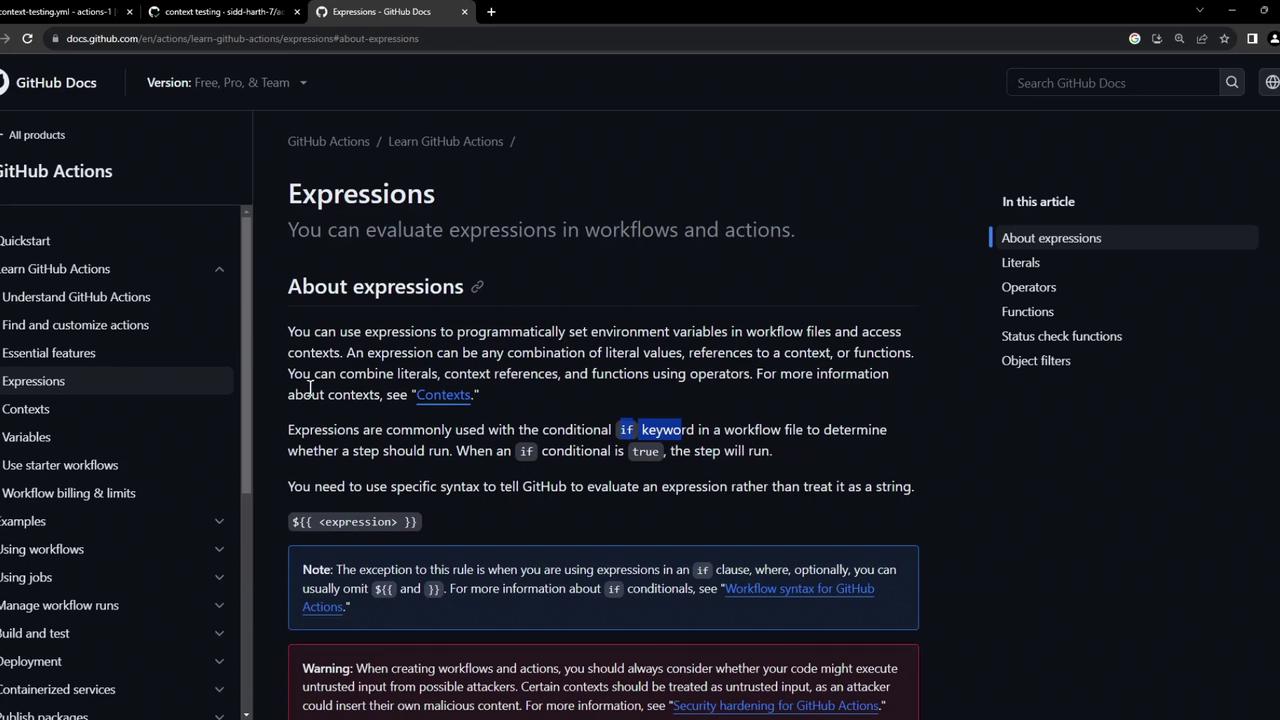
When a workflow runs, GitHub makes a set of context variables available in JSON format. You can reference these contexts with expressions like${{ github.ref }} or ${{ env.VAR_NAME }}.
Common Contexts in Workflows
Sample Workflow: Build and Conditional Deploy
Below is a workflow that builds a Docker image on every push but only deploys when the push targets themain branch.
The
deploy job is guarded by the if expression. It only runs when github.ref equals refs/heads/main.Observing Workflow Runs
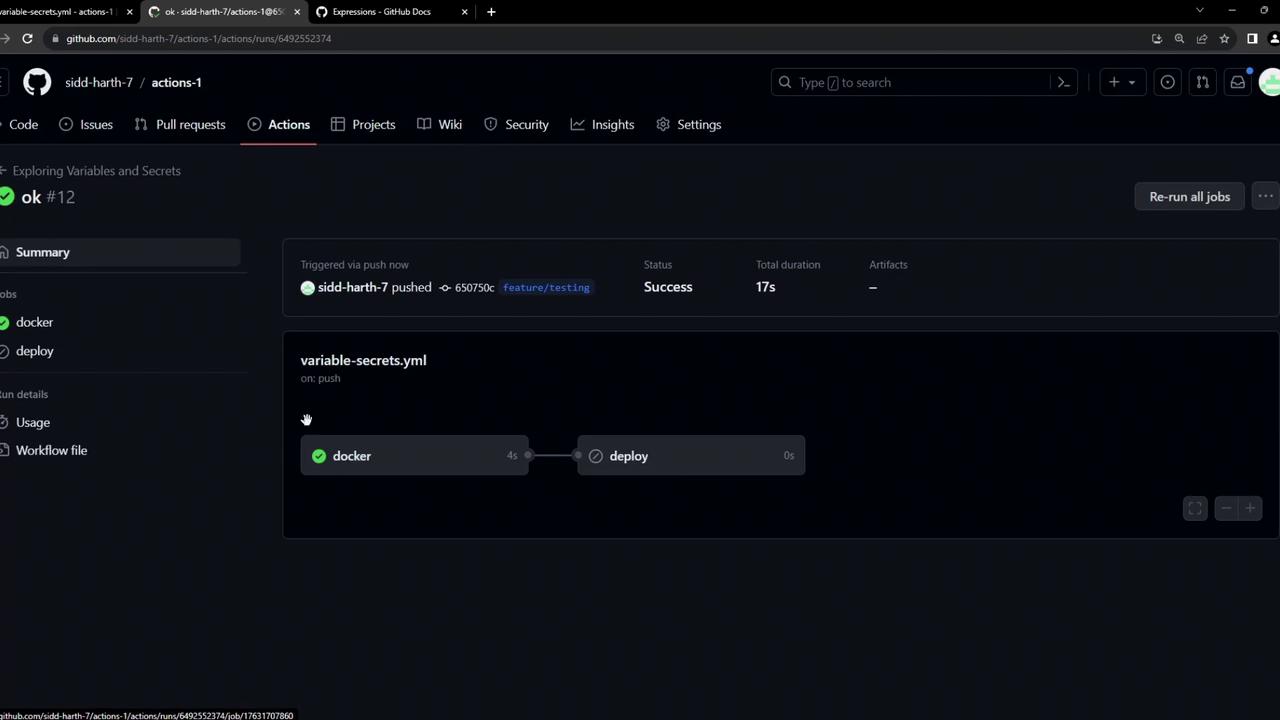
- Push to a feature branch:
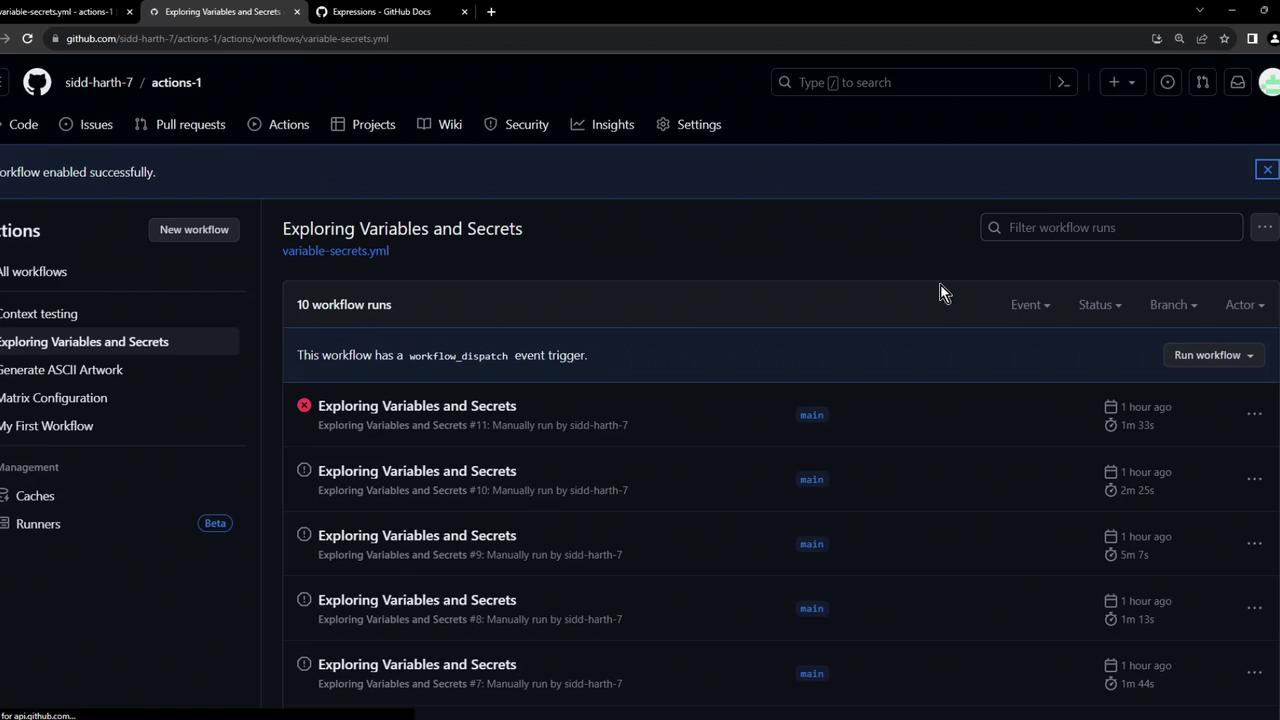
- Notice that the
dockerjob succeeded but thedeployjob is skipped:
If your
if condition is malformed or compares the wrong context, the job will silently skip. Always verify your branch references.- Open a pull request from your feature branch into
main:
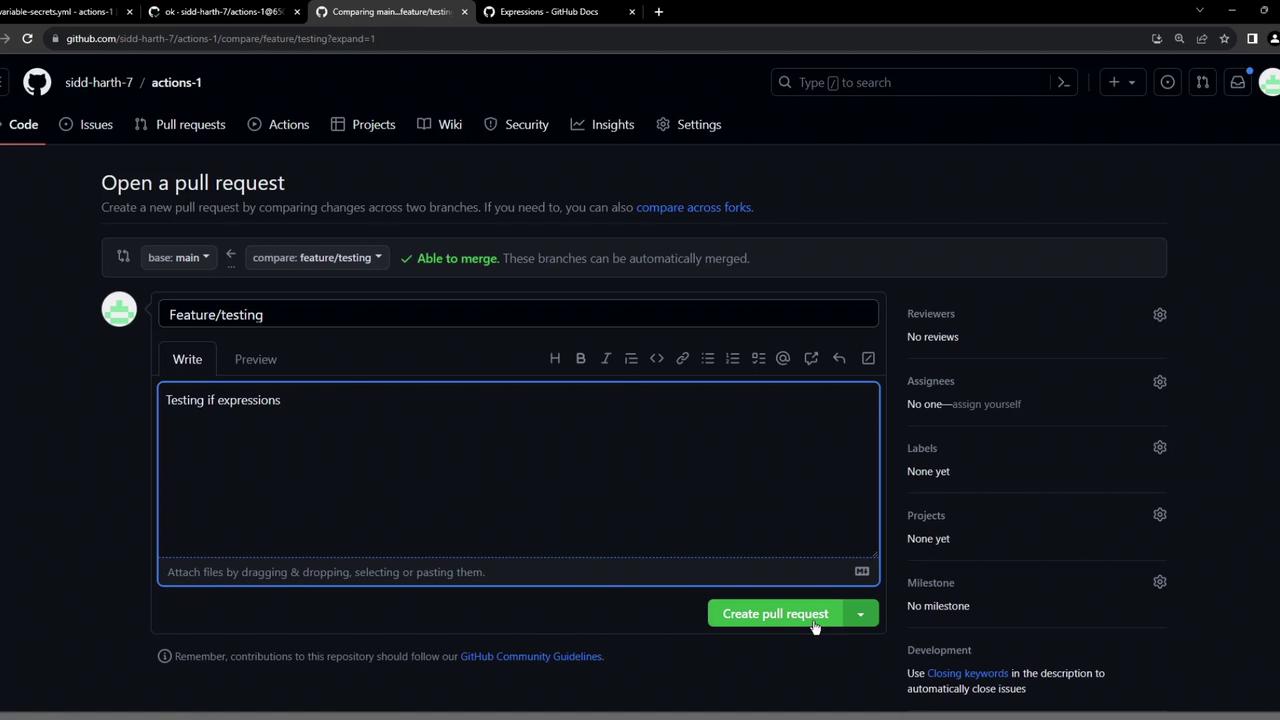
- Ensure all status checks pass before merging:

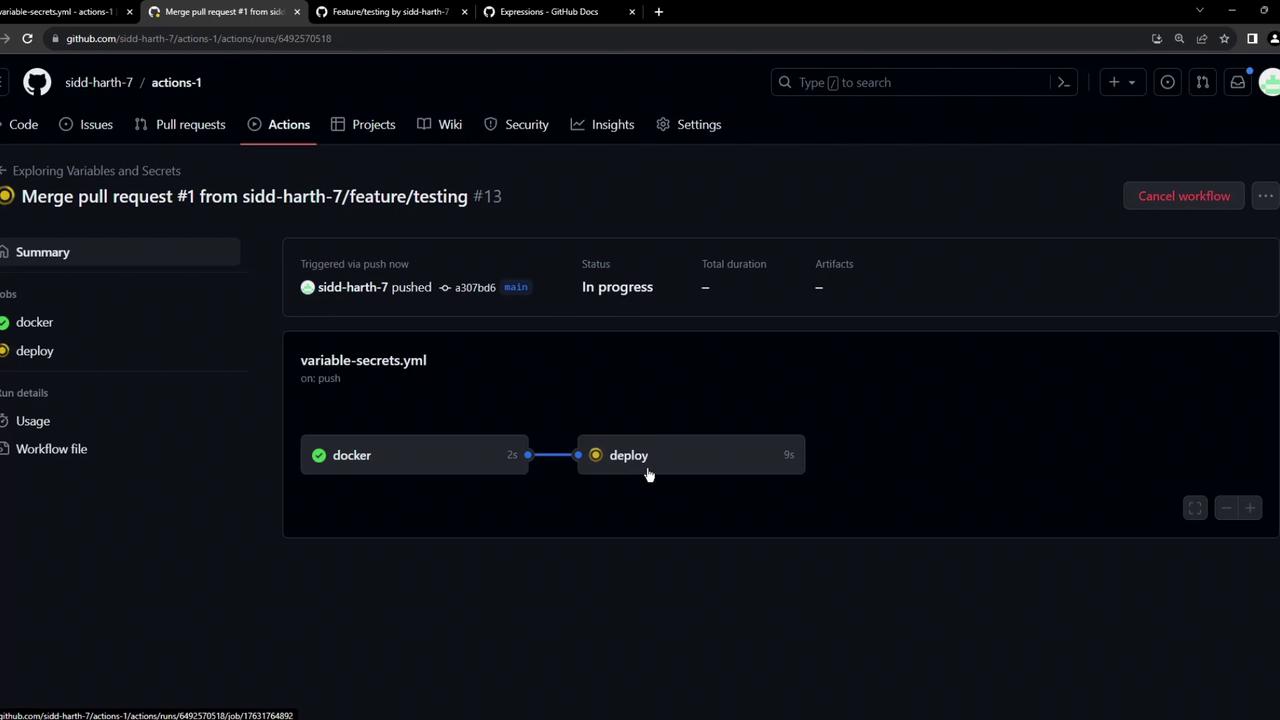
- After merging into
main, observe the full workflow includingdeploy:

if expressions and contexts to drive conditional job execution in your CI/CD pipelines.