

run steps can clutter your GitHub Actions workflow. By bundling them into a single shell script, you simplify maintenance, improve readability, and reduce duplication.
1. Why Consolidate run Steps?
When you split each command into its own run, your workflow becomes long and harder to manage:
2. Create a Reusable Shell Script
Add a file namedascii-script.sh at the root of your repository with all commands:
You can reference this pattern for any multi-step process—testing, building, or deployment—by swapping commands in your script.
3. Refactor Your Workflow to Invoke the Script
Update your workflow to run only the script:
4. Troubleshoot “Permission denied”
If you see an exit code 126, it means the script lacks execute permissions: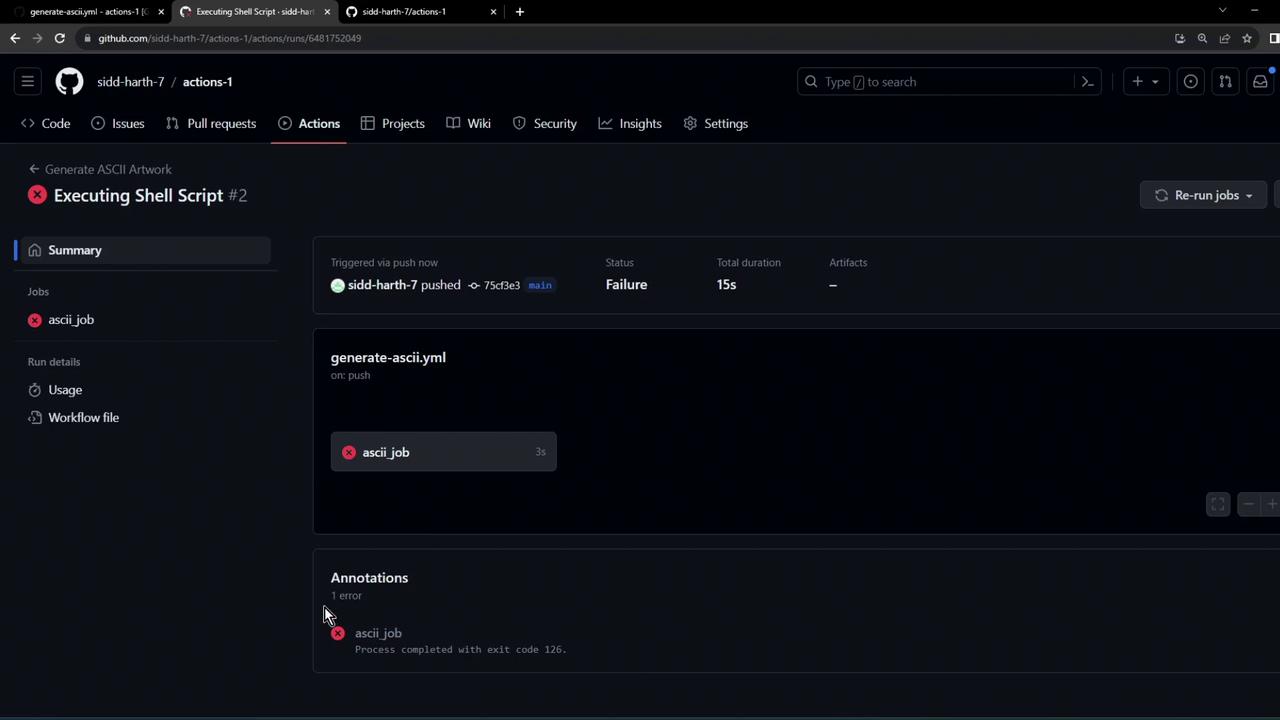
Always ensure your script is executable. You can either set the permission locally with
chmod +x ascii-script.sh before committing, or update your workflow to grant permissions at runtime.