In this guide, you’ll learn how to build a Docker image and run container tests in a GitHub Actions workflow before publishing it to Docker Hub. This end-to-end CI setup ensures your application image is validated automatically on each commit.
Prerequisites
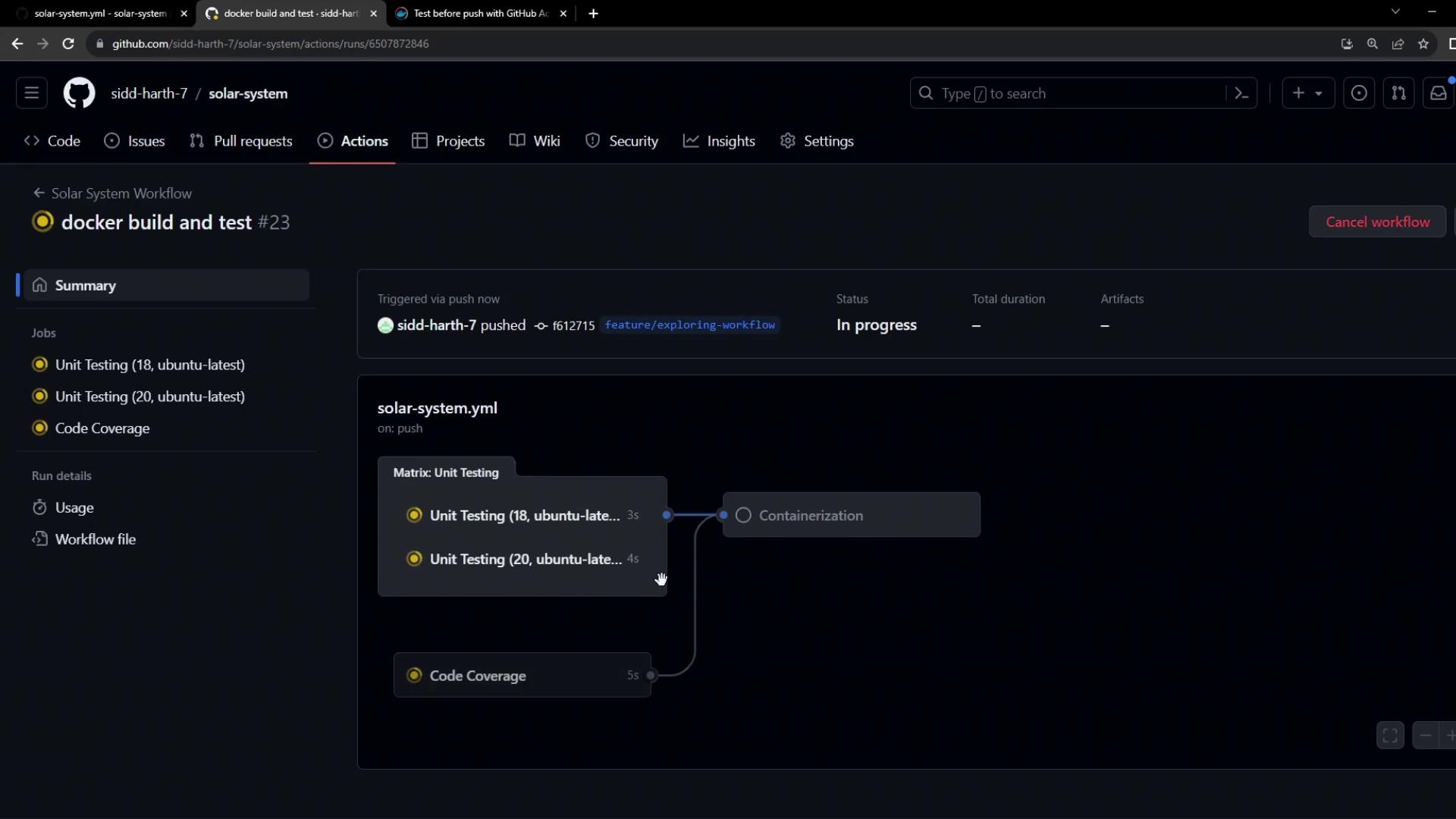
Ensure you have the following jobs configured in your workflow:
unit-testing
code-coverage
You’ll also need a step to authenticate with Docker Hub:
jobs :
docker :
name : Containerization
needs : [ unit-testing , code-coverage ]
runs-on : ubuntu-latest
steps :
- name : Checkout Repository
uses : actions/checkout@v4
- name : Log in to Docker Hub
uses : docker/[email protected]
with :
username : ${{ vars.DOCKERHUB_USERNAME }}
password : ${{ secrets.DOCKERHUB_PASSWORD }}
Using docker/build-push-action for Build & Test
We’ll leverage Docker’s official build-push-action to compile and test the image locally (push: false). This action supports multiple platforms and advanced build features via Buildx.
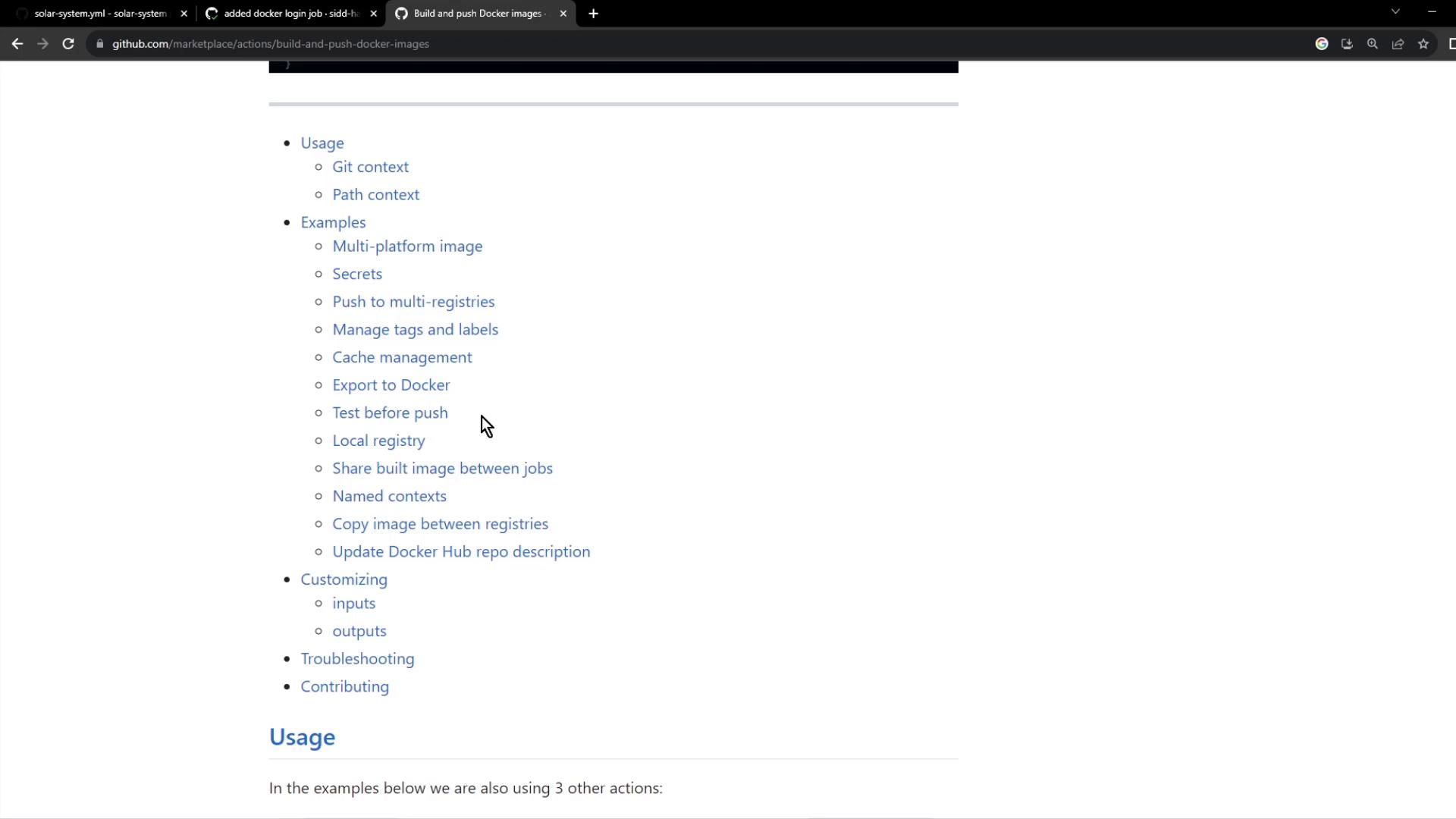
By setting push: false you prevent the image from being sent to a registry, enabling quick feedback on build and tests.
Workflow Snippet
jobs :
docker :
name : Containerization
needs : [ unit-testing , code-coverage ]
runs-on : ubuntu-latest
steps :
- name : Checkout Repository
uses : actions/checkout@v4
- name : Log in to Docker Hub
uses : docker/[email protected]
with :
username : ${{ vars.DOCKERHUB_USERNAME }}
password : ${{ secrets.DOCKERHUB_PASSWORD }}
- name : Set up QEMU emulator
uses : docker/setup-qemu-action@v3
- name : Set up Docker Buildx
uses : docker/setup-buildx-action@v3
- name : Build Docker Image for Testing
uses : docker/build-push-action@v5
with :
context : .
load : true
push : false
tags : ${{ vars.DOCKERHUB_USERNAME }}/solar-system:${{ github.sha }}
- name : Run Container and Test `/live` Endpoint
run : |
docker run --rm --name solar-system-app -d \
-p 3000:3000 \
-e MONGO_URI=$MONGO_URI \
-e MONGO_USERNAME=$MONGO_USERNAME \
-e MONGO_PASSWORD=$MONGO_PASSWORD \
${{ vars.DOCKERHUB_USERNAME }}/solar-system:${{ github.sha }}
echo "Verifying /live endpoint"
wget -q -O - http://127.0.0.1:3000/live | grep live
Build & Test Action Summary
Step Action Key Inputs Authenticate to Docker Hub docker/[email protected] username, passwordPrepare QEMU for multi-arch builds docker/setup-qemu-action@v3(none) Enable Buildx docker/setup-buildx-action@v3(none) Build & Load Image docker/build-push-action@v5context, load, push, tagsContainer Sanity Test shell command docker run, wget, grep
Dockerfile
Place this Dockerfile in your repository root to define the container:
FROM node:18-alpine3.17
WORKDIR /usr/app
COPY package*.json ./
RUN npm install
COPY . .
# Placeholder environment variables for local tests
ENV MONGO_URI=uriPlaceholder
ENV MONGO_USERNAME=usernamePlaceholder
ENV MONGO_PASSWORD=passwordPlaceholder
EXPOSE 3000
CMD [ "npm" , "start" ]
This configuration:
Starts from the lightweight Node.js 18 Alpine image
Sets /usr/app as the working directory
Installs dependencies from package.json
Copies the rest of your application code
Defines default environment variables for MongoDB
Exposes port 3000 and launches the app using npm start
Application Health Endpoints
Ensure your Express app exposes a simple /live endpoint for the workflow test. Example in app.js:
const express = require ( 'express' );
const path = require ( 'path' );
const os = require ( 'os' );
const app = express ();
app . get ( '/live' , ( req , res ) => {
res . json ({ status: "live" });
});
app . get ( '/' , ( req , res ) => {
res . sendFile ( path . join ( __dirname , 'index.html' ));
});
app . get ( '/os' , ( req , res ) => {
res . json ({
os: os . hostname (),
env: process . env . NODE_ENV
});
});
app . get ( '/ready' , ( req , res ) => {
res . json ({ status: "ready" });
});
app . listen ( 3000 , () => {
console . log ( "Server running on port 3000" );
});
module . exports = app ;
Be sure your placeholder environment variables in the Dockerfile match those used in your test commands to avoid runtime errors.
Workflow Run Results
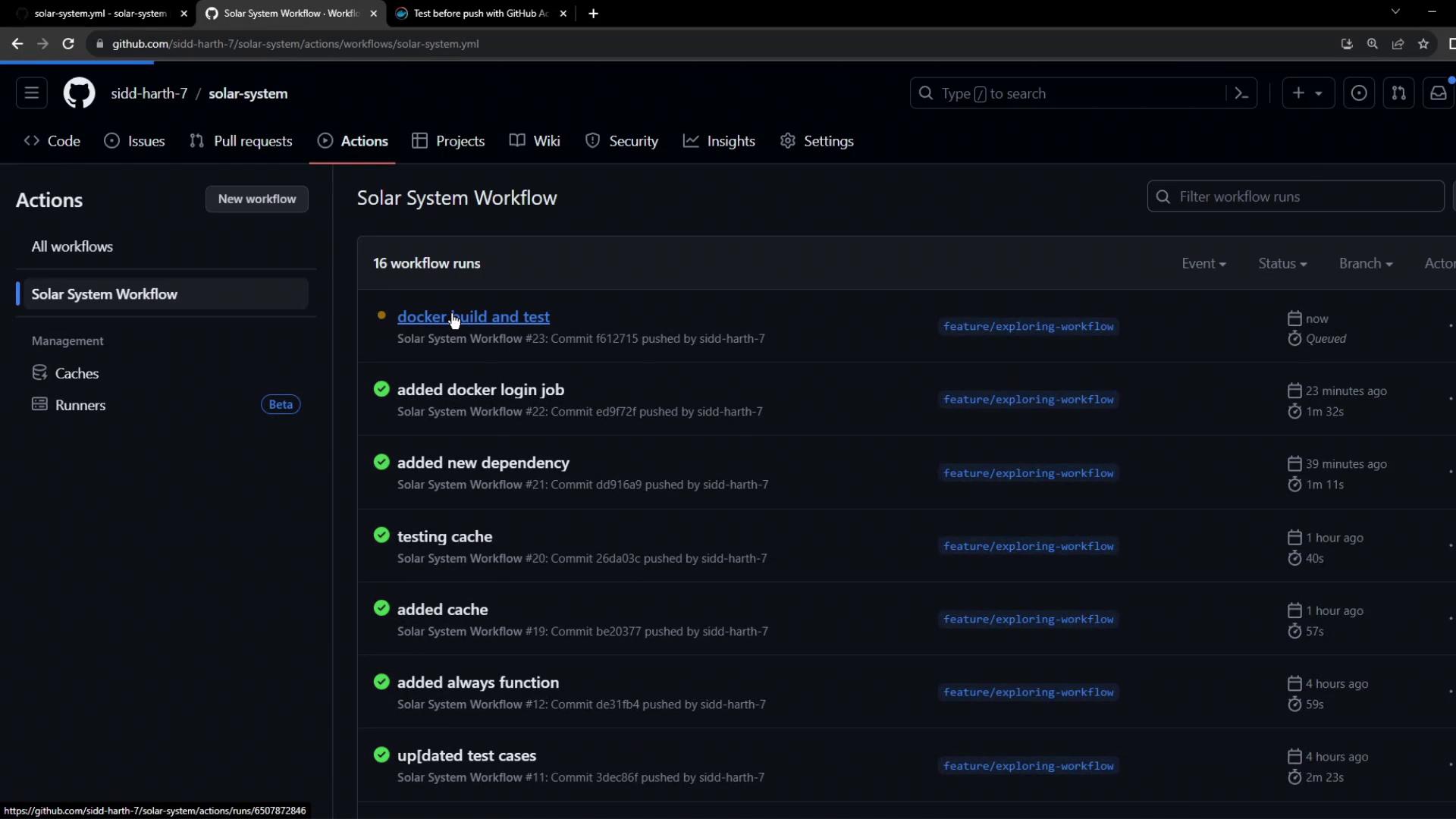
Once the workflow is committed, GitHub Actions will execute the build-and-test job. You’ll see output like this:
Example build logs:
/usr/bin/docker buildx build \
--iidfile /tmp/docker-actions-toolkit/iidfile \
--tag youruser/solar-system:abcdef \
--metadata-file /tmp/docker-actions-toolkit/metadata-file .
#1 [auth] library/node:pull token for registry-1.docker.io
#6 [1/5] FROM docker.io/library/node:18-alpine3.17
...
#11 DONE 1.6s
And container test output:
$ docker images
REPOSITORY TAG IMAGE ID SIZE
youruser/solar-system abcdef e7789ef9a9... 110MB
$ docker run --name solar-system-app -d -p 3000:3000 \
-e MONGO_URI=uriPlaceholder \
-e MONGO_USERNAME=usernamePlaceholder \
-e MONGO_PASSWORD=usernamePlaceholder \
youruser/solar-system:abcdef
$ echo "Testing /live endpoint"
$ wget -q -O - http://127.0.0.1:3000/live | grep live
live
Since all steps pass, your Docker image is successfully built and tested locally. Next up: pushing it to Docker Hub and deploying!
Links and References