What Are Contexts?
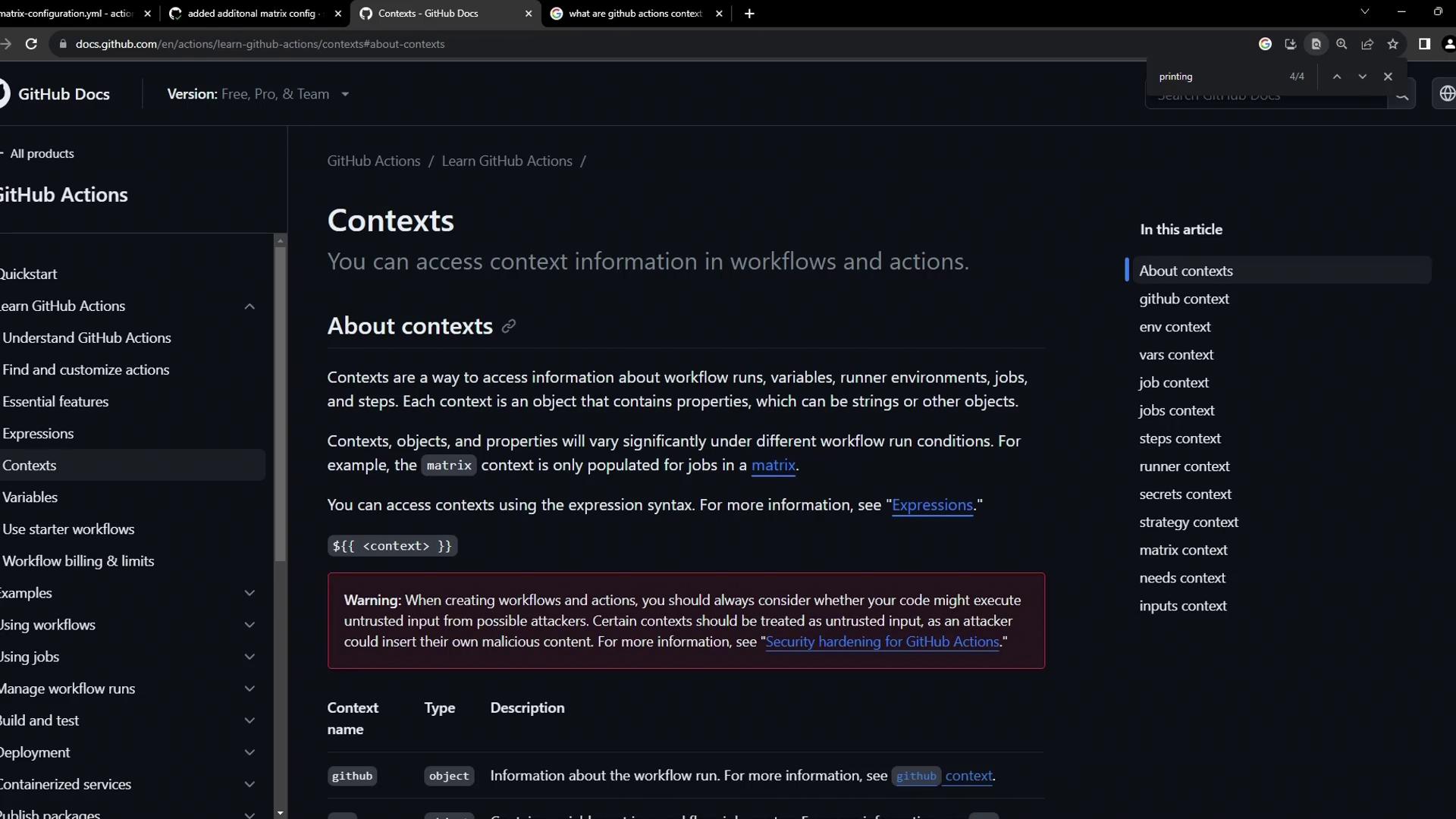
A context is a JSON object with properties you can reference in your workflow using${{ }} syntax. Common contexts include:
To view every context object in your workflow logs, serialize it to JSON with the
toJson() function.
Combine context lookups with GitHub expressions for powerful conditional statements.
Sample Workflow: Dumping Contexts
Create a file namedcontext-testing.yml in .github/workflows/:
Never expose secrets in public or shared logs. Printing
toJson(secrets) can reveal sensitive data if your repository or runner is not private.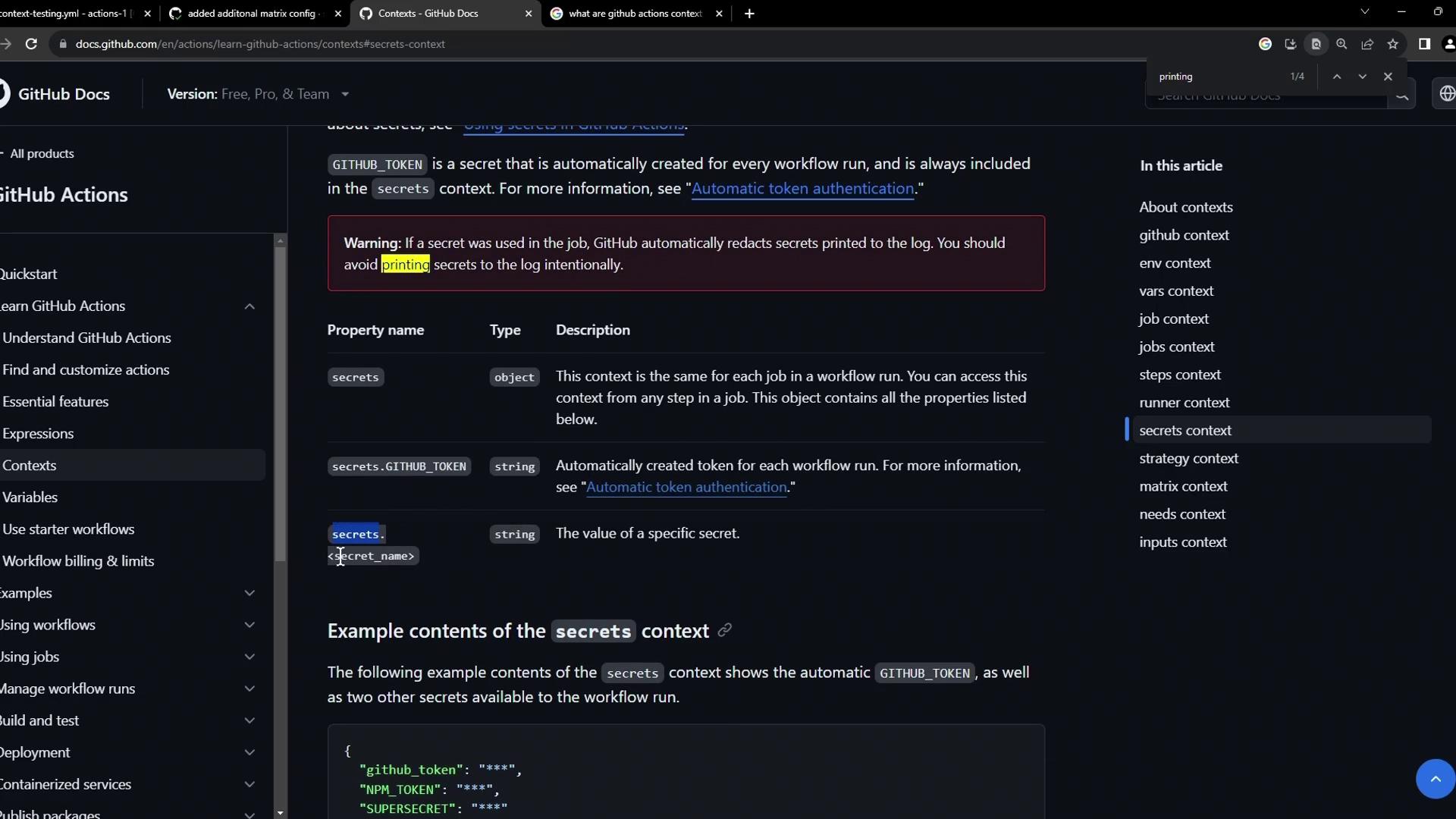
Using the Runner Context
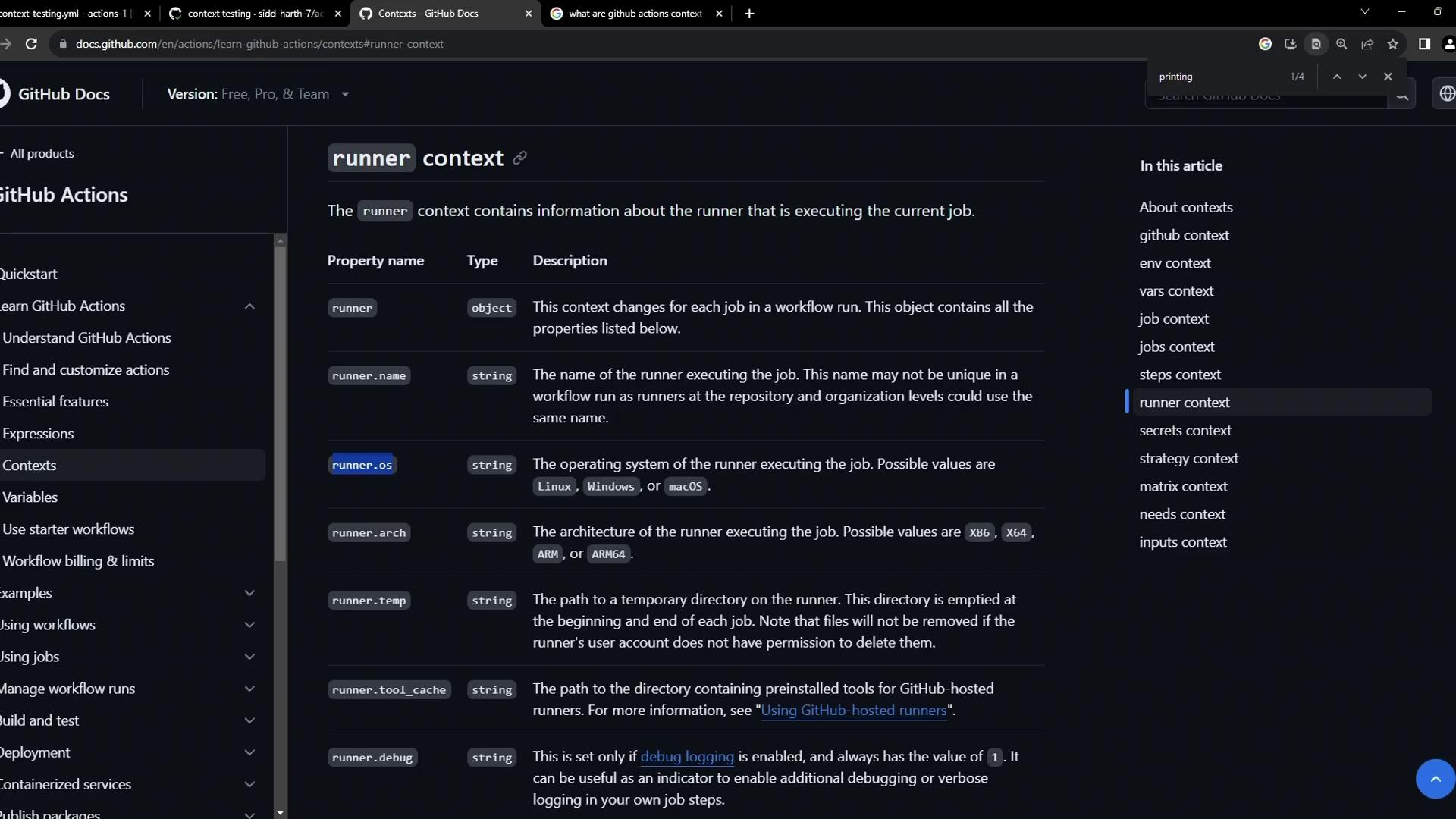
Therunner context lets you customize steps based on the hosted environment. You can check:
runner.os(e.g.,Windows,Linux,macOS)runner.arch(e.g.,X64,ARM64)runner.name(runner label)runner.tool_cachepaths
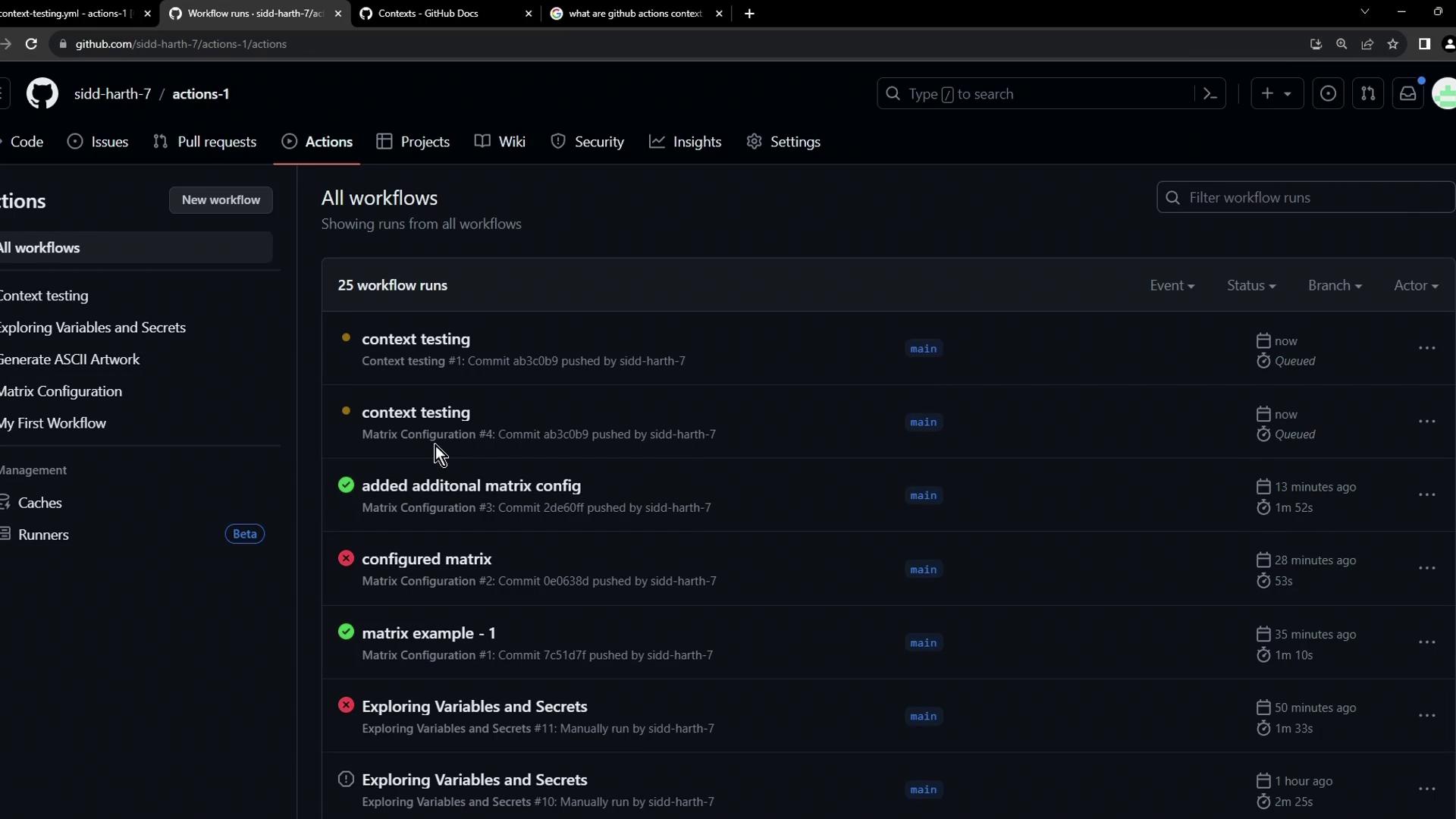
Viewing Context Output in Logs
After the workflow completes, expand each step in the log to inspect the JSON output:Context Output Explained
- GitHub context: repo details, event information, commit SHA.
- Job context: job status (
success,failure, etc.). - Steps context: empty until steps define outputs.
- Runner context: VM details like OS, architecture, workspace paths.
- Secrets context: all accessible secrets (values are masked).
More Contexts to Explore
GitHub Actions offers additional contexts for advanced workflows:matrix: Values from a strategy matrix.needs: Outputs and statuses of dependent jobs.inputs: Action inputs for reusable workflows.env: Custom environment variables.