

What Is GitHub Container Registry?
GitHub Container Registry (ghcr.io) is part of GitHub Packages. It allows you to store and manage both Docker and OCI images, either publicly or privately.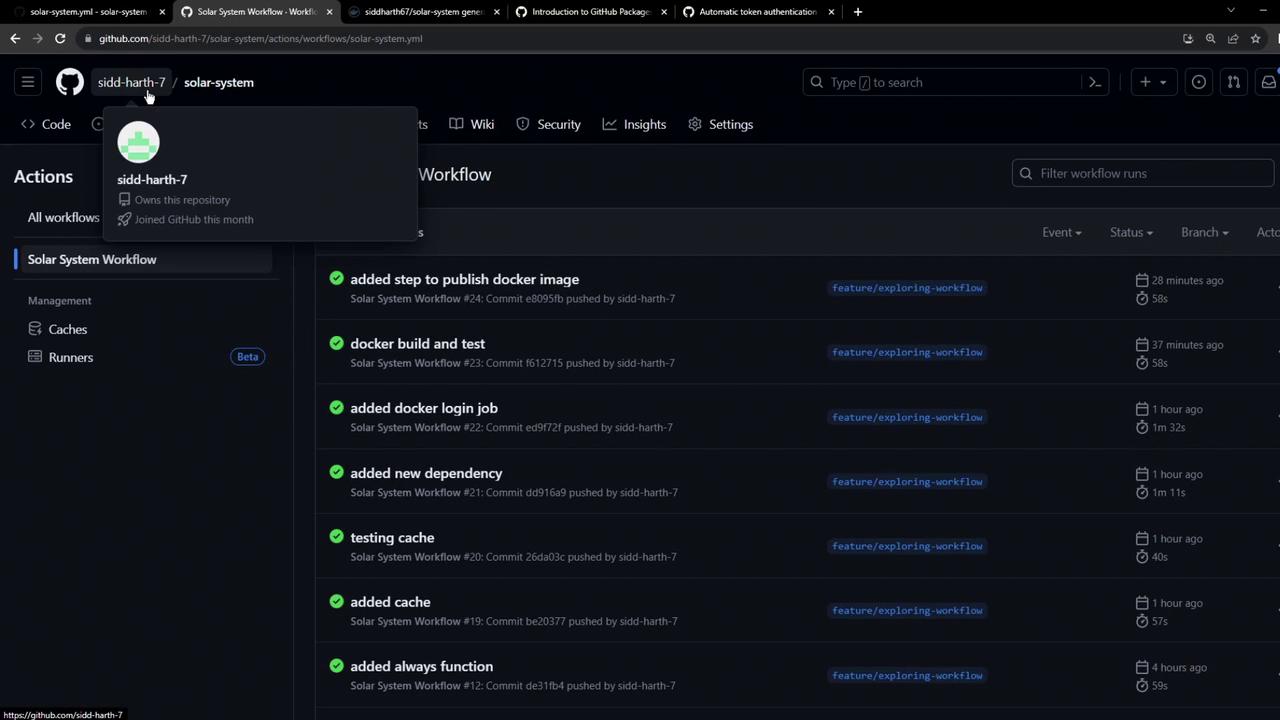
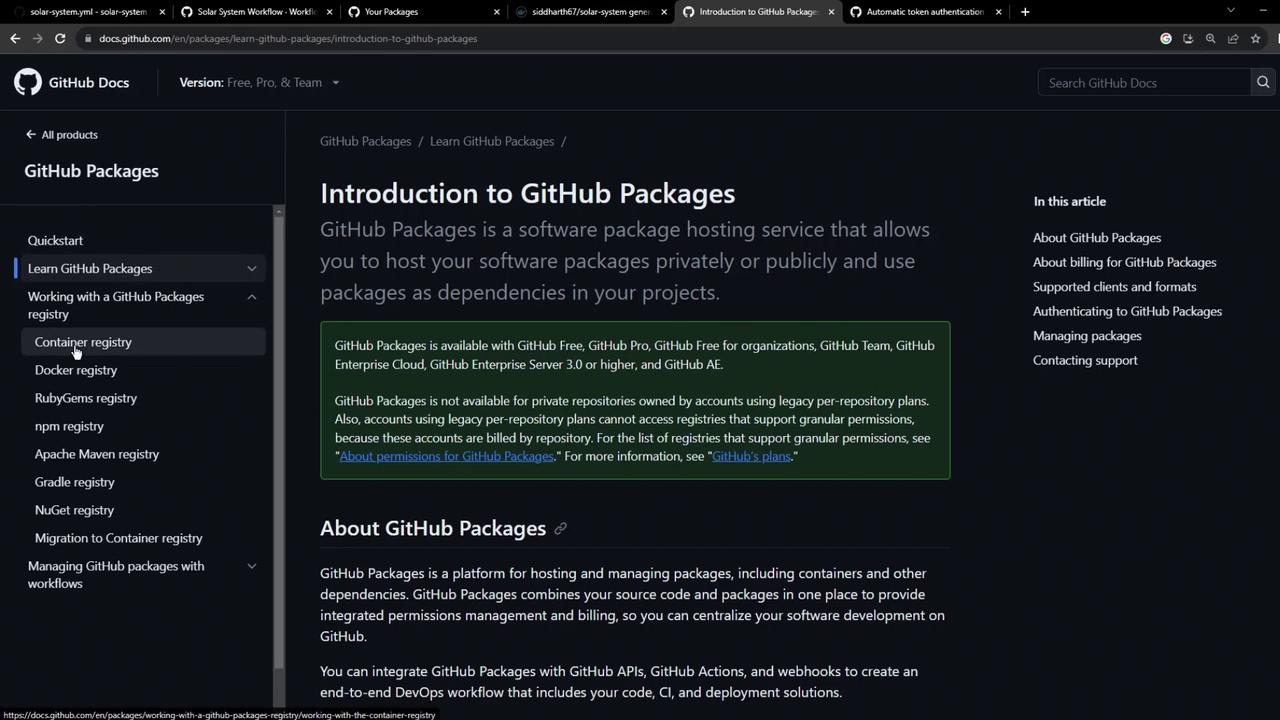
Click Packages → Container registry in your repo sidebar to explore existing images:
Authenticating to GHCR
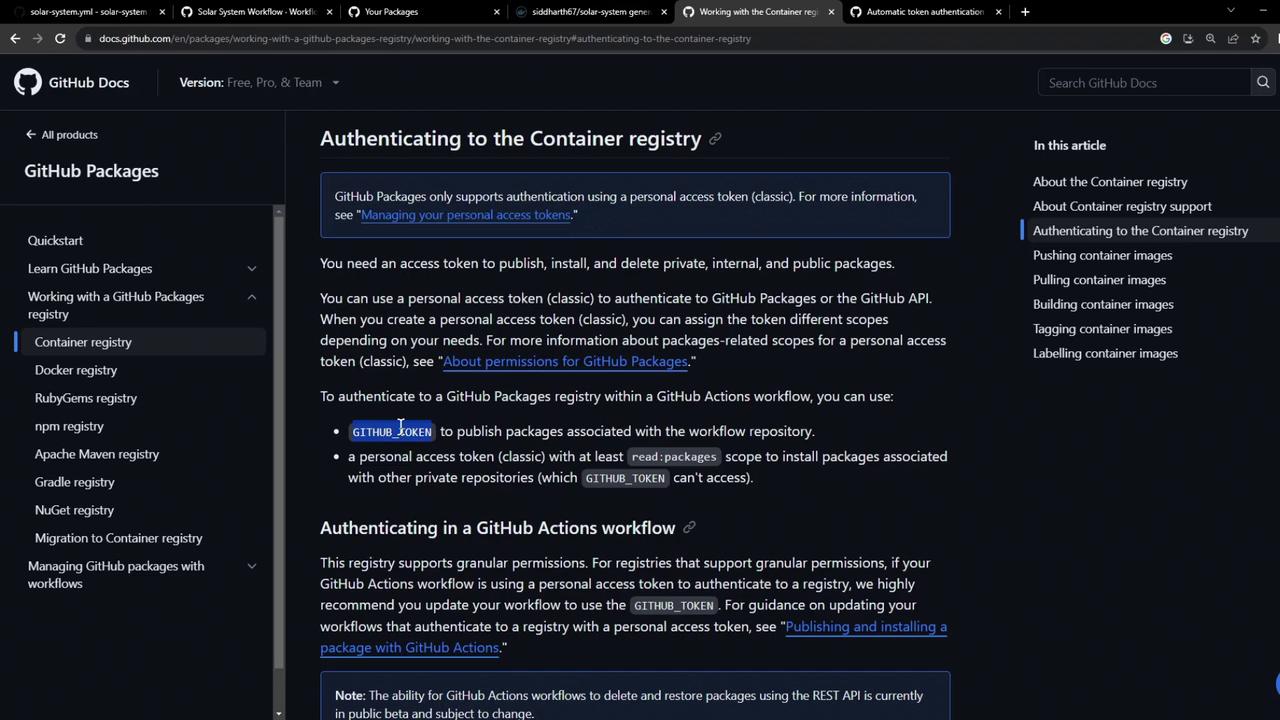
You can authenticate using:- A GitHub Personal Access Token (PAT) scoped for
read:packagesandwrite:packages. - The automatically generated
GITHUB_TOKENin Actions workflows (requires explicitpackages: writepermission).
Using a PAT Locally
For automation, store your PAT as a GitHub Secret (e.g.,
GHCR_PAT) and reference it in workflows.Updating Your GitHub Actions Workflow
We’ll extend our CI workflow to:- Build the Docker image.
- Run a quick container test.
- Authenticate and push to Docker Hub and GHCR.
.github/workflows/workflow.yml:
Workflow in Action
When the workflow triggers, you’ll see Unit Testing and Code Coverage complete before Containerization runs: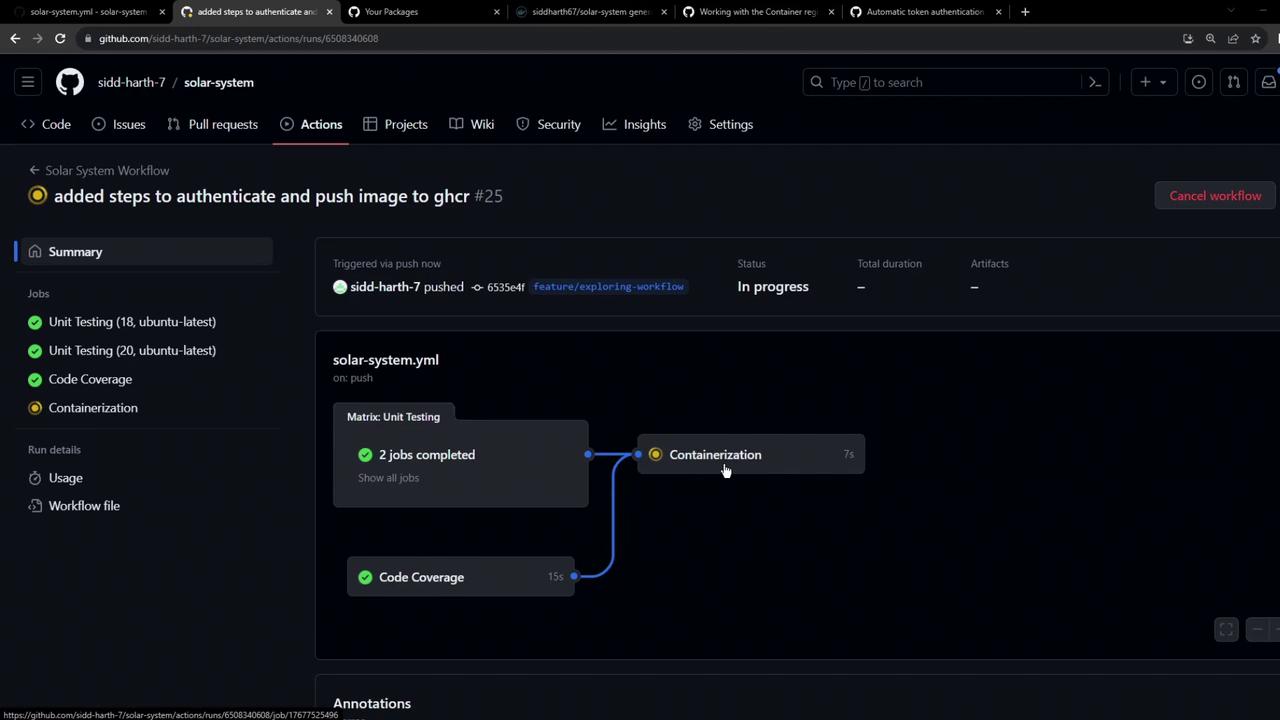
Troubleshooting: Permissions Error
If you omitpermissions: packages: write, the push to GHCR will fail:
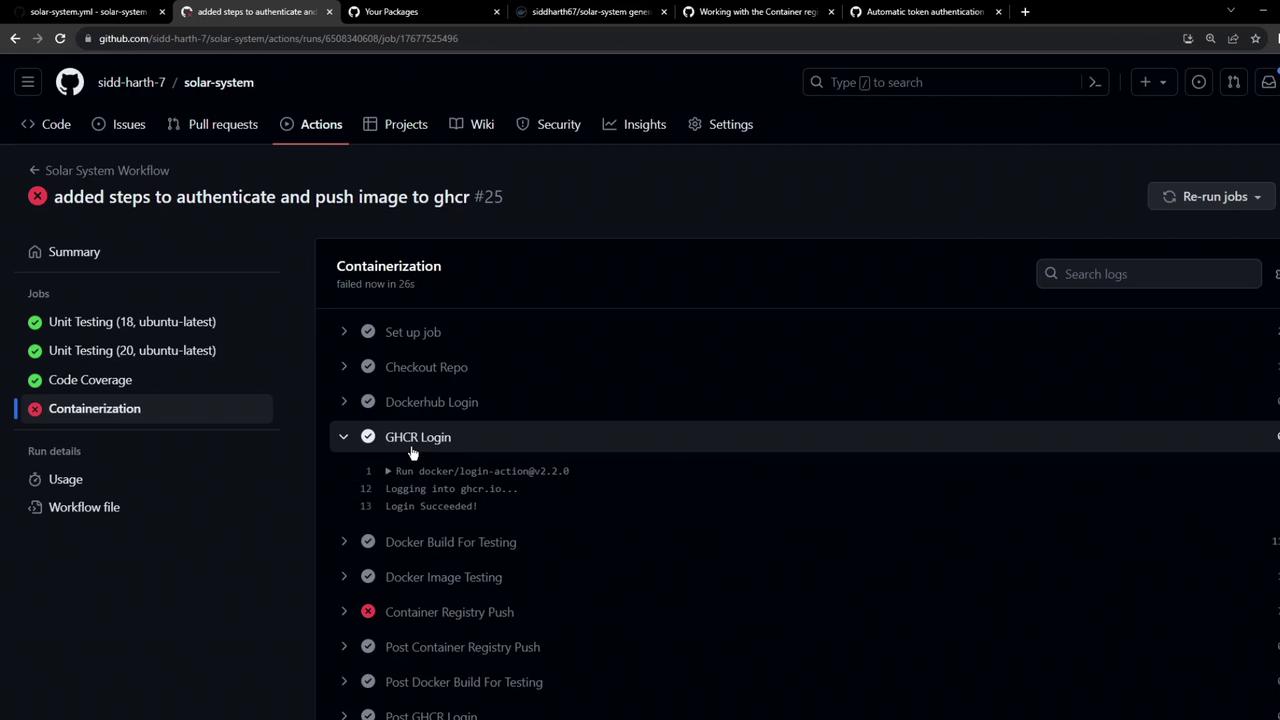
By default,
GITHUB_TOKEN only has read access to packages. You must explicitly set write permissions.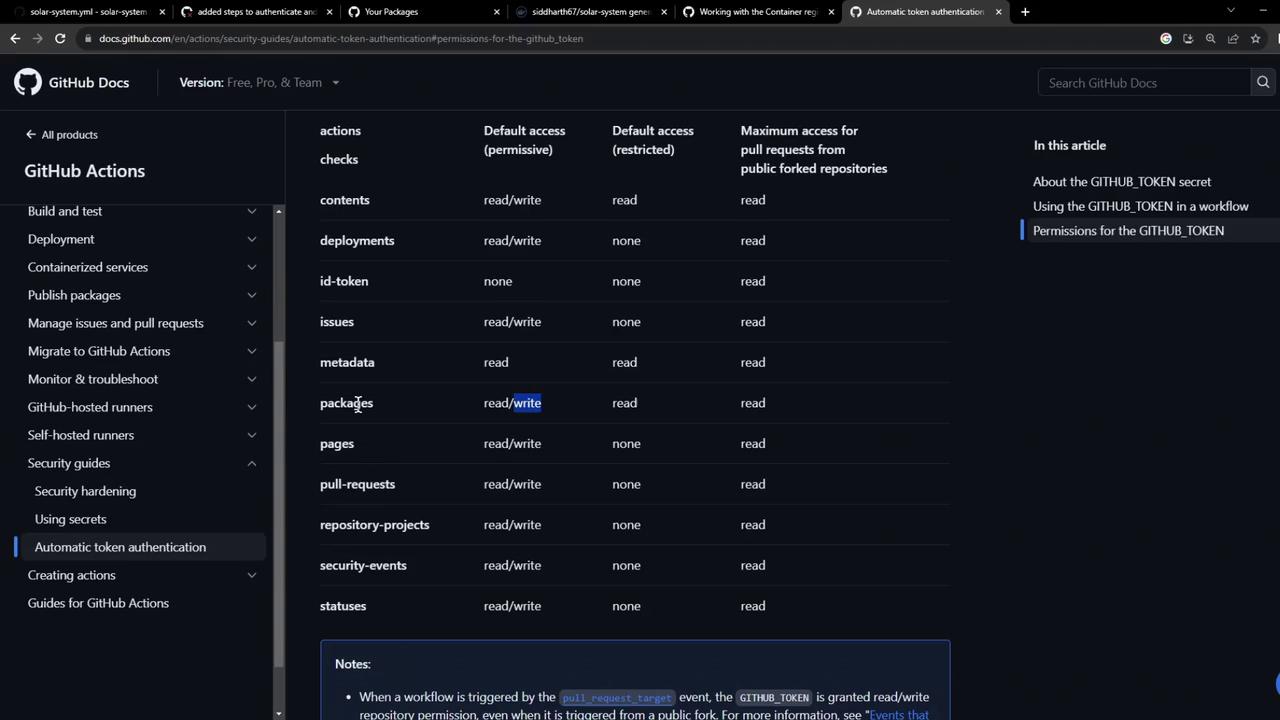
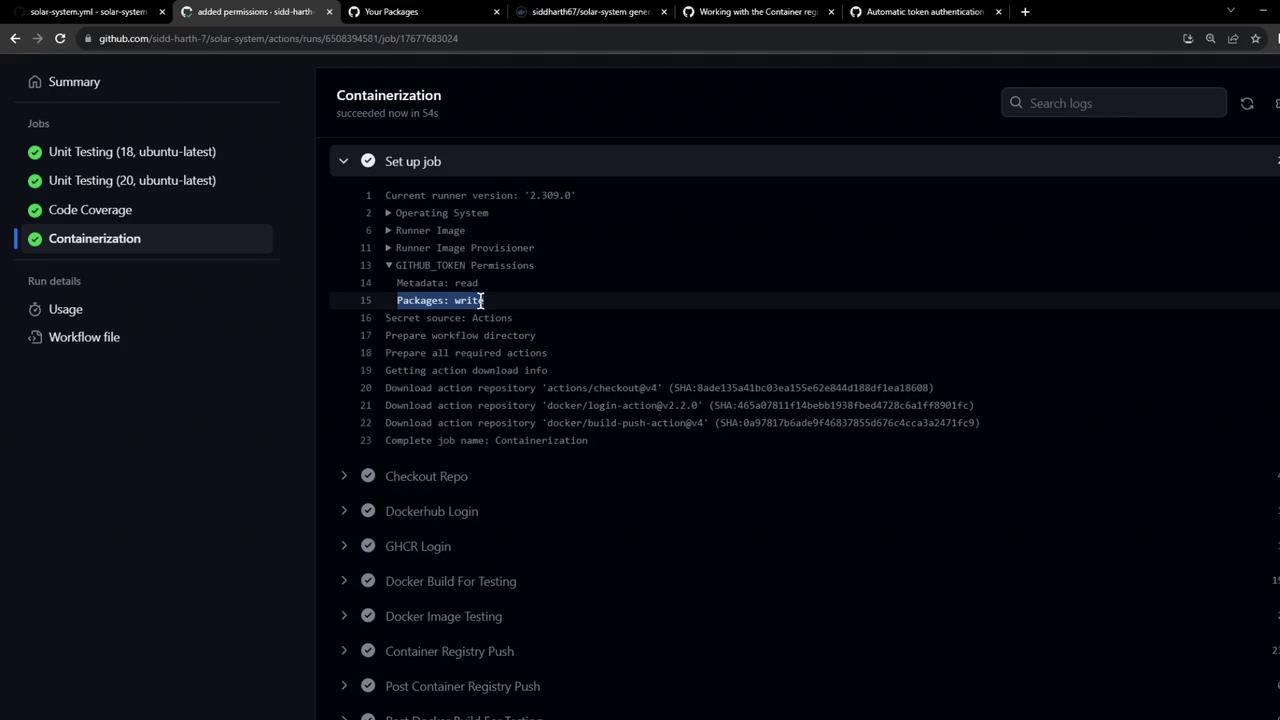
Verifying the Failure Case
In earlier runs (without write access), you can inspect the setup logs for clues: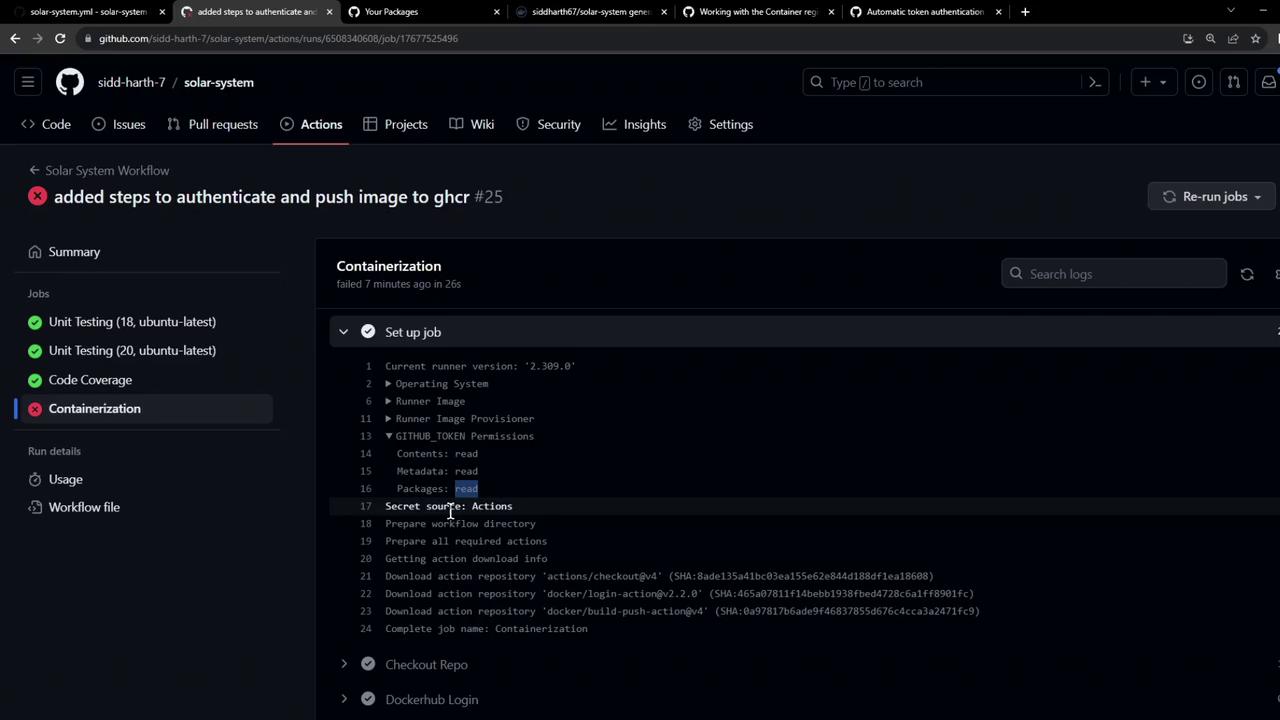
Using Your Published Image
Once the workflow finishes:- Navigate to Packages → Container registry in your repository.
- You’ll see your Docker image listed under GHCR.
Dockerfile: