This article explains how to archive JUnit-format Mocha test reports in GitHub Actions using actions/upload-artifact.
In this lesson, we’ll archive JUnit-format Mocha test reports in GitHub Actions using actions/upload-artifact. Previously, our workflow ran unit tests successfully but didn’t persist the generated XML report:
Copy
Ask AI
> Run npm test> Solar [email protected] test> mocha app-test.js --timeout 10000 --reporter mocha-junit-reporter --exitServer successfully running on port - 3000
Locally, the mocha-junit-reporter creates a test-results.xml file in your project root. For example:
Copy
Ask AI
<testsuite name="it should fetch Ready Status" timestamp="2023-10-12T10:34:16" tests="1" file="F:\KodeKloud-Work\GitHub-Actions-V2\demo-workspace\solar-system"> <testcase name="Testing Other Endpoints it should fetch Ready Status it checks Readiness endpoint" time="0.0"/></testsuite>
To archive this file in CI, add a step that uses actions/upload-artifact@v3:
Copy
Ask AI
jobs: unit-testing: name: Unit Testing runs-on: ubuntu-latest steps: - name: Checkout Repository uses: actions/checkout@v4 - name: Setup Node.js uses: actions/setup-node@v3 with: node-version: 18 - name: Install Dependencies run: npm install - name: Run Unit Tests run: npm test - name: Archive Test Results uses: actions/upload-artifact@v3 with: name: Mocha-Test-Result path: test-results.xml
Property
Description
Example
name
Artifact identifier displayed in the summary
Mocha-Test-Result
path
Path or glob pattern to test report file
test-results.xml
The path field accepts glob patterns. To archive multiple XML reports, use something like path: reports/**/*.xml.
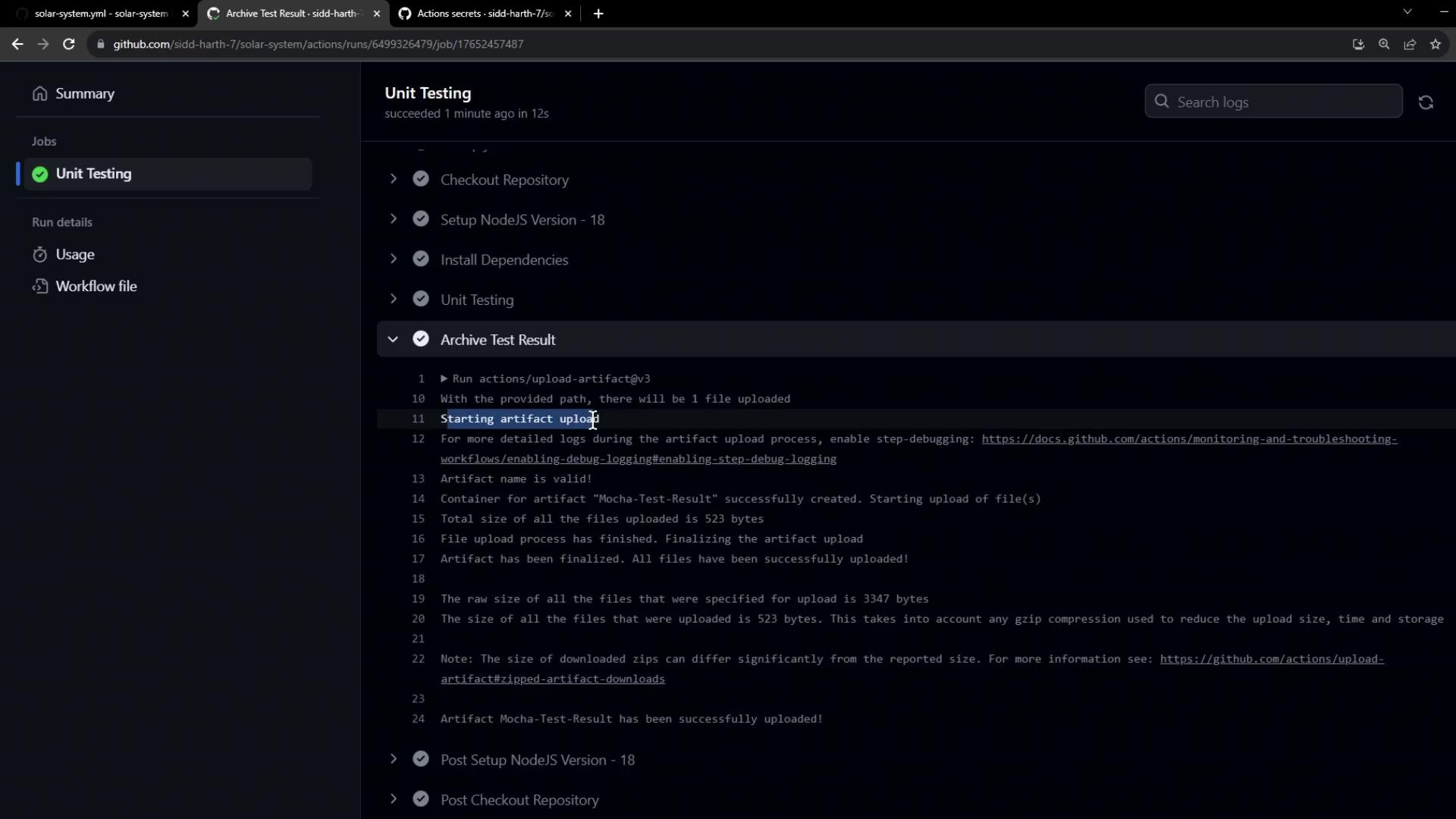
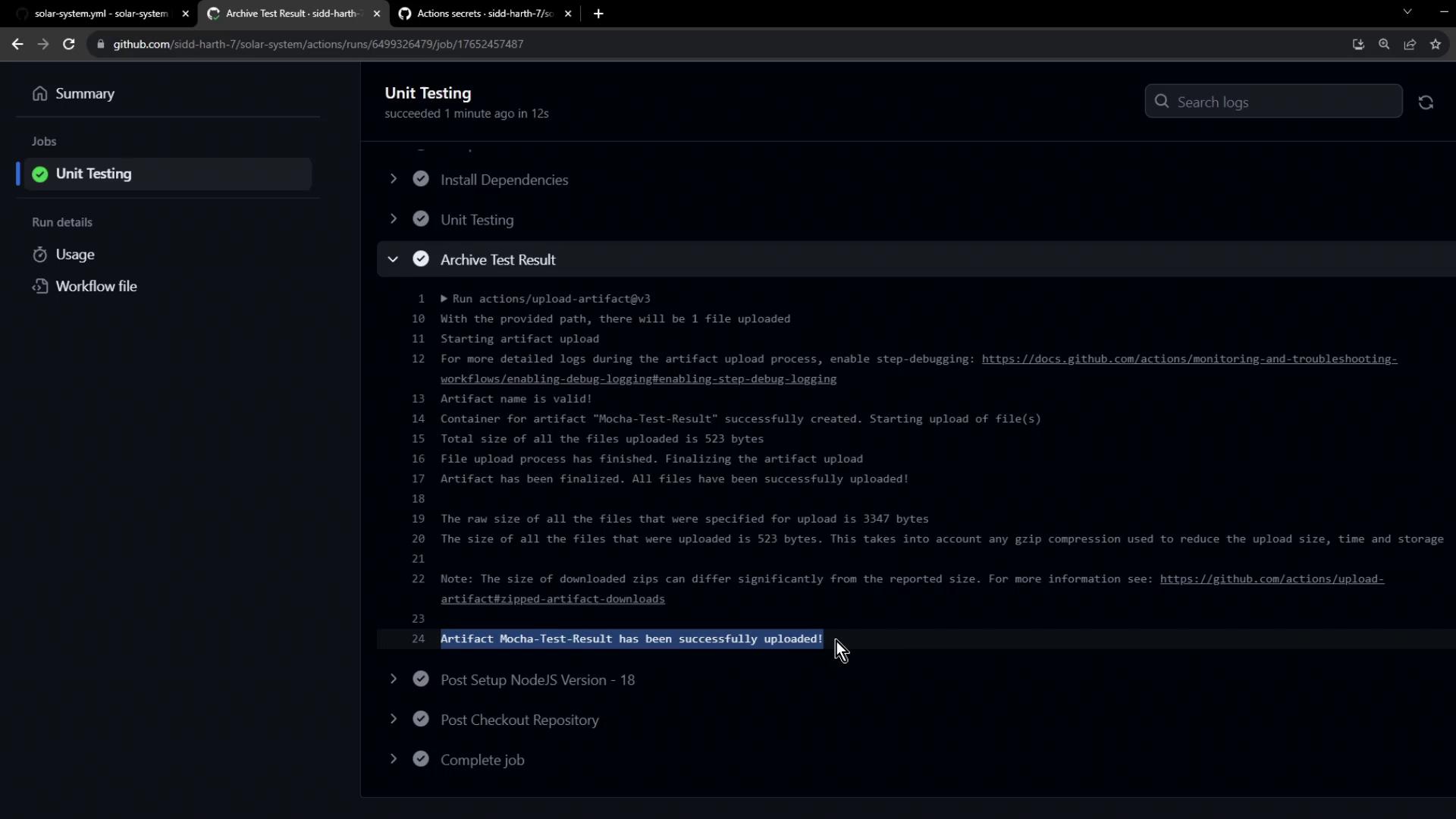
After the workflow runs, open the Actions tab to confirm the artifact upload. You’ll see a log entry showing the artifact size and success:
In the workflow summary, the uploaded artifact is listed under the Unit Testing job:
By default, artifacts are retained for 90 days. You can configure retention or delete them when they’re no longer needed.
Archiving your test reports guarantees that JUnit XML outputs are always available for debugging, reporting, or integration with CI dashboards once your workflow completes.