Managing sensitive credentials across multiple repositories can be challenging. GitHub Actions stores secrets at the repository or environment level, but lacks versioning and centralized policy controls. By integrating HashiCorp Vault, you can maintain a single source of truth and automate secret synchronization across all your workflows.

Why Centralize Secret Management?

GitHub Actions secrets are easy to configure but can become a maintenance burden as your organization scales: By standardizing on Vault, you gain:
  • Automatic versioning and rotation
  • Detailed audit logs
  • Consistent policies across environments
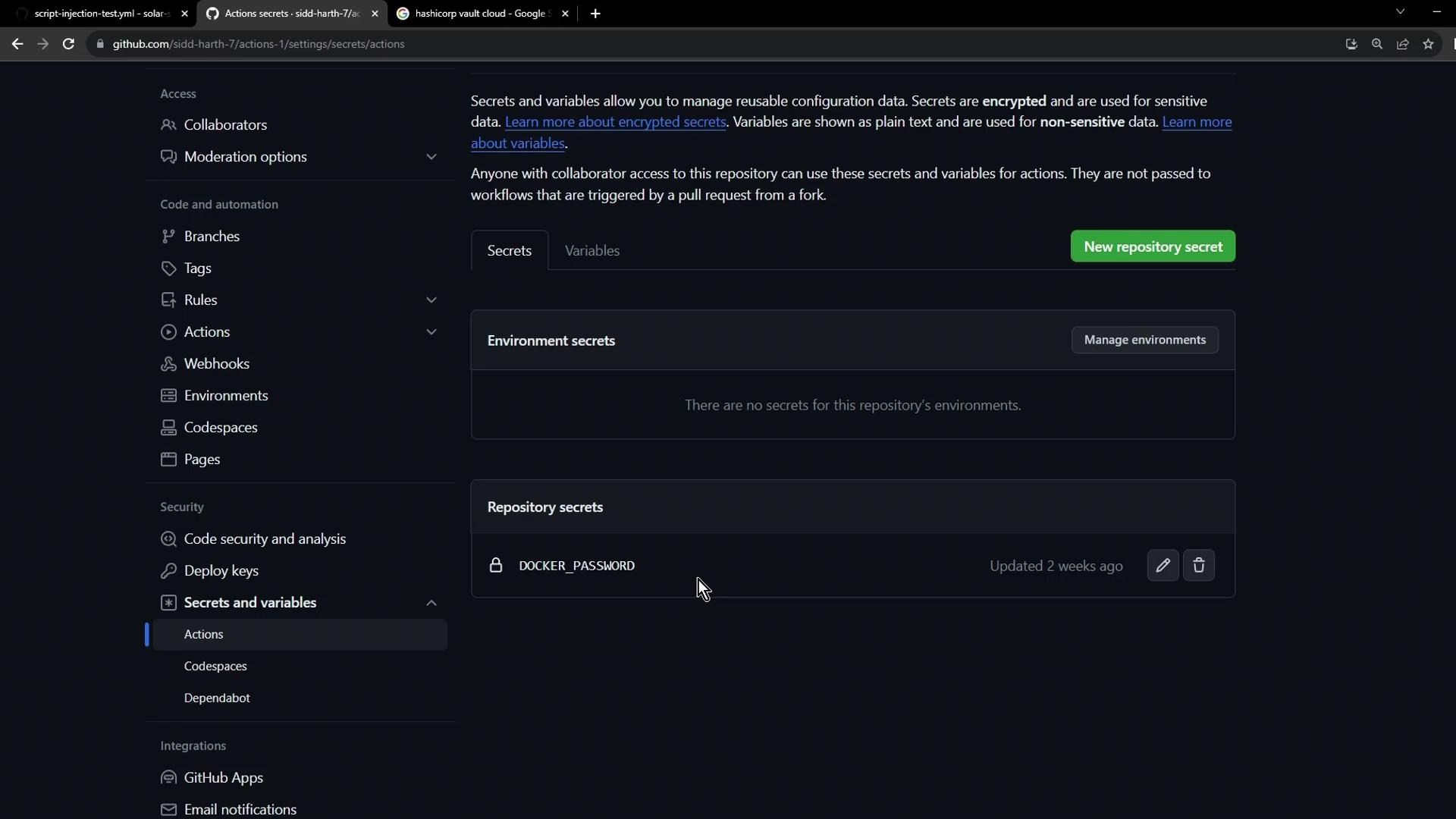
The image shows a GitHub repository settings page for managing secrets and variables, with a section for environment secrets and a repository secret named "DOCKER_PASSWORD."

Defining a GitHub Actions Workflow

Create a workflow file under .github/workflows/vault-demo.yaml that manually triggers and checks for AWS_API_KEY:
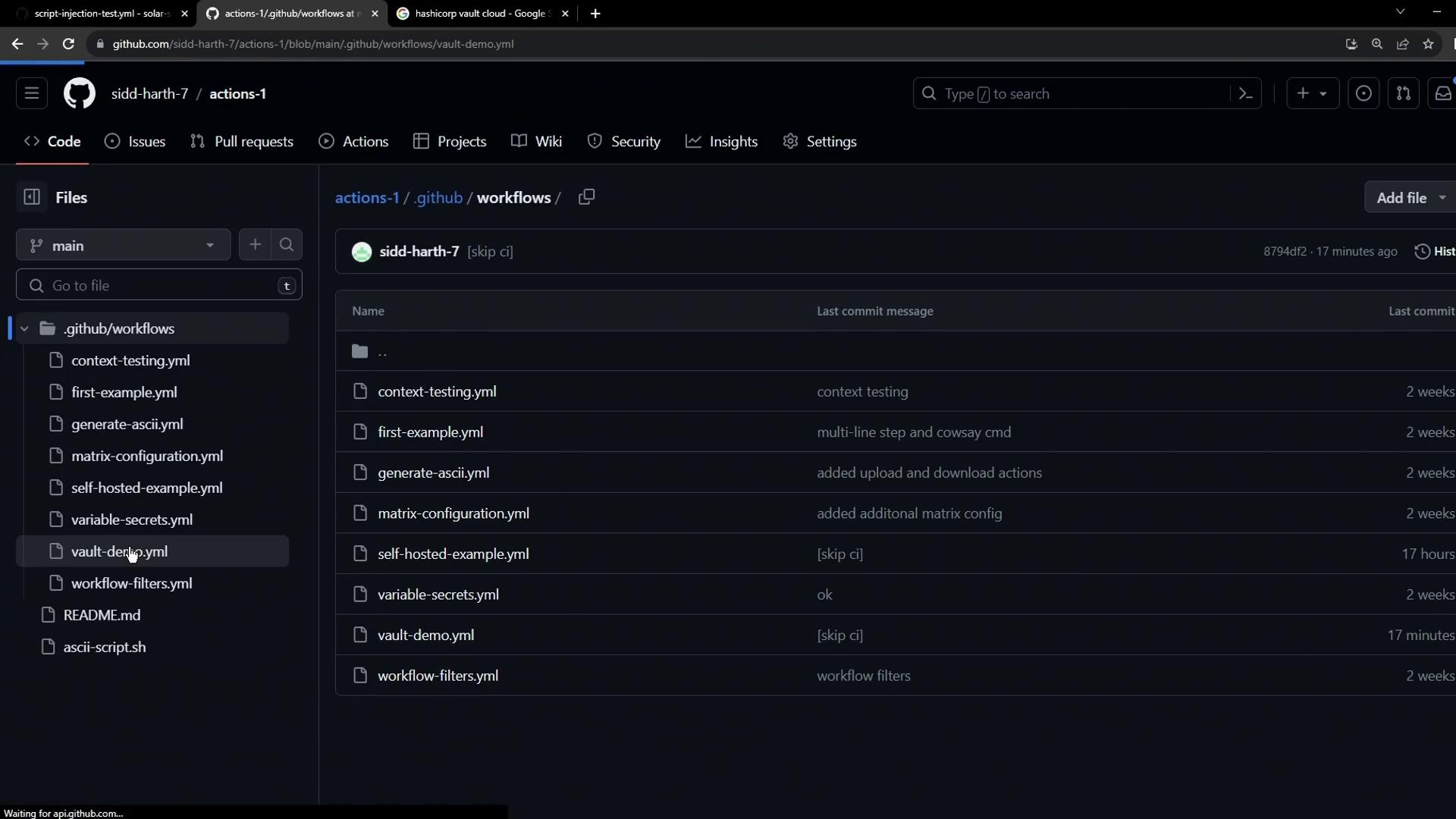
The image shows a GitHub repository interface displaying a list of YAML workflow files within the .github/workflows directory, along with their last commit messages and timestamps.
Ensure the workflow file is committed to the main branch (or your default branch) under .github/workflows.
When AWS_API_KEY is missing, the run fails:
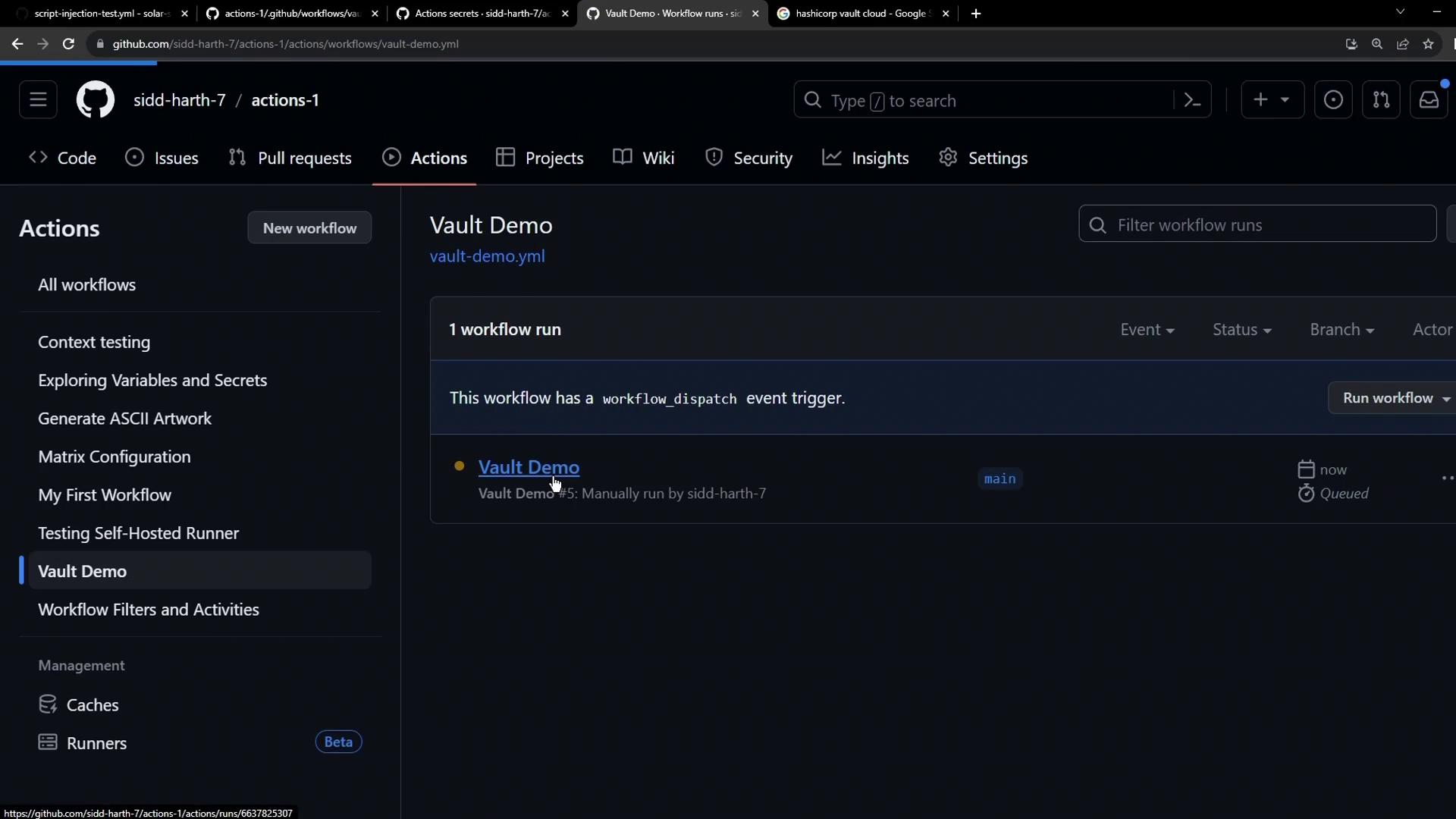
The image shows a GitHub Actions interface with a "Vault Demo" workflow that has been manually run. The interface includes options for managing workflows and viewing workflow runs.

Provisioning HashiCorp Vault on HCP

HashiCorp Vault Secrets on the HashiCorp Cloud Platform provides a fully managed service for centralized secret storage.
  1. Sign in at the HashiCorp Vault website.
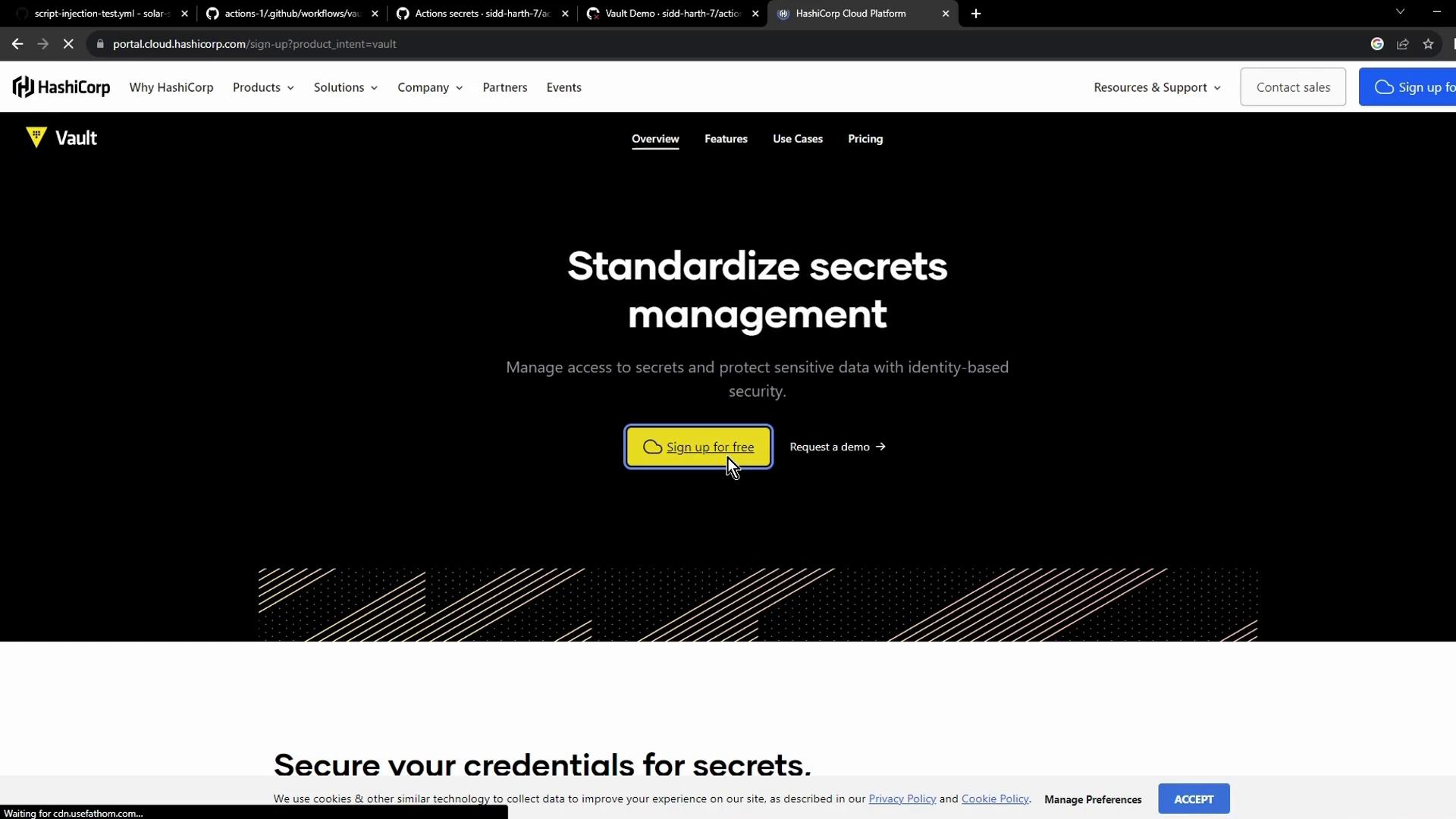
The image shows a webpage from HashiCorp Vault, highlighting "Standardize secrets management" with options to sign up for free or request a demo.
  1. From the HCP dashboard, select Vault Secrets:
The image shows a project dashboard from HashiCorp Cloud Platform, displaying various services like Boundary, Consul, Packer, and Vault, along with project status and billing summary.
  1. Click Create application, name it (e.g., Secret App), then add the AWS_API_KEY secret:
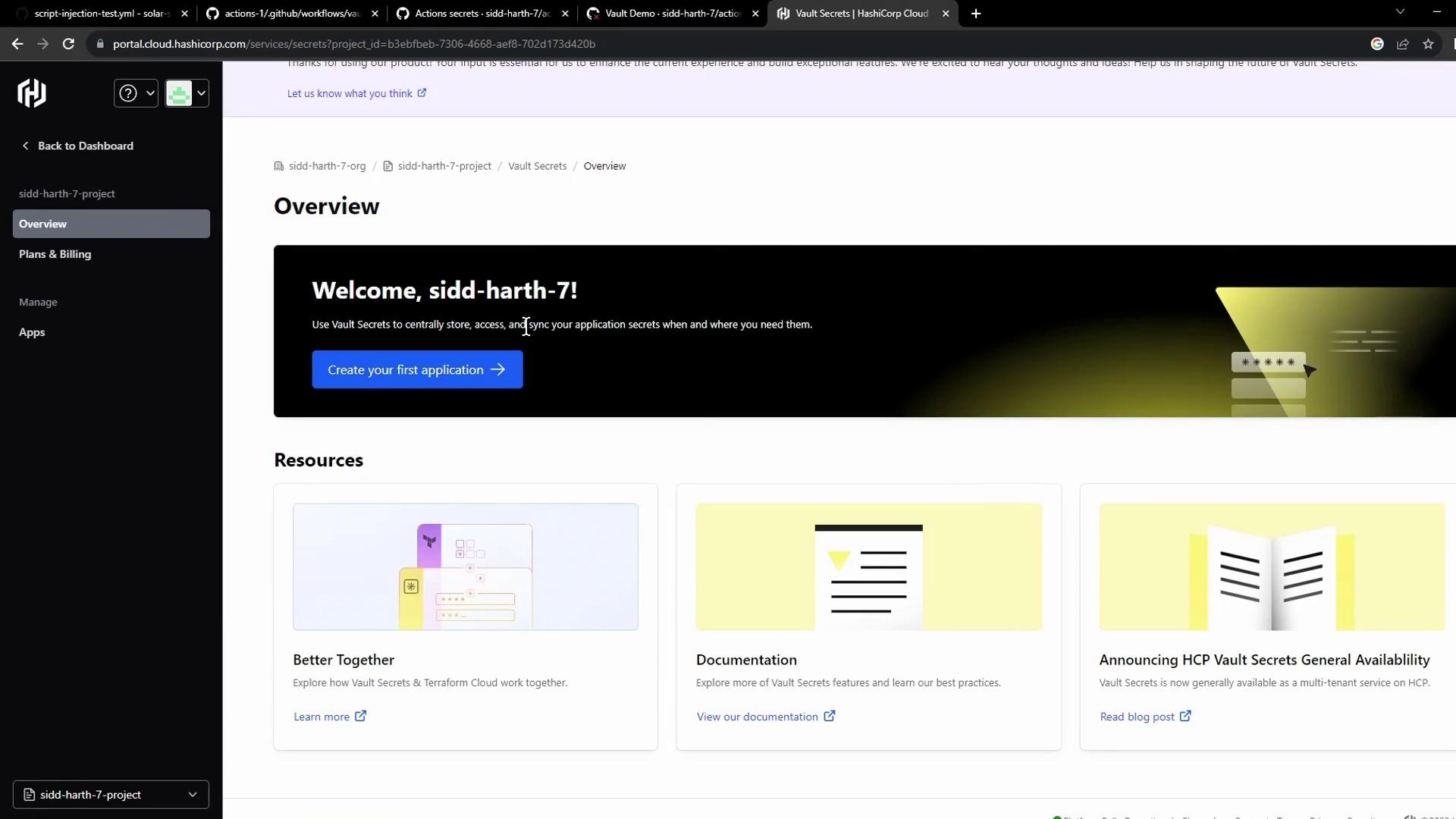
The image shows a dashboard interface for HashiCorp Vault Secrets, welcoming the user and offering options to create an application and access resources like documentation and blog posts.
  1. Use the Add secret button to insert your key/value pair:
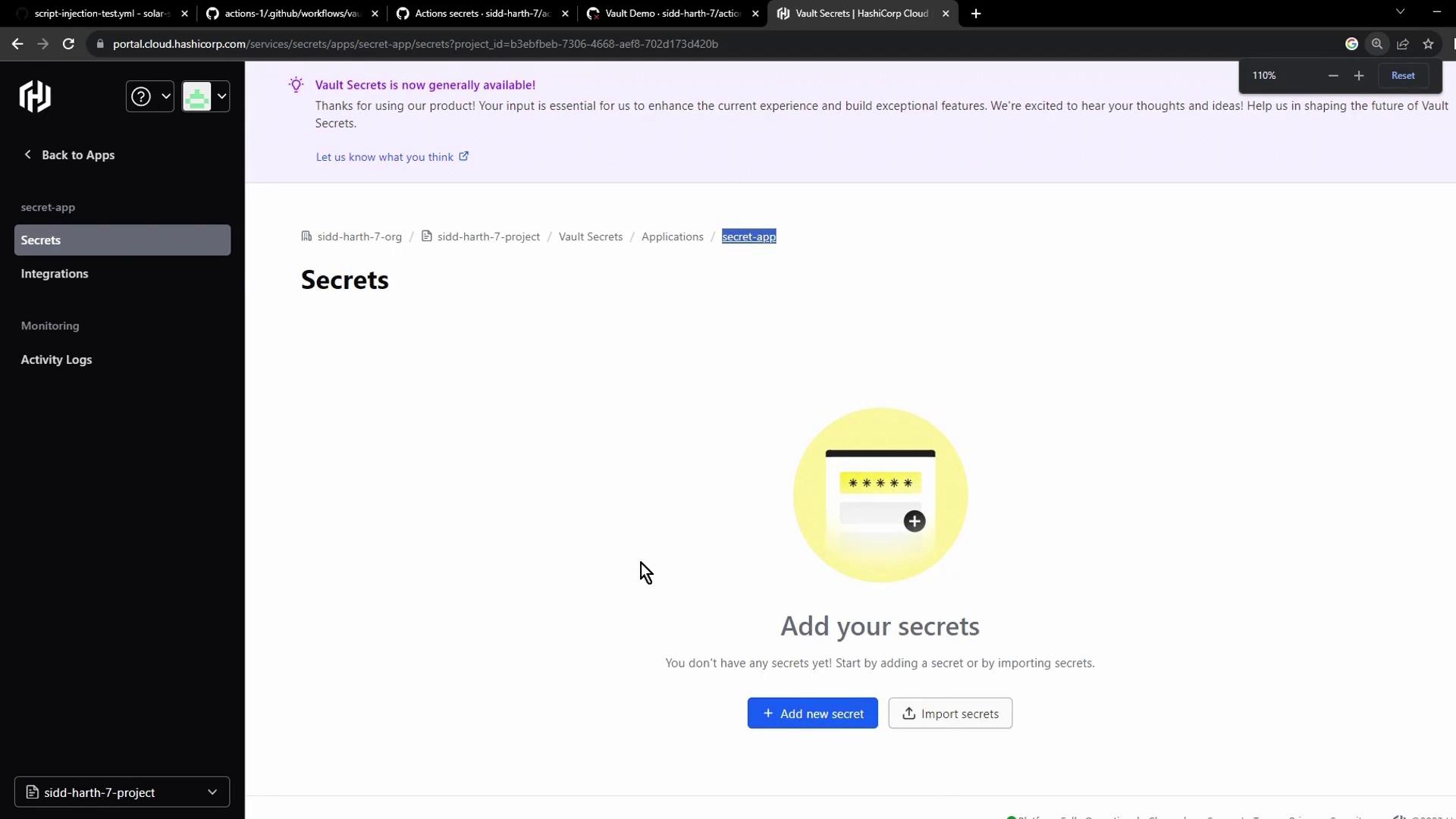
The image shows a web interface for managing secrets in a project, with options to add or import secrets. A notification at the top indicates that "Vault Secrets" is now generally available.
New users may be eligible for free credits on HCP. Check the pricing page for details.

Integrating Vault with GitHub Actions

Enable automatic synchronization so GitHub Actions can retrieve secrets directly from Vault:
  1. In the Vault console, select Integrations → GitHub Actions:
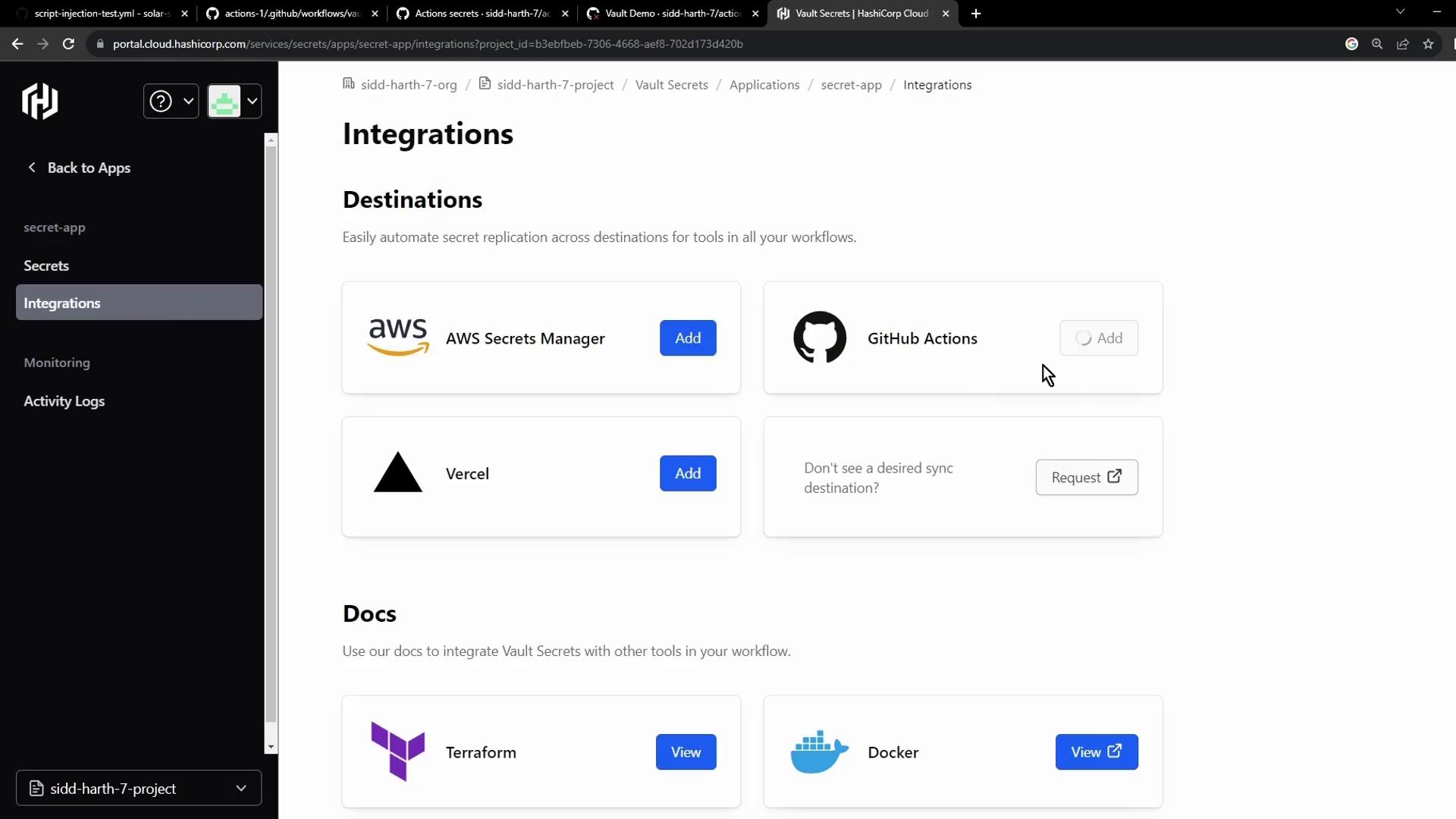
The image shows a web interface for integrating secret management tools, featuring options to add AWS Secrets Manager, GitHub Actions, and Vercel, along with documentation links for Terraform and Docker.
  1. Authorize access to your GitHub account and grant Vault permission to the target repository:
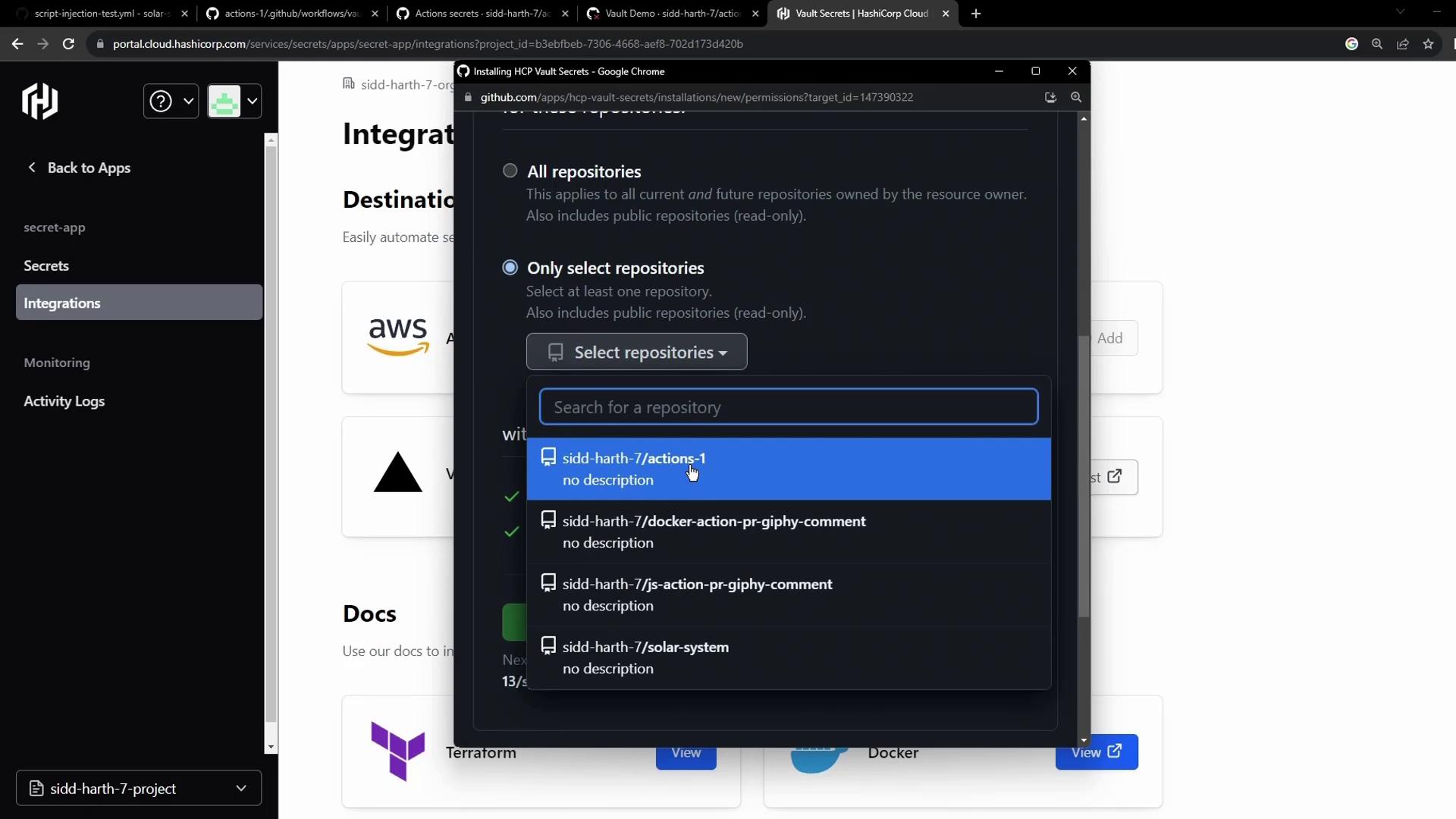
The image shows a user interface for selecting GitHub repositories to integrate with HashiCorp Vault, featuring a dropdown menu with repository options.
  1. Configure the sync destination and save:
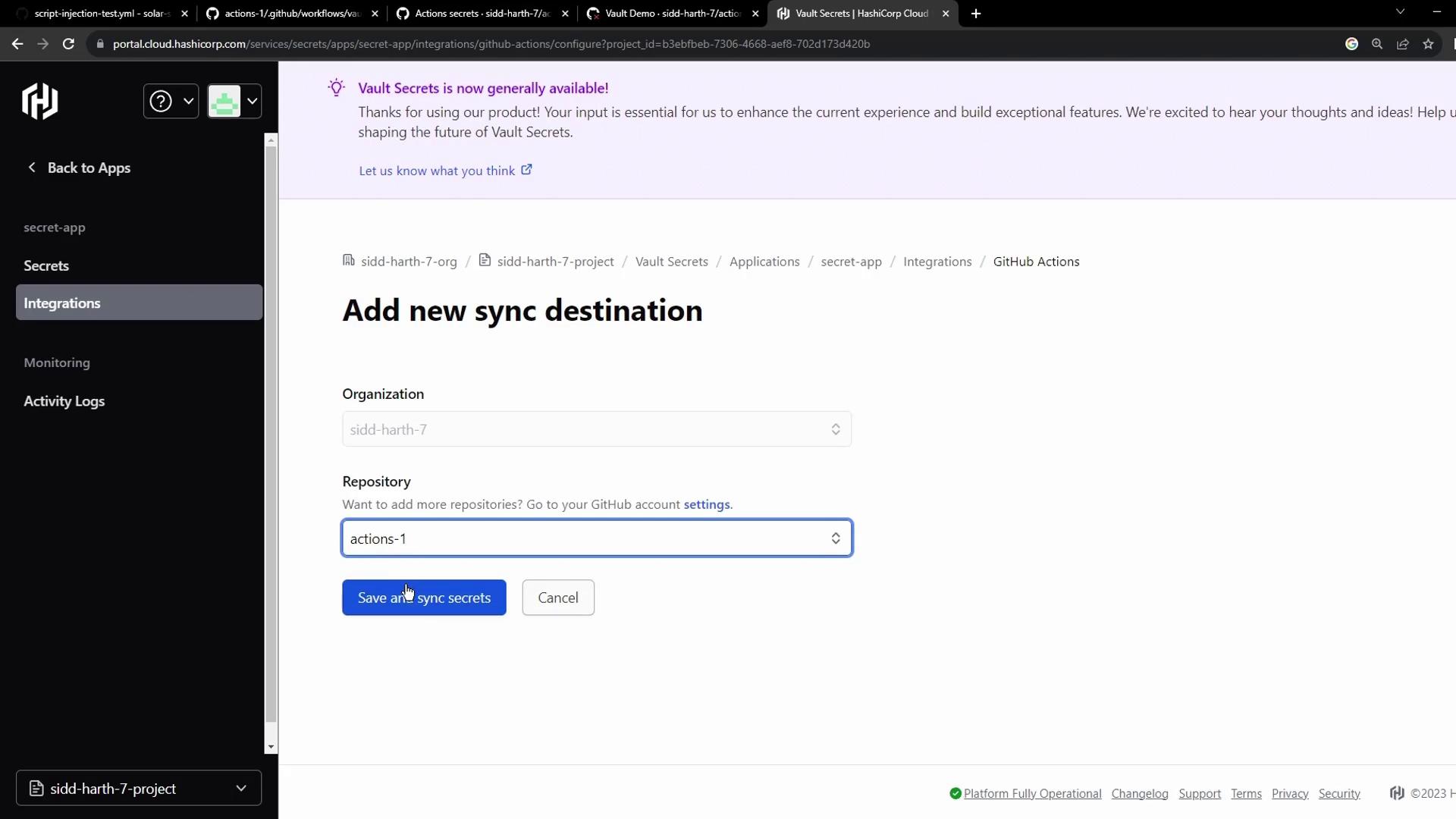
The image shows a web interface for adding a new sync destination in HashiCorp Vault, with options to select an organization and repository for GitHub Actions integration. There are buttons to save and sync secrets or cancel the action.
Integration at a glance:

Verifying the Workflow

After syncing, revisit Settings → Secrets and variables → Actions to confirm AWS_API_KEY appears alongside other repository secrets:
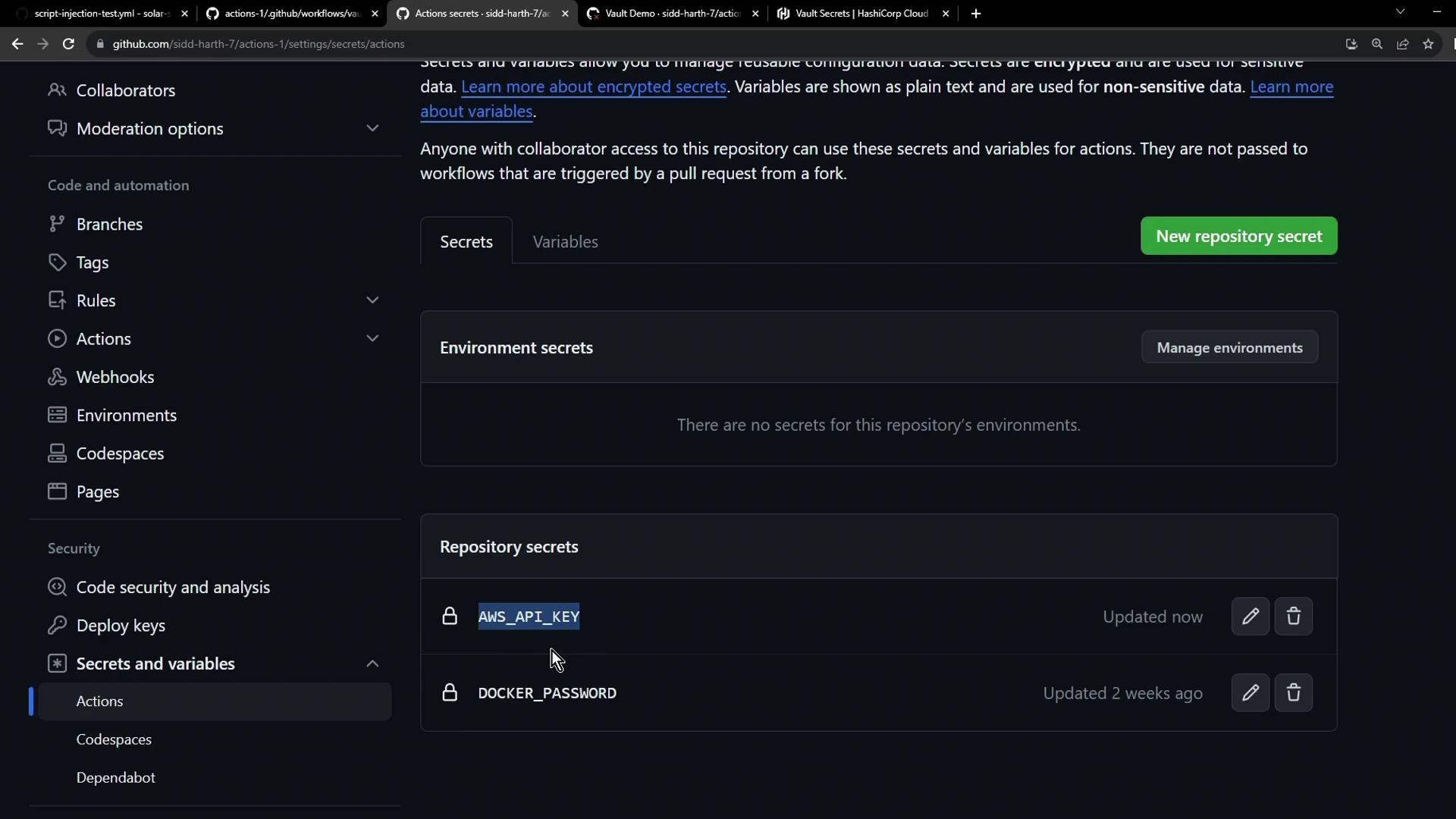
The image shows a GitHub repository settings page, specifically the "Secrets and variables" section under "Actions," displaying environment and repository secrets like "AWS_API_KEY" and "DOCKER_PASSWORD."
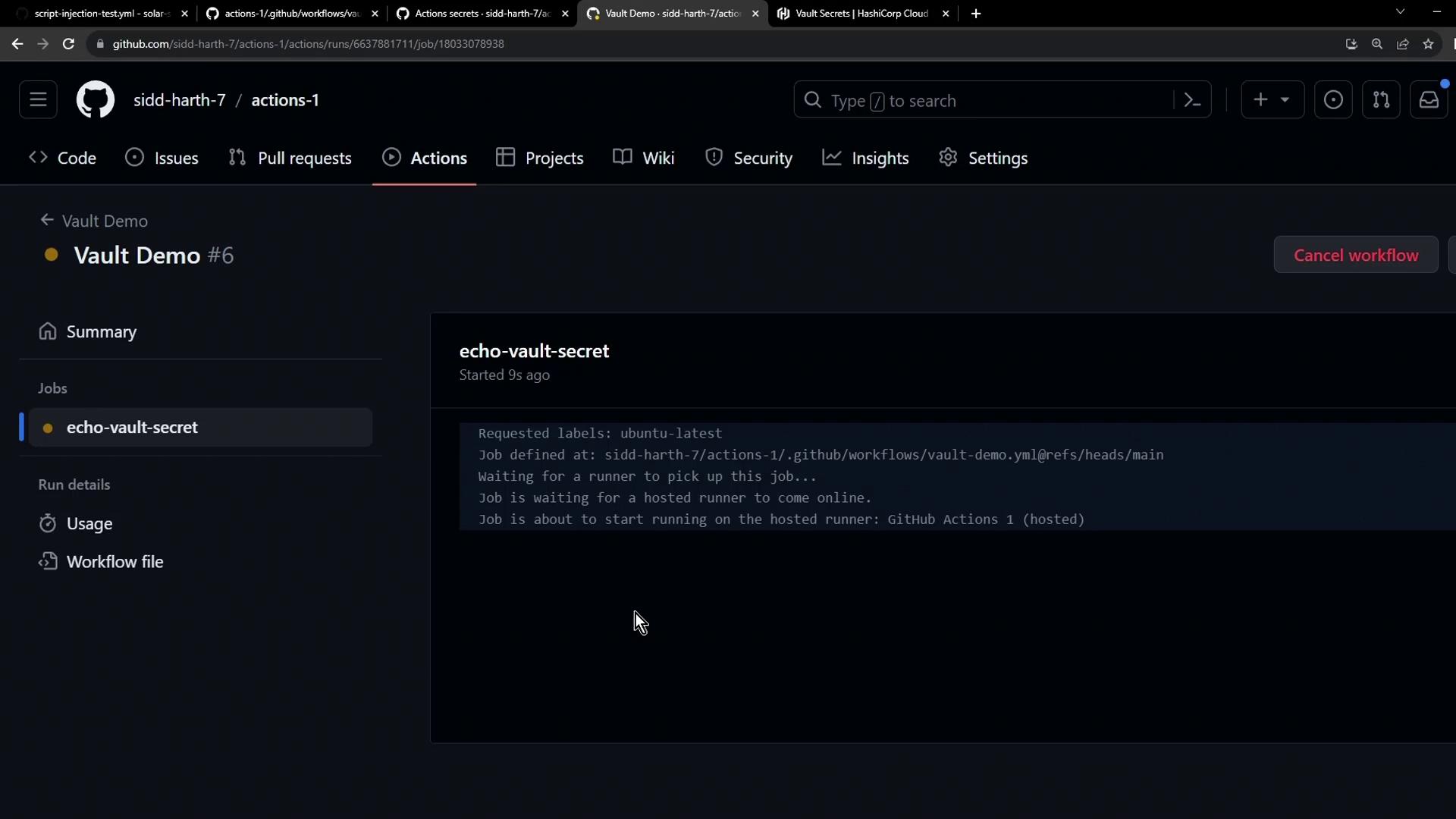
Re-run the Vault Demo workflow. The secret check now passes:
The image shows a GitHub Actions interface with a workflow named "Vault Demo" running a job called "echo-vault-secret." The job is in the process of starting on a hosted runner.
Always verify that only the minimum required permissions are granted when authorizing integrations. Avoid exposing secrets in plaintext logs.

Watch Video