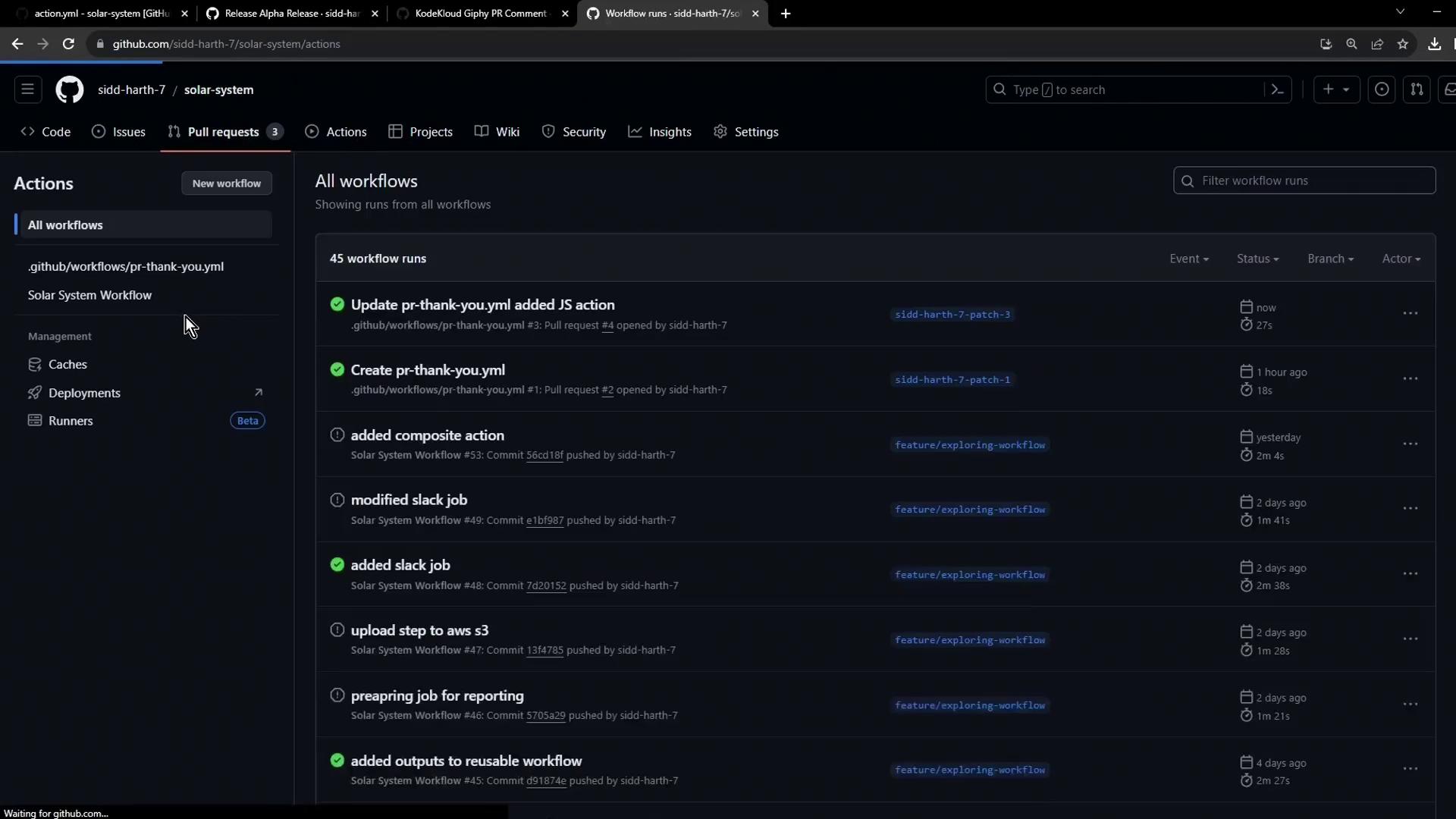
1. Review the Original Docker-Based Workflow
Thepr-thank-you.yml workflow below triggers on pull request opened events and uses a Docker action to post a Giphy comment:
Be sure your workflow has
issues: write and pull-requests: write permissions so the action can post comments on PRs.2. Identify the JavaScript Action on Marketplace
Search the GitHub Marketplace for the JavaScript version of the Giphy PR comment action. In this example, the identifier is: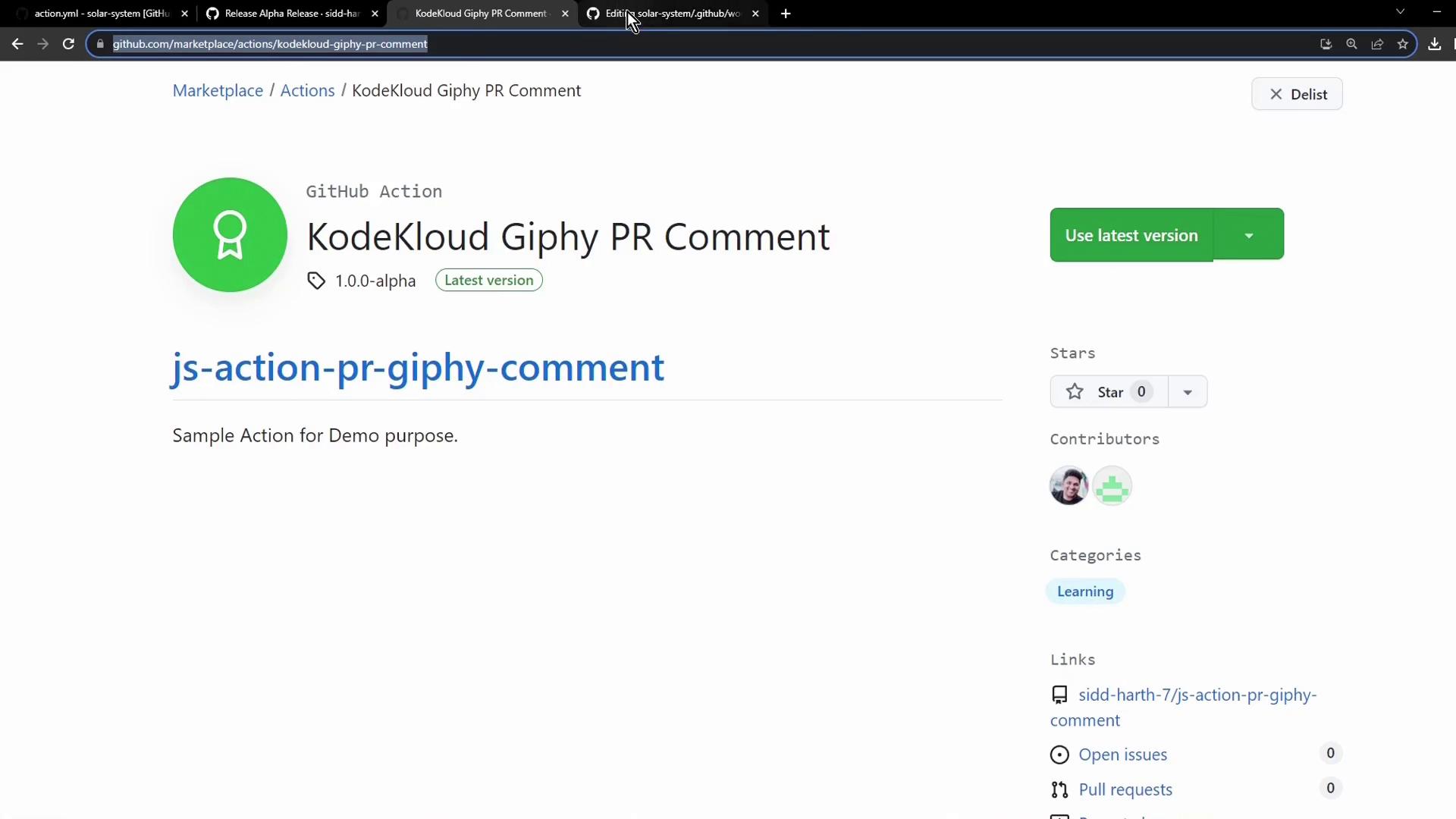
3. Update Your Workflow to Include the JavaScript Action
Openpr-thank-you.yml and add a new step for the JavaScript action immediately after the Docker action:
4. Commit Changes and Open a Pull Request
Save your updated workflow on a branch, commit with a descriptive message, push the branch, and then create a pull request. This will trigger both actions on your new PR: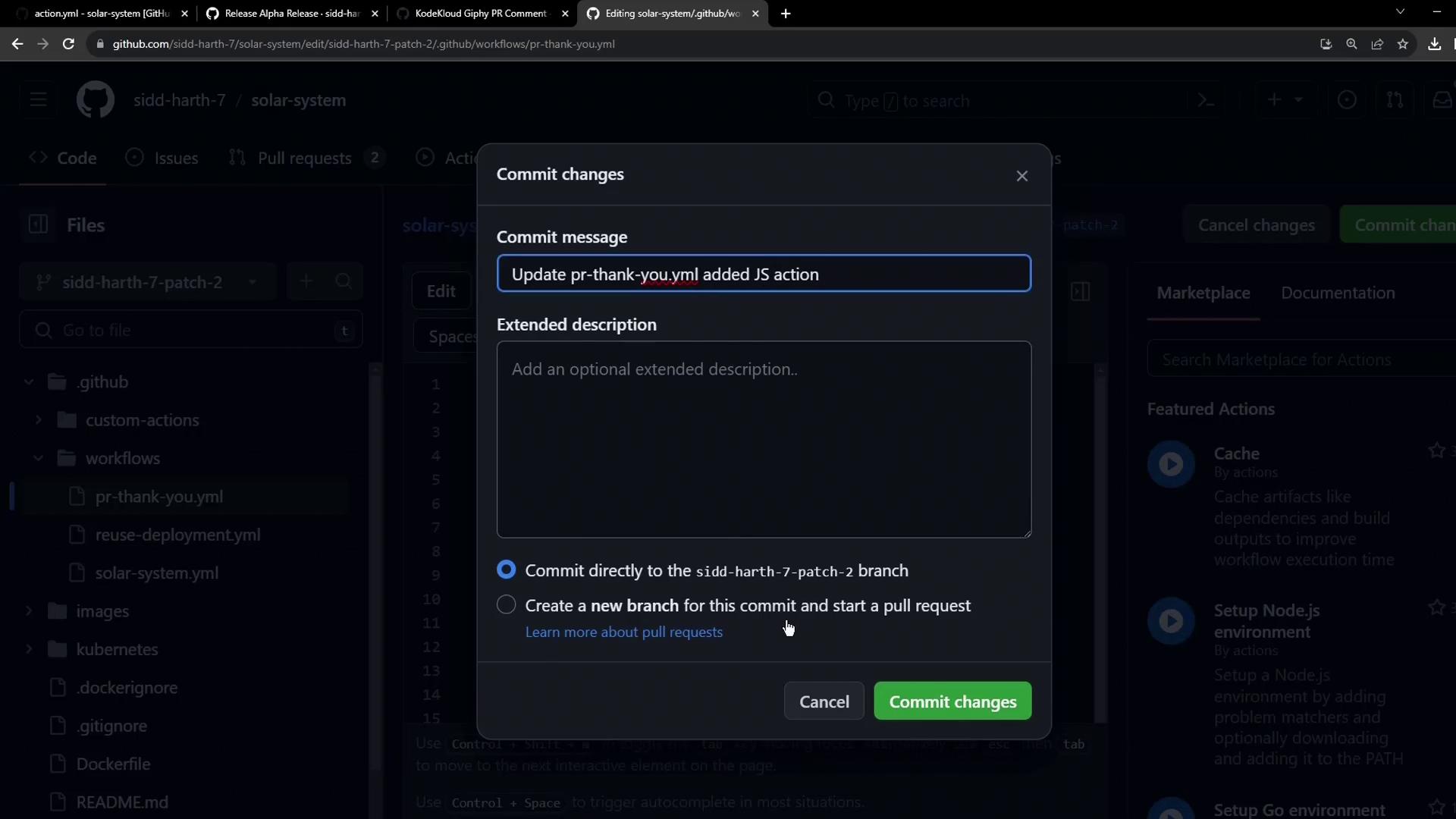
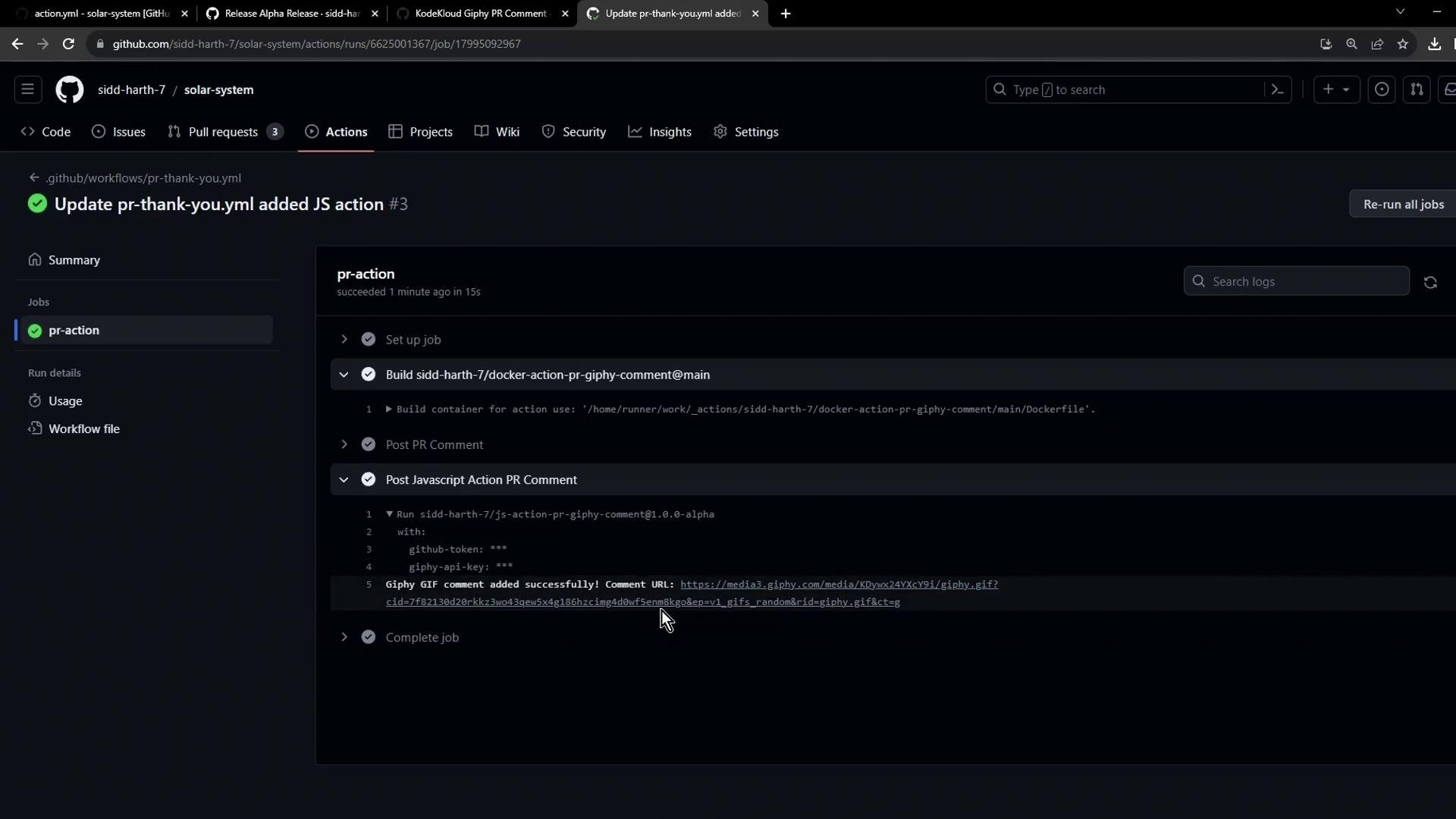
5. Monitor Workflow Runs and Logs
- Go to the Actions tab in your repository.
- Select the latest run of the “PR Thank You” workflow.
- Expand the
pr-actionjob to review logs for both the Docker and JavaScript steps.