

Overview
In this guide, you’ll configure a non-production MongoDB instance as a service container in your GitHub Actions workflow. This ensures your unit tests run against an isolated database and keeps production data safe.Never point your test suite at a production database. Service containers provide complete isolation for reliable, repeatable testing.
Existing Workflow: unit-testing Job
Here’s the current setup that uses a production MongoDB URI:
What Are Service Containers?
Service containers run alongside your job on the same virtual network. They’re ideal for databases, caches, message brokers, or any external service your tests require.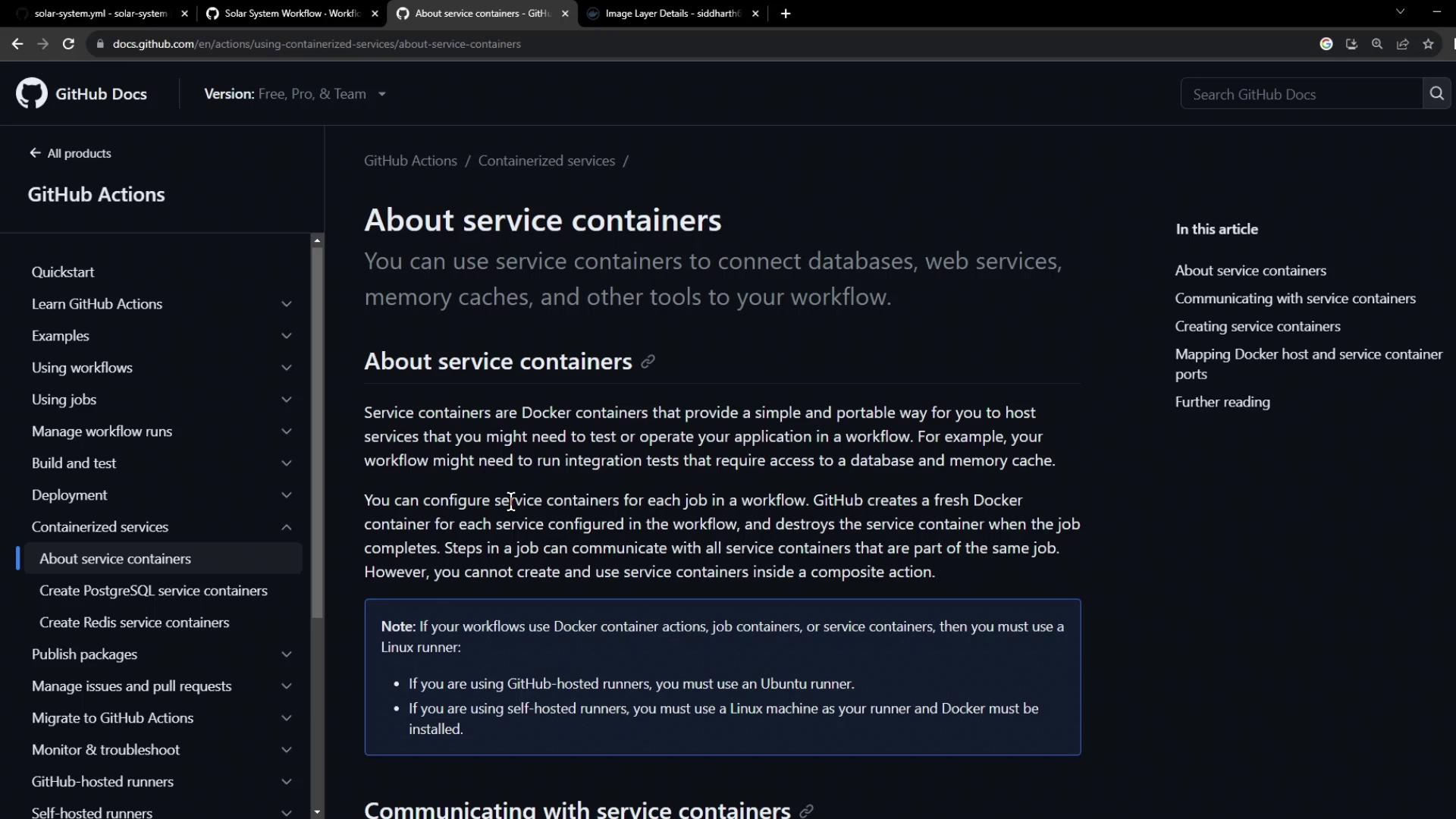
Service containers are automatically networked with your job runner. You can refer to them by their service name (e.g.,
mongo-db) or localhost with exposed ports.Pre-built MongoDB Image on Docker Hub
We’ll use a custom MongoDB image taggednon-prod:
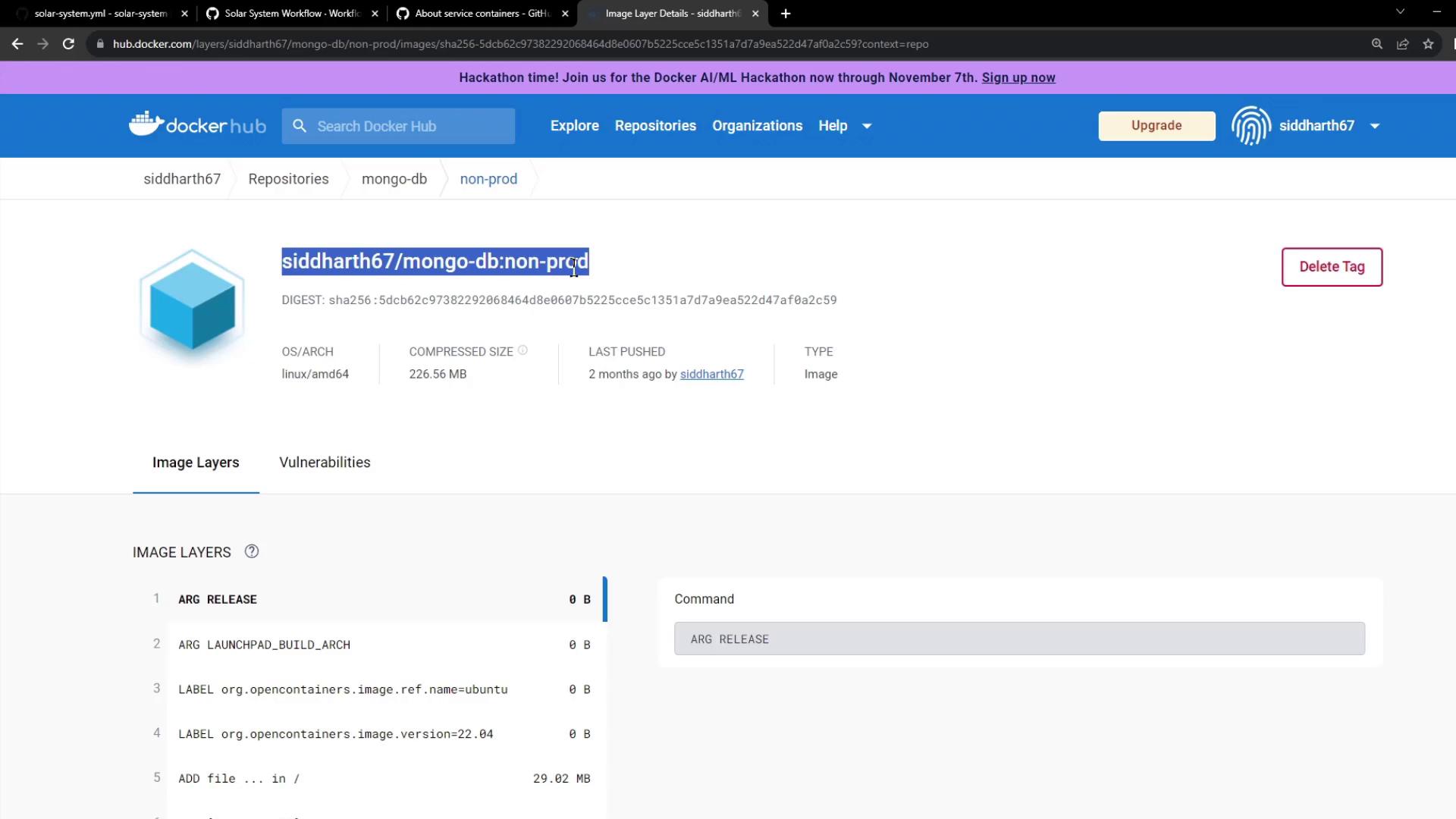
- Image name:
siddharth67/mongo-db:non-prod - Exposes port
27017
Updated Workflow with MongoDB Service
Service Definition
Full Workflow YAML
Workflow Execution and Logs
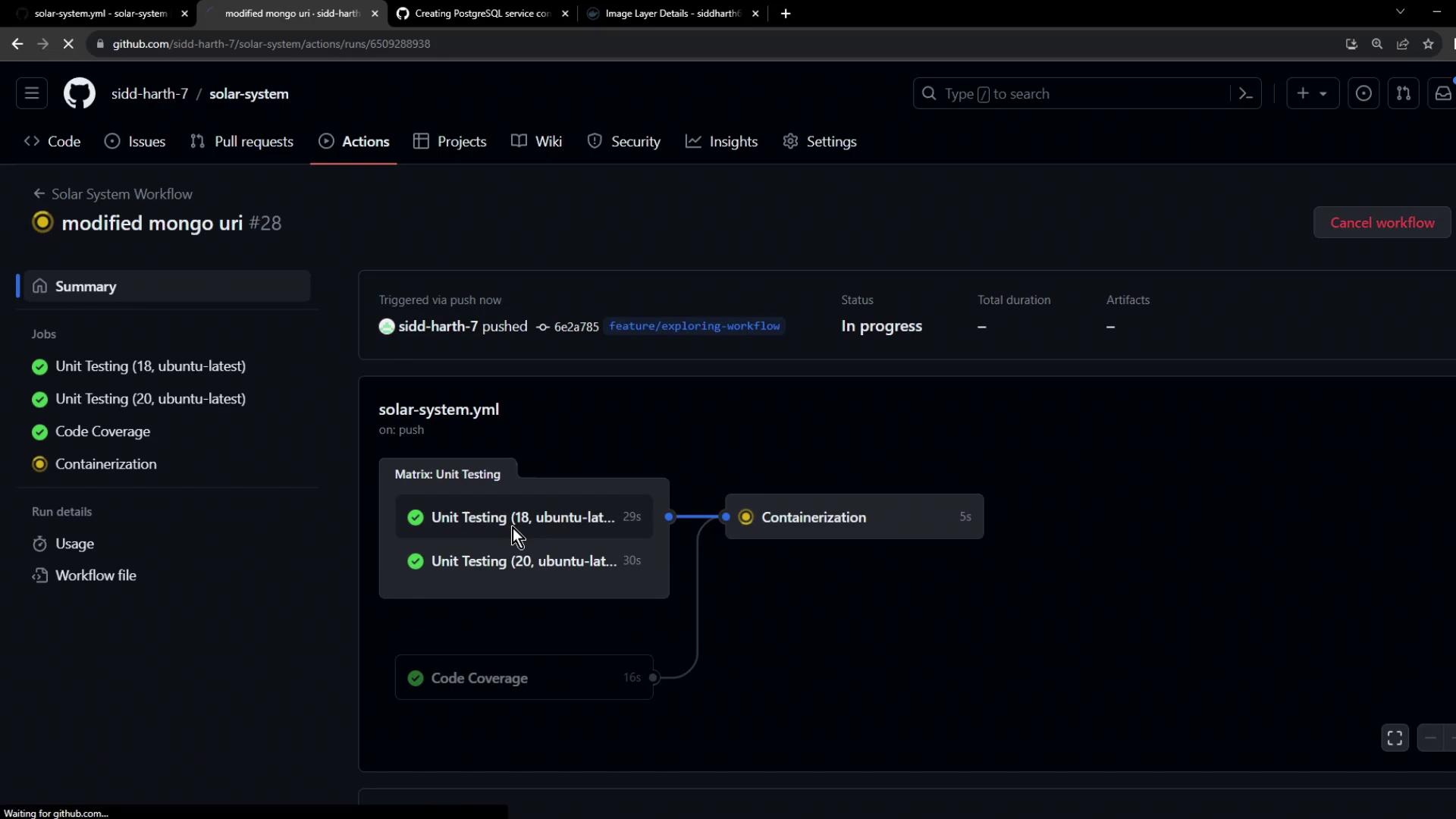
When triggered, GitHub Actions creates a private Docker network, pulls the MongoDB image, and starts the service container: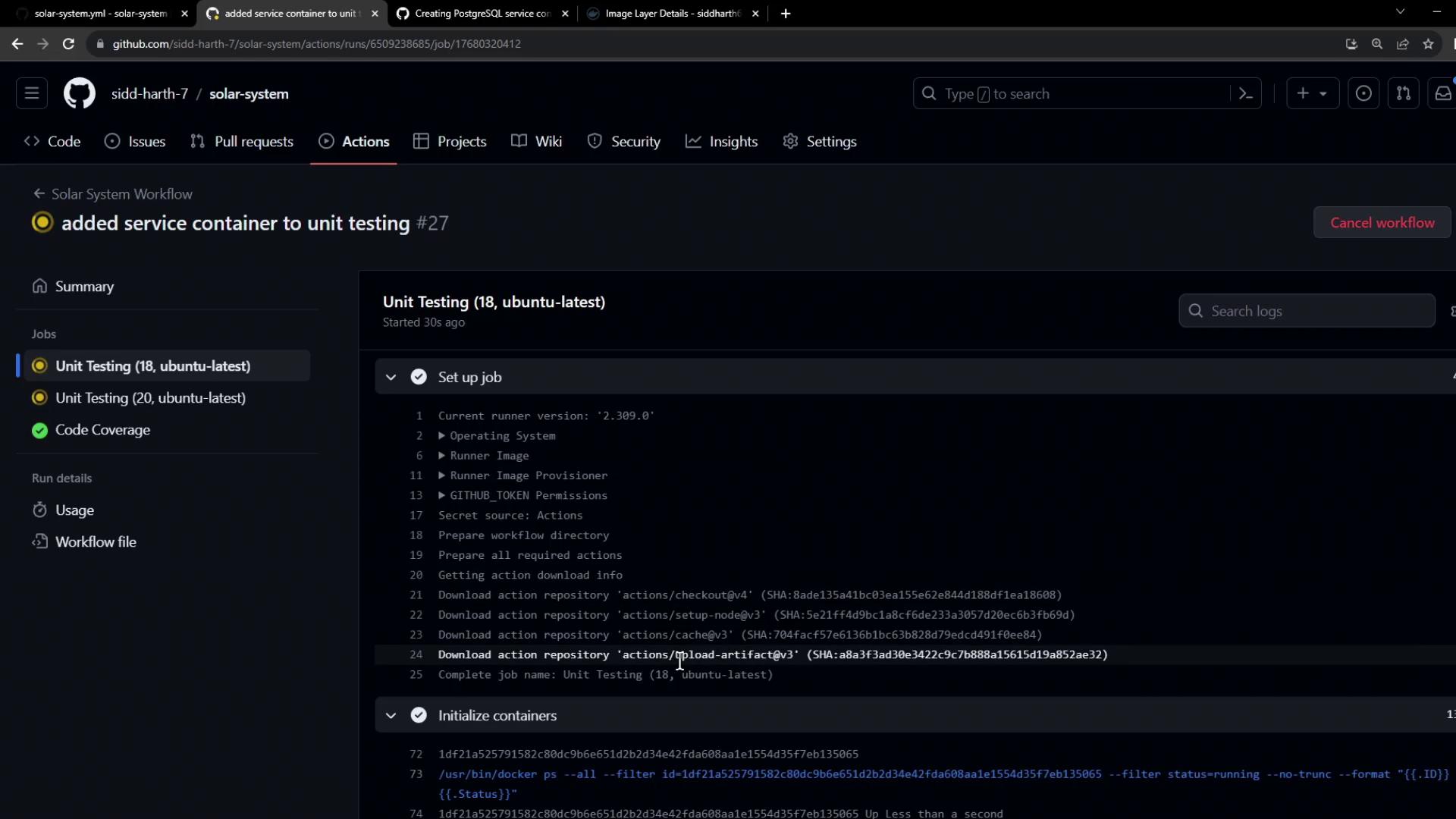
Next Steps
- Extend this pattern to other tools: PostgreSQL, Redis, Elasticsearch, and more.
- Parameterize image tags or use official Docker Hub images for broader compatibility.
- Integrate code coverage or linting services in additional jobs.