

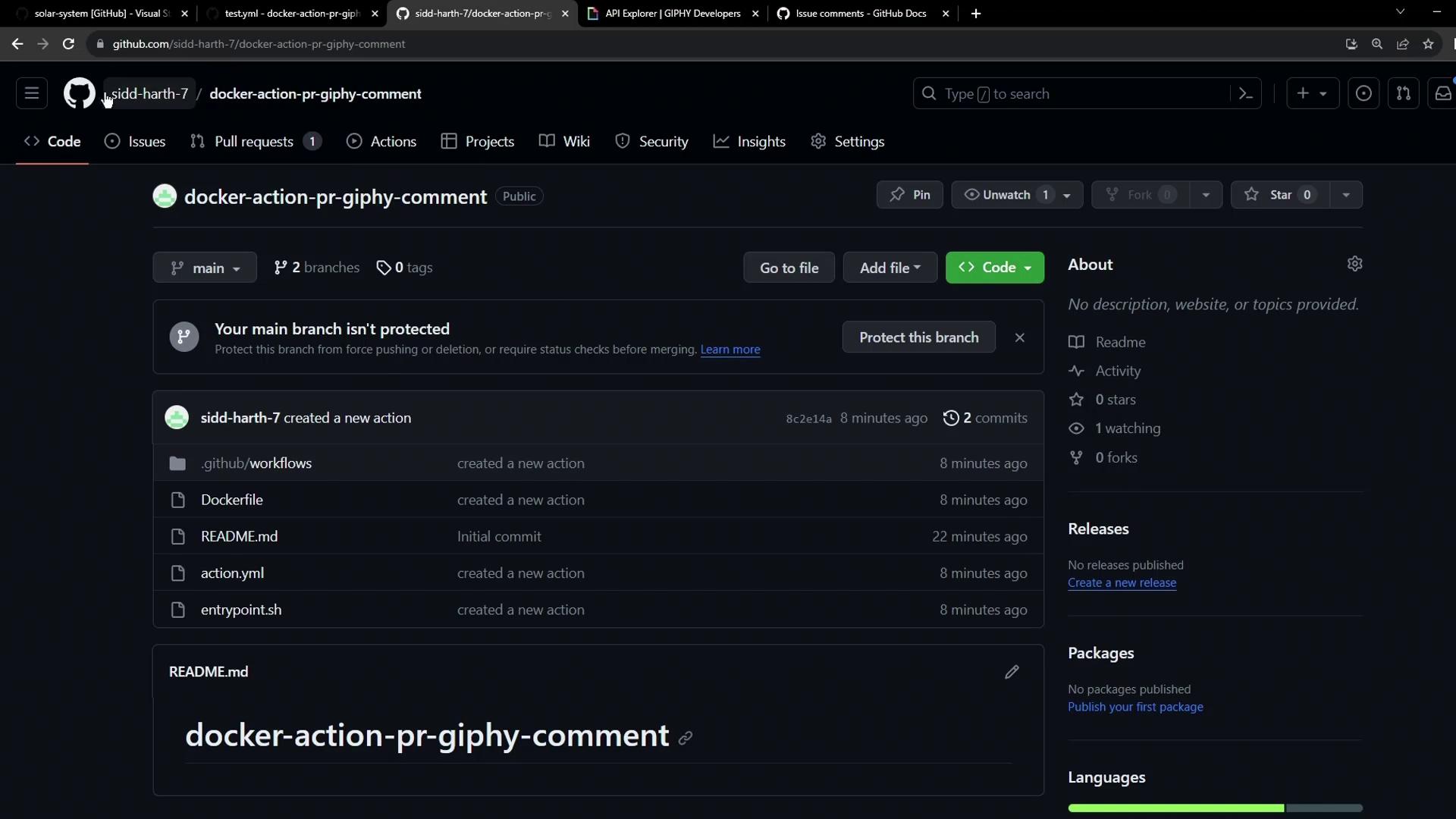
1. Open the Target Repository
Navigate to your solar-system repository on GitHub: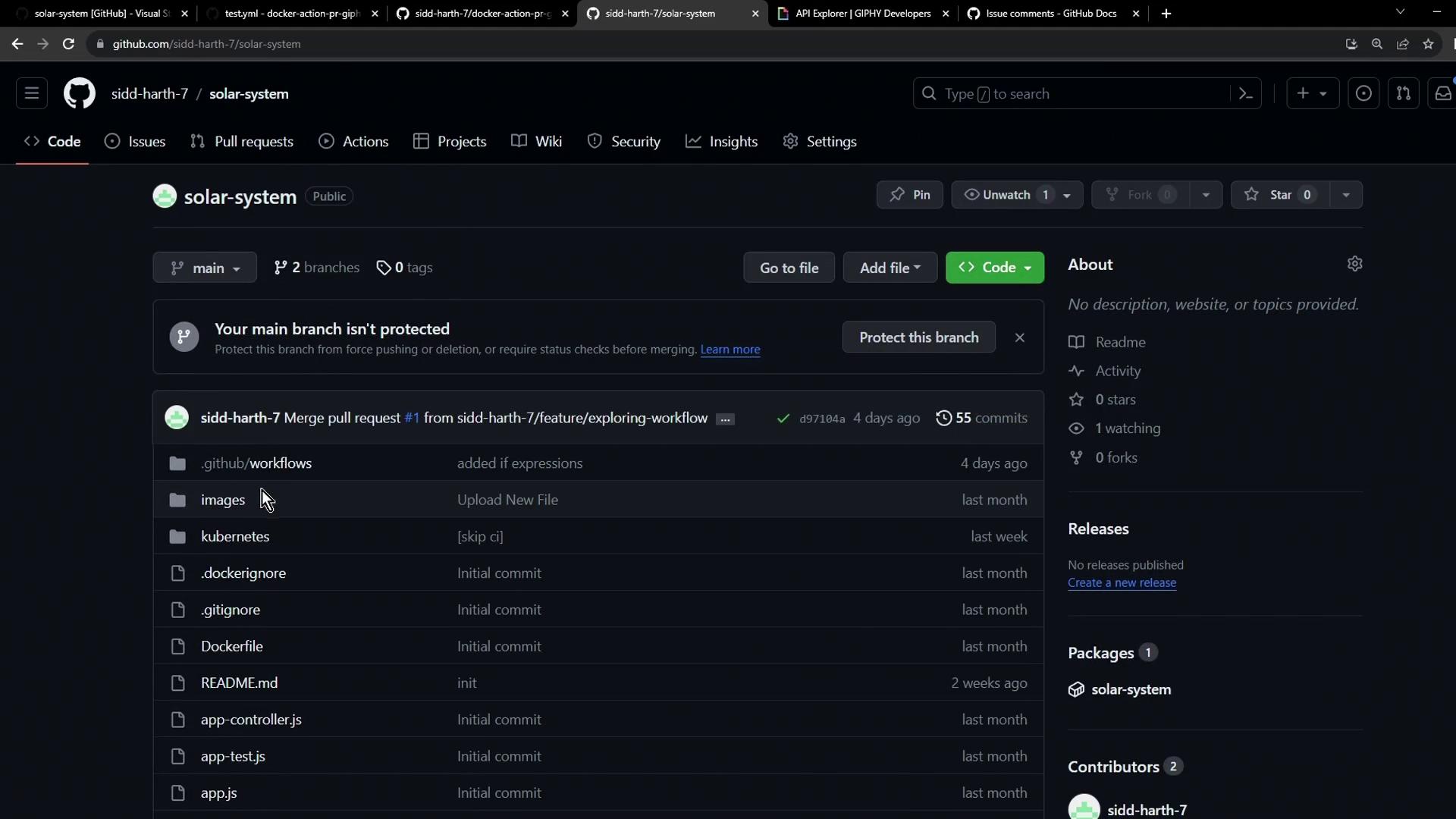
2. Add the Giphy API Token
Your custom action fetches GIFs using the Giphy API. To configure:- Get an API key from the Giphy Developer Portal.
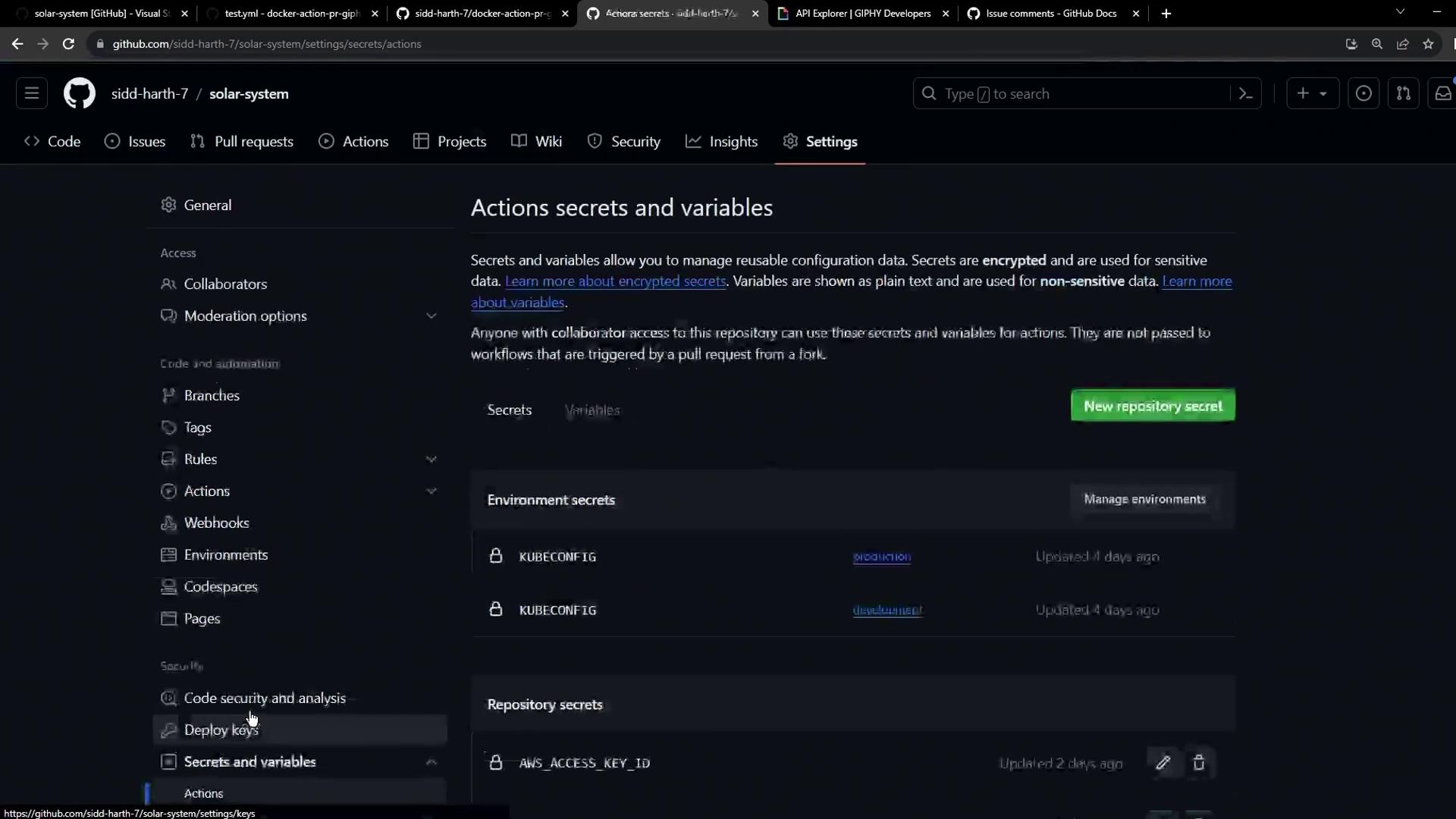
- In your repo, go to Settings > Actions > Secrets and variables > Actions.
- Click New repository secret.
- Name it
GIPHY_APIand paste the API key. - Save.
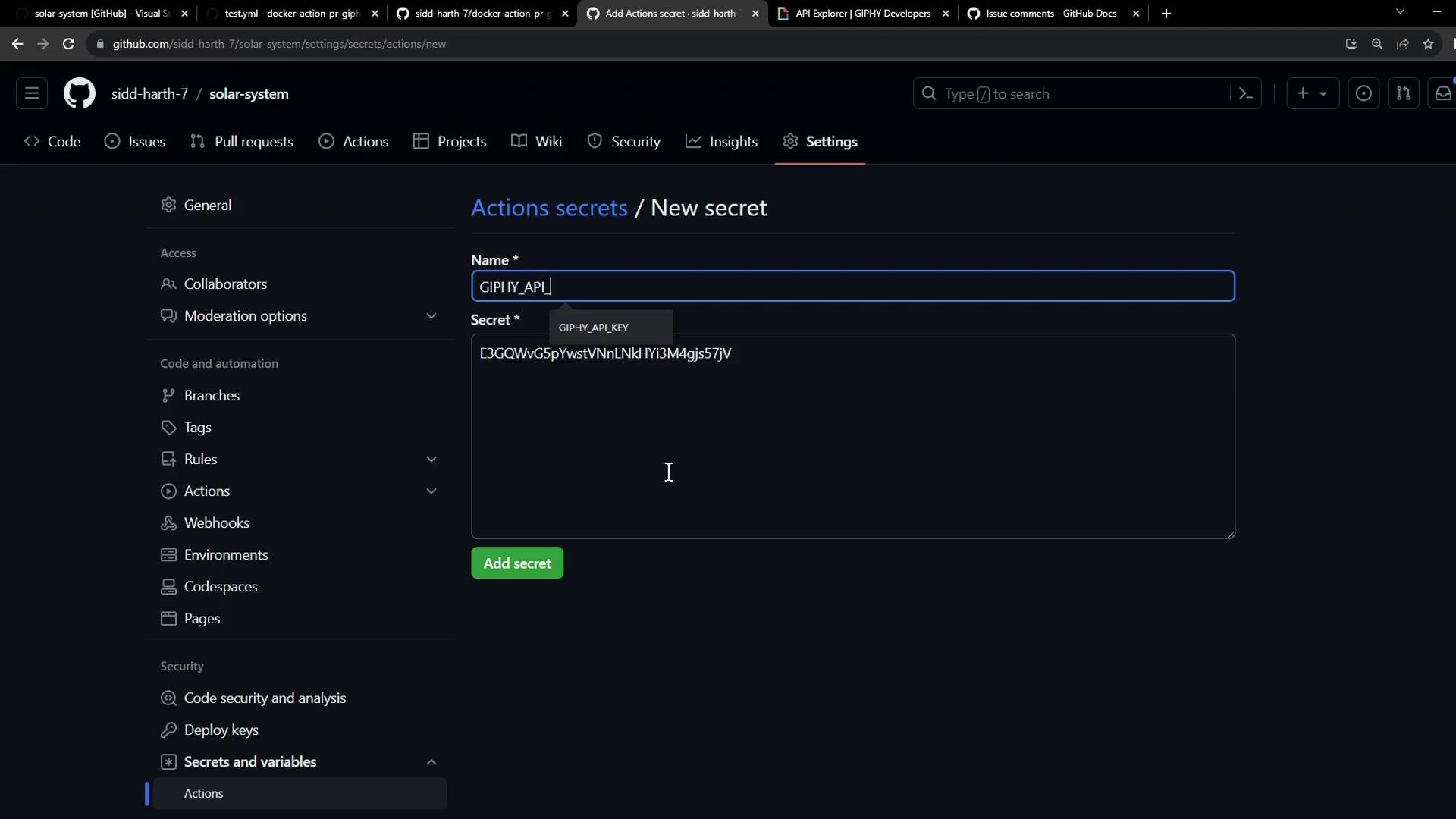
Never expose your API keys in plain text. Always use GitHub Secrets for sensitive values.
3. Create the Workflow File
Checkout a branch (e.g.,main or a feature branch) and add .github/workflows/pr-thank-you.yml:
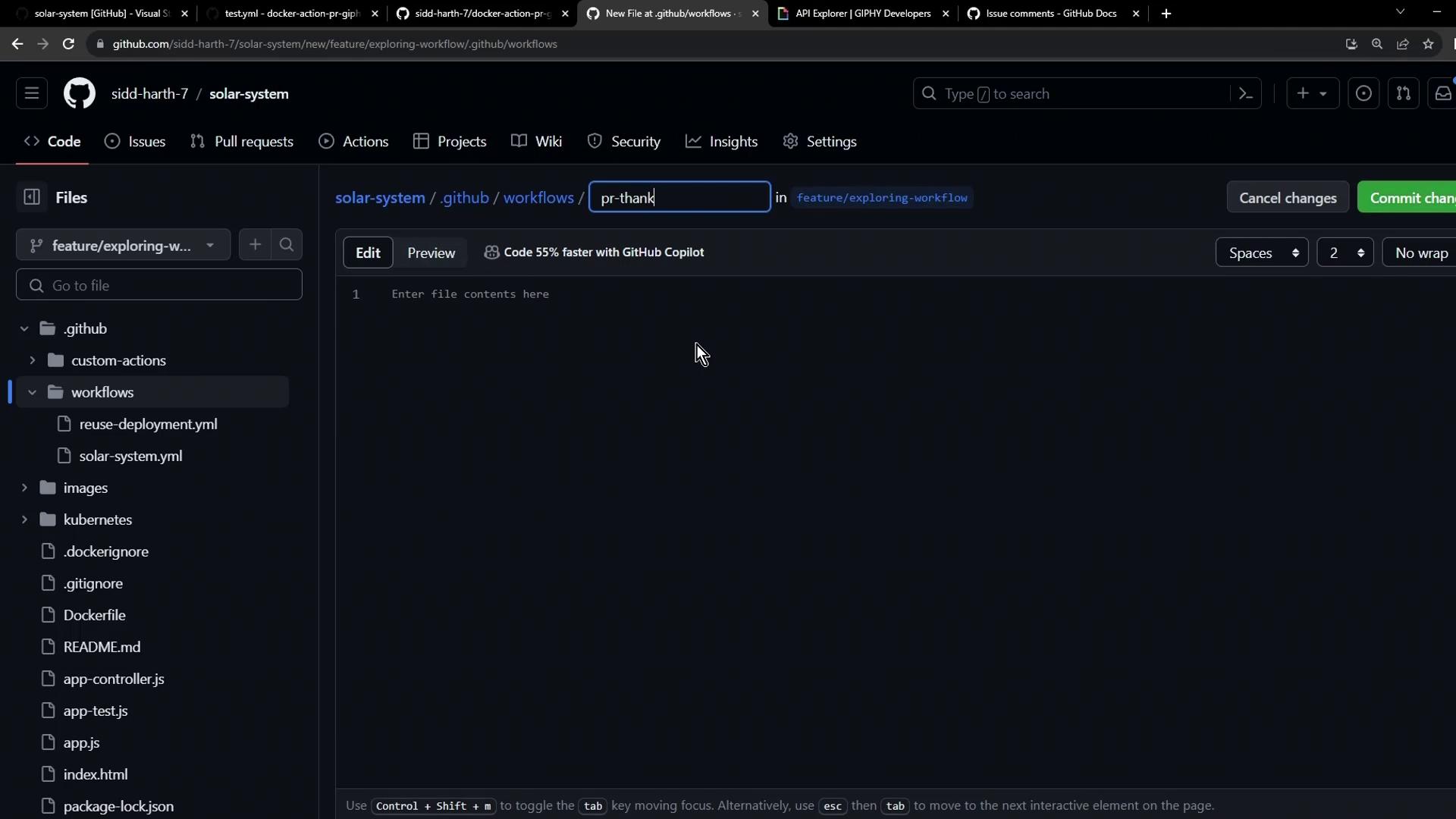
Workflow Configuration
Permissions Reference
Commit and push your branch, then open a pull request:
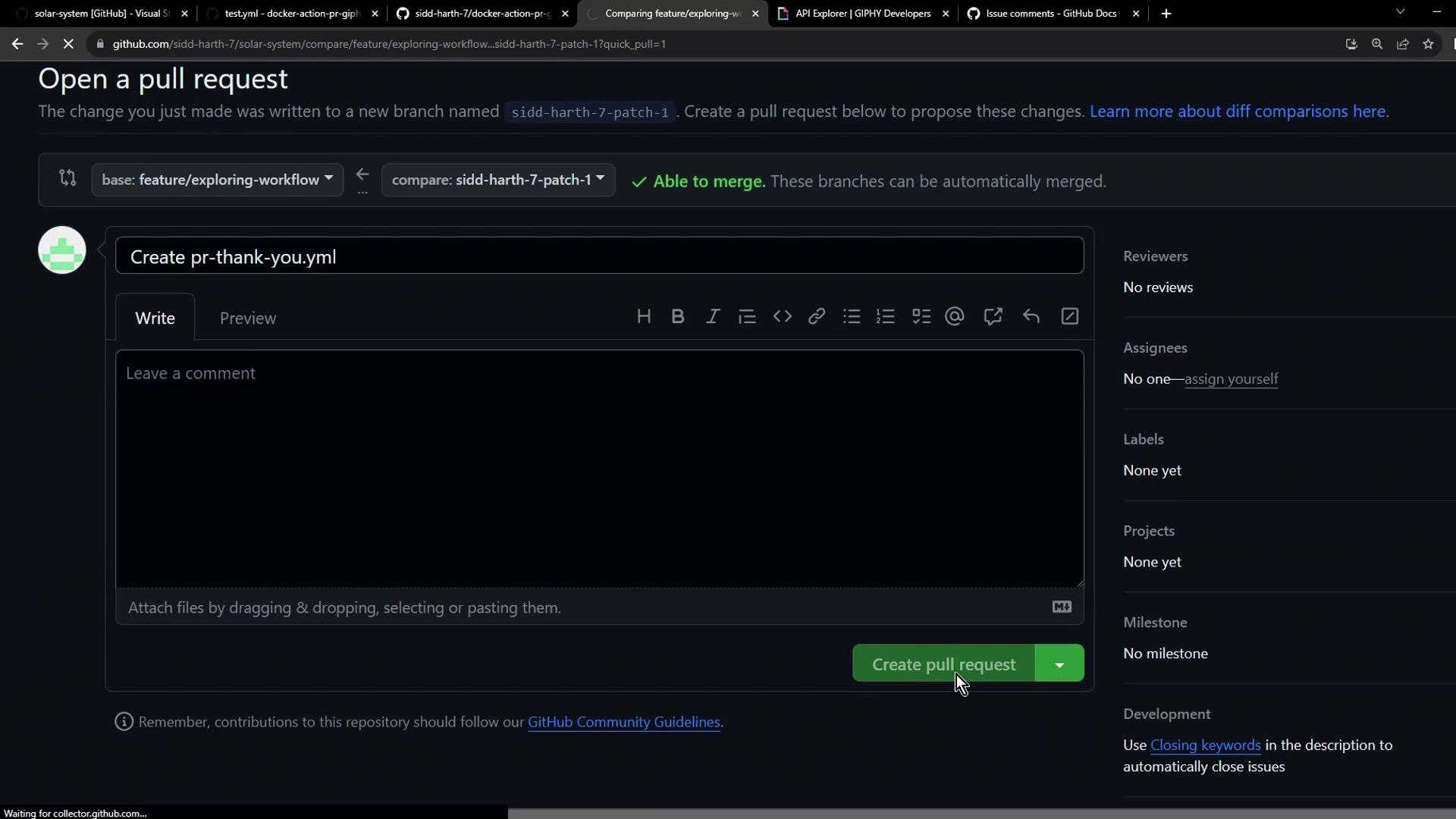
4. Observe the Workflow Run
Once the PR is created, GitHub Actions will trigger the workflow automatically: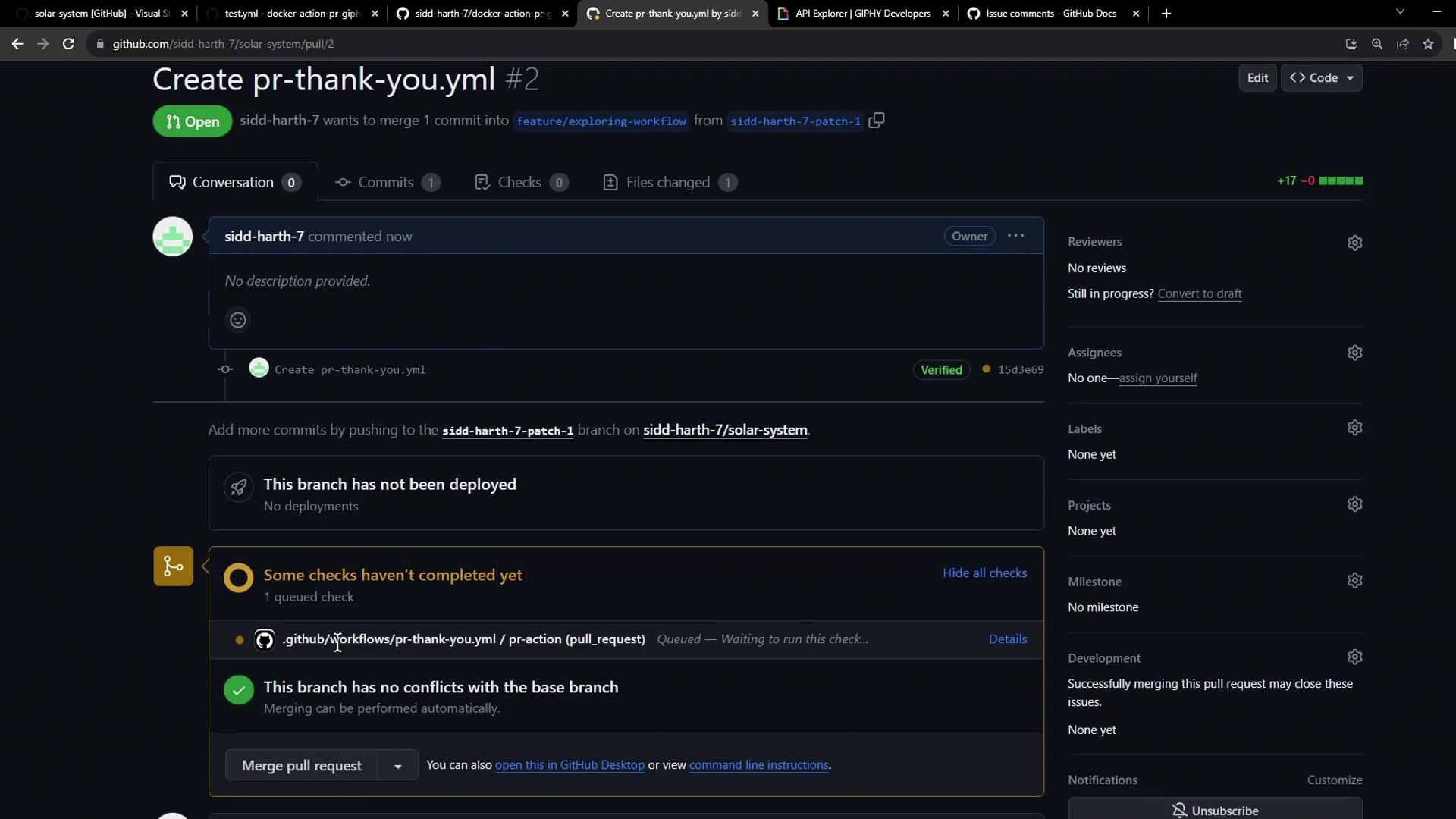
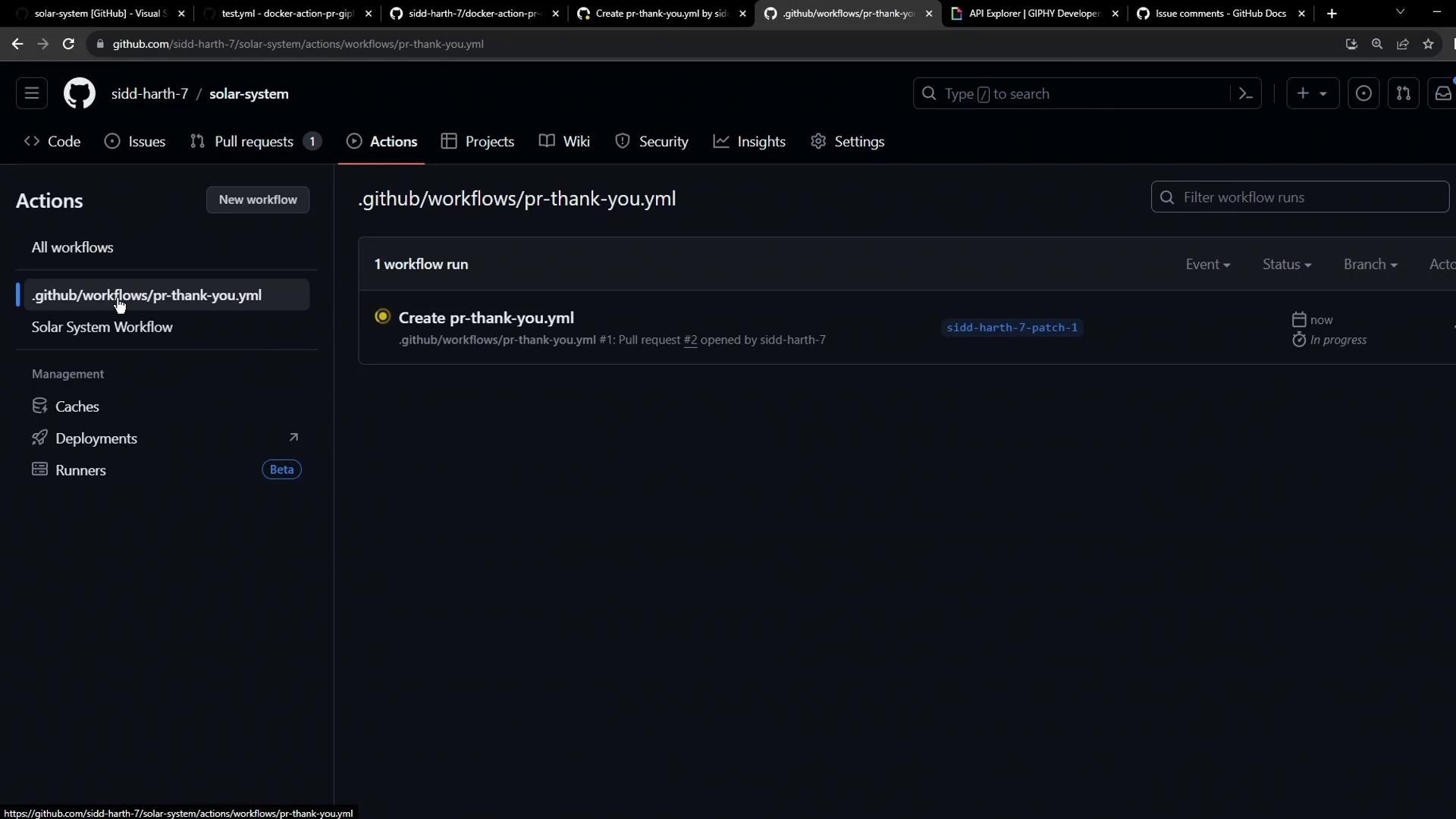
5. Behind the Scenes: Docker Build Logs
Each run of a container action rebuilds the Docker image. Example build output:Rebuilding the Docker image each run adds latency. For faster CI workflows, consider authoring a JavaScript action that executes without a container build.