

Table of Contents
- Workflow Commands
- Actions Toolkit Library
- Using
@actions/core - Exit Codes in Custom Actions
- Links and References
Workflow Commands
Workflow commands let you interact with the runner environment—setting variables, emitting outputs, grouping logs, and more. You can use them directly in your workflow YAML or via the Actions Toolkit for a higher-level API.Setting Environment Variables
Append key-value pairs to the special$GITHUB_ENV file to make them available in all subsequent steps:
$AWS_REGION can be referenced in later steps:
Defining Step Outputs
To pass dynamic values between steps, write to$GITHUB_OUTPUT:
Emitting Debug Messages
Debug logs are only visible when you enable debug mode (ACTIONS_STEP_DEBUG):
Enable debug logging by setting
ACTIONS_STEP_DEBUG to true in your repository’s secrets.Actions Toolkit Library
The Actions Toolkit provides JavaScript and TypeScript libraries that wrap raw workflow commands into secure, well-tested APIs. Below are the most commonly used packages: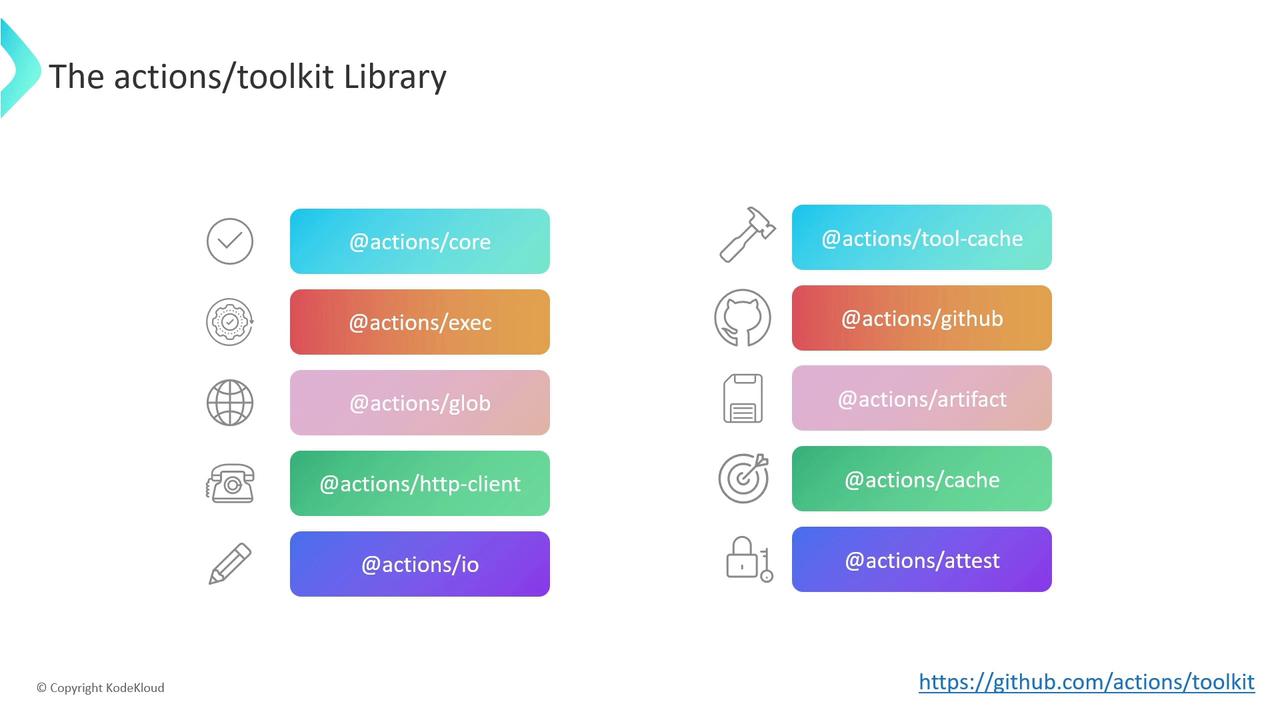
Using @actions/core
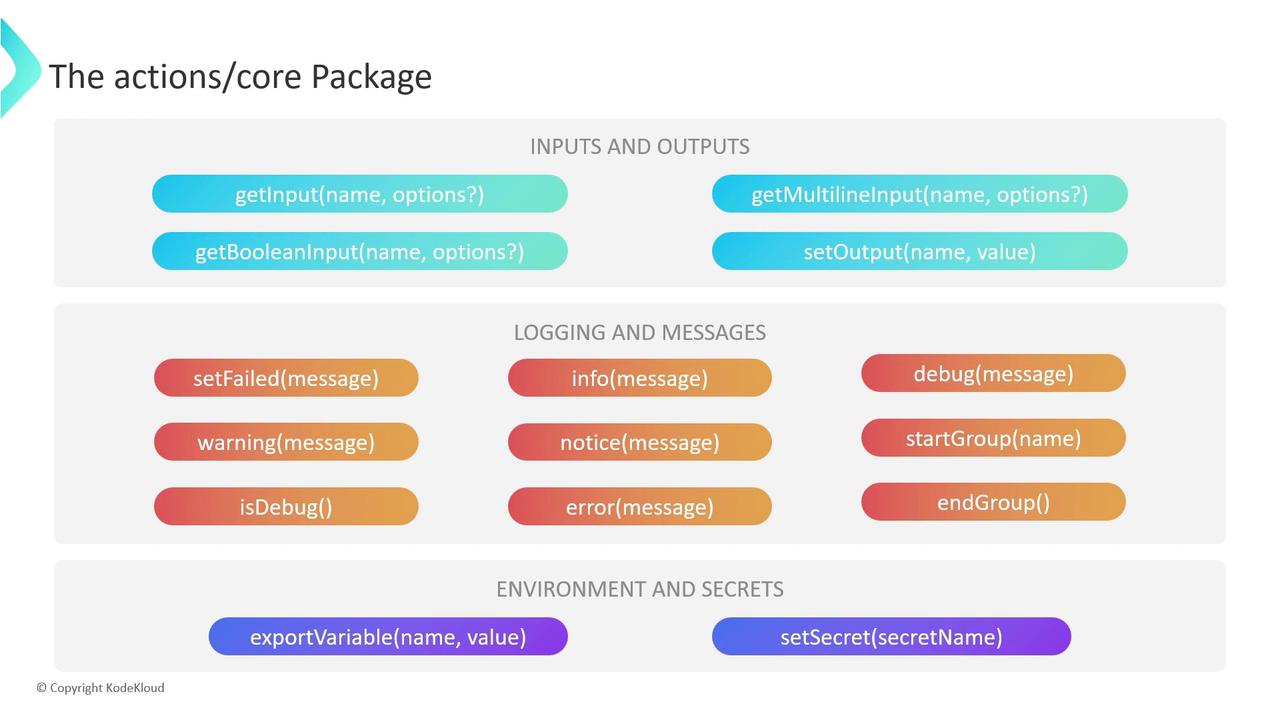
The @actions/core package offers three main feature sets for building custom JavaScript actions.
Inputs and Outputs
- getInput, getBooleanInput, getMultilineInput: Read user-defined inputs from
action.yml. - setOutput: Emit step outputs for consumption in downstream steps.
Logging and Messages
- setFailed: Fails the action and sets exit code to 1.
- warning, error, notice, info, debug: Emit logs at various levels.
- startGroup / endGroup: Collapse related log lines into a group.
Environment Variables and Secrets
- exportVariable: Equivalent to writing to
$GITHUB_ENV. - setSecret: Masks sensitive values in workflow logs.
Exit Codes in Custom Actions
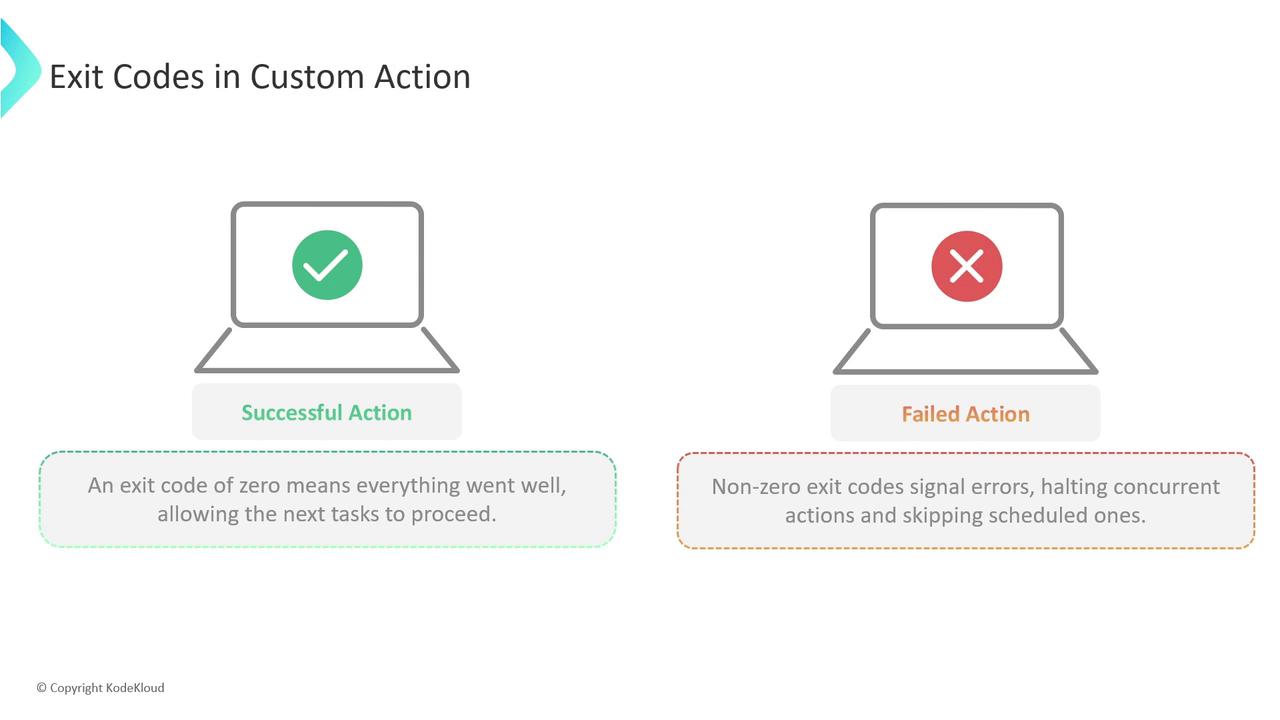
GitHub Actions interprets the exit code of each step to decide success or failure:- 0: Success — runner continues with downstream steps.
- Non-zero: Failure — runner halts concurrent jobs and skips subsequent steps.
Always handle errors and set exit codes explicitly. A forgotten error can cause unexpected pipeline success.
JavaScript Actions
Usecore.setFailed to log the error and exit with code 1:
Docker Container Actions
In yourentrypoint.sh, leverage shell exit codes:
exit will signal failure back to GitHub Actions.