

- Authenticates to your cluster using
kubeconfig. - Dynamically fetches the ingress controller’s external IP.
- Uses the
cschleiden/replace-tokensaction to swap placeholders in manifests with repository variables and environment variables. - Verifies the final YAML before applying it.
1. Kubernetes Manifests with Tokens
Your manifests include placeholders for namespace, replicas, container image, and ingress IP: Deployment (kubernetes/development/deployment.yaml):
kubernetes/development/service.yaml):
kubernetes/development/ingress.yaml):
2. Define Repository Variables
In GitHub, go to Settings → Secrets and variables → Actions → Variables and add the following: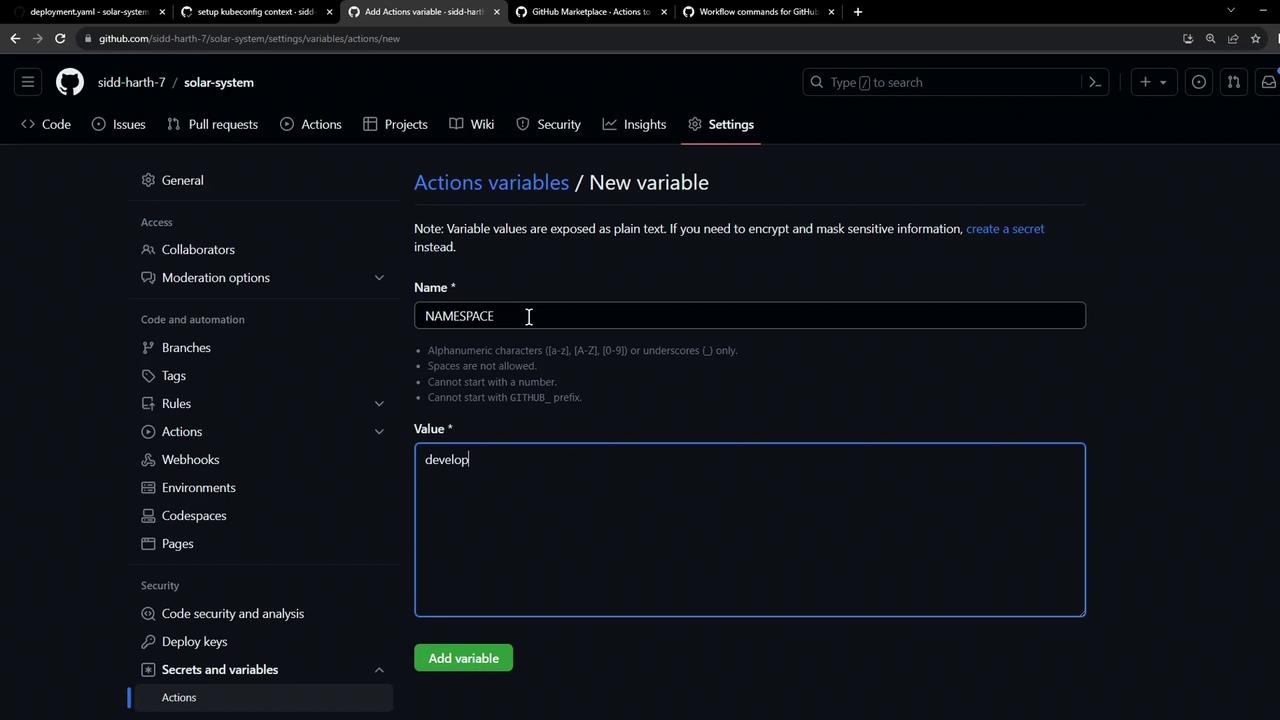
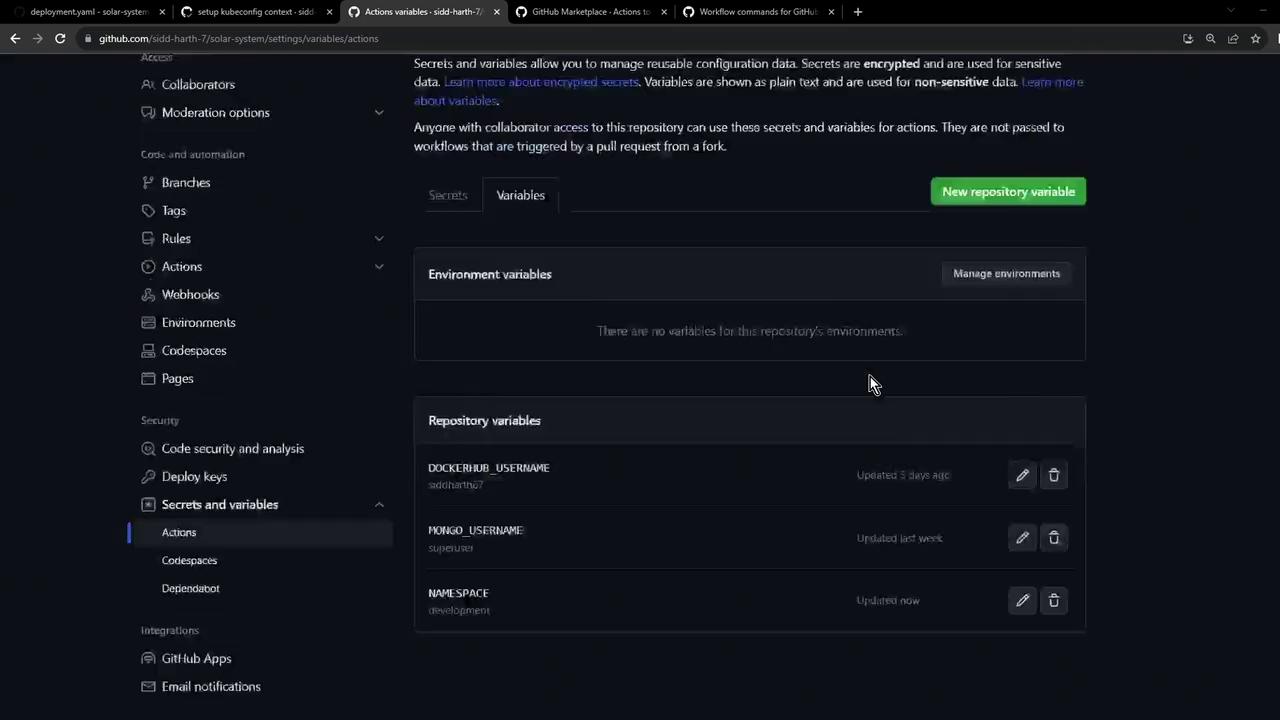
Repository variables are exposed as
${{ vars.VARIABLE_NAME }} in workflows. Use secrets for sensitive data like credentials.3. Select a Token Replacement Action
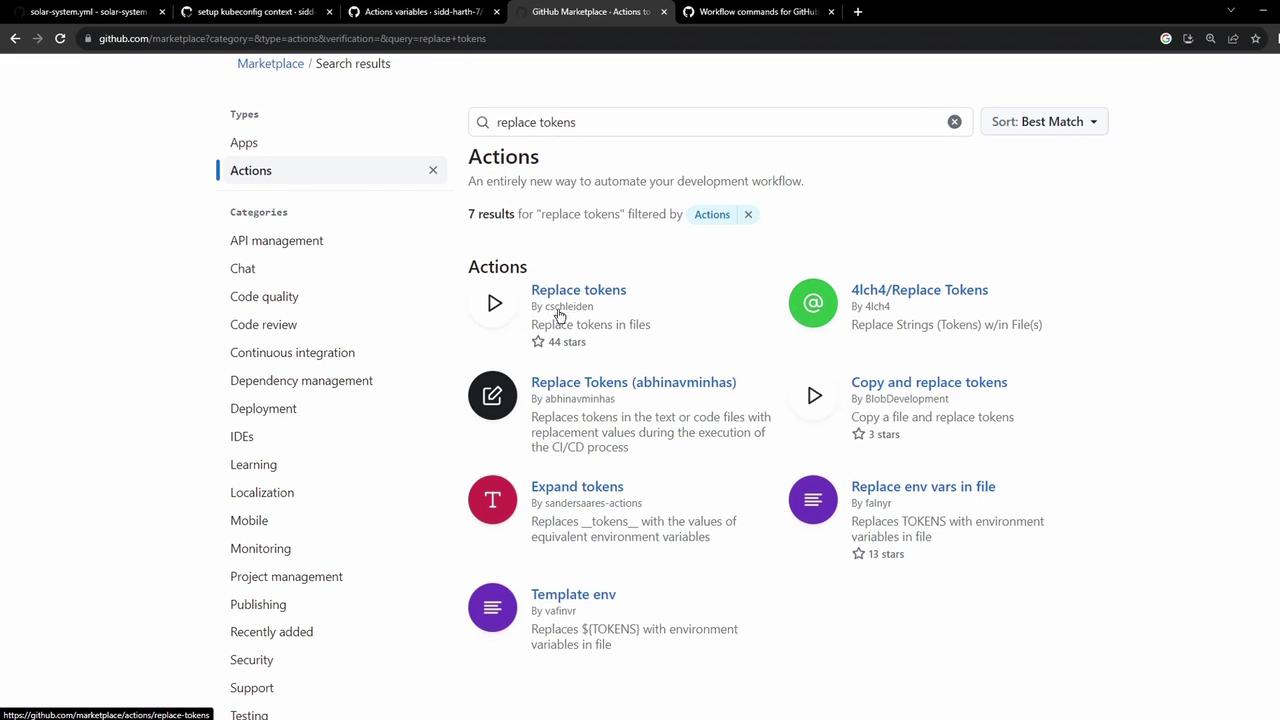
From the GitHub Marketplace, choose an action for token substitution. We recommend:- cschleiden/replace-tokens@v1
- Customizable
tokenPrefixandtokenSuffix - Supports multiple files
- Customizable
4. Configure the GitHub Actions Workflow
Create or update.github/workflows/deploy.yaml:
-
Save Nginx Ingress IP
Captures the external IP and exposes it as
env.INGRESS_IPfor later steps. -
Replace tokens
SetstokenPrefixandtokenSuffixto{_and_}, then injects the variables into your YAML files.

5. Verify and Apply
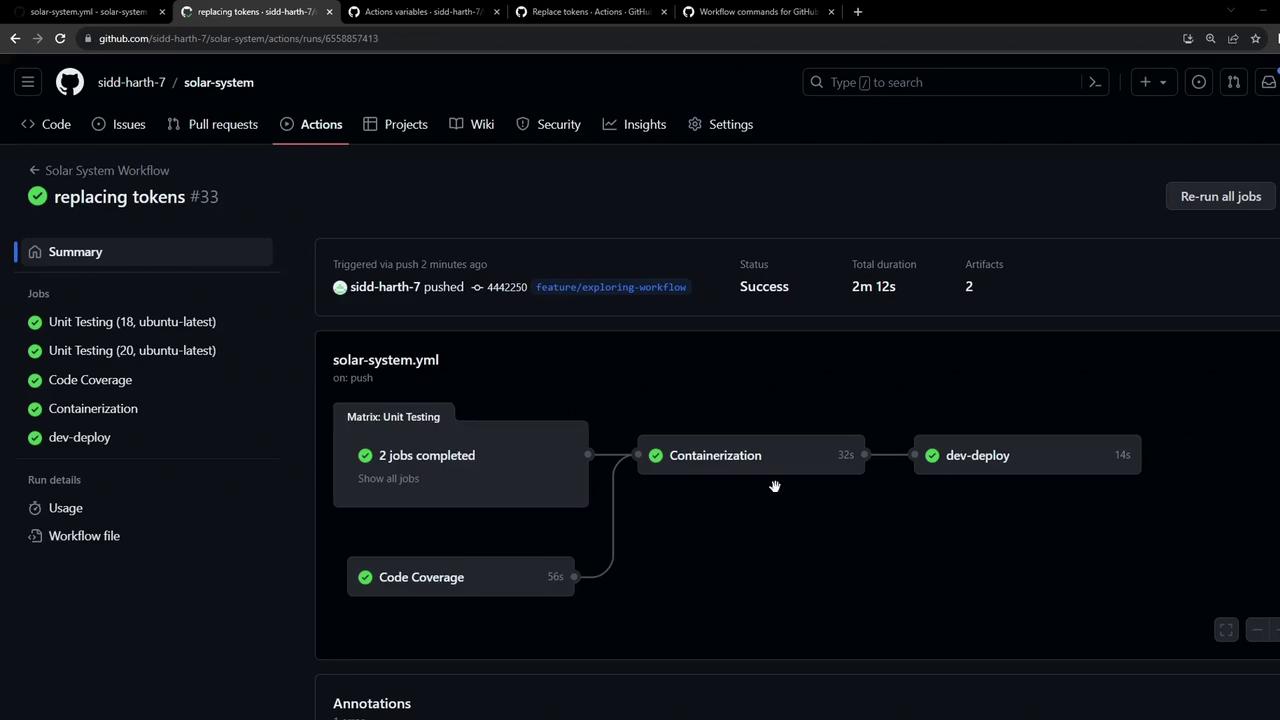
After pushing tomain, check the GitHub Actions dashboard for a successful run. The Replace tokens in manifests step will list updated files, and Verify replaced manifests will print the final YAML:
deployment.yaml: