

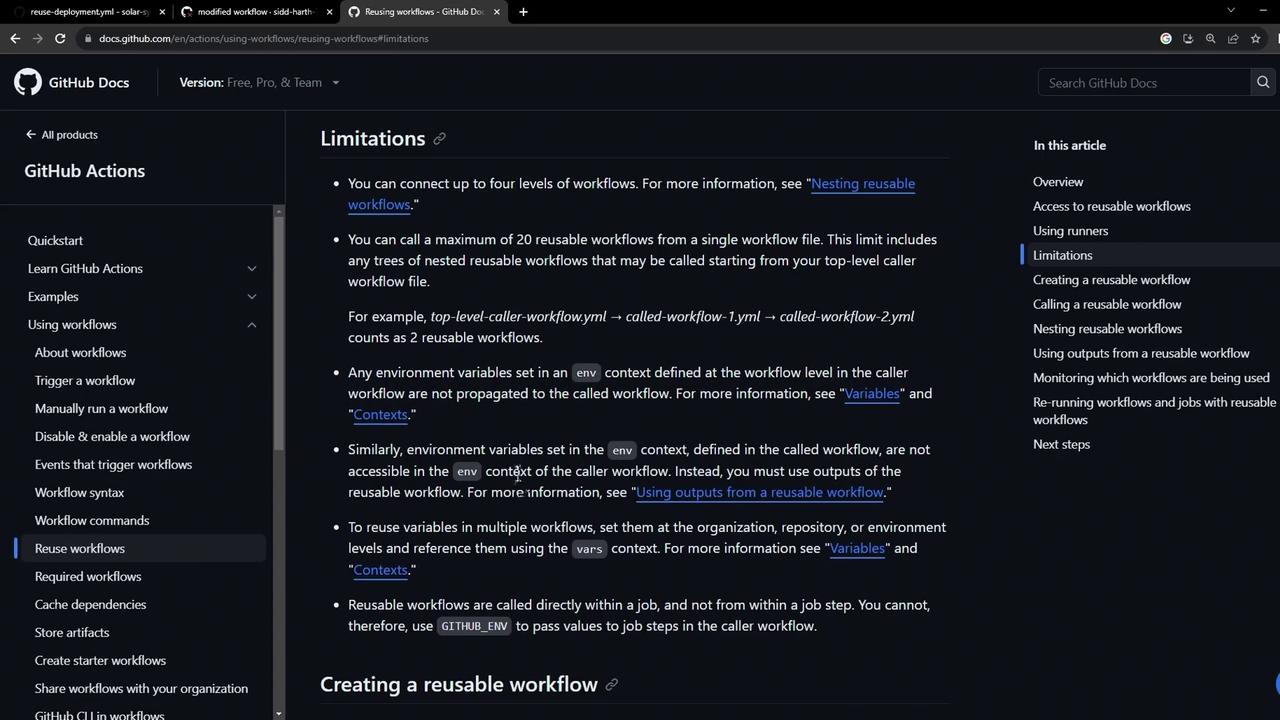
Environment variables defined in a caller workflow do not propagate into a called reusable workflow. Attempting to pass sensitive data like database URIs via
env: will result in empty values.MONGO_URI:
1. Define a Basic Reusable Workflow
Create a workflow—e.g..github/workflows/reuse-deployment.yml—that declares the required secrets under workflow_call. This allows callers to supply kubeconfig and database passwords securely:
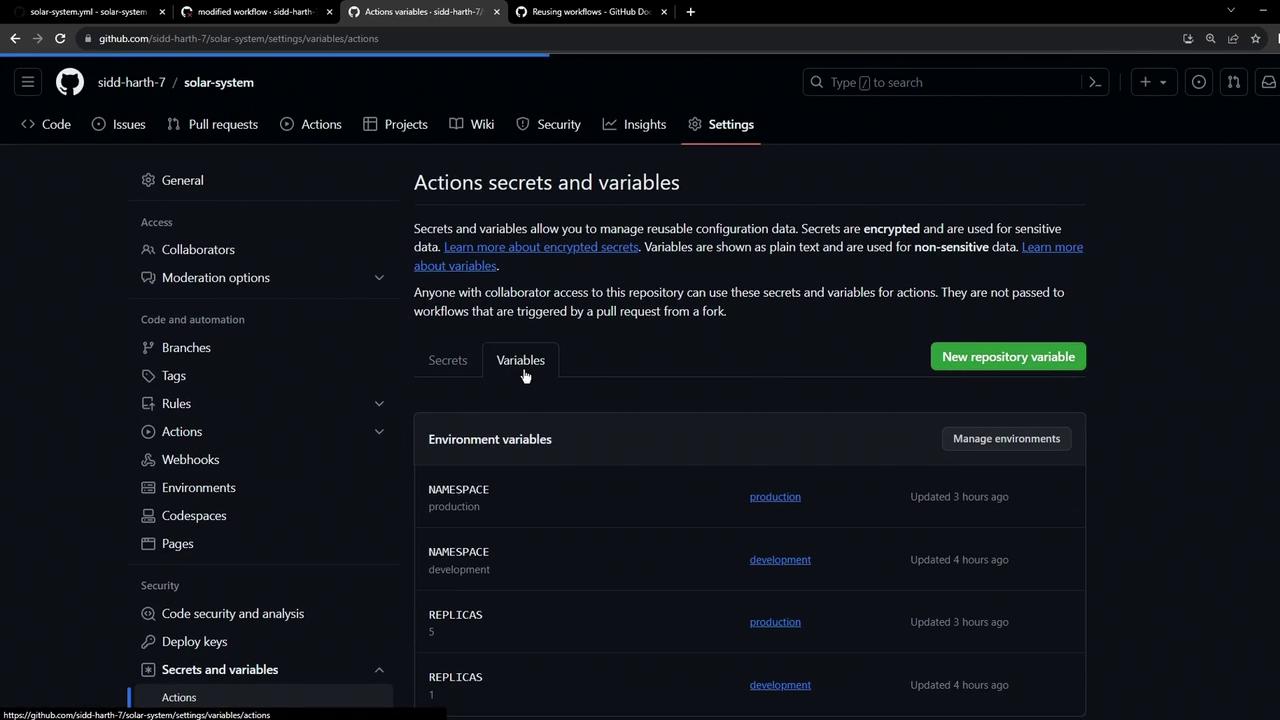
2. Store MongoDB URI as a Repository Variable
Go to Settings > Actions > Secrets and variables > Variables and add:- Name:
MONGO_URI - Value:
mongodb+srv://supercluster.d8jj.mongodb.net/superData
env.MONGO_URI without relying on the caller’s env: block.
3. Add workflow_call Inputs
Enhance your reusable workflow by defining typed inputs for maximum flexibility:
Inputs Reference Table
Update steps to reference
inputs instead of hard-coded values:
4. Call the Reusable Workflow with Inputs
In your caller workflow (e.g..github/workflows/dev-deploy.yml), pass inputs via with: and secrets as before:
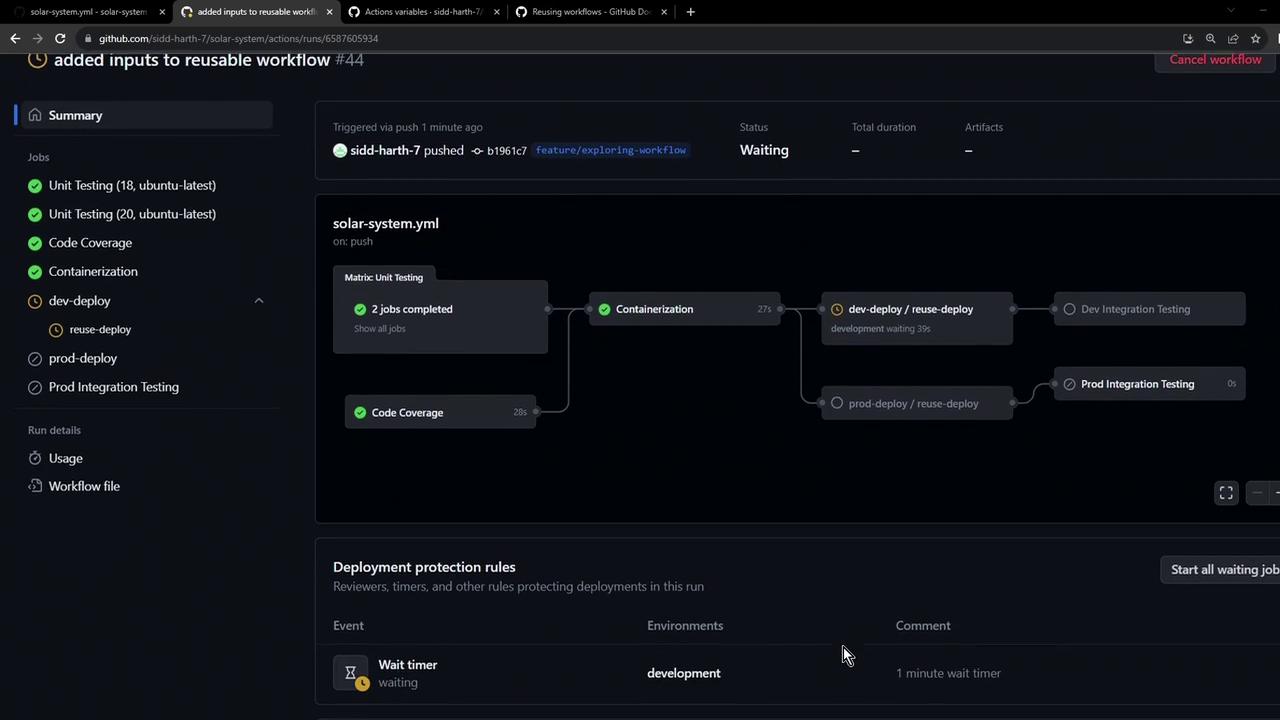
mongodb-urisourced from the repository variable.kubectl-versiondefaulting to v1.26.0 unless overridden.- The manifest directory and environment matching the
with:values.
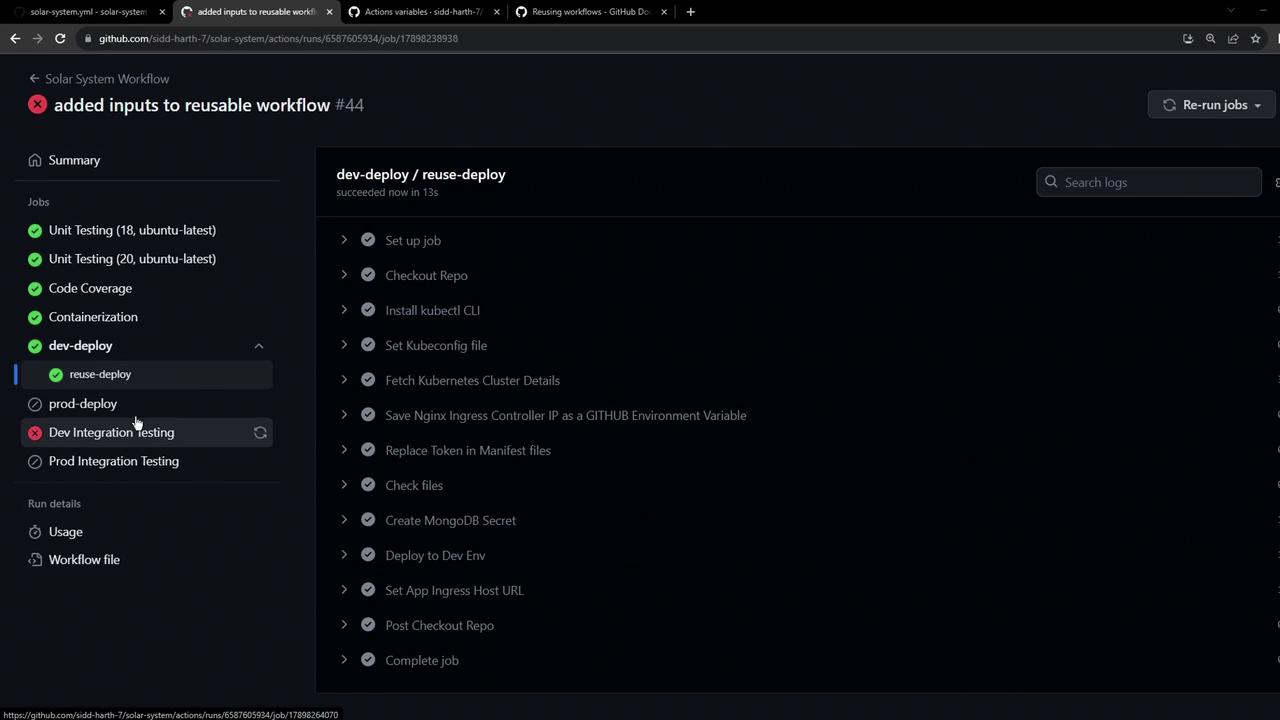
If you need outputs (like
APP_INGRESS_URL) in the caller workflow, use outputs in the reusable workflow and capture them via the needs context.Links and References
- Reusable Workflows in GitHub Actions
- azure/setup-kubectl Action
- azure/k8s-set-context Action
- GitHub Actions Variables
- GitHub Actions Secrets