GitHub Actions workflow commands let you interact with the runner environment, annotate logs, set variables, mask secrets, and generate summaries by issuing specially formatted echo statements. These commands work in any workflow step, not just within the Actions Toolkit:
You can find a complete list of commands and parameters in the Workflow Commands for GitHub Actions documentation.
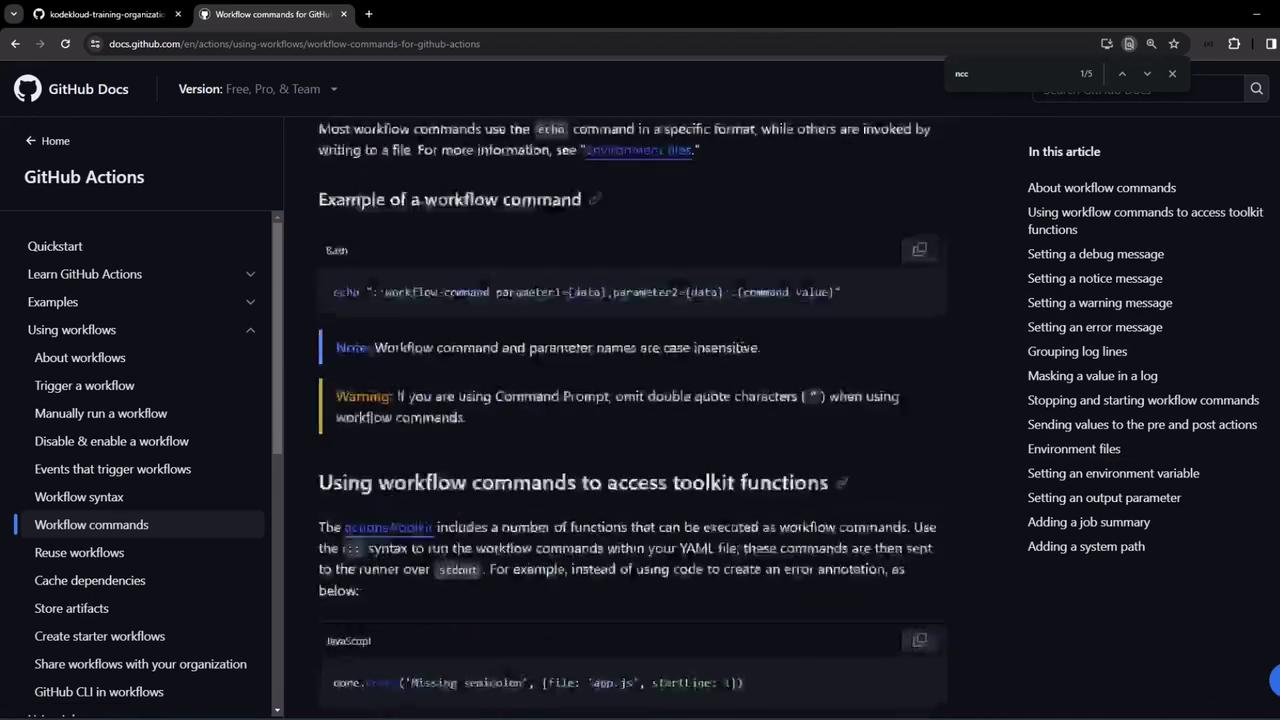
The image shows a GitHub Docs page about using workflow commands for GitHub Actions, with sections on examples and accessing toolkit functions. The interface includes a navigation menu on the left and a list of article sections on the right.
For full details, see the official GitHub Actions workflow commands documentation.

Demo Repository: ga-workflow-step-command-demo

In this demo, we use a repository named ga-workflow-step-command-demo (under the KodeKloud training org). It contains a single workflow, Exploring Workflow Commands, which runs on ubuntu-latest and triggers on push (main branch) or via workflow_dispatch. Each step illustrates a different command:

Workflow Commands at a Glance


Running the Workflow

Trigger the Exploring Workflow Commands workflow manually or push to the main branch. Since it doesn’t call external services, it completes in seconds. After a successful run, you’ll see annotations for warnings, errors, and notices:
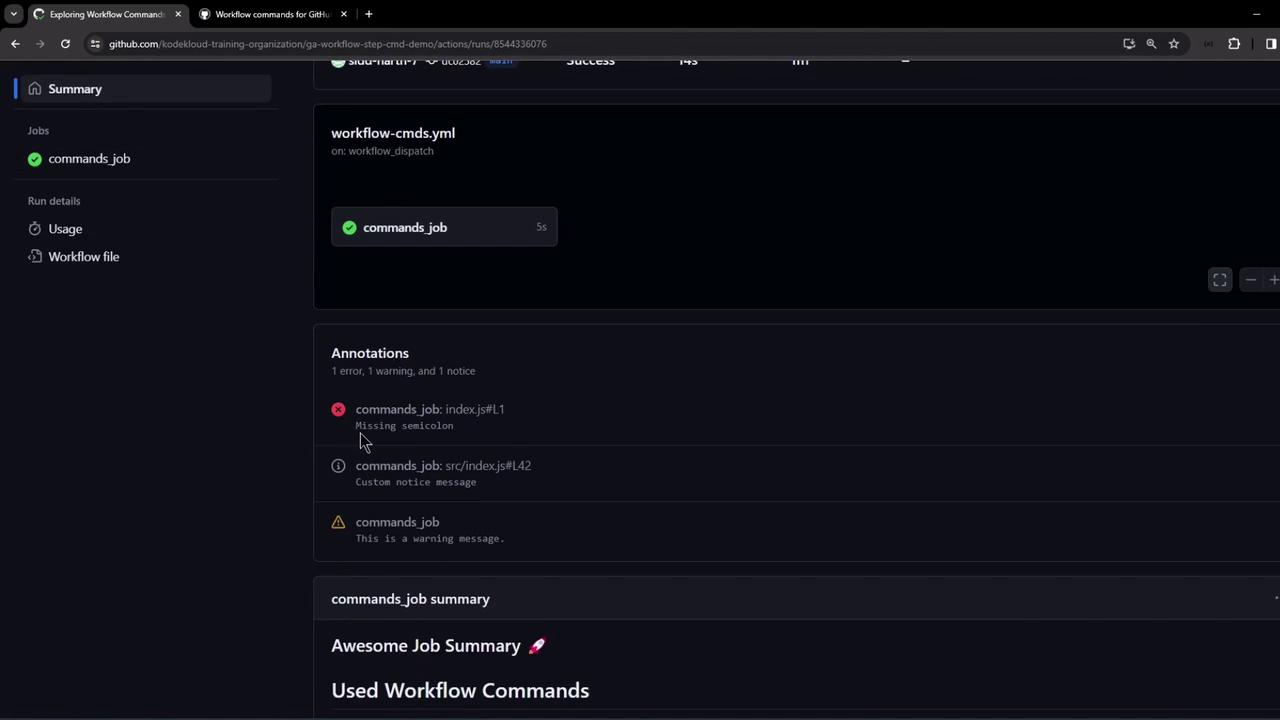
The image shows a GitHub Actions workflow summary with annotations indicating one error, one warning, and one notice related to a "commands_job."
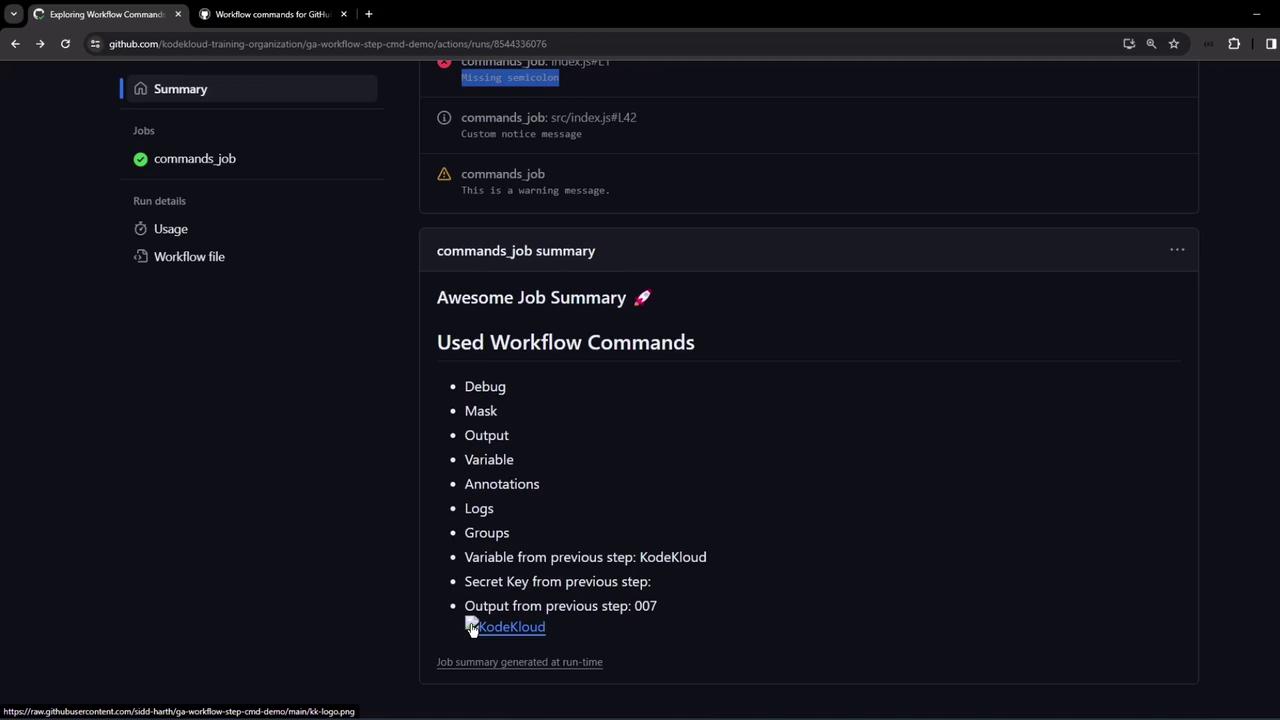
Clicking an annotation opens the specified file and line number. Below the annotations, you’ll find the custom job summary:
The image shows a GitHub Actions workflow summary with a list of used workflow commands, including debug, mask, output, and others. It also includes specific outputs and variables from previous steps.
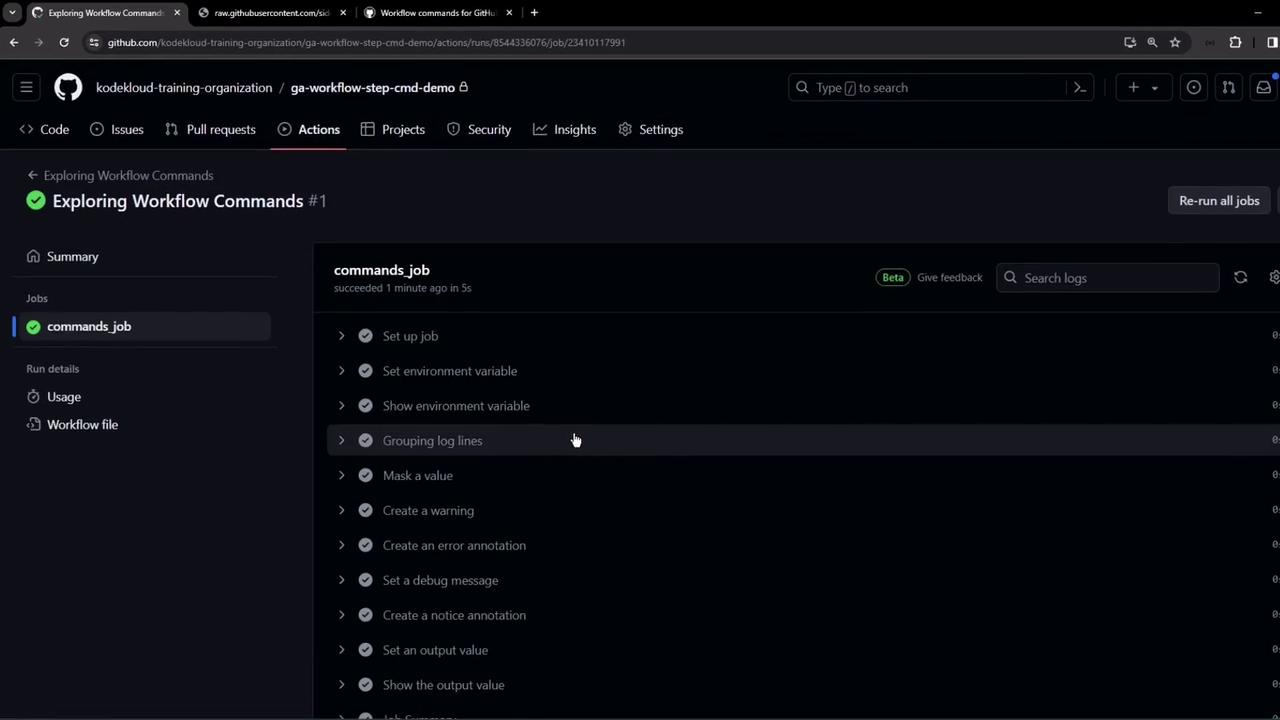
You can also inspect live logs to see each step:
The image shows a GitHub Actions workflow interface with a job named "commands_job" that has successfully completed, displaying various steps like setting environment variables and grouping log lines.

Be cautious when masking secrets. Once added, they cannot be retrieved in plain text within the runner.
Combined, these workflow commands help you produce clear, well-structured logs and summaries in your CI/CD pipelines.

Watch Video