

¹ Some private repository features require a paid plan.
Personal Accounts
A Personal Account on GitHub.com is ideal for individual developers. Key benefits include:- A unique username and customizable profile
- Unlimited public repositories and private repositories²
- Permissions to fork, contribute, and review code in other projects
- Activity history (commits, pull requests, issues) tracked under your user
Organization Accounts
Organization accounts are tailored for teams and collaborative projects. You manage resources through your Personal Account, but all assets belong to the organization:- Repositories for code management
- Packages for container images and libraries
- Projects and teams for planning and permissions
- Centralized billing and audit logs

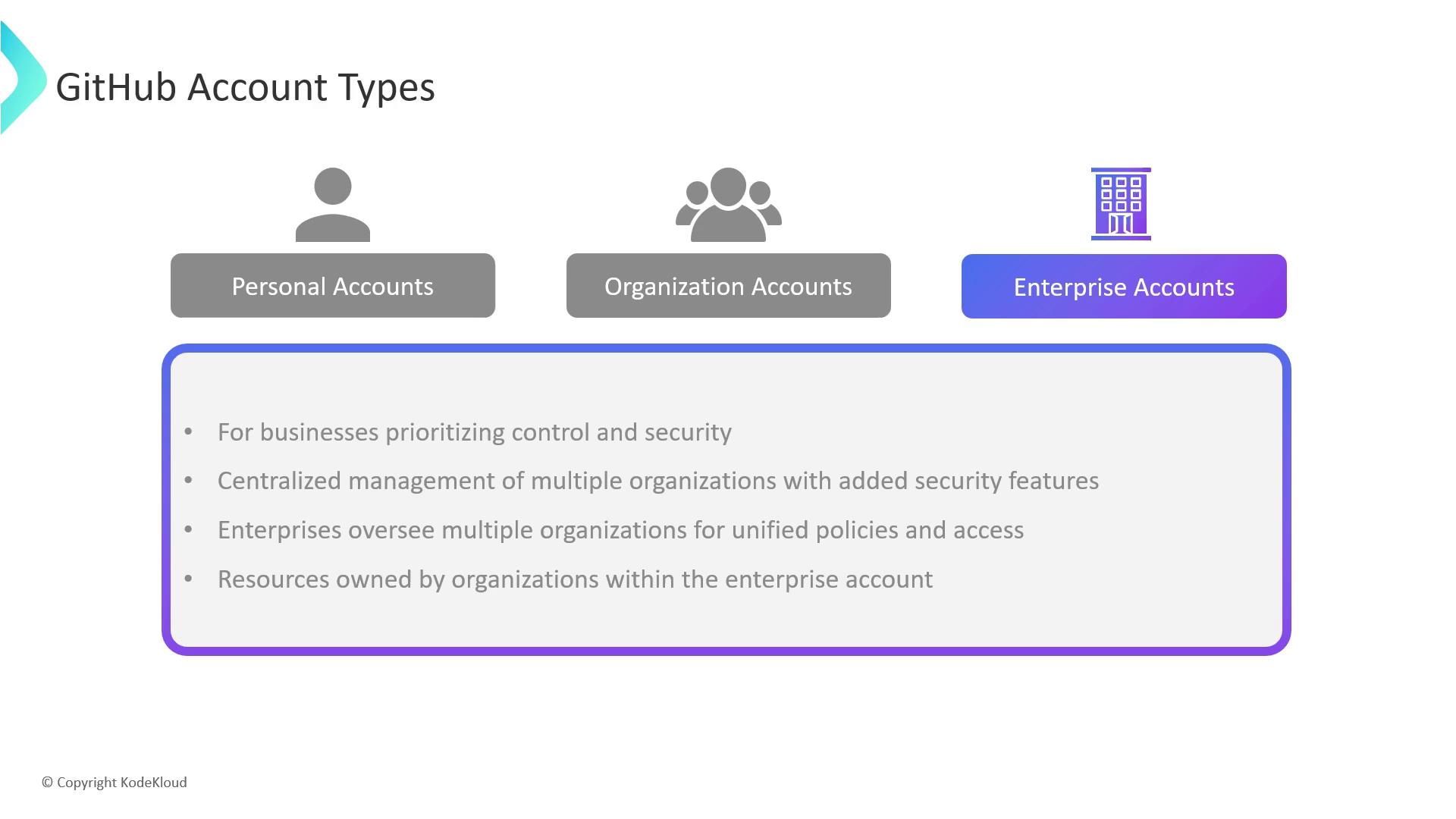
Enterprise Accounts
Enterprise accounts provide a unified framework for managing multiple Organization accounts under one umbrella:- No repositories at the enterprise level—repos live in child organizations
- Centralized billing, access control, and policy enforcement
- Advanced security (SAML SSO, auditing, compliance) and custom integrations
GitHub Enterprise Offerings
Enterprises can choose between a cloud-hosted solution or a self-managed server, depending on customization and control requirements.GitHub Enterprise Cloud
A fully hosted service on GitHub’s infrastructure, optimized for rapid adoption and managed scaling.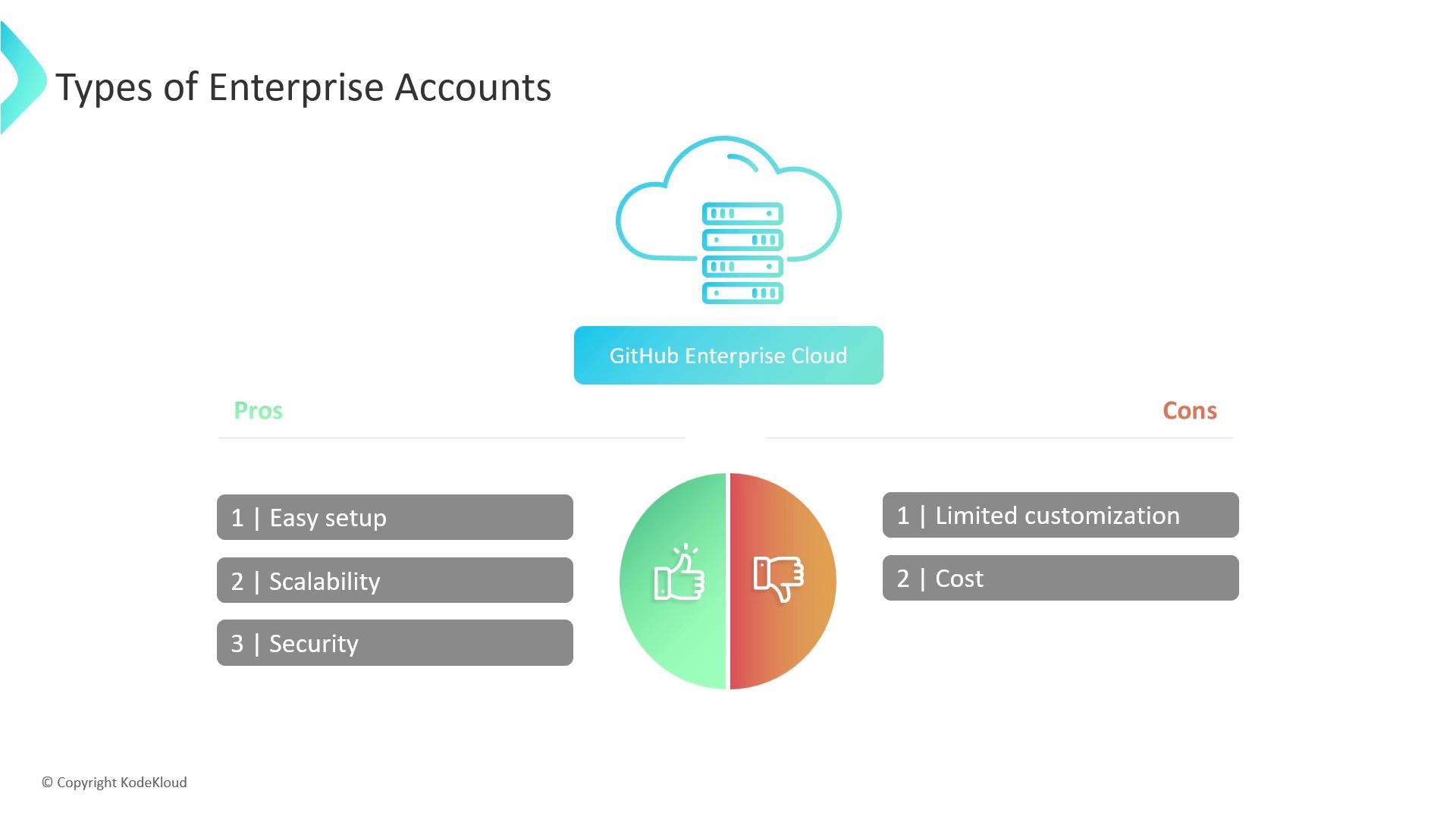
GitHub Enterprise Server
A self-hosted deployment you install and maintain on your own infrastructure.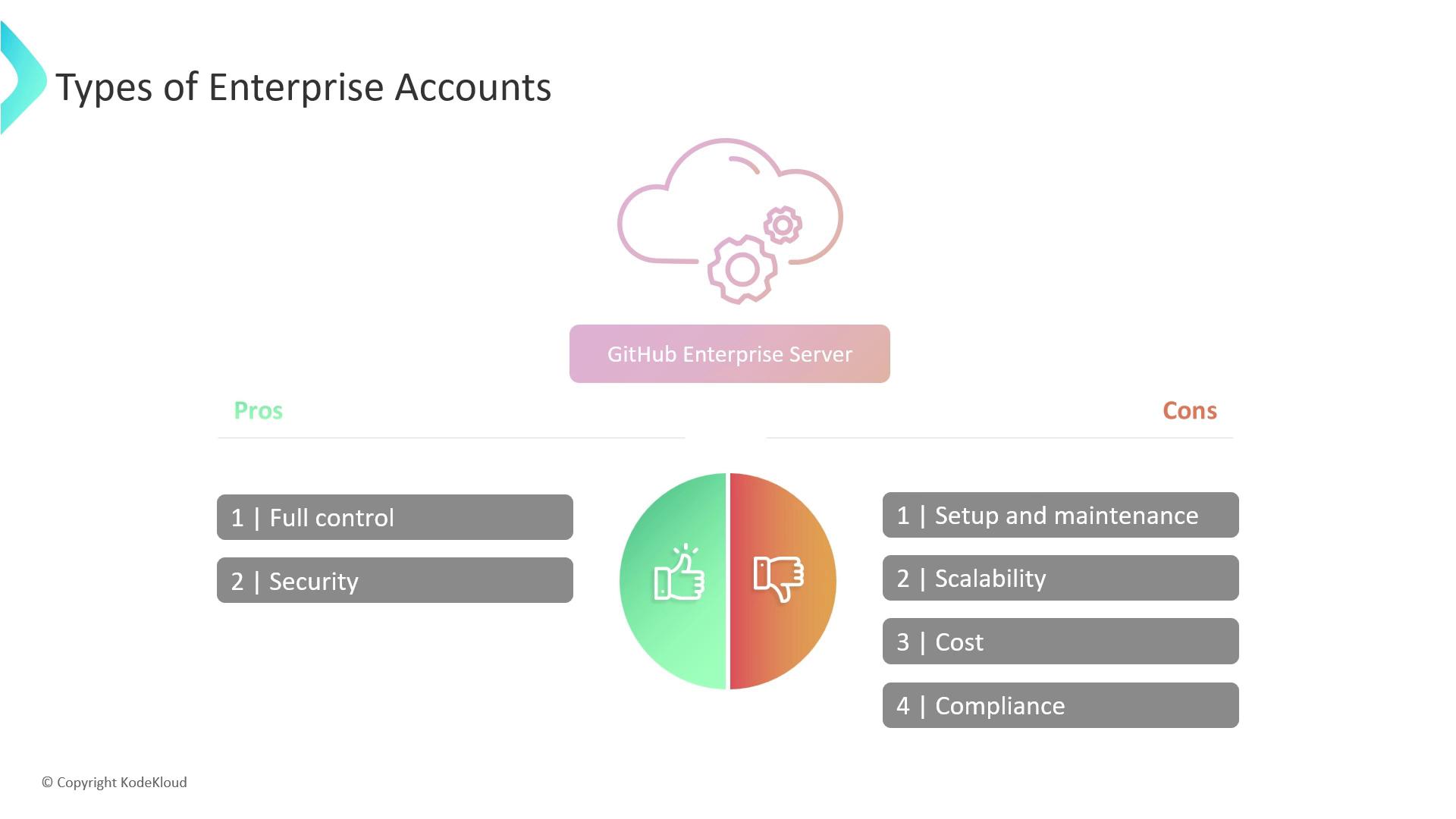
Self-hosting GitHub Enterprise Server requires dedicated DevOps resources for patching, backups, and compliance.
In hands-on labs and trials, we’ll use a GitHub Enterprise Cloud account to demonstrate centralized policy and billing management.