

What Is GitHub Actions? A Complete Guide
GitHub Actions is a flexible automation platform that lets you define and run workflows in response to repository events—such as pushes, pull requests, issues, and package publications. You describe each workflow in a YAML file under.github/workflows. GitHub then provisions virtual machines, scales resources, sets up environments, and handles dependency caching for you.
Key Advantages of GitHub Actions
By integrating CI/CD and automation into your GitHub repository, you benefit from: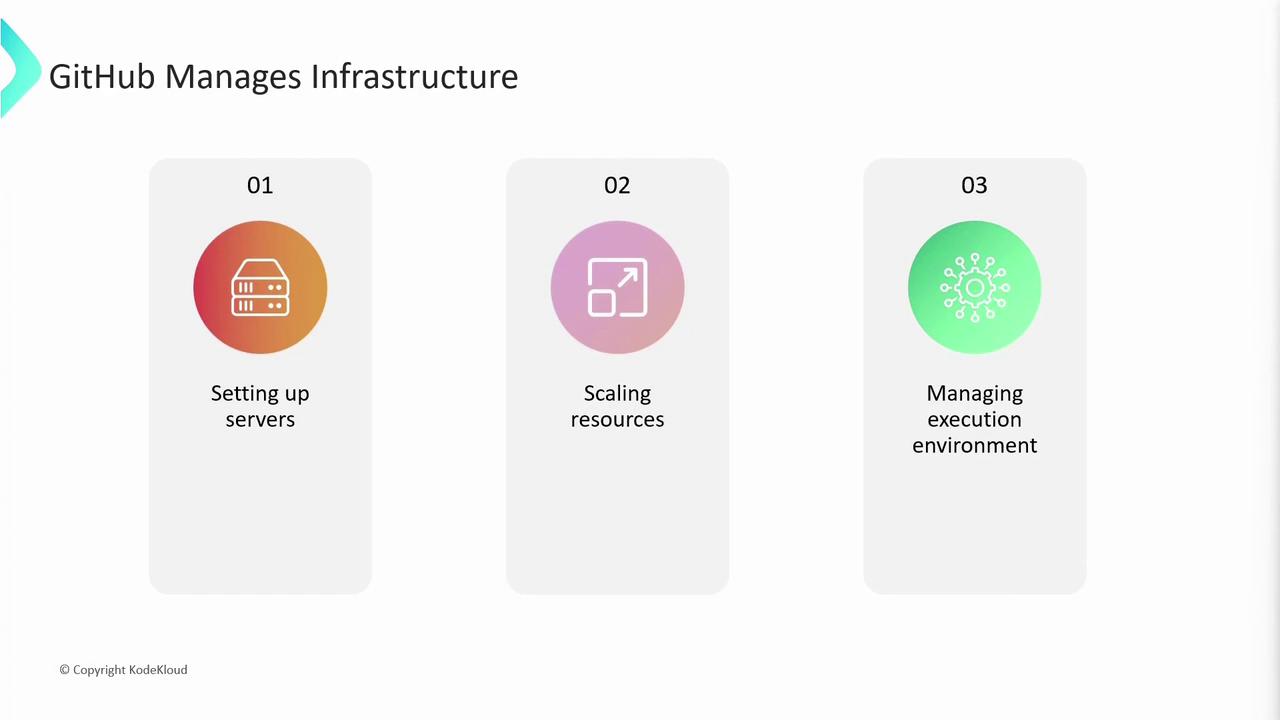
Event-Driven Automation
GitHub Actions supports hundreds of trigger events so you can automate tasks beyond CI/CD—labeling issues, sending notifications, or publishing packages. Popular event categories include:- Push & Pull Requests: Build and test on every code change
- Issues & Comments: Auto-label or respond to new issues/comments
- Release & Package: Publish artifacts when a release is created
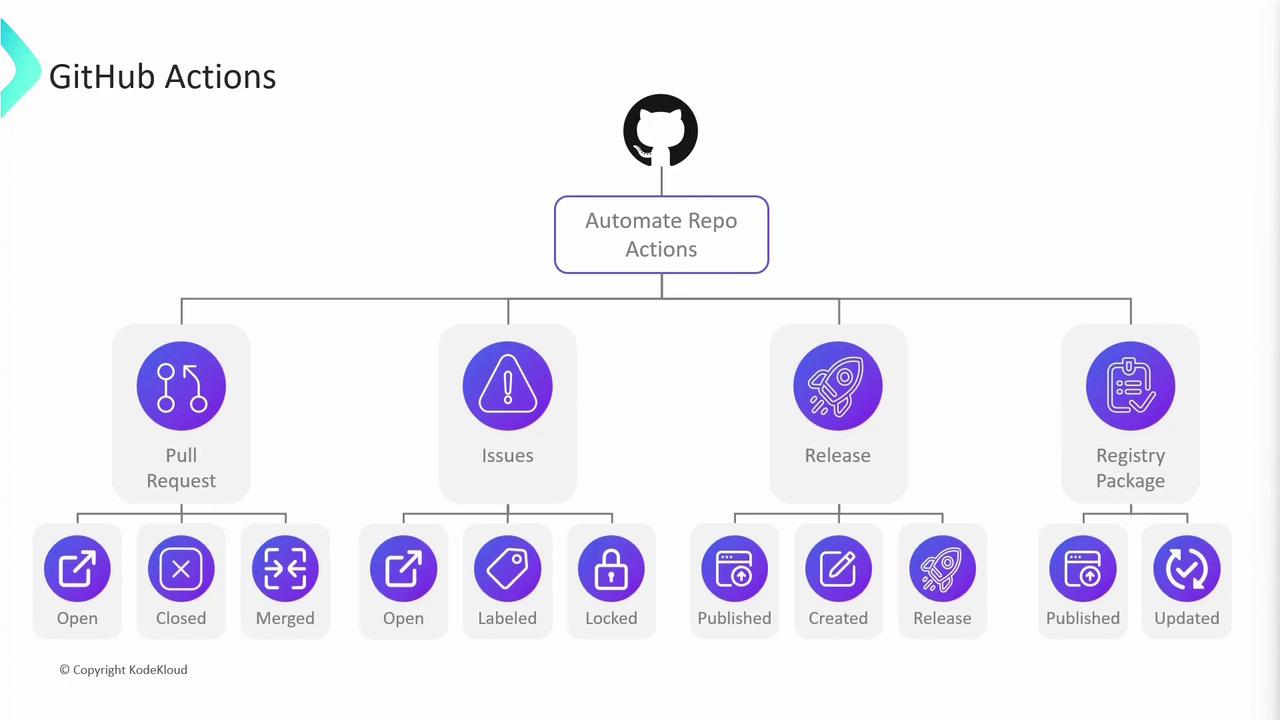
You can combine multiple events in
on: to run workflows on several triggers simultaneously.Example: Automate Pull-Request Management
When a contributor opens a pull request, you might want to post a welcome comment, assign reviewers, or enforce labels automatically:
Workflows, Jobs, and Steps
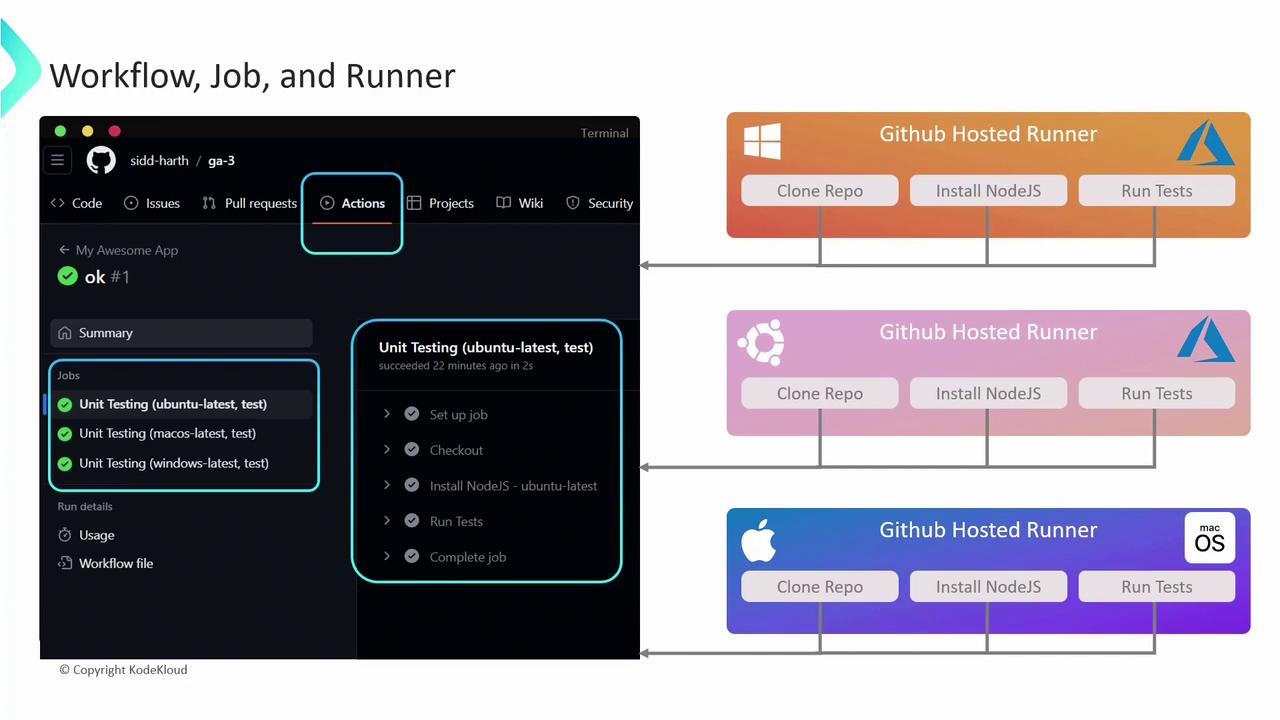
A workflow is defined by a YAML file in.github/workflows. Each workflow consists of one or more jobs, which run in parallel or sequentially, and each job contains ordered steps.
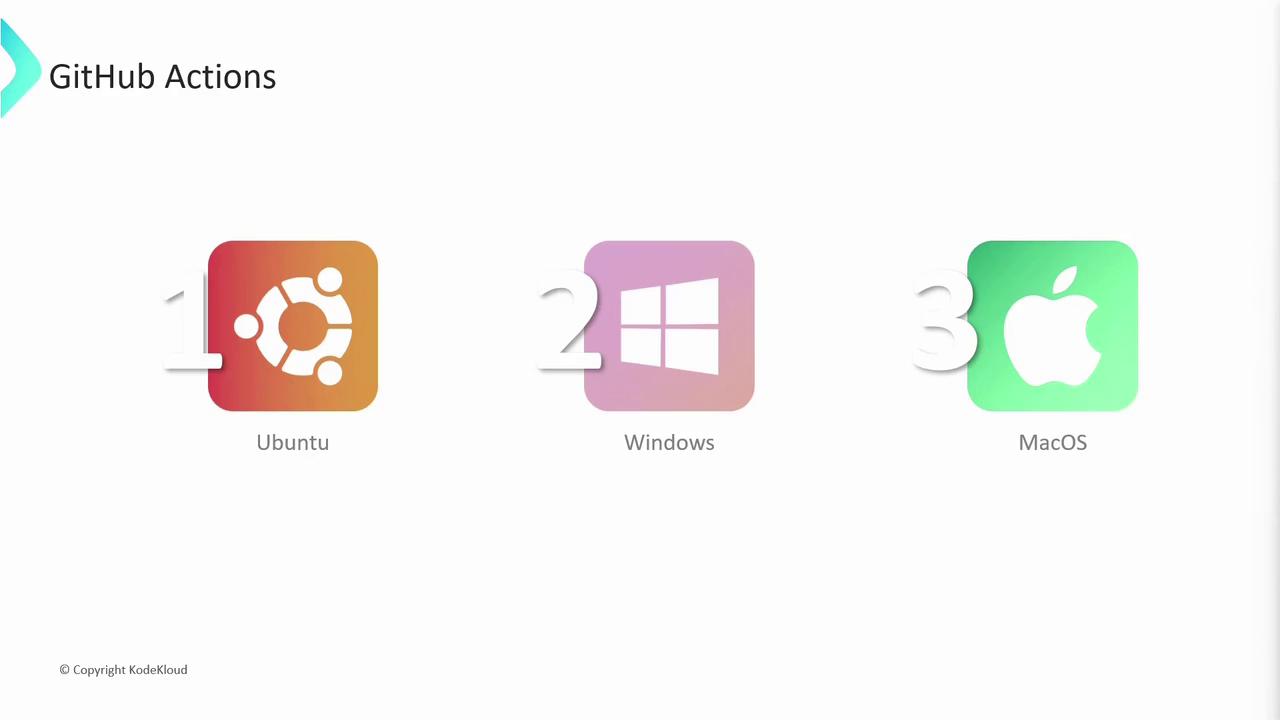
Here’s an example workflow that runs unit tests on Ubuntu, macOS, and Windows:
- Trigger: Runs on every
push - Matrix Strategy: Executes the job on multiple OS environments in parallel
- Runs-on: Specifies each virtual environment
- Steps: Sequential tasks within each job
Runner Types: GitHub-Hosted vs. Self-Hosted
Choose between GitHub-hosted and self-hosted runners based on your performance, security, and customization needs:
Self-hosted runners must be secured and updated regularly. You are responsible for OS patches, network access, and resource isolation.
Next Steps
In upcoming articles, we’ll cover advanced topics like:- Using secrets and encrypted variables
- Implementing artifact caching for faster builds
- Writing reusable custom actions
Links and References
- GitHub Actions Documentation
- GitHub Actions: Events that Trigger Workflows
- Learn GitHub Actions by Example